
7 Best Residential Proxies in 2026 : Top Providers Reviewed
Choosing the Best Residential Proxies goes beyond comparing IP pool size or price. Real-world performance depends on factors such as geographic coverage, city and ASN targeting, rotation controls, sticky sessions, protocols, sourcing, testing options, bandwidth pricing, and scalability.
Decodo

- 115M+ residential IPs
- 195+ global locations
- HTTP(S) & SOCKS5
- Rotating and sticky sessions
- Advanced location targeting
Oxylabs

- 175M+ residential IPs
- 195+ country coverage
- HTTP3 & SOCKS5 support
- Unlimited concurrent sessions
- 24/7 customer support
Bright Data

- 400M+ monthly IPs
- Coverage across 195 countries
- Residential and mobile proxies
- HTTP(S) & SOCKS5
- 99.99% network uptime
This comparison evaluates seven providers to help you find the best residential proxies based on the practical requirements of residential proxy users.
Quick Tip for Choosing the Best Residential Proxies
Test the exact country and target website before buying a large residential proxy package. A provider advertising 195 countries does not guarantee identical performance in every location. Run at least 100 requests against your real target, record success rate and latency, and then compare the cost per successful request rather than the advertised cost per gigabyte.
How We Ranked the Best Residential Proxies
Residential proxies need a different evaluation framework from datacenter proxies.
For this comparison, we weighted residential IP pool size, geographic depth, IP rotation, sticky-session controls, city/ZIP/ASN targeting, protocol support, residential IP sourcing, trial availability, bandwidth pricing, and scalability.
We also looked at public customer ratings where available. We did not rank a provider higher simply because it advertised a larger IP count. A 400M-IP network is less useful if your required location performs poorly or the billing structure makes your actual workload too expensive.
7 Best Residential Proxies at a Glance
Provider | Best for | Residential starting price | Residential IP pool | Key targeting |
Decodo | Best overall balance | $3.75/GB on 3GB plan, $4/GB PAYG | 115M+ | Country, state, city, ZIP, ASN |
Oxylabs | Enterprise-scale scraping | $6/GB on 5GB plan | 175M+ | Country, state, city, ZIP |
Bright Data | Largest network and advanced targeting | $5.88/GB | 400M+ | Country, state, city, ZIP, ASN |
Webshare | Budget testing | From $1.40/GB at 250GB | 80M+ | Country, city, state, ZIP, ASN |
SOAX | Granular geo targeting | $3/GB Tier 1 on $200 Builder | 155M+ residential | Country, region, city, ISP, ZIP, ASN |
IPRoyal | Flexible purchasing | $7/GB standard | 64M+ | Country and location targeting |
DataImpulse | Lowest residential $/GB | $1/GB | 90M+ | Country, state, city, ZIP, ASN |
Prices are based on provider pages checked in September 2026. Promotional prices, geographic tiers, and plan requirements can change
1. Decodo
Decodo is the strongest all-round residential proxy option in this comparison because it avoids forcing users into either a tiny budget network or an enterprise-only pricing model.
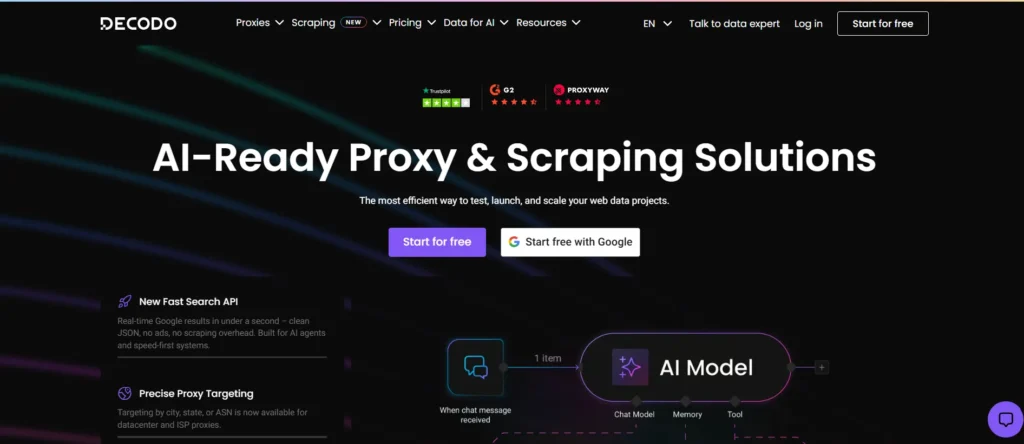
Its current residential network contains 115M+ IPs, with access across 195+ locations. Users can target countries, states, cities, ZIP codes, and ASNs, while residential endpoints support HTTP(S) and SOCKS5. Decodo also offers rotating and sticky sessions with session durations of up to 30 minutes.
That combination makes Decodo suitable for scraping, price monitoring, SEO monitoring, market research, and browser automation where the application needs both changing IPs and controlled sessions.
Best for: The best overall balance of residential pool size, targeting, session controls, developer tooling, and entry-level pricing.
Decodo Highlights
Pool: 115M+ residential IPs.
Coverage: 195+ locations.
Protocols: HTTP(S) and SOCKS5.
Targeting: Country, continent, state, city, ZIP code, and ASN.
Rotation: Rotating sessions and sticky sessions.
Sticky sessions: Up to 30 minutes.
Concurrency: Unlimited concurrent sessions.
Tooling: APIs, Python SDK, TypeScript SDK, CLI, browser tools, and integrations.
Trial: 3-day residential trial with 100MB.
Provider performance claim: 99.92% success rate and 99.99% uptime.
Trustpilot: Approximately 4/5 overall, with recent 2026 reviews including positive comments about support and proxy quality.
What You Pay
Current residential pricing is: (VAT may apply.)
3GB: $3.75/GB, $11.25/month
10GB: $3.50/GB, $35/month
25GB: $3.25/GB, $81.25/month
50GB: $3/GB, $150/month
100GB: $2.75/GB, $275/month
Pay As You Go: $4/GB
Trial: 100MB for 3 days
Pros
- 115M+ IPs across 195+ locations provides enough geographic diversity for most small and medium residential workloads.
- City, ZIP, and ASN targeting gives developers more control than country-only routing.
- The 3-day, 100MB trial provides a low-risk way to test a real integration before committing to a larger plan.
Cons
- The smallest 3GB subscription costs $11.25, so it is not as cheap as a $1/GB PAYG provider for a tiny traffic requirement.
- Sticky residential sessions last up to 30 minutes, which may be too short for workflows requiring multi-hour IP persistence.
Why Decodo: Decodo is the best starting point when you need 115M+ residential IPs, 195+ locations, SOCKS5, city and ASN targeting, and a residential entry point below many enterprise-focused competitors.
2. Oxylabs
Oxylabs sits at the premium end of the residential proxy market. Its residential network currently advertises 175M+ IPs, giving it a significantly larger pool than Decodo and Webshare while maintaining detailed geographic controls.
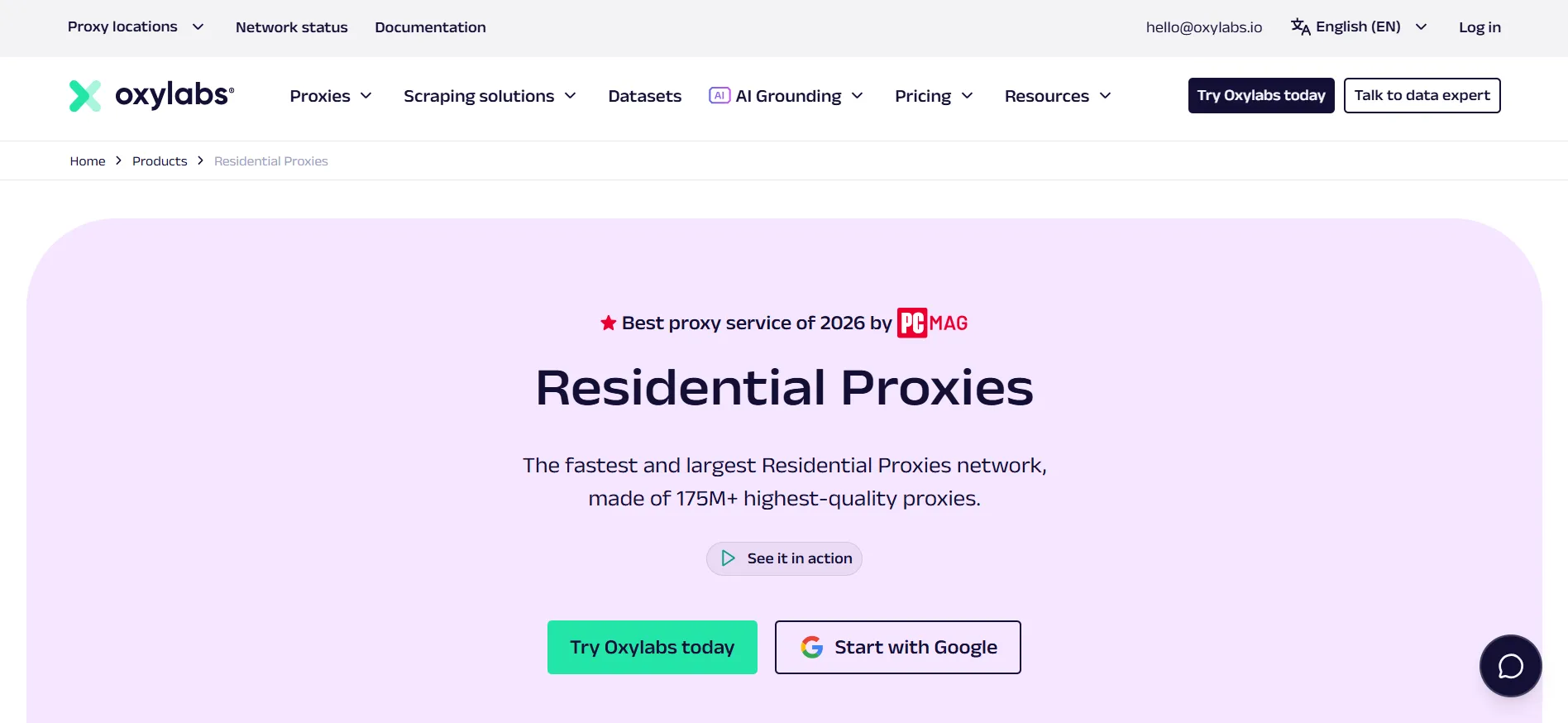
The service supports HTTP(S), HTTP3, and SOCKS5. Its residential product includes rotating and sticky sessions, unlimited concurrent sessions, geographic targeting, and a provider-reported 99.95% success rate. Oxylabs lists an average response time of 0.6 seconds for its residential network.
The main issue is price. Oxylabs makes considerably more sense for a company collecting large volumes of public data than for someone who needs 2GB for a one-off project.
Best for: High-volume residential scraping where pool size, targeting depth, infrastructure, and enterprise support justify premium pricing.
Oxylabs Highlights
Pool: 175M+ residential IPs.
Coverage: Global residential coverage.
Protocols: HTTP(S), HTTP3, SOCKS5.
Rotation: Rotating and sticky sessions.
Concurrency: Unlimited concurrent sessions.
Targeting: Country, state, city, ZIP and other geographic controls.
Performance: Provider-reported 99.95% success rate.
Response time: Provider-reported 0.6-second average.
Support: 24/7 support.
Trial: Residential trial available through the provider.
Trustpilot: 4.0/5 from approximately 760 reviews.
What You Pay
Current residential plans include: (VAT may apply.)
Starter: 5GB at $6/GB, $30/month
Basic: 20GB at $5/GB, $100/month
Advanced: 125GB at $4/GB, $500/month
Corporate: 1TB at $2.50/GB, $2,500/month
Pros
- The 175M+ residential IP pool gives large workloads substantial address diversity.
- HTTP3 and SOCKS5 support gives developers more protocol flexibility.
- The 1TB Corporate plan at $2.50/GB reduces the effective cost significantly for high-volume buyers.
Cons
- The smallest public residential plan costs $30/month, which is excessive for many hobby projects.
- The Starter tier charges $6/GB, putting it above Decodo's $3.75/GB 3GB plan.
Why Oxylabs: Choose Oxylabs when the project needs 175M+ residential IPs, HTTP3, SOCKS5, detailed targeting, and enterprise infrastructure and can justify a starting commitment of $30/month.
3. Bright Data
Bright Data is the scale-focused option in this comparison. Its residential network currently advertises 400M+ residential IPs across 195 countries, with targeting down to city, state, ZIP code, and ASN.
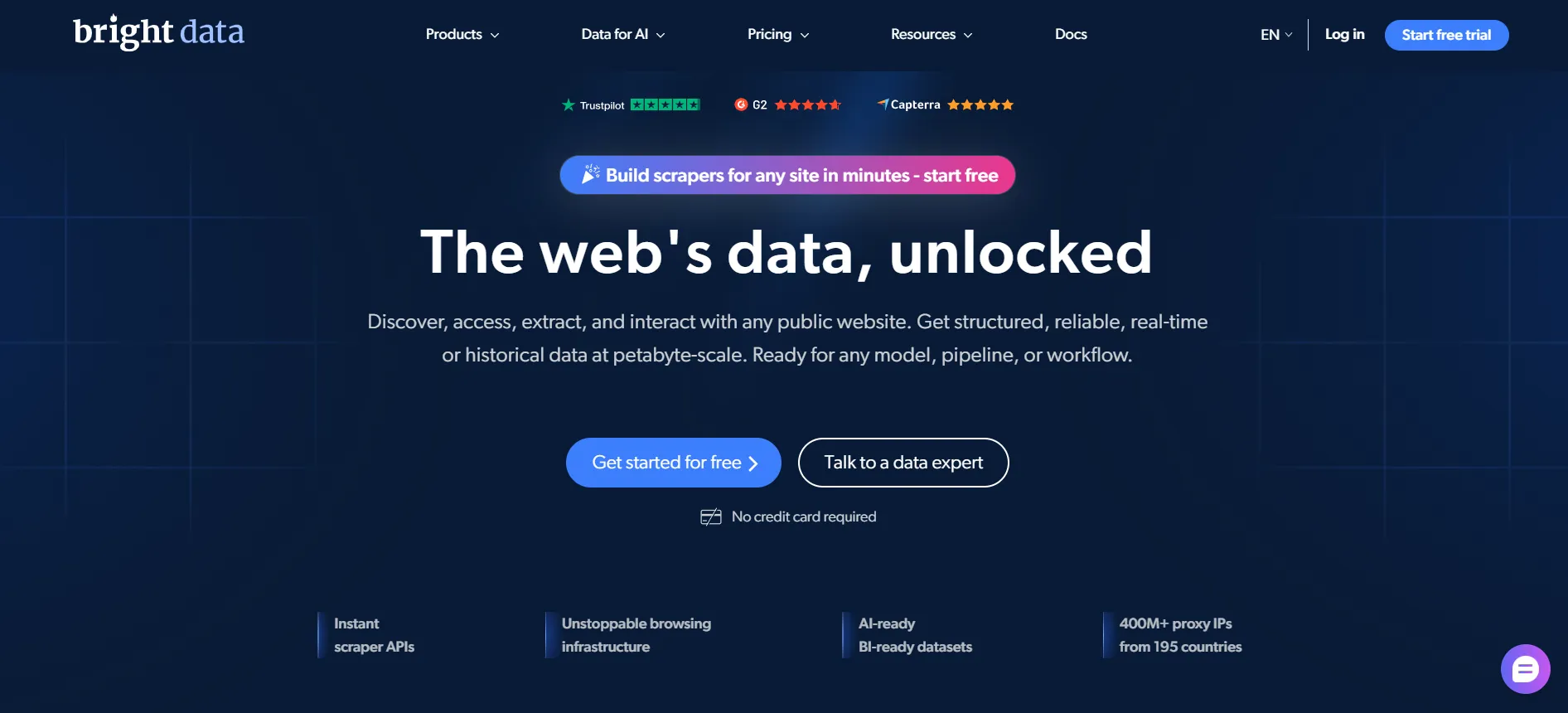
The network also supports rotating and sticky sessions, HTTP(S), SOCKS5, and QUIC-based residential connections. Bright Data combines its proxy network with products such as Proxy Manager and web data APIs, so it can serve as infrastructure for a larger scraping operation rather than simply providing proxy endpoints.
The downside is complexity. Bright Data offers enough products, billing models, compliance requirements, and configuration options that a small team can spend more time comparing plans than actually scraping.
Best for: The largest residential network, advanced geo-targeting, and organizations building large data-collection infrastructure.
Bright Data Highlights
Pool: 400M+ residential IPs.
Coverage: 195 countries.
Targeting: Country, state, city, ZIP code, and ASN.
Protocols: HTTP(S), SOCKS5, and QUIC.
Sessions: Rotating and sticky.
Tooling: Proxy Manager, APIs, Web Unlocker, and web scraping products.
Success rate: Provider advertises 99.95%.
Trial: Free options are available.
Trustpilot: 4.5/5 with approximately 1,000 reviews.
Compliance: Residential and mobile usage involves compliance/KYC requirements.
What You Pay
Bright Data’s current residential pricing page lists residential proxies starting at $5.88/GB.
Its residential pricing also uses different rates depending on plan and traffic volume, so the $5.88/GB entry figure should not be treated as the price for a large-scale contract.
Pros
- 400M+ residential IPs across 195 countries gives Bright Data the largest advertised pool among the providers reviewed here.
- ASN-level targeting is useful for workflows that require specific network operators rather than simply a country.
- Proxy Manager and additional data APIs can reduce the amount of proxy infrastructure a large engineering team needs to build.
Cons
- The $5.88/GB starting price is substantially higher than DataImpulse's $1/GB and Decodo's $4/GB PAYG rate.
- The platform's compliance and KYC requirements add onboarding work for some residential users.
Why Bright Data: Bright Data is the strongest option when the requirement is scale. Its 400M+ residential IPs, 195 countries, ASN targeting, and additional data infrastructure make it suitable for organizations operating large residential proxy workloads.
4. Webshare
Webshare takes the opposite approach from Bright Data. Instead of leading with enterprise data infrastructure, it emphasizes self-service access and lower-cost plans.
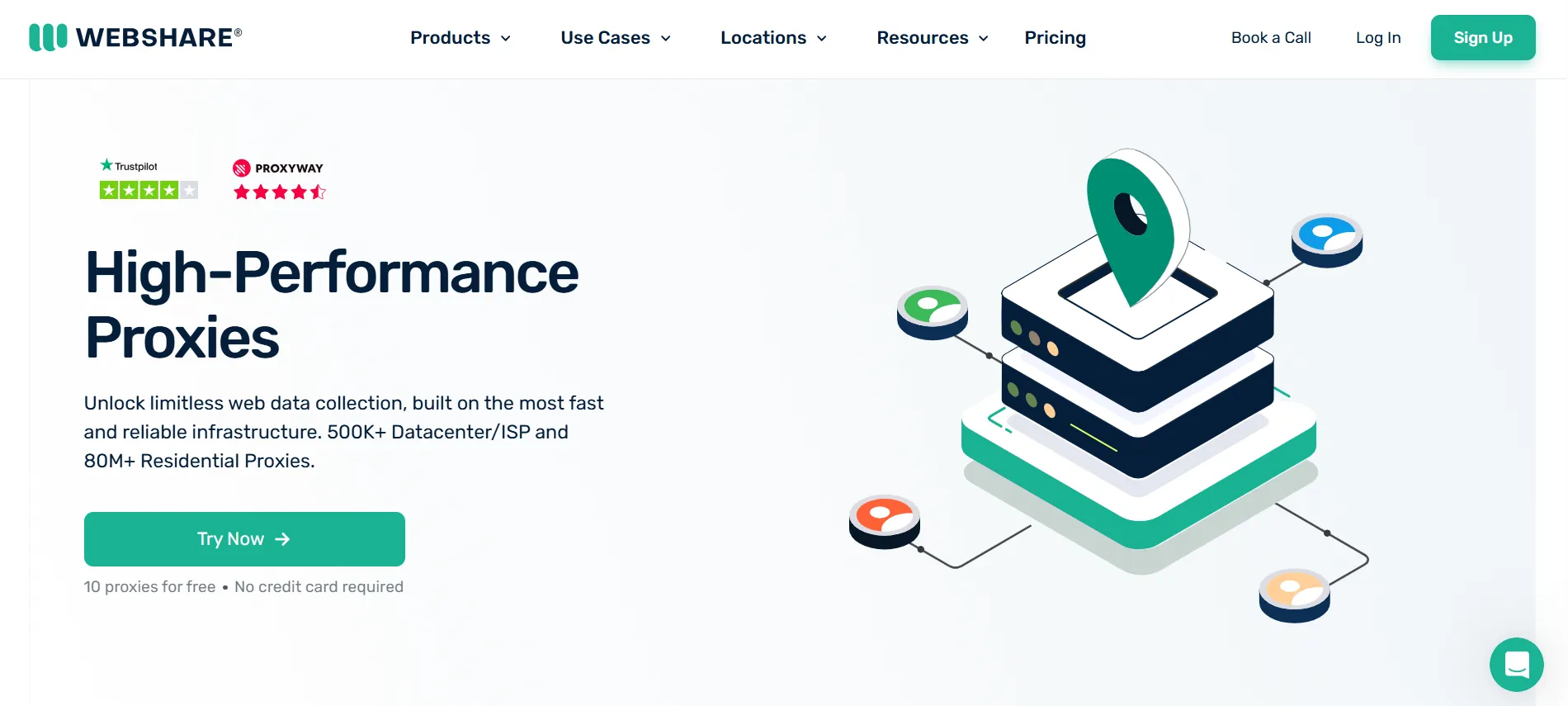
Its current residential product advertises 80M+ ethically sourced residential IPs across 195 countries, with country, city, state, ZIP, and ASN targeting. Residential pricing reaches $1.40/GB at 250GB on the current pricing page.
Webshare also has a separate free proxy product. Users can obtain 10 free proxies without a credit card, making it useful for testing proxy authentication and basic application behavior.
The free proxies should not be confused with the residential network. They are a testing option, not a substitute for a production residential pool.
Best for: Budget-conscious users who want residential proxies with simple self-service management and a very low starting barrier.
Webshare Highlights
Residential pool: 80M+ IPs.
Coverage: 195 countries.
Targeting: Country, city, state, ZIP, ASN.
Protocols: HTTP(S) and SOCKS5.
Pricing: Residential rates as low as $1.40/GB at 250GB.
Free proxy option: 10 proxies.
Free allowance: Available without a credit card.
Tooling: Dashboard, API, proxy management, browser extension.
Sourcing: Provider describes its residential network as ethically sourced.
Trustpilot: Approximately 4/5 from more than 1,400 reviews.
What You Pay
The current residential pricing page advertises:
Starting advertised volume rate: $1.40/GB
Minimum volume for that displayed rate: 250GB
Higher-volume plans: Rates vary by bandwidth package.
Free proxy tier: 10 proxies, separate from the residential product.
Webshare currently displays promotional pricing on some plans, so confirm the checkout price before publication.
Pros
- The $1.40/GB rate at 250GB is substantially below premium providers such as Oxylabs.
- 80M+ residential IPs across 195 countries gives Webshare broad geographic coverage.
- The separate 10-proxy free tier provides a simple way to test proxy-enabled software without paying for traffic.
Cons
- The $1.40/GB residential price requires 250GB, so a small user cannot simply buy 1GB at that rate.
- Webshare's 80M+ pool is less than half the size of Bright Data's advertised 400M+ pool.
Why Webshare: Webshare is a strong budget choice when you want 80M+ residential IPs, 195-country coverage, detailed targeting, and a low effective $/GB rate without starting with an enterprise contract.
5. SOAX
SOAX is particularly interesting for projects where country-level targeting is not enough. Its current residential network contains more than 155M residential IPs, while the broader SOAX network exceeds 191M IPs when mobile addresses are included.
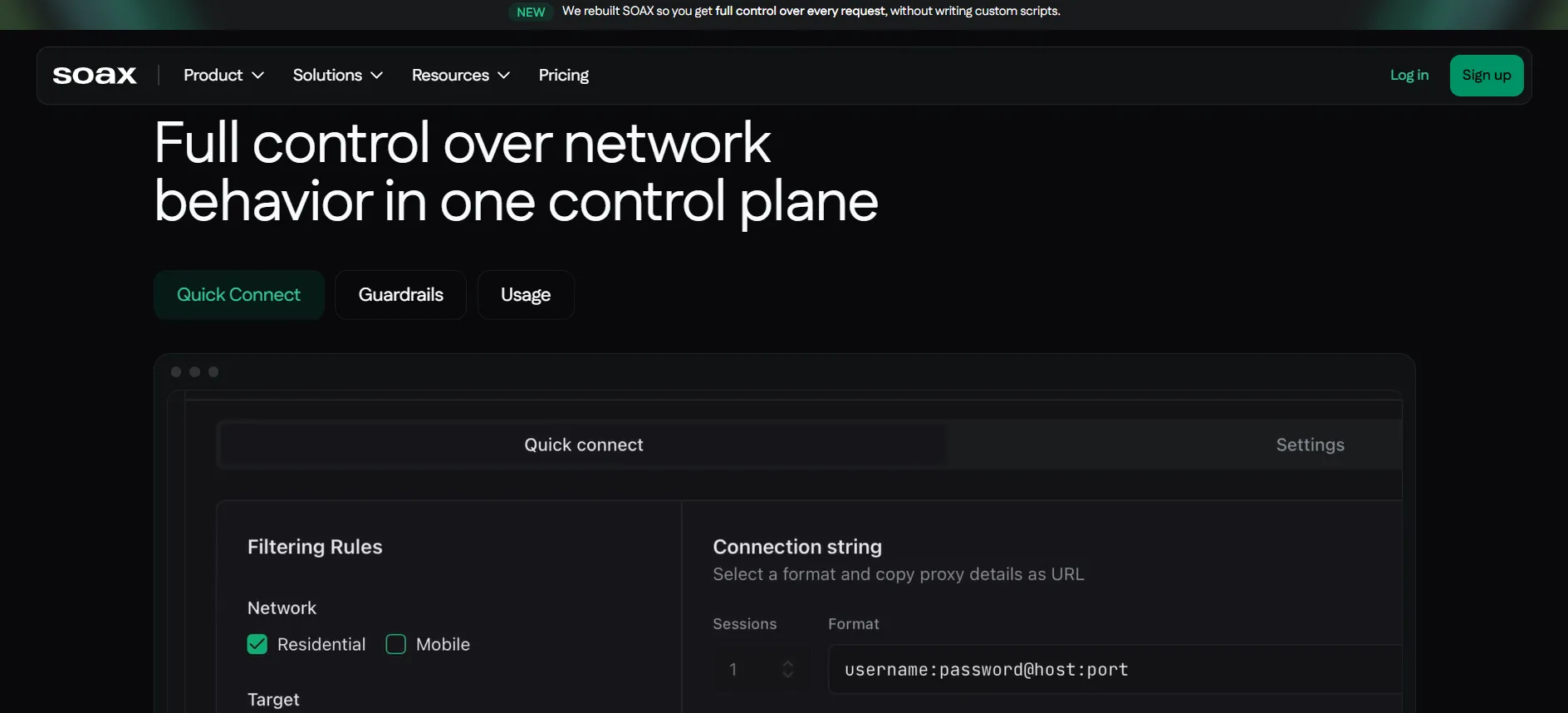
The service operates across 195 geolocations and supports targeting by country, region, city, ISP, ZIP code, and ASN depending on plan.
SOAX also allows customized rotation and sticky sessions. Mobile sessions can remain active for up to 60 minutes, while the platform supports HTTP(S), SOCKS5, and UDP/QUIC.
Its biggest disadvantage is the monthly commitment.
Best for: Granular geographic targeting, residential and mobile traffic, and workloads that need detailed session control.
SOAX Highlights
Residential pool: 155M+ IPs.
Broader network: 191M+ IPs including mobile.
Coverage: 195 geolocations.
Targeting: Country, region, city, ISP, ZIP, ASN.
Protocols: HTTP(S), SOCKS5, UDP/QUIC.
Rotation: Custom rotation and sticky sessions.
Mobile sessions: Up to 60 minutes.
Tooling: Web Optimizer, MaxIP, dashboard, integrations.
Trial: Free Sandbox.
Uptime: Provider/reviewer reports 99.9%.
Trustpilot: 3.4/5 from 149 reviews.
What You Pay
SOAX currently uses a credit-based model:
Sandbox: $0/month, Tier 1 usage at $5/GB
Builder: $200/month, Tier 1 usage at $3/GB
Team: $500/month, Tier 1 usage at $2.20/GB
Scale: $1,500/month, Tier 1 usage at $1.50/GB
Enterprise: $3,000/month, Tier 1 usage at $0.85/GB
Geographic tiers can change the effective per-GB rate. The current pricing page lists Tier 1 at $3/GB on Builder, while Tier 2 and Tier 3 locations cost less.
Pros
- 155M+ residential IPs across 195 geolocations provides strong geographic breadth.
- City, ISP, ZIP, and ASN targeting can support location-sensitive data collection.
- The free Sandbox gives users a no-subscription way to inspect the platform before purchasing a paid plan.
Cons
- The first paid plan requires $200/month, which makes SOAX expensive for low-volume users.
- The advertised $0.85/GB Enterprise rate requires a $3,000/month plan.
Why SOAX: SOAX makes sense when geographic precision matters more than entry price. Its 155M+ residential IPs, 195 locations, ISP targeting, ASN targeting, and configurable sessions give it a strong position for location-sensitive data collection.
6. IPRoyal
IPRoyal focuses on flexibility rather than maximum network size. Its residential service currently advertises 64M+ genuine residential IPs, with pricing starting at $7/GB and bulk pricing reaching $1.75/GB.
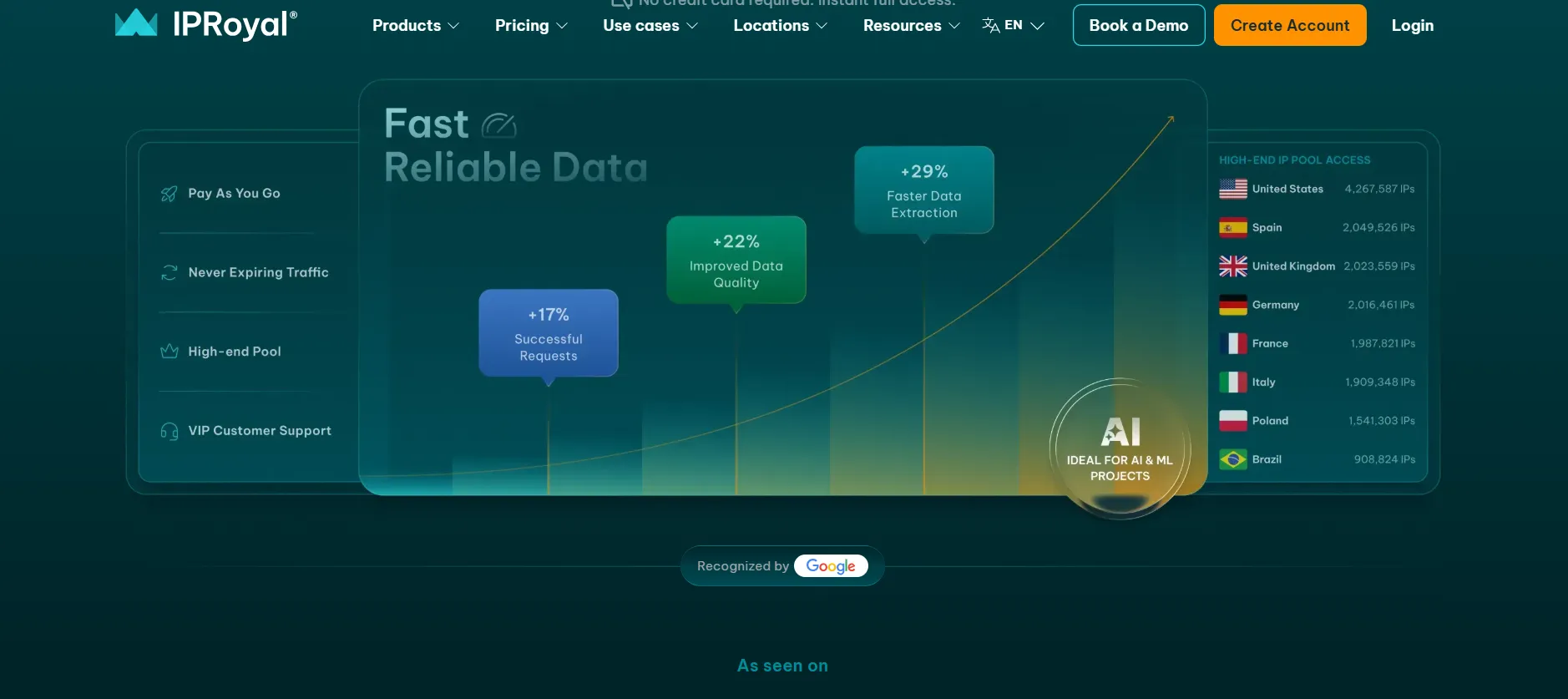
One feature stands out for buyers who use proxies intermittently: IPRoyal says residential traffic does not expire. That means unused purchased traffic can remain available rather than disappearing at the end of a billing period.
The trade-off is straightforward. IPRoyal’s starting price is high, and its pool is much smaller than Bright Data’s 400M+ and Oxylabs’ 175M+ advertised networks.
Best for: Buyers who want residential traffic with flexible purchasing and no forced short expiration window on unused traffic.
IPRoyal Highlights
Pool: 64M+ residential IPs.
Coverage: 195+ locations.
Protocols: HTTP(S) and SOCKS5.
Rotation: Rotating residential proxies.
Traffic: Purchased traffic does not expire.
Proxy types: Residential, ISP, datacenter, mobile.
Starting price: $7/GB.
Bulk rate: From $1.75/GB.
Trial: Free demo options are available.
Trustpilot: Current Trustpilot profile does not provide a standard overall score because the profile has a restriction.
What You Pay
Current residential pricing includes:
Starting rate: $7/GB
2GB: $5.95/GB
10GB: $5.25/GB
Bulk/custom: From $1.75/GB
The exact bulk price depends on the traffic volume purchased.
Pros
- Unused residential traffic does not expire, which suits intermittent projects.
- The provider offers residential, ISP, mobile, and datacenter products from the same account.
- Bulk residential pricing can reach $1.75/GB, giving high-volume users a substantially lower rate than the $7/GB entry tier.
Cons
- The public starting rate of $7/GB is the highest entry price among the seven providers in this comparison.
- The 64M+ residential pool is substantially smaller than Bright Data's 400M+ pool and Oxylabs' 175M+ pool.
Why IPRoyal: IPRoyal is worth considering when proxy usage is intermittent and traffic that never expires matters more than having the largest possible IP pool.
7. DataImpulse
DataImpulse is the price-focused choice in this list. Its residential service currently advertises 90M+ ethical residential IPs across 195 countries and charges $1/GB on a pay-as-you-go basis.
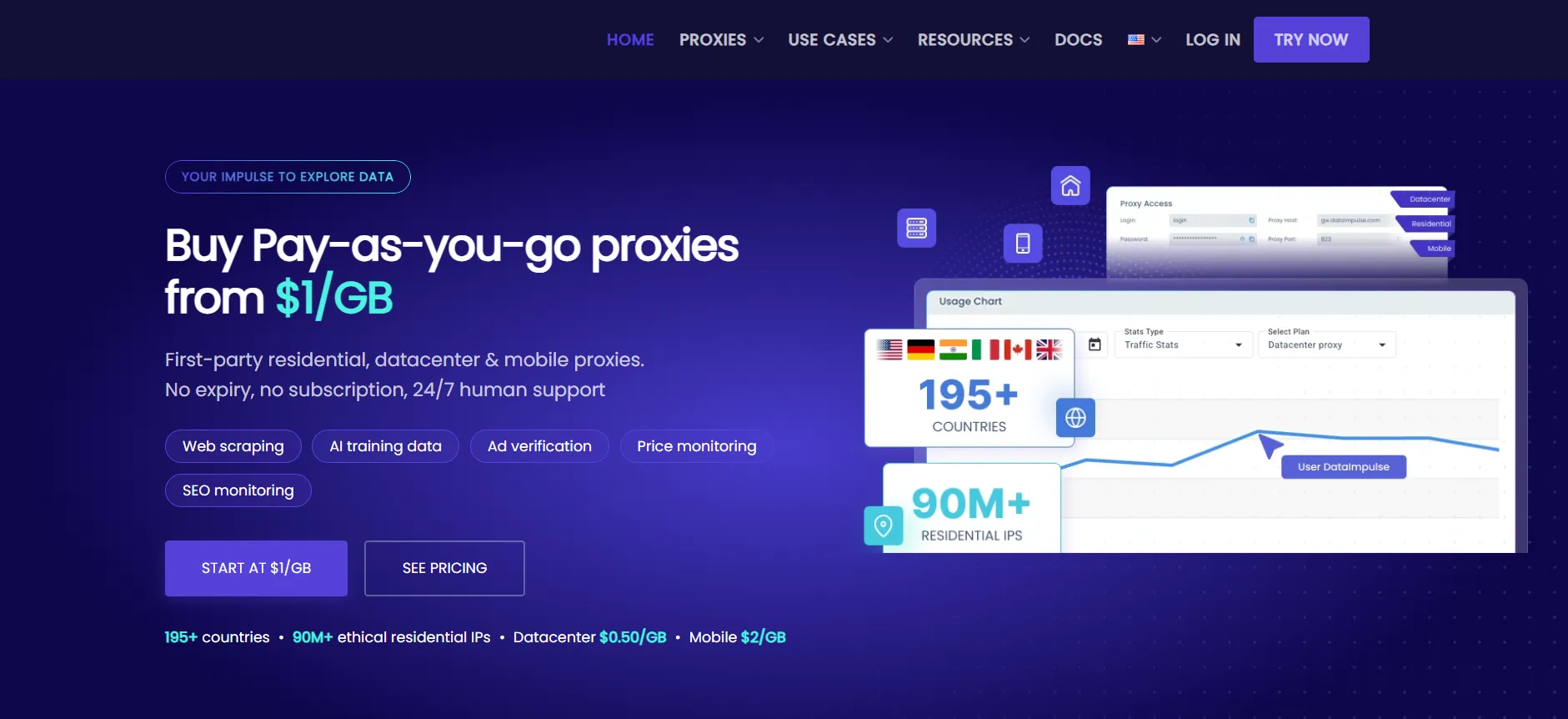
The provider says traffic never expires, and its residential product supports country targeting, HTTP(S), SOCKS5, rotating sessions, sticky sessions, API access, and IP authorization.
That $1/GB price is unusually low compared with premium residential providers. The important question is not whether DataImpulse is cheaper. It is whether its performance against your target makes the lower bandwidth price translate into a lower cost per successful request.
Best for: Low-cost residential traffic where the main requirement is a simple pay-as-you-go model with broad geographic coverage.
DataImpulse Highlights
Pool: 90M+ residential IPs.
Coverage: 195 countries.
Protocols: HTTP(S) and SOCKS5.
Sessions: Rotating and sticky.
Targeting: Country, with state, city, ZIP and ASN targeting also advertised.
Billing: Pay as you go.
Traffic: Does not expire.
Starting price: $1/GB.
Refund: 7-day refund policy.
Support: 24/7 support.
API: Available.
IP authorization: Available.
Sourcing: Provider says its residential IPs are first-party and consent-based.
G2: DataImpulse’s own comparison material cites a 4.8/5 G2 rating.
What You Pay
The current residential product uses pay-as-you-go pricing:
Intro: $5 credit at $1/GB
Basic: $50 for 50GB
Advanced: Higher-volume packages
Pay As You Go: $1/GB
Traffic expiration: None
The provider currently describes $1/GB as its standard residential rate.
Pros
- $1/GB is the lowest standard residential bandwidth rate among the providers in this seven-provider comparison.
- 90M+ residential IPs across 195 countries gives the service broad geographic coverage at that price.
- Traffic never expires, so intermittent users do not have to consume their balance inside a monthly billing cycle.
Cons
- The 90M+ pool is smaller than Decodo's 115M+, Oxylabs' 175M+, and Bright Data's 400M+ advertised networks.
- A $1/GB price does not guarantee the lowest cost per successful request, so buyers should benchmark success rates against their target before scaling.
Why DataImpulse: DataImpulse is the provider to test first when bandwidth cost is the primary constraint. Its $1/GB PAYG rate, 90M+ residential IPs, 195-country coverage, and non-expiring traffic make it unusually easy to budget.
Residential Proxy Decision Matrix
Choosing between these providers becomes easier when the requirement is specific.
For the best overall balance, start with Decodo. Its 115M+ IP pool, 195+ locations, SOCKS5 support, city and ASN targeting, 30-minute sticky sessions, and $4/GB PAYG model give it a strong combination of capability and entry price.
For maximum network size, test Bright Data. Its advertised 400M+ residential IPs and 195-country reach put it at the top for raw network scale.
For enterprise scraping, test Oxylabs. Its 175M+ IP pool, HTTP3, SOCKS5, and enterprise-oriented infrastructure justify its higher $6/GB Starter rate when volume and consistency matter.
For advanced location targeting, SOAX is the more specialized option. Its residential network exceeds 155M IPs and its platform supports city, ISP, ZIP, and ASN targeting, but the first paid plan starts at $200/month.
For budget-conscious volume, Webshare and DataImpulse are the first two services to benchmark. Webshare reaches $1.40/GB at 250GB, while DataImpulse charges $1/GB PAYG.
For intermittent proxy usage, IPRoyal and DataImpulse are attractive because their residential traffic does not expire.
How to Test Residential Proxies
Do not evaluate residential proxies solely from the provider dashboard.
A useful benchmark should reproduce your actual workload.
1. Check the outgoing IP
With cURL:
curl -x http://USERNAME:PASSWORD@PROXY_HOST:PROXY_PORT \
https://api.ipify.org?format=json
Record the returned IP.
Then run the request again through the same proxy endpoint.
For a rotating endpoint, compare the returned addresses across at least 20 requests.
2. Measure success rate
Run at least 100 requests against your target.
Record:
Successful HTTP responses
HTTP 403 responses
HTTP 429 responses
Connection failures
Timeouts
CAPTCHA responses
Average latency
Proxy IP
Target location
Then calculate:
Success Rate =
Successful Requests / Total Requests × 100
If 97 requests succeed out of 100:
97 / 100 × 100 = 97%
Do this separately for each provider.
3. Measure cost per successful request
Suppose Provider A costs $1/GB and Provider B costs $4/GB.
Provider A looks four times cheaper.
But if Provider A succeeds on 70% of requests while Provider B succeeds on 98%, the difference in useful output can dramatically reduce Provider A’s apparent advantage.
A better measurement is:
Cost per successful request =
Proxy spend / Successful requests
That number is more useful than the advertised $/GB figure.
4. Test sticky sessions
Residential proxies do not all handle sessions the same way.
Run a login-style workflow using a sticky endpoint:
import requests
proxy = “http://USERNAME:PASSWORD@PROXY_HOST:PROXY_PORT“
proxies = {
“http”: proxy,
“https”: proxy,
}
session = requests.Session()
for i in range(5):
response = session.get(
“https://api.ipify.org?format=json“,
proxies=proxies,
timeout=15,
)
print(i + 1, response.json())
The goal is to determine whether the same IP remains associated with the session.
Do not assume that a provider’s phrase “sticky session” means the IP will remain unchanged indefinitely.
Decodo currently lists sticky sessions up to 30 minutes, while SOAX reports configurable sessions and mobile sticky sessions up to 60 minutes.
5. Test geographic accuracy
If your project needs US traffic, test US traffic.
If it needs New York, test New York.
If it needs a specific ASN, test that ASN.
Check the returned IP using an independent IP geolocation service and compare:
Country
State
City
ISP
ASN
A provider that offers country-level targeting but consistently returns the wrong city is not a suitable choice for a city-sensitive workflow.
Rotating vs. Sticky Residential Proxies
The choice between rotating and sticky residential proxies depends on the application.
Rotating residential proxies
A rotating endpoint changes the IP address according to the provider’s configured rotation policy.
Use this model for:
Large public-data collection
Price monitoring
SEO monitoring
Search-result collection
Broad market research
High-volume page requests
The main benefit is IP diversity.
The main disadvantage is that a changing IP can break workflows that expect the same client identity across multiple requests.
Sticky residential proxies
A sticky session attempts to preserve the same residential IP for a defined period.
Use this model for:
Multi-step forms
Authentication flows
Shopping sessions
Account workflows
Browser automation
Long sequences of related requests
The critical variable is session duration.
For example, Decodo advertises sticky sessions up to 30 minutes, while SOAX supports configurable sessions and mobile sessions up to 60 minutes.
If your workflow takes 45 minutes and your provider only guarantees a 30-minute sticky session, the architecture needs to account for that change.
How Many Residential IPs Do You Need?
There is no universal number.
The correct pool size depends on concurrency, request volume, target restrictions, session duration, and rotation frequency.
A scraper making 10 concurrent requests does not automatically require 10 dedicated residential IPs.
Likewise, a browser automation system running 100 simultaneous sessions may need a significantly larger pool if every session must maintain a distinct residential identity.
Start with a small test.
Measure:
Requests per minute
Concurrent sessions
Average session duration
IP reuse
HTTP failures
CAPTCHA frequency
Bandwidth consumption
Then increase the pool until adding additional IPs stops producing a meaningful improvement.
Are Cheap Residential Proxies Worth It?
Sometimes.
The important distinction is between cheap pricing and cheap traffic.
DataImpulse currently charges $1/GB, and Webshare reaches $1.40/GB at 250GB. Those are legitimate provider offers rather than random free proxy-list prices.
But a $1/GB provider that succeeds on 60% of requests may cost more per usable result than a $4/GB provider that succeeds on 95%.
The correct benchmark is therefore:
cost per successful result, not cost per gigabyte.
Free public residential proxy lists are a different category. They can have unknown ownership, poor uptime, contaminated IP reputation, and security risks. They should not be treated as equivalent to a paid residential proxy network.
Quick links
Final Verdict on Best Residential Proxies in 2026
For most users, Decodo is the best residential proxy provider to test first. Its 115M+ residential IP pool, 195+ locations, city and ASN targeting, SOCKS5 support, rotating and sticky sessions, and $4/GB PAYG option give it the strongest overall balance in this comparison.
Choose Bright Data when network scale and targeting depth matter most, with 400M+ residential IPs across 195 countries. Choose Oxylabs for enterprise workloads that can justify $30/month for 5GB and need a 175M+ residential pool.
For lower-cost traffic, benchmark DataImpulse at $1/GB and Webshare at $1.40/GB at 250GB against your actual target. For granular geographic control, SOAX is compelling, but its $200/month Builder plan makes it unsuitable for many small projects. IPRoyal remains useful when non-expiring traffic matters more than the lowest starting rate.
If you are starting a new residential proxy project today, test Decodo first and use DataImpulse as the low-cost benchmark.
FAQs : Best Residential Proxies in 2026
A brief answer Decodo is the best overall starting point for most residential proxy workloads, with 115M+ residential IPs across 195+ locations, city, ZIP, state, and ASN targeting, plus HTTP(S) and SOCKS5 support. For enterprise requirements, Bright Data and Oxylabs offer larger advertised pools at higher prices.about the product.
DataImpulse currently has the lowest standard price at $1/GB among the providers compared. It offers 90M+ residential IPs across 195 countries, with purchased traffic that does not expire. Webshare reaches $1.40/GB at 250GB, but requires a larger upfront commitment.
Residential proxies can help when targets treat residential and datacenter IP ranges differently. They provide IPs associated with residential connections, but typically cost more than datacenter proxies. Test the actual target first to determine whether residential traffic improves your success rate.
Rotating proxies change IPs according to a rotation policy, while sticky proxies attempt to maintain the same IP for a defined session. Rotating proxies suit independent high-volume requests, while sticky sessions are better for browser or account workflows. Decodo supports sessions up to 30 minutes, while SOAX supports mobile sessions up to 60 minutes.
Among the providers reviewed, residential pricing ranges from $1/GB at DataImpulse to $7/GB at IPRoyal. Decodo lists $4/GB PAYG, while Oxylabs starts at $6/GB on its 5GB Starter plan. Higher-volume plans can significantly reduce effective costs, with Oxylabs reaching $2.50/GB on its 1TB Corporate plan.
Run at least 100 requests against your intended target and location. Track success rate, latency, timeouts, 403/429 responses, CAPTCHA frequency, IP location, session stability, and bandwidth usage. Compare providers using cost per successful request, rather than relying solely on advertised $/GB pricing.
