
11 Best Proxy Providers in 2026: Services Compared
Choosing a best proxy provider can seem straightforward, but issues often arise during production, such as increased failure rates after multiple requests or unexpected content due to IP location changes.
Decodo

- 115M+ residential IPs
- 195+ global locations
- HTTP(S) & SOCKS5
- Rotating and sticky sessions
- Advanced location targeting
Oxylabs
- 175M+ residential IPs
- 195+ country coverage
- HTTP3 & SOCKS5 support
- Unlimited concurrent sessions
- 24/7 customer support
Bright Data

- 400M+ monthly IPs
- Coverage across 195 countries
- Residential and mobile proxies
- HTTP(S) & SOCKS5
- 99.99% network uptime
Various providers address these challenges differently, with some focusing on extensive residential pools while others emphasize low costs or geographic targeting.
This guide evaluates seven proxy providers, assessing network information, pricing, protocols, and customer ratings, aiming to highlight the suitability and limitations of each service rather than declaring a single best option.
Quick Tip: Do not choose a best proxy provider by IP count alone. Test the exact proxy type, country, session behavior, and target domain you plan to use. A 100-million-IP network does not help if your required location has poor availability or if your target needs sticky sessions that the selected endpoint does not provide.
Quick Comparison of Best Proxy Providers
| Provider | Best suited to | Starting price | Network / coverage | Protocols |
| Decodo | General-purpose scraping and automation | $2/GB residential | 115M+ residential IPs, 195+ locations | HTTP(S), SOCKS5 |
| Oxylabs | Enterprise data collection | $6/GB residential | 175M+ residential IPs | HTTP(S), HTTP3, SOCKS5 |
| Bright Data | Large-scale data infrastructure | $0.60/GB datacenter PAYG | 400M+ monthly residential IPs, 195 countries | HTTP(S), SOCKS5 |
| Webshare | Low-cost testing and smaller workloads | Free / paid plans from $2.99 | 80M+ IPs reported by independent testing | HTTP(S), SOCKS5 |
| SOAX | Geo-targeted residential and mobile traffic | $200/month Builder | 191M+ IPs, 195 locations | HTTP(S), SOCKS5, UDP/QUIC |
| IPRoyal | Flexible budget deployments | $7/GB residential | 64M+ residential IPs reported in 2026 | HTTP(S), SOCKS5 |
| Proxy-Cheap | PAYG proxy access | $0.78/GB promotional residential price | 155M+ IPs, 180+ countries | HTTP, HTTPS, SOCKS |
Pricing changes frequently. Promotional rates may have expiry conditions. Check the provider’s pricing page before purchase.
7 Best Proxy Providers in 2026
Here ia the list of the best proxy providers in the world, compared based on performance, features, reliability, pricing, and global coverage.
1. Decodo
Decodo is one of the strongest all-round options for users who want residential, static residential, mobile, and datacenter proxies from the same provider.
Its residential network currently lists 115M+ ethically sourced IPs across 195+ locations, with country, state, city, ZIP-code, and ASN targeting. Residential endpoints support HTTP(S) and SOCKS5, with both rotating and sticky sessions.
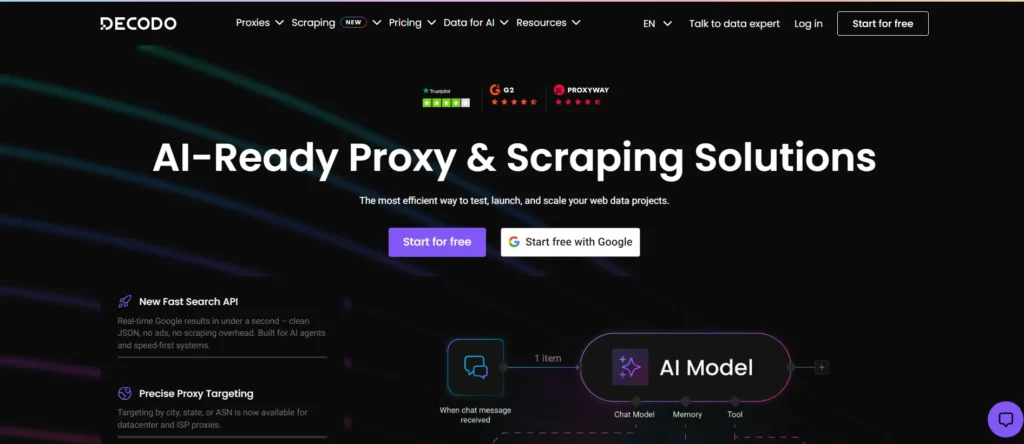
Decodo also has a broader developer ecosystem than a basic proxy reseller. Its current tooling includes a Python SDK, TypeScript SDK, CLI, browser extensions, proxy checker, scraping APIs, and integrations with tools such as n8n and LangChain.
Best for: General-purpose web scraping, automation, geo-targeting, and developers who want a broad proxy product lineup without starting at enterprise pricing.
Decodo Highlights
- Pool: 115M+ residential IPs across 195+ locations.
- Protocols: HTTP(S) and SOCKS5 for residential proxies.
- Sessions: Rotating sessions plus sticky sessions lasting up to 30 minutes.
- Targeting: Country, state, city, ZIP code, continent, and ASN.
- Tooling: Python SDK, TypeScript SDK, CLI, browser extensions, APIs, and integrations.
- Testing: 3-day residential trial with 100MB.
- Performance figures: Provider lists a 99.92% success rate, 99.99% uptime, and under 0.5-second average response time for its residential network.
- Trustpilot: 4.2/5 from more than 2,000 reviews at the time checked.
What You Pay
Decodo’s current residential subscription tiers include:
- 3GB: $3.75/GB, $11.25/month
- 10GB: $3.50/GB, $35/month
- 25GB: $3.25/GB, $81.25/month
- 50GB: $3/GB, $150/month
- 100GB: $2.75/GB, $275/month
- Pay As You Go: $4/GB
- 3-day trial: 100MB
The displayed subscription prices exclude VAT where applicable.
Pros
- 115M+ residential IPs gives developers a substantial pool without immediately moving to enterprise contracts.
- Python SDK, CLI, and TypeScript SDK reduce the amount of custom proxy-management code required.
- The 3-day, 100MB trial lets developers test an integration before committing to a larger subscription.
Cons
- The residential PAYG rate of $4/GB is higher than the lowest advertised subscription rate.
- The 3-day trial provides only 100MB, which is too small for a serious multi-location benchmark.
Why Decodo: Choose Decodo when you want one provider that combines residential, datacenter, mobile, and static residential proxies with 115M+ residential IPs, 195+ locations, SOCKS5 support, and developer tooling starting with a 100MB trial.
2. Oxylabs
Oxylabs targets a different segment from low-cost proxy services. Its residential network currently lists 175M+ IPs, while the broader platform covers residential, datacenter, ISP, mobile, Web Scraper API, Web Unblocker, and other data-collection products.
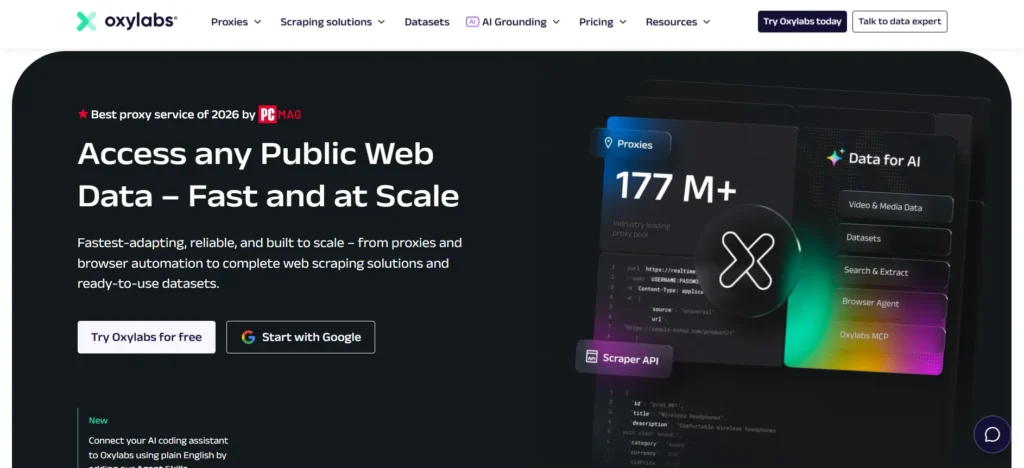
Its residential service supports HTTP(S), HTTP3, and SOCKS5, with sticky sessions, rotation controls, geo-targeting, unlimited concurrent sessions, and an advertised 99.95% success rate. Oxylabs also lists an average response time of 0.6 seconds on its residential pricing page.
The major trade-off is price. Oxylabs makes sense when the cost of failed requests, engineering time, or inconsistent proxy access exceeds the difference between a premium provider and a budget service.
Best for: Enterprise web data collection, large residential workloads, demanding geographic requirements, and teams that need a mature proxy and scraping ecosystem.
Oxylabs Highlights
- Pool: 175M+ residential IPs.
- Coverage: 195+ countries are listed across the broader service.
- Protocols: HTTP(S), HTTP3, and SOCKS5.
- Sessions: Sticky and rotating options.
- Concurrency: Unlimited concurrent residential sessions.
- Tooling: Web Scraper API, Web Unblocker, AI-assisted tooling, documentation, and proxy management.
- Support: 24/7 support on listed residential plans.
- Performance: 0.6-second average response time and 99.95% advertised residential success rate.
- Trustpilot: Around 4.0/5 in the current Trustpilot profile.
What You Pay
Current residential plans include: (VAT may apply)
- Starter: 5GB at $6/GB, $30/month
- Basic: 20GB at $5/GB, $100/month
- Advanced: 125GB at $4/GB, $500/month
- Corporate: 1TB at $2.50/GB, $2,500/month
Oxylabs also lists datacenter plans starting at $1.20/IP for shared IP pricing or $0.59/GB under its shared pay-per-GB option, with plans extending to 2TB.
Pros
- The 175M+ residential IP pool gives large projects significant address diversity.
- HTTP(S), HTTP3, and SOCKS5 cover common application requirements.
- The 1TB Corporate plan at $2.50/GB reduces the effective residential rate substantially compared with the $6/GB Starter tier.
Cons
- The entry residential plan costs $30/month, which is materially higher than free or sub-$10 testing options.
- The 5GB Starter plan costs $6/GB, making small residential tests expensive.
Why Oxylabs: Oxylabs is the better fit when the project can justify enterprise pricing and needs a 175M+ residential pool, multiple protocols, 0.6-second average response time, and a wider web-data platform.
3. Bright Data
Bright Data is one of the broadest platforms in this comparison. It operates residential, datacenter, static residential, and mobile networks and combines them with products such as Proxy Manager, Web Unlocker, Web Scraper APIs, and SERP tools. Its residential network is advertised at 400M+ monthly IPs, with coverage across 195 countries.
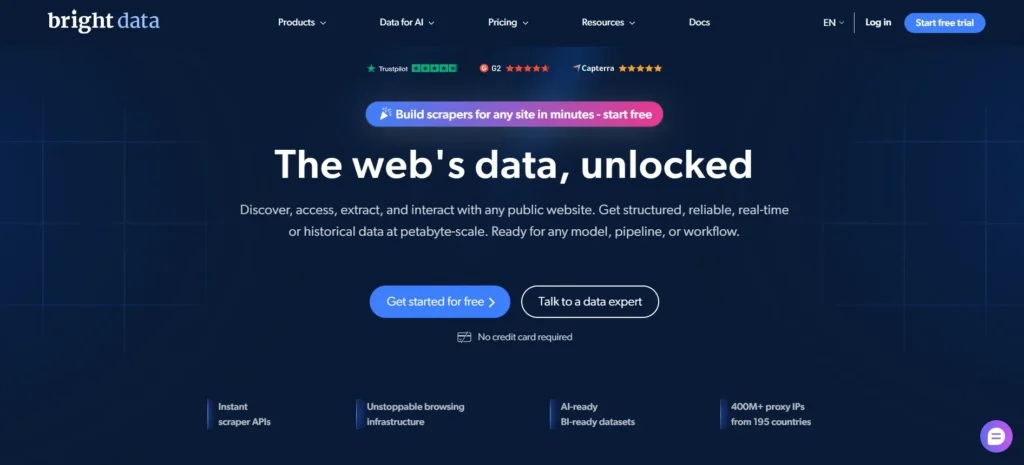
The platform also provides granular control. Its datacenter service includes country targeting, extended session controls, shared and dedicated IPs, SOCKS5 support, and a Proxy Manager.
Bright Data’s biggest issue is not capability. It is complexity and cost. A developer working on a small script can end up comparing several billing models, proxy types, compliance requirements, and minimum commitments.
Best for: Large-scale proxy infrastructure, organizations needing multiple proxy types, and teams that want proxy management plus web-data products under one platform.
Bright Data Highlights
- Residential pool: 400M+ monthly IPs.
- Coverage: 195 countries.
- Datacenter pool: 1.3M+ proxies.
- Proxy types: Residential, mobile, static residential, and datacenter.
- Protocols: HTTP(S) and SOCKS5.
- Tooling: Proxy Manager, APIs, Web Unlocker, scraping products.
- Datacenter PAYG: $0.60/GB.
- Datacenter subscription: Starts at $1.40/IP for 10 IPs.
- Network uptime: 99.99% listed for datacenter plans.
- Trustpilot: 4.3/5 according to the current profile shown alongside other providers.
What You Pay
Bright Data’s current datacenter pricing includes:
- 10 shared IPs: $1.40/IP, $14/month
- 100 shared IPs: $1/IP, $100/month
- 500 shared IPs: $0.95/IP, $475/month
- 1,000 shared IPs: $0.90/IP, $900/month
- Datacenter PAYG: $0.60/GB
- 1TB subscription: $499/month, $0.51/GB
- 2TB subscription: $999/month, $0.45/GB
- 5TB subscription: $1,999/month, $0.42/GB
The unlimited datacenter plans include a 100GB fair-use allowance per IP per month.
Residential pricing is higher. Bright Data’s residential pricing page currently lists PAYG residential traffic from $5.88/GB, while higher-volume plans reduce the effective rate.
Pros
- 400M+ monthly residential IPs provide one of the largest advertised networks in the category.
- The 1.3M+ datacenter pool provides a separate high-volume option.
- Proxy Manager, Web Unlocker, APIs, and scraping products can reduce the amount of infrastructure a large data team has to build internally.
Cons
- Residential and mobile users must complete a KYC/compliance process before using those networks.
- The pricing structure spans multiple proxy types and billing models, making small deployments harder to evaluate.
Why Bright Data: Bright Data is strongest when the proxy is only one component of a larger data stack. Its 400M+ monthly residential IPs, 1.3M+ datacenter proxies, 195-country reach, and additional scraping infrastructure make it suitable for organizations operating at large scale.
4. Webshare
Webshare takes a different approach from enterprise platforms. Its strongest selling point is the ability to start without paying. The company currently provides 10 proxies with up to 1GB/month free, with no credit card requirement and no trial-period expiration.
That makes Webshare particularly useful for development environments where the first requirement is simply to verify that an application correctly handles proxy authentication, rotation, IP detection, and regional requests.
Webshare also provides residential, datacenter, and static residential products. Its residential pricing currently starts at $3.50 for 1GB under the displayed promotional offer, while higher traffic volumes reduce the advertised effective rate to $1.40/GB at 3,000GB.
Best for: Developers who want to start testing with little or no budget, smaller scraping projects, and users who prefer straightforward proxy management.
Webshare Highlights
- Free tier: 10 proxies and up to 1GB/month.
- Free duration: Unlimited, according to the provider.
- Residential starting offer: $3.50 for 1GB under the current 50% promotional pricing.
- Residential high-volume rate: $1.40/GB at 3,000GB under the displayed promotion.
- Static residential: Starts at $0.30/IP.
- Protocols: HTTP(S) and SOCKS5.
- Tooling: Dashboard, proxy lists, browser extension, API.
- Coverage: Webshare describes 45+ countries for its broader proxy offering, while independent 2026 coverage reports cite 80M+ IPs.
- Trustpilot: 4.1/5 from more than 1,400 reviews.
What You Pay
Current displayed residential promotional tiers include:
- 1GB: $3.50/month
- 10GB: $27.50/month
- 25GB: $65/month
- 50GB: $122.50/month
- 100GB: $225/month
- 250GB: $500/month
- 500GB: $875/month
- 1,000GB: $1,500/month
- 3,000GB: $4,200/month
The provider currently displays these as promotional discounts from a $7/GB base rate.
Pros
- The 10-proxy, 1GB/month free tier is one of the easiest ways to test proxy-enabled software without a purchase.
- Static residential pricing starts at $0.30/IP, giving users a second low-cost option.
- The dashboard is designed for direct proxy management rather than requiring an enterprise data platform.
Cons
- Webshare's network coverage is narrower than providers advertising 175M+ or 400M+ global networks.
- The free tier is limited to 10 proxies and 1GB/month, so it is not a realistic production solution for high-volume workloads.
Why Webshare: Webshare is the practical starting point when the first requirement is testing rather than scale. The 10-proxy, 1GB/month free tier gives developers a zero-cost way to validate their implementation before spending money.
5. SOAX
SOAX has evolved into a broader proxy infrastructure platform with 191M+ ethically sourced IPs across 195 locations, according to its current company information. Its network includes residential and mobile traffic, with features designed around geographic targeting and session behavior.
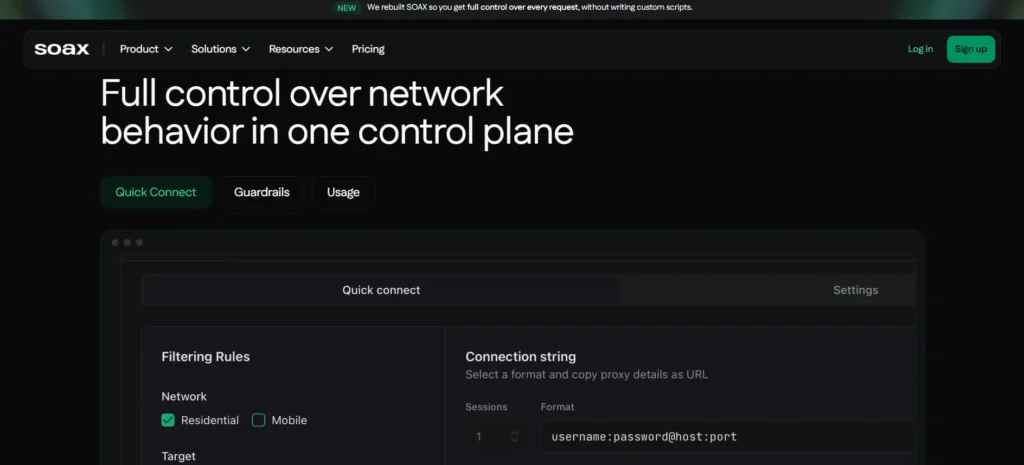
Its current pricing model is more structured than a simple “$X per GB” comparison. SOAX offers Sandbox, Builder, Team, Scale, and Enterprise tiers. The displayed Tier 1 rates range from $5/GB on Sandbox to $0.85/GB on Enterprise, but the monthly commitment changes substantially between plans.
That distinction matters. A headline $0.85/GB rate does not mean a developer can buy 1GB for $0.85. The Enterprise plan shown on the pricing page carries a $3,000/month plan price.
Best for: Geographic targeting, residential and mobile proxy workloads, and teams that need detailed control over proxy sessions and locations.
SOAX Highlights
- Pool: 191M+ IPs.
- Locations: 195.
- Network types: Residential and mobile.
- Protocols: HTTP(S), SOCKS5, UDP/QUIC.
- Sessions: Rotating and sticky controls.
- Tooling: Dashboard, Web Optimizer, MaxIP, proxy infrastructure tools.
- Sandbox: Free.
- Builder: $200/month plan plus $100 additional credits under the displayed configuration.
- Team: $500/month.
- Scale: $1,500/month.
- Enterprise: $3,000/month.
- Trustpilot: 3.4/5 from 149 reviews.
What You Pay
The current SOAX pricing model lists:
- Sandbox: $0 plan price, $5/GB Tier 1
- Builder: $200/month plan price, $3/GB Tier 1, with $100 additional credits in the displayed example
- Team: $500/month, $2.20/GB Tier 1
- Scale: $1,500/month, $1.50/GB Tier 1
- Enterprise: $3,000/month, $0.85/GB Tier 1
Actual cost varies by target-country tier and traffic volume.
Pros
- 195 locations provide extensive geographic coverage.
- The platform supports HTTP(S), SOCKS5, and UDP/QUIC, giving developers more protocol choices than many residential-only services.
- The free Sandbox allows initial testing before moving to a paid plan.
Cons
- The first paid Builder tier requires a $200/month plan price, which makes SOAX unsuitable for many small projects.
- The advertised $0.85/GB Enterprise rate requires a $3,000/month plan.
Why SOAX: SOAX makes the most sense when geographic control matters more than the lowest entry price. Its 191M+ IPs, 195 locations, residential and mobile networks, and 3 paid scale tiers above $500/month make it better suited to structured data operations than casual proxy use.
6. IPRoyal
IPRoyal positions itself as a flexible proxy provider covering residential, datacenter, ISP, and mobile traffic. Its current residential page lists plans starting at $7/GB, with bulk pricing reducing the effective rate to $1.75/GB on custom plans. Traffic does not expire under the residential model.
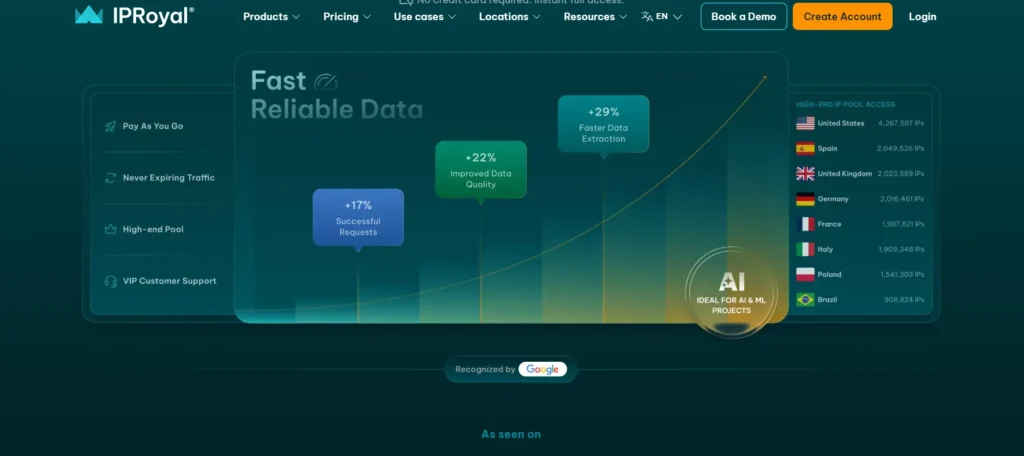
The provider also offers datacenter proxies in more than 50 countries, with city and state targeting and unlimited sessions.
The major advantage is flexibility. You do not need to start with a $200 or $500 monthly commitment just to test whether a proxy works for your project.
Best for: Budget-conscious developers who need residential, datacenter, ISP, and mobile proxies without starting with a large monthly commitment.
IPRoyal Highlights
- Residential pool: 64M+ IPs reported in 2026.
- Residential coverage: 195 countries.
- Mobile pool: 4.5M+ IPs.
- Datacenter coverage: 50+ countries.
- Protocols: HTTP(S) and SOCKS5.
- Products: Residential, ISP, datacenter, mobile, Web Unblocker, and scraper APIs.
- Residential starting rate: $7/GB.
- Bulk residential rate: as low as $1.75/GB on custom plans.
- Datacenter: unlimited sessions and unlimited threads on listed products.
- Trustpilot: Rating currently unavailable because Trustpilot has restricted the profile’s displayed rating.
What You Pay
Current residential pricing includes:
- 2GB: $5.95/GB
- 10GB: $5.25/GB
- Custom plans: from $1.75/GB
The standard residential starting price is listed as $7/GB, with bulk purchasing reducing the rate.
IPRoyal’s current datacenter pricing is structured by IP rather than residential bandwidth, while its dedicated datacenter products emphasize unlimited sessions.
Pros
- Residential traffic can be purchased without the large monthly commitments used by some enterprise platforms.
- 64M+ residential IPs and 4.5M+ mobile IPs give IPRoyal multiple network options.
- Datacenter products provide unlimited sessions, making them practical for long-running high-throughput workloads.
Cons
- The standard residential starting price of $7/GB is higher than Decodo's current $4/GB PAYG price.
- The residential network is substantially smaller than Oxylabs' advertised 175M+ residential pool.
Why IPRoyal: IPRoyal is a practical choice for users who need multiple proxy types but do not want a $200, $500, or $3,000 monthly starting commitment. Its combination of residential, datacenter, ISP, and mobile products gives developers room to change proxy types as the project evolves.
7. Proxy-Cheap
Proxy-Cheap focuses heavily on flexible billing. Its current website lists 155M+ IPs across 180+ countries and offers residential, mobile, ISP, and datacenter products. Rotating residential proxies are billed by bandwidth, while datacenter and static residential products use per-IP pricing.
This model is useful when traffic volume is unpredictable. A developer can run a small test, measure bandwidth consumption, and increase the balance only when the project needs more traffic.
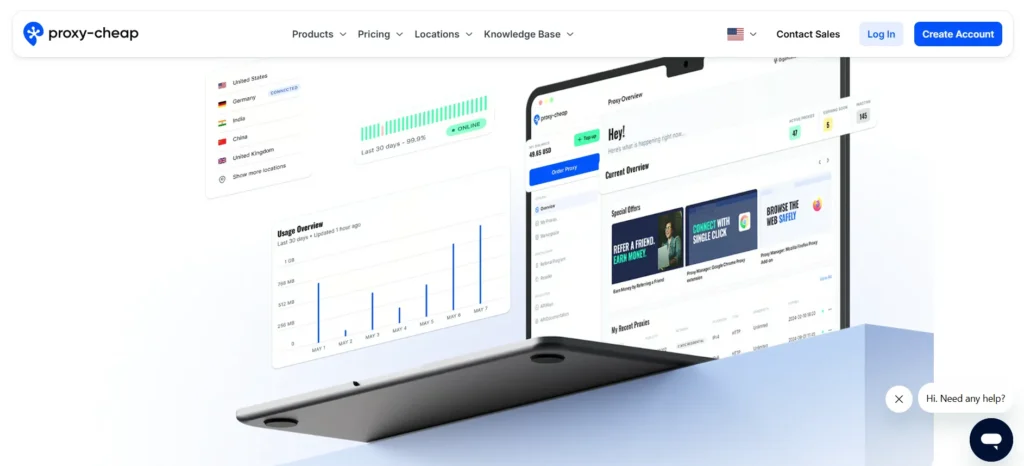
Proxy-Cheap also provides browser extensions, tutorials, a knowledge base, and multiple proxy protocols. It supports HTTP, HTTPS, and SOCKS proxy connections.
Best for: Pay-as-you-go users, smaller teams, and developers who want residential and datacenter proxies without a monthly minimum.
Proxy-Cheap Highlights
- Pool: 155M+ IPs.
- Coverage: 180+ countries.
- Proxy types: Residential, mobile, ISP, datacenter IPv4, and datacenter IPv6.
- Protocols: HTTP, HTTPS, SOCKS.
- Residential pricing: Starts at $2.60/GB before the displayed promotion.
- Current promotional residential rate: $0.78/GB.
- Datacenter IPv4: $1.49/IP per month under the displayed promotion.
- Trial: 7-day trial for static residential IPv4 and datacenter IPv4.
- Payment: Card, PayPal, Alipay, and cryptocurrency.
- Trustpilot: 3.0/5 from 757 reviews.
What You Pay
Current displayed prices include:
- Rotating residential: $2.60/GB standard starting rate
- Rotating residential promotional rate: $0.78/GB
- Datacenter IPv4: $1.49/IP/month promotional rate
- Static residential: Current rates vary by location and package
- Static residential and datacenter IPv4 trial: 7 days
The $0.78/GB residential rate is a current promotion and should not be treated as the permanent list price.
Pros
- 155M+ IPs across 180+ countries provide broad geographic reach at a lower headline price than several premium competitors.
- Rotating residential traffic uses pay-as-you-go billing with no monthly commitment.
- A 7-day trial is available for static residential IPv4 and datacenter IPv4 products.
Cons
- The $0.78/GB residential figure is promotional, so users should budget against the standard $2.60/GB starting rate.
- Trustpilot currently shows only 3.0/5, which is lower than Decodo's 4.2/5 and Webshare's 4.1/5.
Why Proxy-Cheap: Proxy-Cheap works well when the main requirement is flexible spending. The combination of 155M+ IPs, 180+ countries, PAYG residential billing, and a 7-day IPv4 trial gives small projects a low-commitment entry point.
How to Choose a Proxy Provider
The correct provider depends on the failure you are trying to prevent.
If you are building a small development or testing project, start with Webshare because its free tier gives you 10 proxies and 1GB/month without a credit card. That is enough to test authentication, proxy rotation, IP detection, and application behavior before paying for traffic.
If your priority is general-purpose scraping and automation, Decodo offers a strong balance. Its residential network has 115M+ IPs, 195+ locations, HTTP(S) and SOCKS5, sticky sessions, a 100MB trial, and a $4/GB PAYG option.
If the project has enterprise-scale requirements, Oxylabs and Bright Data are the two obvious candidates. Oxylabs offers 175M+ residential IPs, while Bright Data advertises 400M+ monthly residential IPs and a 1.3M+ datacenter network.
If geographic targeting and session control are the priority, SOAX deserves consideration. Its network spans 195 locations, and its current platform supports residential and mobile traffic with HTTP(S), SOCKS5, and UDP/QUIC.
If you want multiple proxy types without a large monthly commitment, IPRoyal offers residential, ISP, mobile, and datacenter products. Proxy-Cheap follows a similar low-commitment model and adds PAYG residential billing.
The simplest decision matrix is therefore
| Your scenario | First provider to test | Reason |
| Free development testing | Webshare | 10 proxies + 1GB/month free |
| General scraping | Decodo | 115M+ residential IPs + 195 locations |
| Enterprise residential scraping | Oxylabs | 175M+ residential IPs |
| Large multi-product infrastructure | Bright Data | 400M+ residential IPs + 1.3M+ datacenter |
| Advanced geographic targeting | SOAX | 195 locations + residential/mobile |
| Flexible multi-proxy deployment | IPRoyal | Residential + ISP + mobile + datacenter |
| PAYG budget deployment | Proxy-Cheap | PAYG residential + 155M+ IPs |
Technical Guide: How to Test a Proxy Before Using It in Production
A proxy should pass a basic technical test before it is included in a production scraper.
The first test should confirm that the request actually leaves through the proxy.
Test 1: cURL
For an HTTP proxy, use:
curl -x http://USERNAME:PASSWORD@PROXY_HOST:PROXY_PORT https://api.ipify.org
If the proxy is working, the returned IP should be the proxy IP rather than the IP of the machine running the command.
For HTTPS proxy endpoints:
curl -x https://USERNAME:PASSWORD@PROXY_HOST:PROXY_PORT https://api.ipify.org
For SOCKS5:
curl –proxy socks5h://USERNAME:PASSWORD@PROXY_HOST:PROXY_PORT https://api.ipify.org
The socks5h form is useful because hostname resolution is performed through the SOCKS5 proxy rather than locally.
Test 2: Python Requests
A basic Python test looks like this:
import requests
proxy = “http://USERNAME:PASSWORD@PROXY_HOST:PROXY_PORT”
proxies = {
“http”: proxy,
“https”: proxy,
}
response = requests.get(
“https://api.ipify.org?format=json”,
proxies=proxies,
timeout=15,
)
print(response.status_code)
print(response.text)
A 15-second timeout gives the test enough room to identify slow endpoints without allowing a single failed connection to stall the application indefinitely.
Test 3: Check Rotation
For rotating residential proxies, run the same request multiple times:
import requests
proxy = “http://USERNAME:PASSWORD@PROXY_HOST:PROXY_PORT”
proxies = {
“http”: proxy,
“https”: proxy,
}
for i in range(5):
response = requests.get(
“https://api.ipify.org?format=json”,
proxies=proxies,
timeout=15,
)
print(i + 1, response.json())
Do not assume that every request will receive a new IP. Rotation behavior depends on the provider’s endpoint and session configuration.
If the provider offers sticky sessions, run the same test with a session identifier and verify whether the IP remains constant for the expected duration.
Test 4: Measure Failure Rate
A better production test uses at least 100 requests.
Track:
- HTTP status code
- connection time
- total response time
- proxy IP
- target country
- timeout count
- connection errors
- response size
A simple success-rate calculation is:
Success Rate = Successful Requests / Total Requests × 100
For example, if 96 out of 100 requests succeed:
96 / 100 × 100 = 96%
Do not compare providers using only advertised success rates. Run the same target, country, request count, timeout, and session configuration against each provider.
Test 5: Test the Exact Geography
A proxy advertised as supporting a country does not automatically guarantee identical performance in every city.
If your application needs New York traffic, test New York. If it needs Mumbai traffic, test Mumbai. If it needs a particular ASN, test the ASN.
Decodo currently supports country, state, city, ZIP-code, and ASN-level targeting on its residential network.
SOAX also emphasizes geographic and session controls across its proxy infrastructure.
The important measurement is not simply whether an IP exists in a country. Measure whether the target website receives the expected location and whether the connection remains usable for the required duration.
What Makes a Proxy Provider “Good”?
IP count is useful, but it should not be the first number you check. A better evaluation has at least 6 measurements.
1. Success rate
If 1,000 requests produce 970 successful responses, the measured success rate is 97%.
Run this against your actual target rather than relying exclusively on provider-wide statistics.
2. Latency
Record the time between sending the request and receiving the response.
A proxy with 300ms average latency may be a better choice for your workload than one advertised at 150ms if the first service has a much higher successful-request rate against your target.
3. Rotation behavior
Check whether the IP changes:
- Every request
- Every connection
- After a configured interval
- Only when the current IP fails
Your application architecture should match that behavior.
4. Geographic accuracy
Check the IP through at least 2 independent IP-location services when location accuracy matters.
A provider can advertise country targeting while the target website identifies the IP differently.
5. Authentication
Test both username/password authentication and IP allowlisting if both are offered.
Credential-based authentication is often easier for distributed applications. IP allowlisting can simplify server-side deployments where the outbound server addresses remain stable.
6. Billing behavior
Measure the actual bandwidth consumed by a known number of requests.
Providers do not always calculate bandwidth in identical ways. Bright Data, for example, defines bandwidth using both outgoing and incoming traffic, including request and response headers and data.
That can make two providers with identical advertised $/GB rates produce different final bills.
Are Free Proxies Worth Using?
For production scraping, generally no.
Free proxies have 3 major problems: uncertain ownership, unpredictable uptime, and inconsistent IP reputation.
A free proxy can still have one useful purpose: development testing.
Webshare is an unusual case because its free tier is an official product rather than an open list of unknown third-party servers. It provides 10 proxies and 1GB/month without requiring a credit card.
That makes it suitable for testing an application’s proxy implementation.
For production workloads, use a provider with documented ownership, authentication, support, billing, and network controls.
Residential vs. Datacenter Proxies
Residential proxies route traffic through IP addresses associated with residential networks. Datacenter proxies originate from data-center infrastructure.
The difference affects cost, speed, IP reputation, and the types of targets each proxy can access successfully.
Datacenter proxies are often cheaper. Bright Data’s current datacenter PAYG price is $0.60/GB, while Decodo lists datacenter pricing starting at $0.02/IP for its product range.
Residential proxies generally cost more because they provide access to larger pools of residential IP addresses. Decodo currently lists residential PAYG at $4/GB, while Oxylabs starts at $6/GB on its 5GB residential Starter plan.
For high-volume public data collection where the target has limited anti-bot controls, datacenter proxies can be sufficient.
For geographically specific websites or targets with stronger IP filtering, residential proxies may provide better results.
The correct answer should come from testing the actual target.
Final Verdict: Best Proxy Providers 2026
The best proxy providers are not interchangeable.
Webshare is the easiest entry point when a developer wants to test a proxy setup without spending money.
Decodo is the strongest general-purpose option in this comparison because it combines 115M+ residential IPs, 195 locations, SOCKS5, sticky sessions, developer tools, and a $4/GB PAYG option.
Oxylabs is better suited to larger enterprise workloads with a 175M+ residential pool. Bright Data is the broadest infrastructure choice, with 400M+ monthly residential IPs and 1.3M+ datacenter proxies.
SOAX stands out for geographic and session control, while IPRoyal and Proxy-Cheap make more sense when flexible purchasing matters more than enterprise tooling.
For most developers starting a new project, test Decodo first, then benchmark it against Webshare or Oxylabs using the exact target, location, session type, and request volume your application will use.
FAQs: Best Proxy Providers in 2026
Decodo is a strong general-purpose choice, offering 115M+ residential IPs, 195+ locations, HTTP(S), SOCKS5, rotating and sticky sessions, and residential PAYG from $4/GB. For larger enterprise workloads, Oxylabs and Bright Data advertise 175M+ and 400M+ monthly residential IPs, respectively.
Pricing depends on the proxy type and billing model. Webshare offers 10 free proxies with up to 1GB/month, while Proxy-Cheap currently advertises residential proxies from $0.78/GB. Decodo residential PAYG starts at $4/GB, with datacenter options from $0.02/IP.
Not necessarily. Residential proxies use IPs associated with residential networks, while datacenter proxies come from data-center infrastructure. Datacenter proxies are generally cheaper; for example, Bright Data lists datacenter traffic from $0.60/GB PAYG, compared with Decodo residential PAYG at $4/GB.
Yes. Decodo, Oxylabs, Bright Data, Webshare, SOAX, IPRoyal, and Proxy-Cheap advertise SOCKS-compatible access. However, supported protocols and implementations can vary by product, so check the specific proxy type before purchasing.
It depends on concurrency, session duration, target limits, and rotation behavior. Ten concurrent sessions may not require 10 dedicated IPs if rotating endpoints are suitable, while 100 persistent sessions may require a larger dedicated or sticky pool. Start small, measure failure rates, and scale as needed.
Yes. Testing the provider against your actual target can help avoid expensive plans that do not meet your requirements. Available options include Webshare's free proxies, Decodo's 3-day 100MB residential trial, SOAX's free Sandbox, and Proxy-Cheap's 7-day trial for selected products.
