10 Best Logo Makers for Small Business in 2026: Free and Paid Compared
You need a logo for your business. Something that looks right on your website, fits a social media profile and prints clearly on a business card. You probably also want to finish it without spending days learning design software.
| Best For | A logo and coordinated business branding | Exploring different logo styles | Guided creation and logo packages |
| Pricing | Typically from $3/month | Typically from $3/month | $20 Basic; $65 Premium |
| Free Option | Free design, customize, and download | Free creation and preview | Free design and preview |

There are plenty of logo makers that promise exactly that. The differences become clearer when you try to download your design. Some offer a free image but charge for a transparent background. Others include print files only in a higher package. A few sell a logo once, while others charge a subscription.
This “Best Logo Makers for Small Business” guide compares ten options for small businesses, with Design.com as our first recommendation for creating a logo and the branding materials that follow it. There are also choices for free design, one-time purchases and businesses already using Canva or Wix.
Which Logo Maker Should You Choose?
Not sure which logo maker fits your brand? This guide narrows the choice based on budget, design skill, and how you plan to use your logo. Find the tool that matches your needs in minutes.
Logo maker | Best suited to | Free option | Paid pricing |
Design.com | A logo and coordinated business branding | Free design, customize, and download | Typically from $3/month |
BrandCrowd | Exploring different logo styles | Free creation and preview | Typically from $3/month |
Looka | Guided creation and logo packages | Free design and preview | $20 Basic; $65 Premium |
LogoAI | Logos, brand assets and animation | Seven-day trial costs $10 | $20/month after trial |
Wix Logo Maker | Businesses using Wix | Free sample download | One-time logo plans; checkout pricing |
Canva | DIY logos and regular marketing content | Free plan | Pro: $144/year |
Adobe Express | Simple logos and broader design work | Free plan and logo tool | Premium: $9.99/month |
Tailor Brands | Guided logo creation and business tools | Free creation and preview | Check current account pricing |
Brandmark | One-time logo and branding purchases | Free logo generation | From $35 one-time |
Straightforward logo creation | Free and paid options | Confirm current plan pricing |
Free creation does not always include a usable download. Check that distinction before spending time perfecting a design.
What Makes a Logo Maker Useful for a Small Business?
Start with where the logo will appear.
A home baker may need labels, packaging stickers and an Instagram profile. A plumber may need vehicle signage, invoices and uniforms. An online consultant might mainly use the logo on a website and presentations.
Those jobs call for different files and layouts.
Look for:
Readable text: Your business name should remain clear when the logo is small.
Editable details: Colours, spacing and fonts should be easy to adjust.
Transparent files: Useful when placing the logo on different backgrounds.
Scalable files: Helpful for printing at different sizes.
Clear pricing: Know whether you are buying once or subscribing.
Related materials: Business cards and social graphics can save extra work.
A logo that looks attractive in a large preview still needs checking in the places you will actually use it.
1. Design.com: Best Overall for a Small Business Brand Launch
Design.com is our first recommendation for small businesses that need more than a standalone logo.
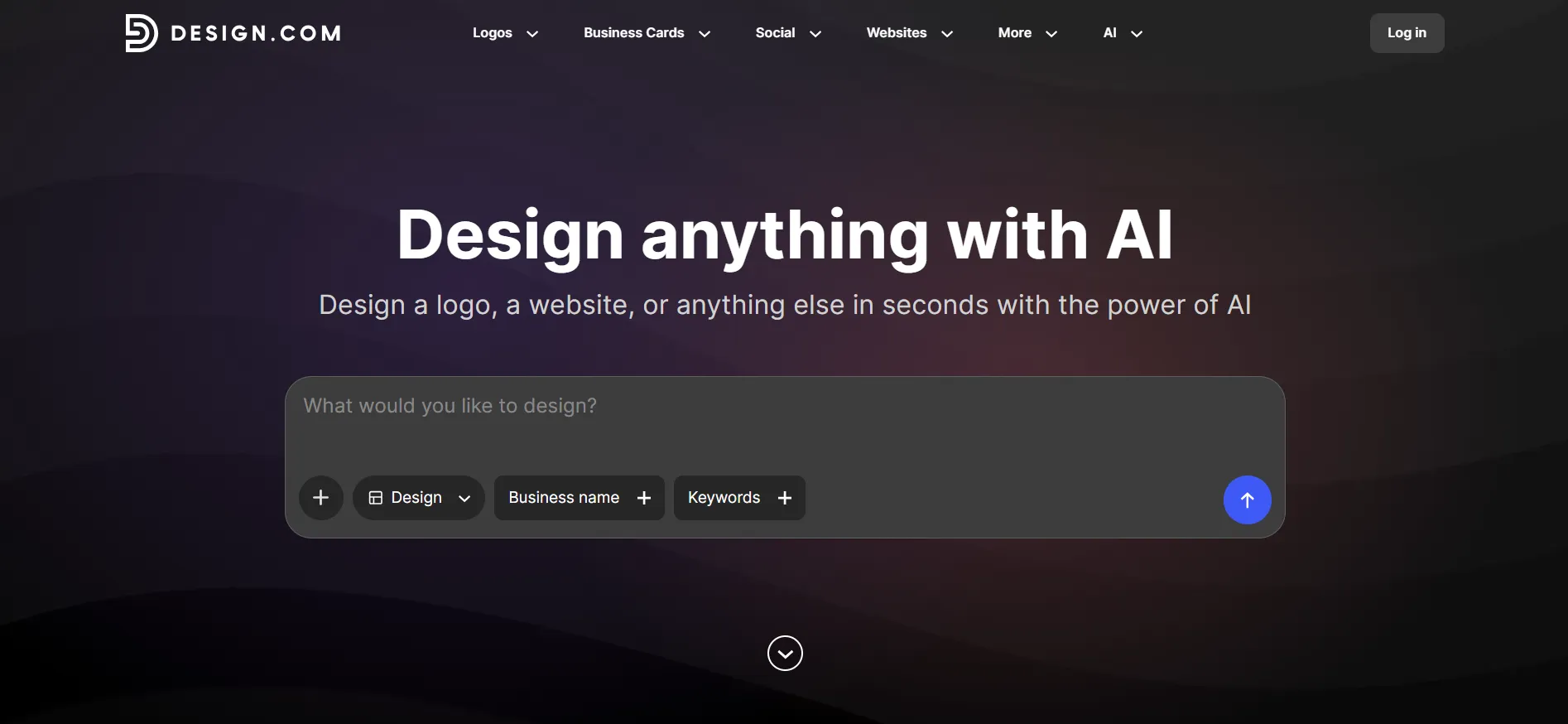
You can begin with your business name, explore designs, and adjust the fonts, colors, and layout. The platform also offers tools for related materials, including business cards, social graphics, flyers and websites. For someone searching for the best logo maker, that connection is useful: the logo becomes the starting point for the rest of the business identity.
Why Does It Suit Small Businesses?
Imagine you are opening a small gardening business. You need a logo for your van, a card to leave with customers and a profile image for your business page.
You could make each item in a different app. But you would then have to keep track of the colours, fonts and logo versions yourself.
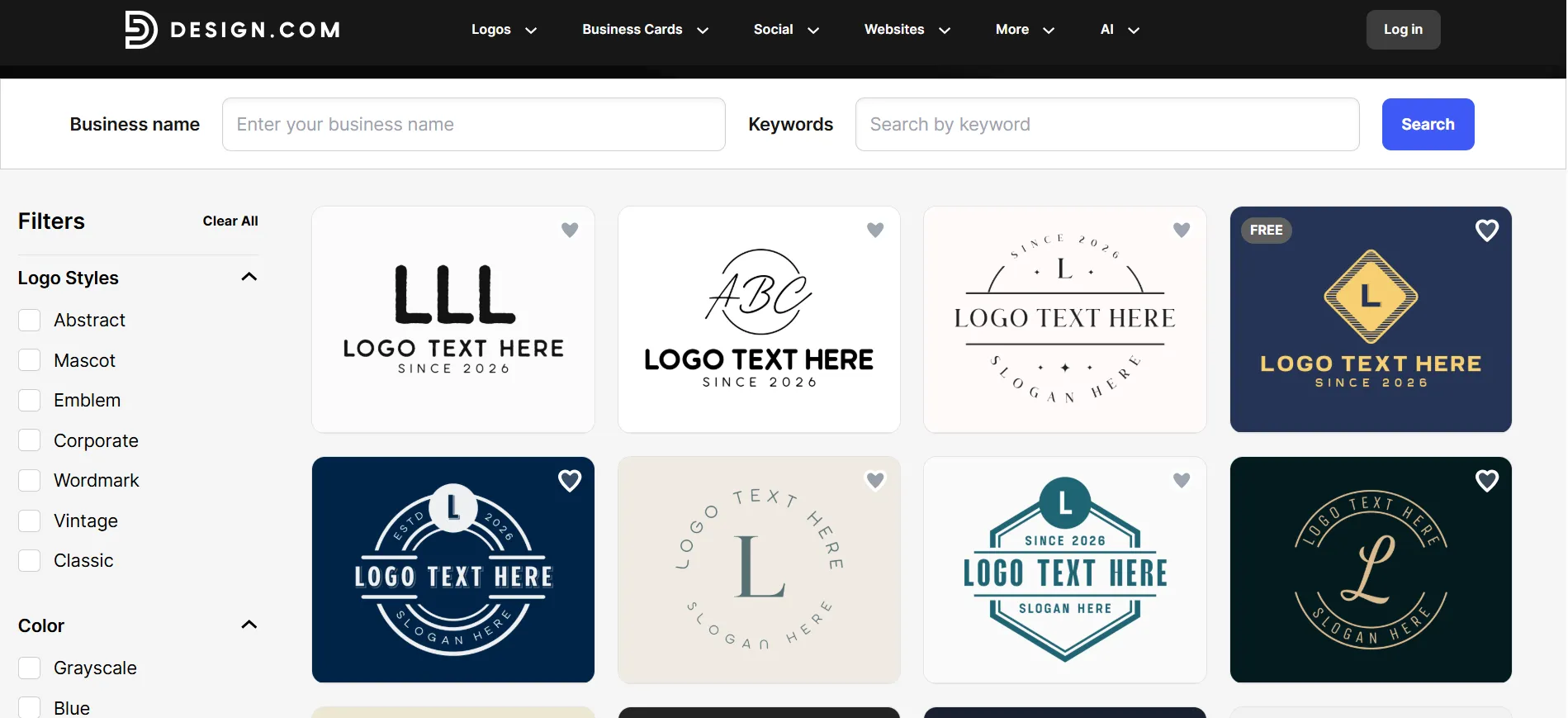
A platform that covers those materials gives you a simpler place to begin. You can spend more time checking the finished designs and less time moving files between tools.
There is still some judgment involved. A detailed illustration might suit a leaflet but disappear in a tiny profile picture. Keep a simpler version available, and check your business name before committing to a layout.
What Does Design.com Cost?
Design.com offers a free option and three paid plans with the following monthly prices when billed annually:
Free: $0/month
Starter: $3/month
Value: $4/month
Premium: $5/month
Paid packages include SVG, EPS, PDF, PNG and JPG logo files. The subscription covers one selected logo and variations of it. A different logo requires another purchase. Annual prices and offers can differ.
What Can You Get for Free?
Design.com offers selected free logos, alongside free browsing and customisation. Its FAQ distinguishes these from designs created with paid AI tools, which require an upgrade to download.
Pros
- Covers logo creation and related business materials.
- Paid packages include several useful file formats.
- Suitable for both digital and print branding.
Cons
- Paid packages use recurring subscriptions.
- A subscription does not cover unlimited separate logos.
Best for: A new business preparing its logo, cards and launch materials together.
2. BrandCrowd: Best for Exploring Different Logo Styles
BrandCrowd is worth considering when you have a business name but have not settled on a visual direction.
Its logo tools let you explore designs and customise details before purchasing. Paid downloads include formats suitable for digital and print use.
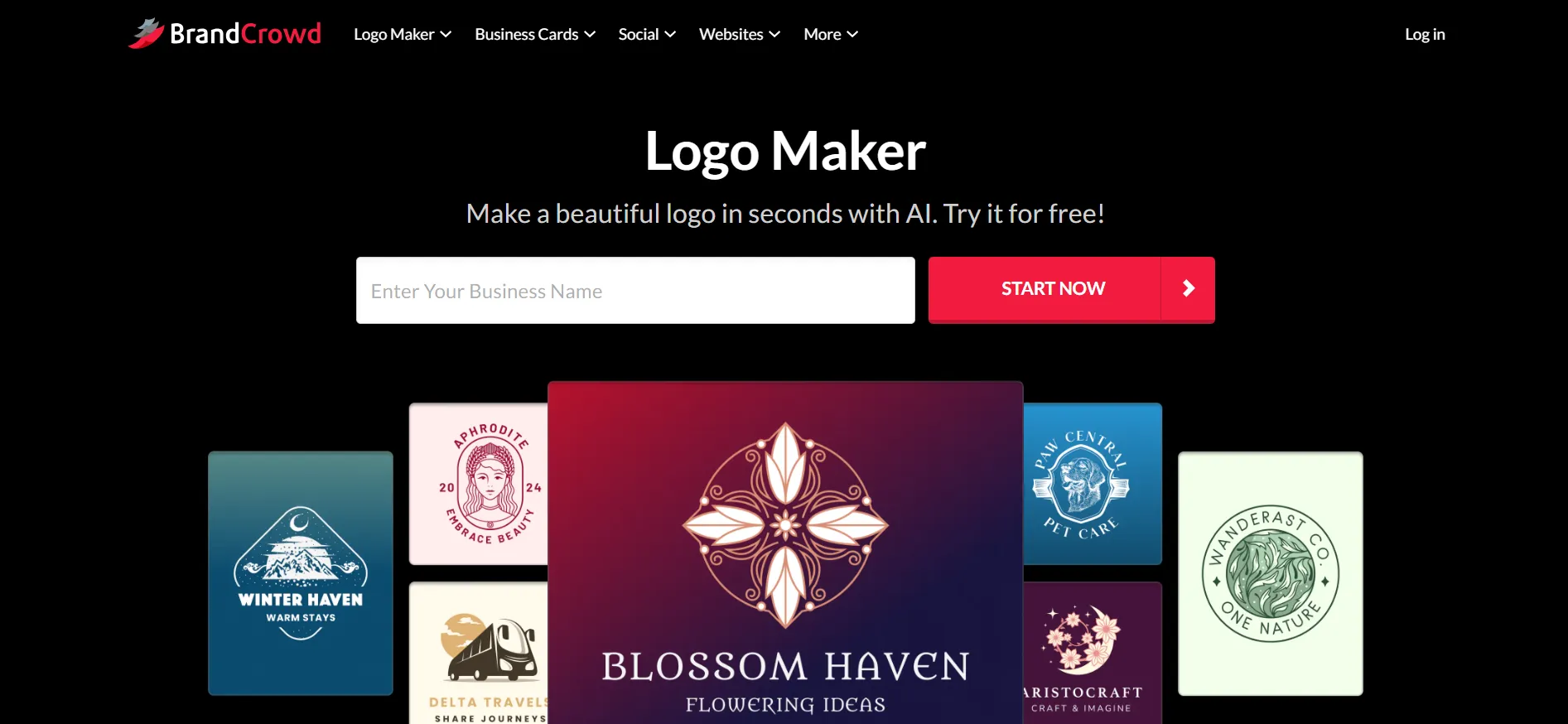
For a small business owner, the useful approach is to narrow the choices early. Compare a few simple designs rather than saving dozens of similar ones. Look at the lettering first: customers need to recognise the name, even if the icon catches their attention.
Pricing and Free Access
Creating and previewing designs is free.
Paid downloads require a purchase.
Check the current price, billing period and included files at checkout.
A single current public price was not verified, so older prices from comparison blogs should not be treated as a quote.
Pros
- Useful for comparing different visual directions.
- Customisation is available before purchase.
- Paid files support business use across different materials.
Cons
- Downloading premium designs requires payment.
- A large selection can make choosing slower.
Best for: Owners who want to explore styles before choosing.
3. Looka: Best for Guided Logo Creation
Looka suits owners who would rather respond to suggested designs than build a logo from a blank page.
You can create, edit, preview and save designs for free. Payment is required to download and use the purchased assets.
Pricing
Basic Logo Package: $20, with one PNG file.
Premium Logo Package: $65, with multiple files and variations.
Brand Kit: $96/year.
Brand Kit Web: $129/year.
The annual Brand Kit packages are separate from the one-time logo options.
Pros
- Free previews before paying.
- One-time logo packages are available.
- Brand Kit options cover additional materials.
Cons
- The Basic package contains only one PNG.
- Brand Kit access adds an annual cost.
Looka allows refund requests within seven days only when files have not been downloaded or emailed.
Best for: Owners who want guidance and a choice between logo-only and branding packages.
4. LogoAI: Best for Logos and Animated Brand Content
LogoAI’s current offering includes a logo maker, AI Brand Kit, logo animations and brand videos.
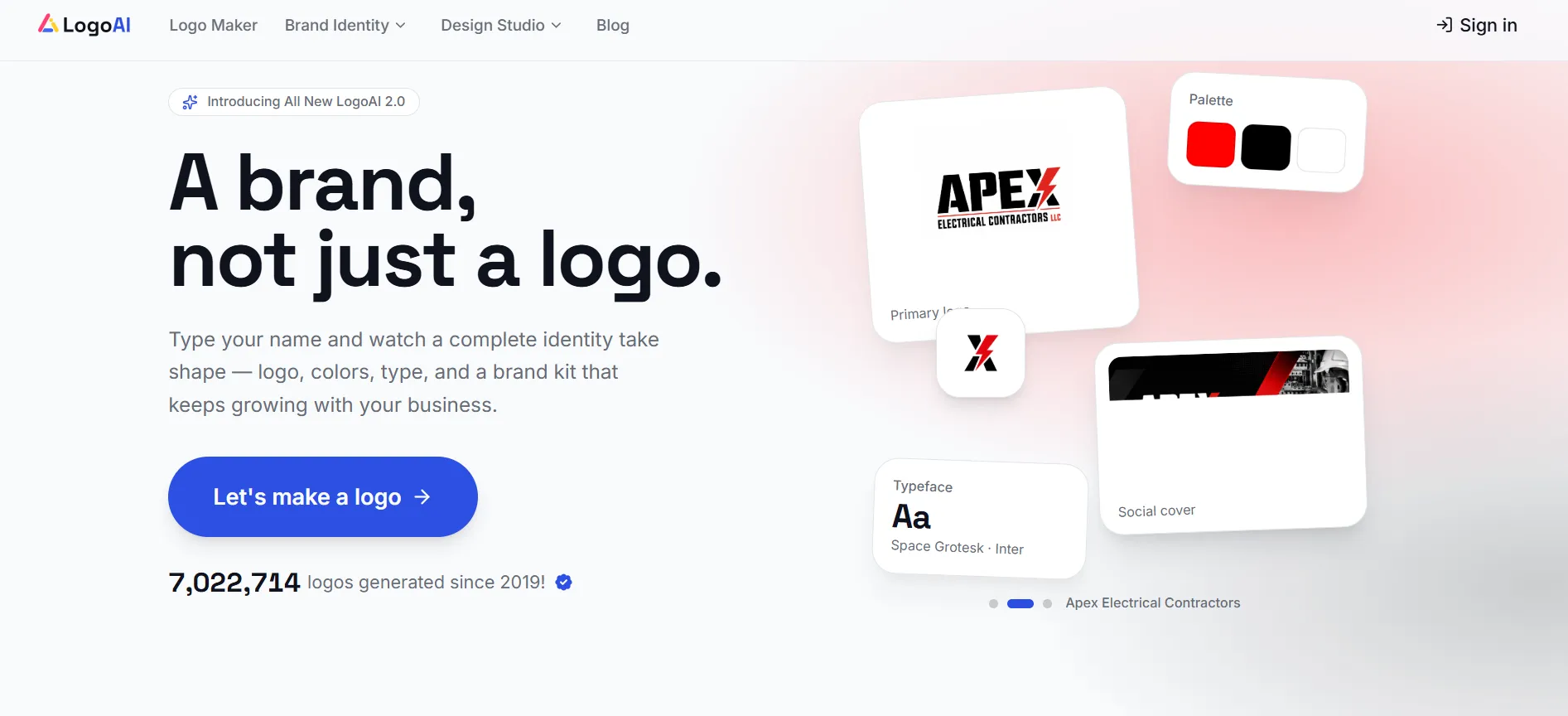
That makes it worth comparing if your business needs moving content as well as a static logo. For a shop sign or invoice, however, your priority should still be the ordinary logo files.
Pricing and Trial
Seven-day paid trial: $10, with 200 AI credits.
Pro: $20/month, with 500 credits per month.
The trial renews into Pro unless cancelled.
Downloads are included, but formats and advanced tools can vary by feature. Some functions use credits.
Pros
- Combines logo and animated branding tools.
- A short paid trial is available.
- Current pricing explains the renewal cost.
Cons
- The trial is not free.
- Credit limits affect AI use.
Best for: Businesses that want logos alongside animation or video assets.
5. Wix Logo Maker: Best for Businesses Building on Wix
Wix Logo Maker is a practical option if your business website is already on Wix.
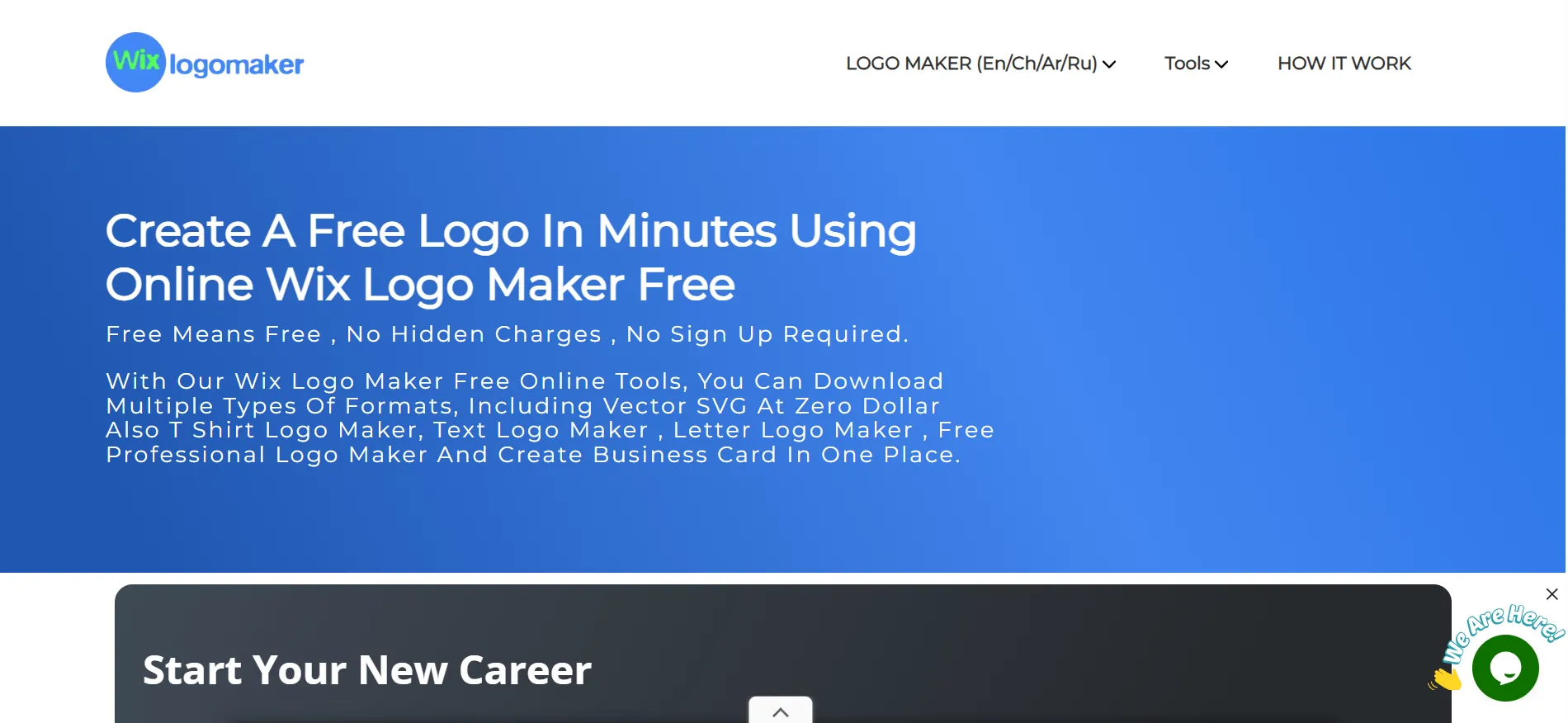
The important choice is the package. A basic logo purchase does not include everything available through the higher plans.
Pricing and Free Access
Wix offers one-time Basic, Advanced and Brand Plus logo plans:
Basic: PNG logo files.
Advanced: Adds scalable SVG files and other formats.
Brand Plus: Adds Brand Kit features and broader editing.
Brand Plus is not available to everyone. Check the current price in your account. A free sample download lets you review the design before buying.
Pros
- Convenient for existing Wix users.
- One-time logo purchases are available.
- Higher packages offer additional branding assets.
Cons
- Basic does not include SVG files.
- Brand Kit access depends on the package.
Wix describes logo-only purchases as non-refundable in its help documentation. Review the purchase terms before downloading.
Best for: Businesses keeping their website and logo work within Wix.
6. Canva: Best for DIY Logos and Everyday Marketing
Canva is a useful choice if you want to make the logo yourself and continue using the same tool for posts, flyers and presentations.
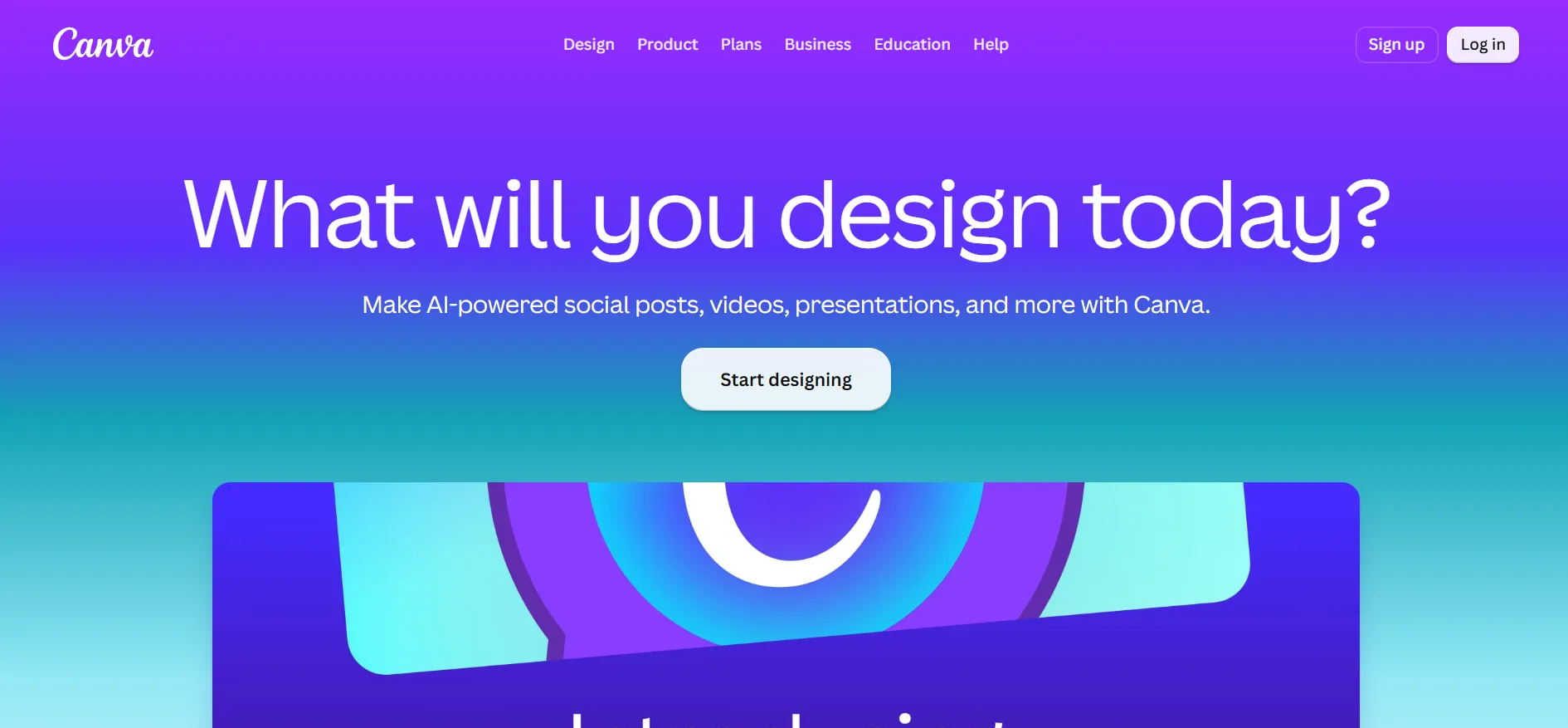
It is especially practical when you already have some original artwork or a clear idea of the lettering you want.
Pricing and Free Access
Free: $0.
Pro: $144/year for one person.
Business: $250/year per person.
The current Free plan includes a limited Brand Kit with three colours. Pro includes five Brand Kits, while Business includes 100 and approvals. Trial offers are available; check your account’s terms.
Pros
- A usable free design workspace.
- Covers many marketing formats.
- Can store and reuse existing brand assets.
Cons
- Requires more hands-on design decisions.
- Some tools and content need a subscription.
Canva explains that most stock Free and Pro content cannot be used in a trademark, with limited exceptions.
Best for: Owners who want one tool for ongoing design work.
7. Adobe Express: Best for Simple Logos and Broader Design Tasks
Adobe Express offers a free logo tool within a larger design platform. It suits businesses that also need straightforward image, video and document editing.
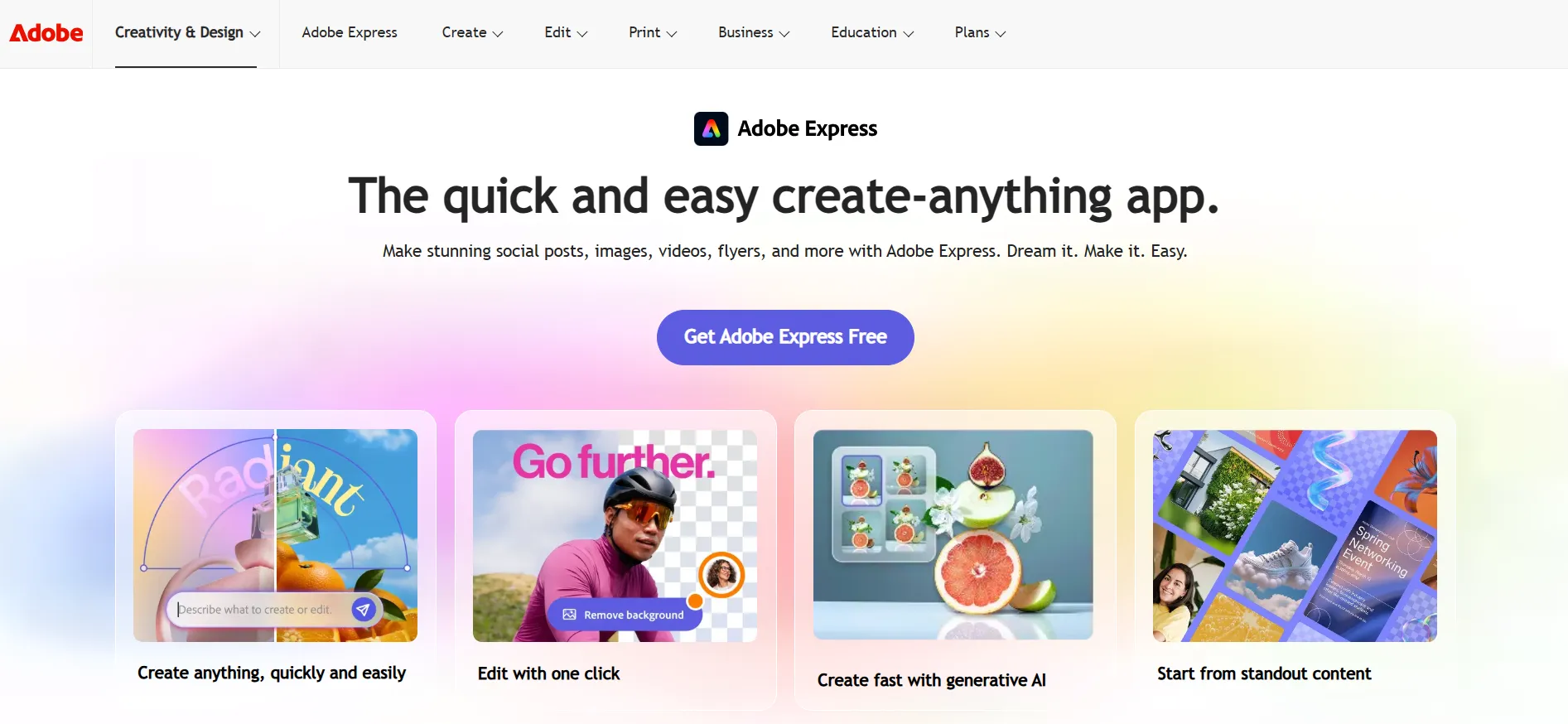
If you already use Adobe products, it is a sensible option to compare before adding another subscription.
Pricing and Trial
Free: $0.
Premium: $9.99/month.
Premium trial: 30 days on the current US offer.
Premium includes brand kits and additional design features. The subscription renews after the trial unless cancelled.
Pros
- Free access to basic design tools.
- Useful beyond logo creation.
- Premium includes brand management features.
Cons
- Premium assets and tools cost extra.
- A general design app may require more manual work.
Best for: Small businesses needing a simple logo and a wider design toolkit.
8. Tailor Brands: Best for Guided Branding and Business Tools
Tailor Brands offers guided logo creation alongside other business services.
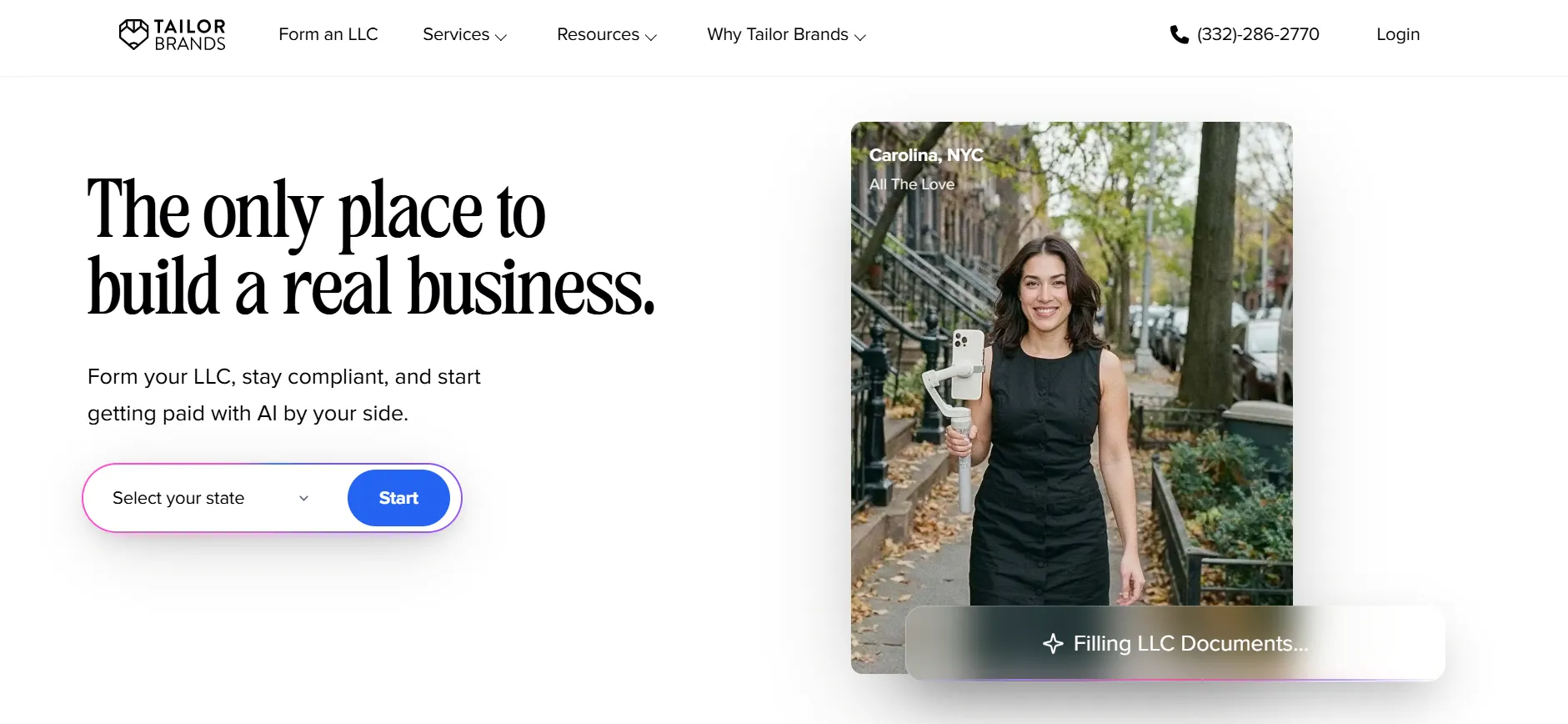
It may suit an owner who wants to explore several setup tasks in one place. Keep those purchases separate in your mind, though. A logo package and a business formation service solve different problems.
Pricing and Free Access
You can explore logo creation before purchasing. Check the current logo package price inside Tailor Brands rather than relying on prices for its other services.
Pros
- A guided starting point.
- Offers business services beyond logos.
- Useful for owners comparing several setup tools.
Cons
- Different services can involve separate costs.
- Logo package details need checking.
Best for: Owners who want guided branding alongside other business tools.
9. Brandmark: Best for a One-Time Branding Purchase
Brandmark is worth considering if you prefer a one-time payment.
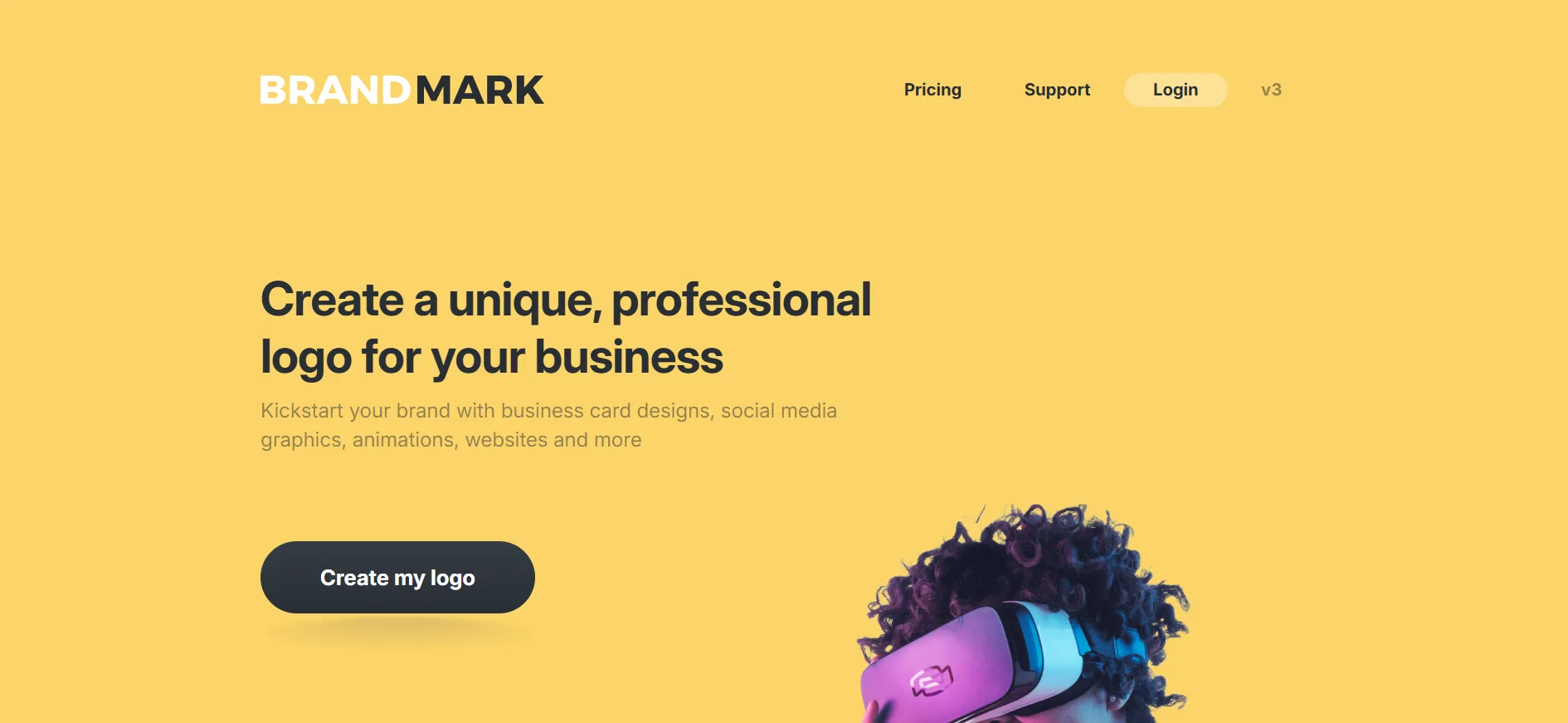
Its packages range from logo files to a broader collection of branded materials.
Pricing
Basic: $35, with PNG and vector files.
Designer: $95, adding source files, brand guidelines and other assets.
Enterprise: $195, adding up to ten handcrafted concepts and a font download.
Logo generation is free; purchasing provides the package assets.
Pros
- Clear one-time prices.
- Vector files are included in Basic.
- Higher packages include supporting brand materials.
Cons
- Free generation does not mean free final assets.
- The cheapest package lacks the broader branding collection.
Best for: Businesses wanting logo files without a recurring logo subscription.
10. LOGO.com: Best for Straightforward Logo Creation
LOGO.com offers a focused starting point for owners who want to create a logo without taking on a large design project.
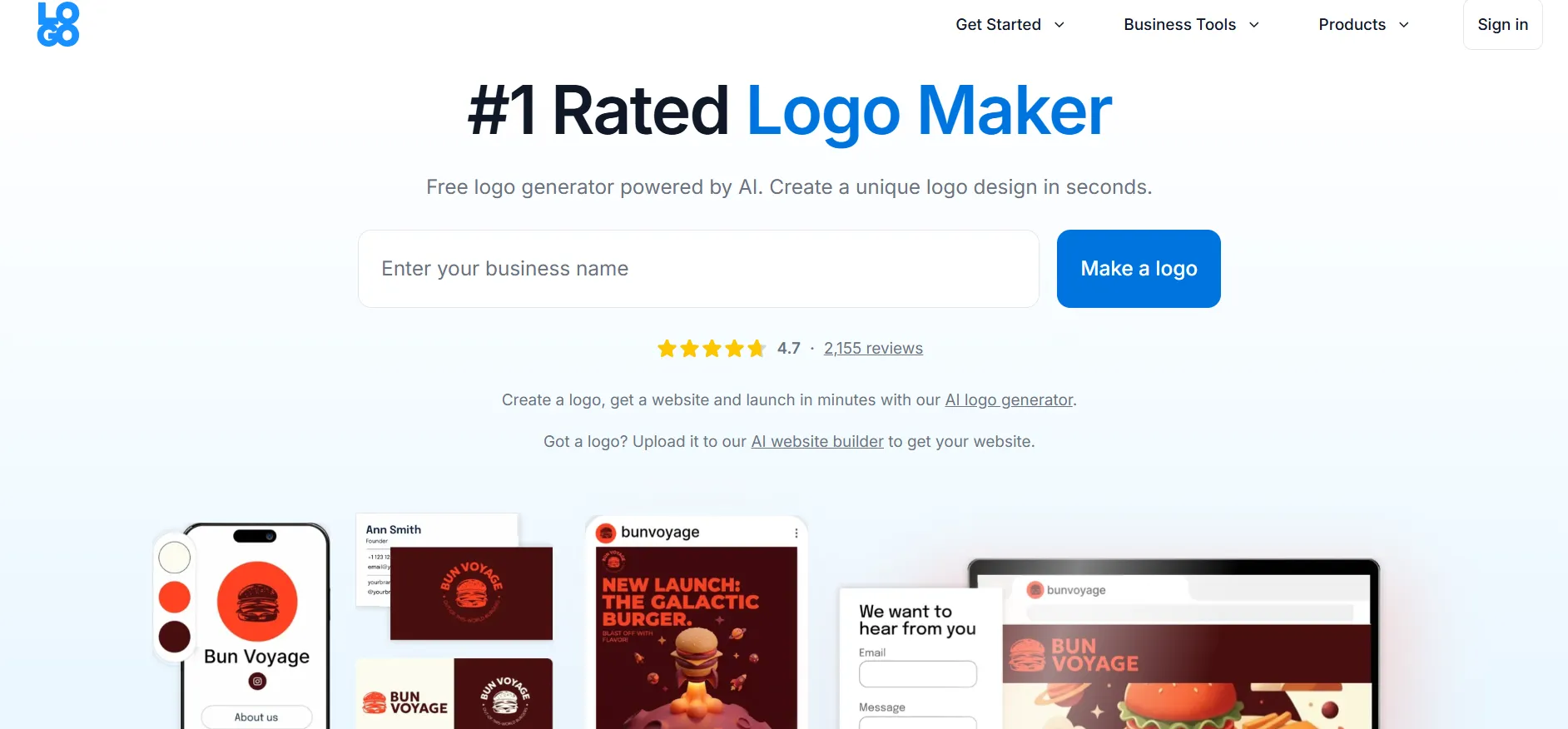
Its free and paid options are worth comparing, but pay close attention to which files your chosen plan includes.
Pricing and Free Access
LOGO.com’s published pricing references have shown differing plan names and amounts. Confirm the live checkout price, renewal charge and download limits before subscribing. Its official product reference is a useful starting point.
Pros
- A focused logo creation service.
- Free and paid routes are available.
- Suitable for comparing a simple initial design.
Cons
- Published pricing needs checkout confirmation.
- File access and limits depend on the plan.
Best for: Entrepreneurs prioritising a straightforward creation process.
Should You Choose a Free or Paid Logo Maker?
A free option can be enough when the files and licence cover your needs.
Before paying, try placing the logo on a real document. Put it at the top of an invoice or inside a small social profile circle. You may discover that the lettering needs changing before you spend anything.
A paid package becomes more useful when you need:
Scalable files for signage or printing.
Several versions for different backgrounds.
More editing access.
Business cards or related branded assets.
A larger set of download formats.
Buy for the work you have planned. There is little value in a large package of materials you will never use.
How Can You Check a Logo Before Downloading It?
Keep the check simple.
Make it small. Can you still read the name?
Try a dark background. Does any part disappear?
View it in one colour. Does the design still make sense?
Check the spelling. Include the tagline and contact details.
Ask your printer about files. Confirm the format before paying.
Save a backup. Keep final files somewhere outside the design platform.
Show it to someone who has not watched you make it. Ask what they can read and what kind of business they think it represents.
FAQs: Best Logo Makers for Small Business
Design.com is our first recommendation for businesses needing a logo and related launch materials. Canva suits ongoing DIY content, while Brandmark offers clear one-time packages.
Yes, but check the download and licence. Some platforms provide usable free designs; others allow free creation but require payment for final files.
They are useful when the logo needs to scale for printing. Ask your printer which format they accept. Keep a transparent image version for everyday digital use too.
Not always. Looka and Brandmark offer one-time packages, and Wix has one-time logo plans. A subscription may make more sense if you regularly use the wider design tools.
Do not assume that buying a download makes every element exclusive. Review the licence and any available exclusivity options.
Often, but editing access varies. Check whether changes are allowed after downloading, whether the business name can change and whether an active subscription is required.
Quick Links:
Conclusion: Best Logo Makers for Small Business
Choose a logo maker around the places your logo will appear and the files those jobs require. Start with a few designs, check them at realistic sizes and read the package details before paying.
Design.com is our first choice for a small business building its logo and launch materials together. Its wider branding tools make it a useful starting point when the next task is a business card, flyer or social graphic.
