
WordPress Review 2026: Features, Pricing and My Verdict
WordPress Review searches often lead to one big question: is WordPress.com a good place to build a website in 2026? After looking at its current plans, hosting features, security tools, performance setup, design options, plugins, support, and ecommerce features, WordPress.com remains a strong choice for people who want WordPress without managing a separate hosting account.

WordPress.com is a managed WordPress hosting platform rated 4.5 stars with 2,000+ reviews. It offers lightning-fast, secure hosting with unmetered bandwidth and traffic on all plans, global CDN, automatic backups, AI website builder, premium themes, free domain for one year, and expert 24/7 support. Plans start at $2.75 per month on three-year billing.
Pros
- Unmetered bandwidth and traffic on all plans means no surprise overages or throttling, letting your site handle traffic spikes without extra costs or performance degradation.
- Global CDN included standard on every tier delivers lightning-fast load times to visitors worldwide, improving user experience and search rankings automatically.
- Comprehensive security with firewalls, encryption, brute-force protection, and DDoS defense built in, so your site stays protected without managing security patches yourself.
- Free custom domain for one year with all paid plans makes launching your site affordable, and domain extensions like .com, .org, and .net start at competitive rates.
Cons
- Renewal rates jump significantly higher after the promotional WordPress coupon code term expires, turning budget-friendly first-year pricing into premium long-term costs.
- Lower tiers restrict plugin installation and theme customization compared to self-hosted WordPress, limiting advanced modifications and developer control on Personal and Premium plans.
WordPress.com is more than a blogging platform today. It provides managed WordPress hosting, website-building tools, themes, plugins, security, automatic updates, backups on higher plans, and ecommerce tools. You can start for free or move to a paid plan as your website grows.
The catch is that the best features are spread across different plans. Some users will find Personal or Premium enough, while businesses and online stores may need Business or Commerce. The price also becomes more important if you need advanced tools.
Here is my detailed WordPress.com review for 2026.
WordPress.com Review at a Glance: Quick WordPress Review Overview
Get a fast snapshot of WordPress.com’s core hosting features, pricing structure, plan options, and platform strengths for quick understanding in this comprehensive WordPress review.
Feature | WordPress.com |
|---|---|
Free plan | Yes |
Paid plans | Personal, Premium, Business, Commerce |
Enterprise | Custom pricing |
Hosting | Included |
Custom domain | Paid plans |
Plugins | All paid plans |
Free SSL | Yes |
CDN | Yes |
Automatic WordPress updates | Yes |
Backups | Advanced backups on Business and Commerce |
Staging | Business and Commerce |
Ecommerce | Commerce with WooCommerce |
24/7 support | Available, with priority support on Business and above |
Traffic limits | No traffic limits |
Best for | Blogs, creators, businesses, stores |
WordPress.com says its platform supports everything from small blogs to larger websites, with no traffic limits or overage fees. Its hosting service also includes a global CDN and automated scaling for traffic spikes.
What Is WordPress.com?
WordPress.com is a hosted WordPress platform operated by Automattic. Instead of buying hosting separately and installing WordPress yourself, you create your website on WordPress.com and use its hosting infrastructure.
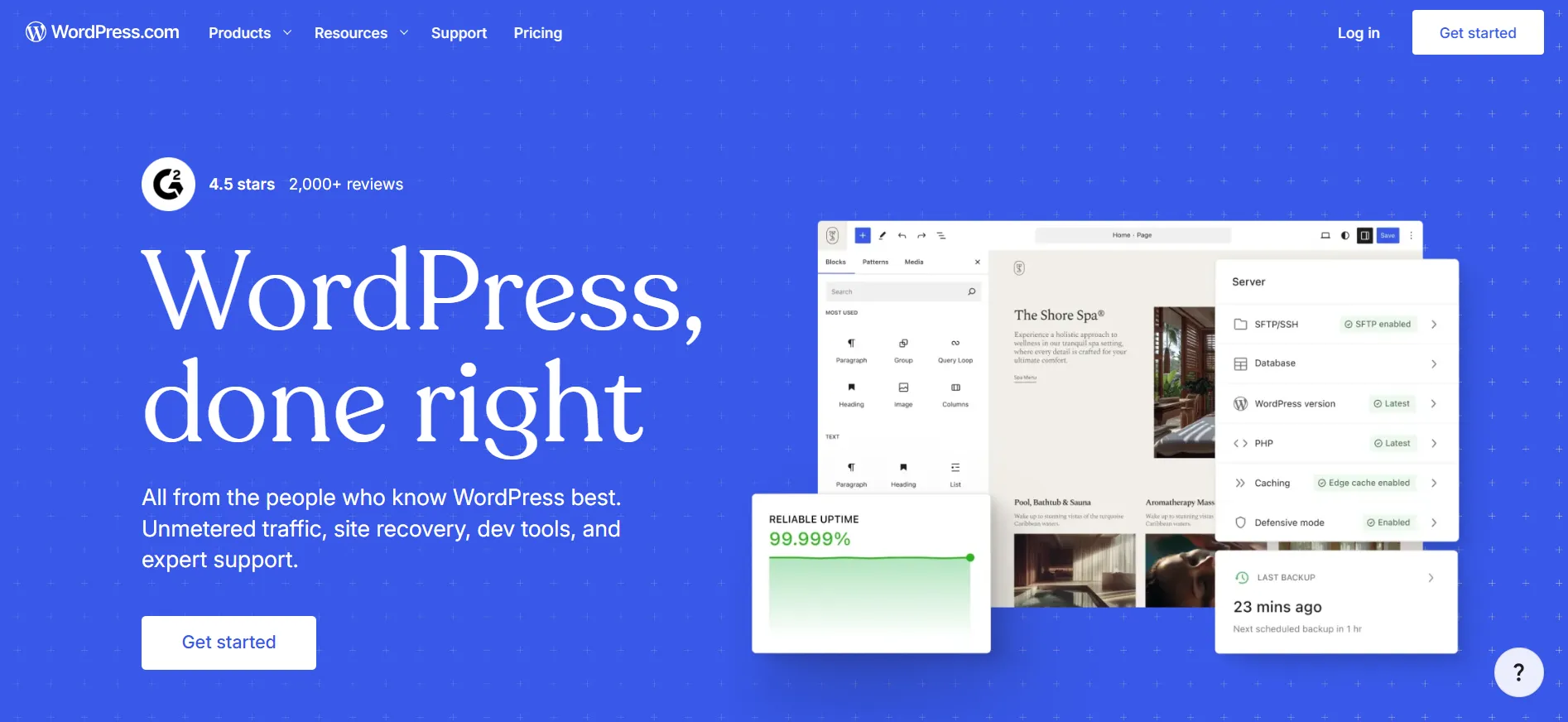
This distinction matters because many people confuse WordPress.com with WordPress.org.
WordPress.org is the open-source WordPress software that you can install on your own hosting account. WordPress.com takes that software and combines it with hosting, maintenance, security, support, and other services.
For someone who does not want to spend a weekend wondering why a plugin broke their website, that managed approach can be useful.
WordPress.com also says you own your content and data and can import a website from another platform.
WordPress Pricing 2026: Complete Plan Breakdown
See all WordPress.com hosting plan pricing and features compared in this WordPress review, covering Personal, Premium, Business, and Commerce tiers with monthly rates, annual billing savings, storage capacity, and what each plan includes.
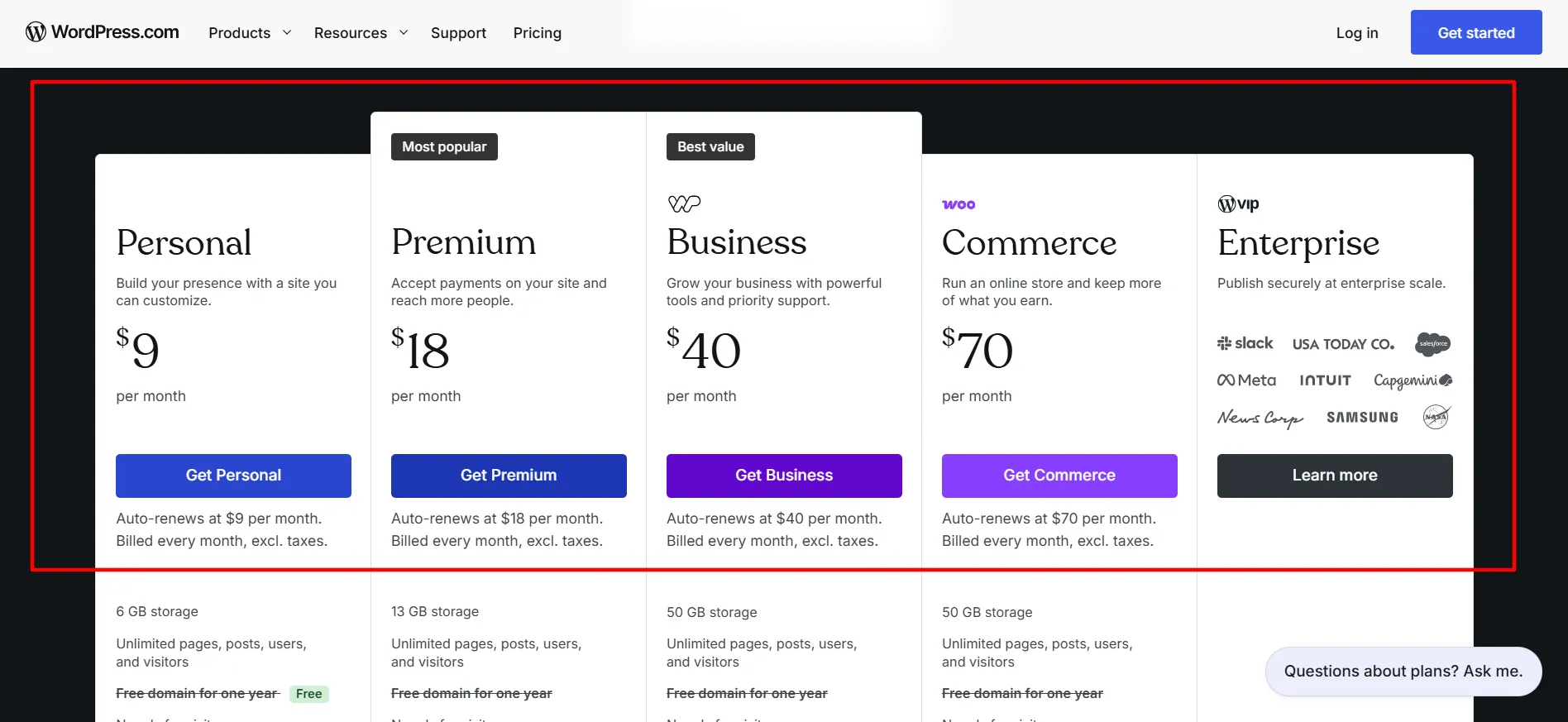
Plan | Monthly | Annual Equivalent | 2-Year Equivalent | 3-Year Equivalent |
|---|---|---|---|---|
Free | $0 | $0 | $0 | $0 |
Personal | $9/mo | $4/mo | $3.25/mo | $2.75/mo |
Premium | $18/mo | $8/mo | $6.50/mo | $5.50/mo |
Business | $40/mo | $25/mo | $20/mo | $17.50/mo |
Commerce | $70/mo | $45/mo | $36/mo | $31.50/mo |
The lower figures are monthly equivalents based on longer billing periods. WordPress.com bills the selected period upfront, and taxes can vary by country.
Free
The Free plan costs nothing and has no expiration date. It includes WordPress hosting, unlimited pages and posts, unlimited users, basic traffic statistics, themes, newsletters, security features, and 1 GB of storage.
Free sites display WordPress.com advertisements, and you use a WordPress.com address unless you upgrade and connect a custom domain.
Personal
Personal starts at $9 per month when paid monthly, or $4 per month with annual billing.
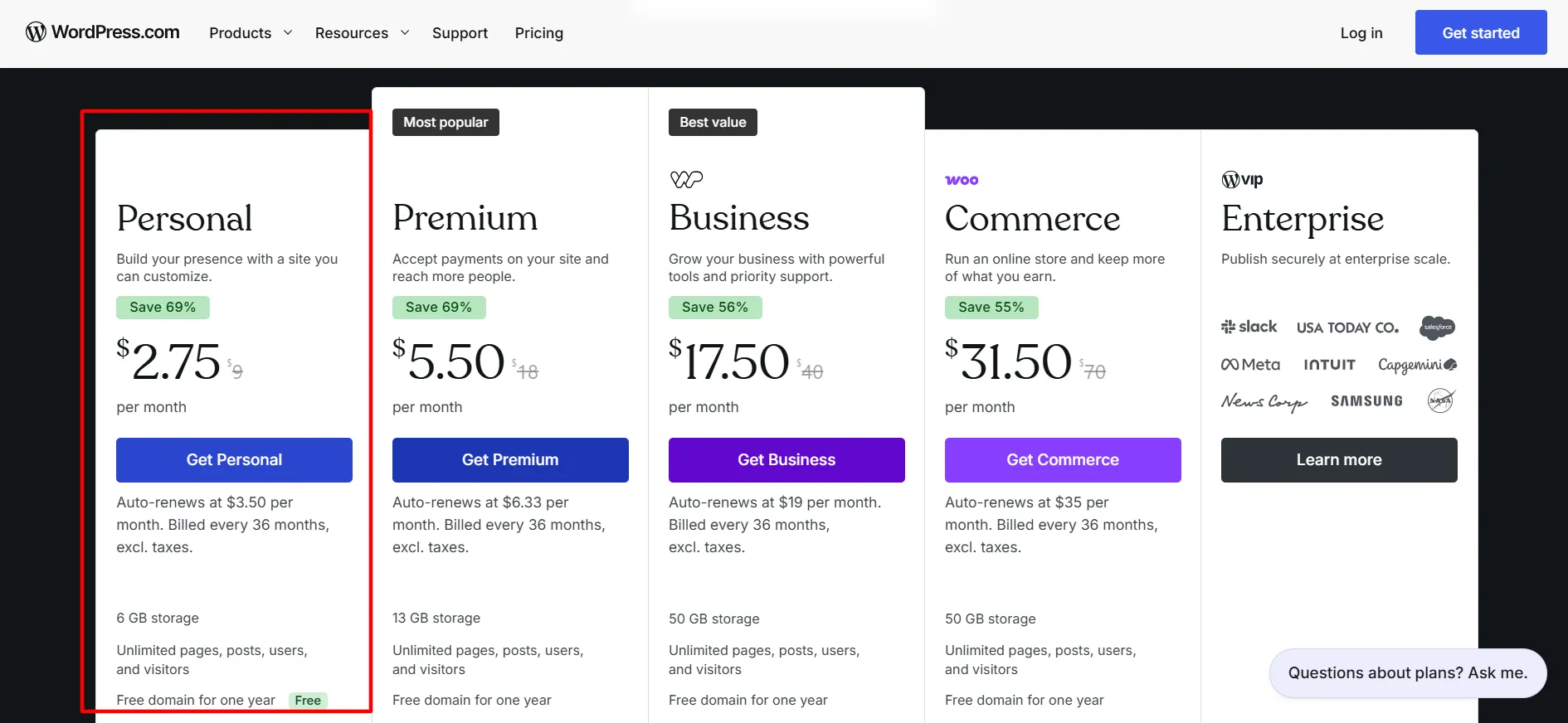
It gives you 6 GB of storage, a custom domain, an ad-free website, additional themes, plugin installation, theme uploads, CSS customization, audio uploads, and more detailed statistics. Annual, two-year, and three-year plans include a free domain for the first year.
Premium
Premium starts at $18 per month, with lower monthly-equivalent prices on longer billing periods.
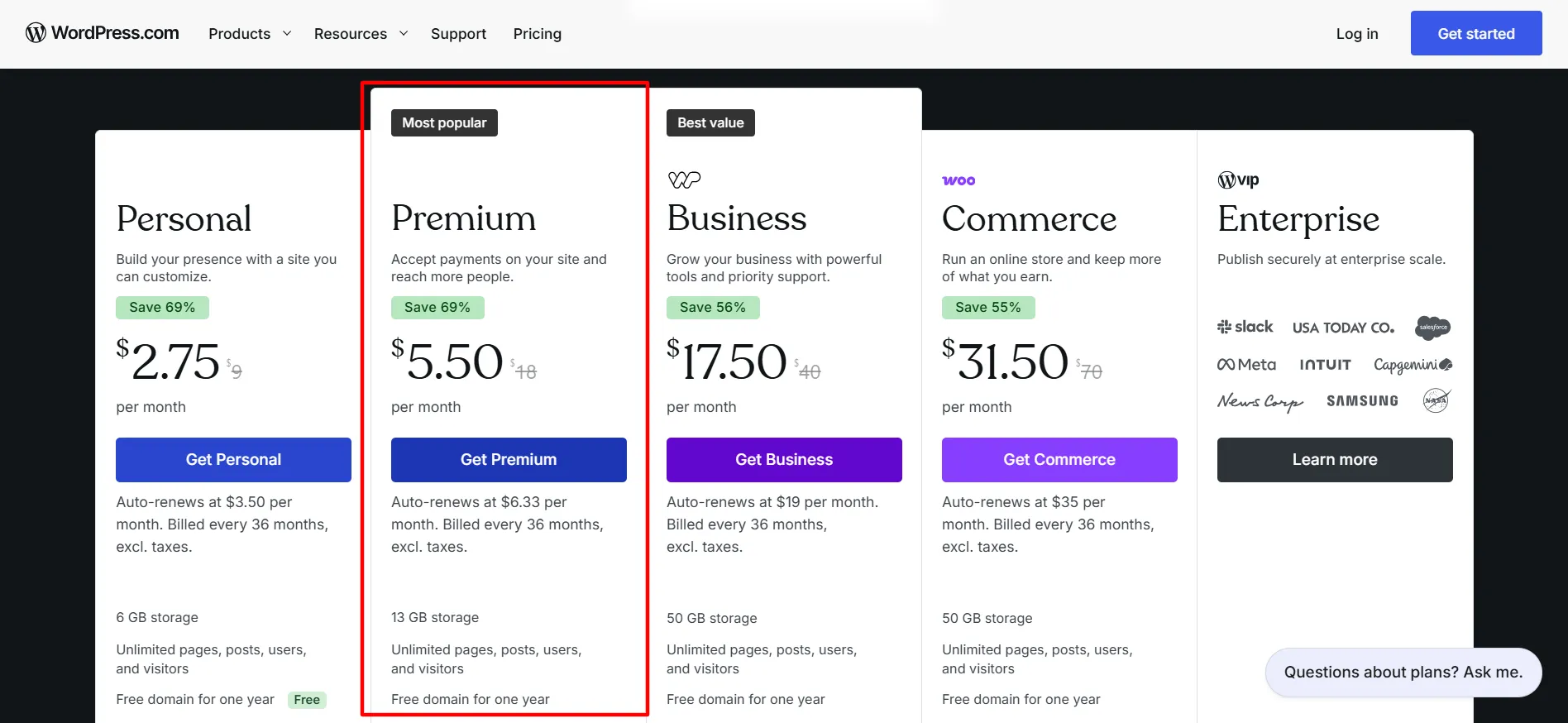
It increases storage to 13 GB and adds features such as premium themes, advertising tools, Google Analytics, advanced statistics, payment buttons, and video hosting.
Business
Business starts at $40 per month or $25 per month on annual billing.
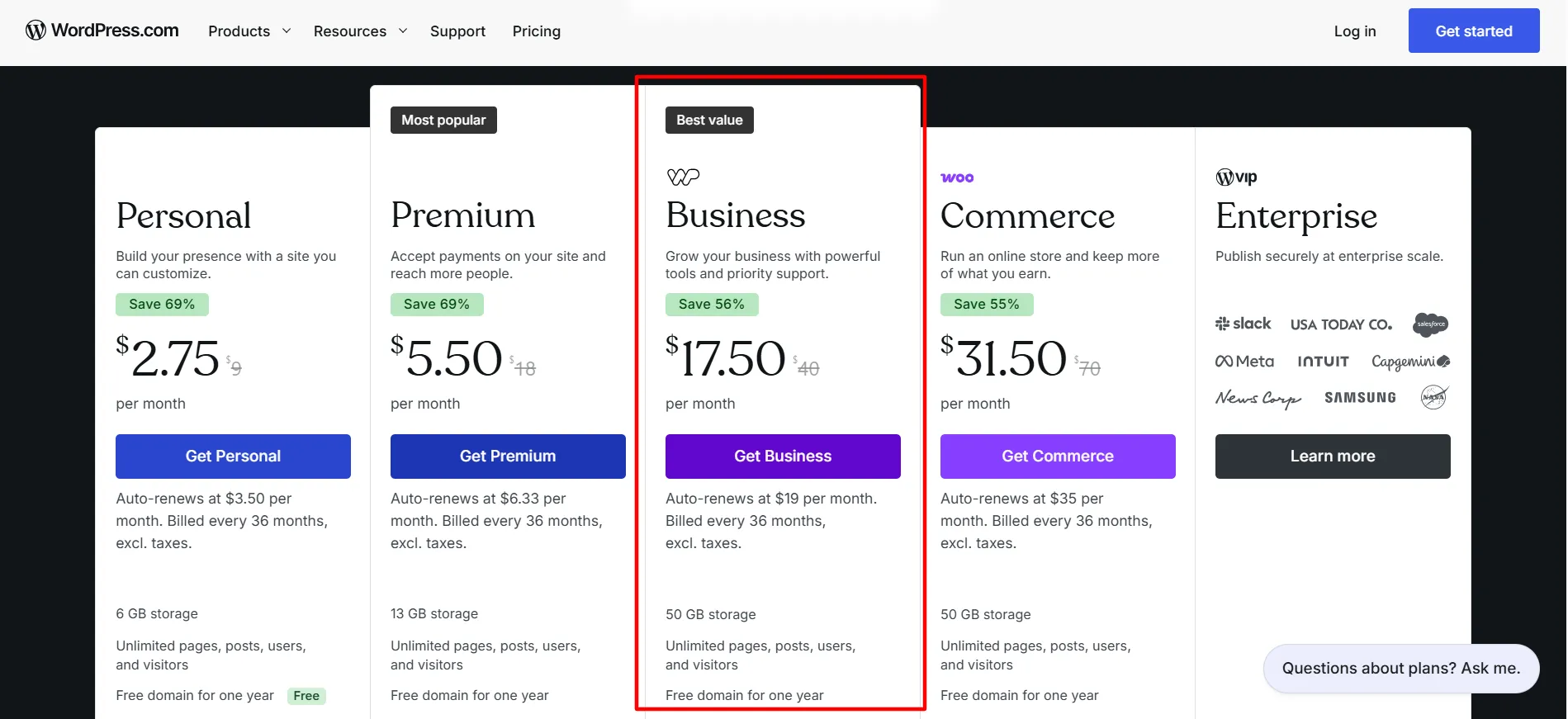
This plan adds 50 GB of storage, priority support, real-time backups, staging, SFTP/SSH, WP-CLI, GitHub deployments, database tools, custom code, VideoPress, and other business-focused features.
Commerce
Commerce starts at $70 per month or $45 per month on annual billing.
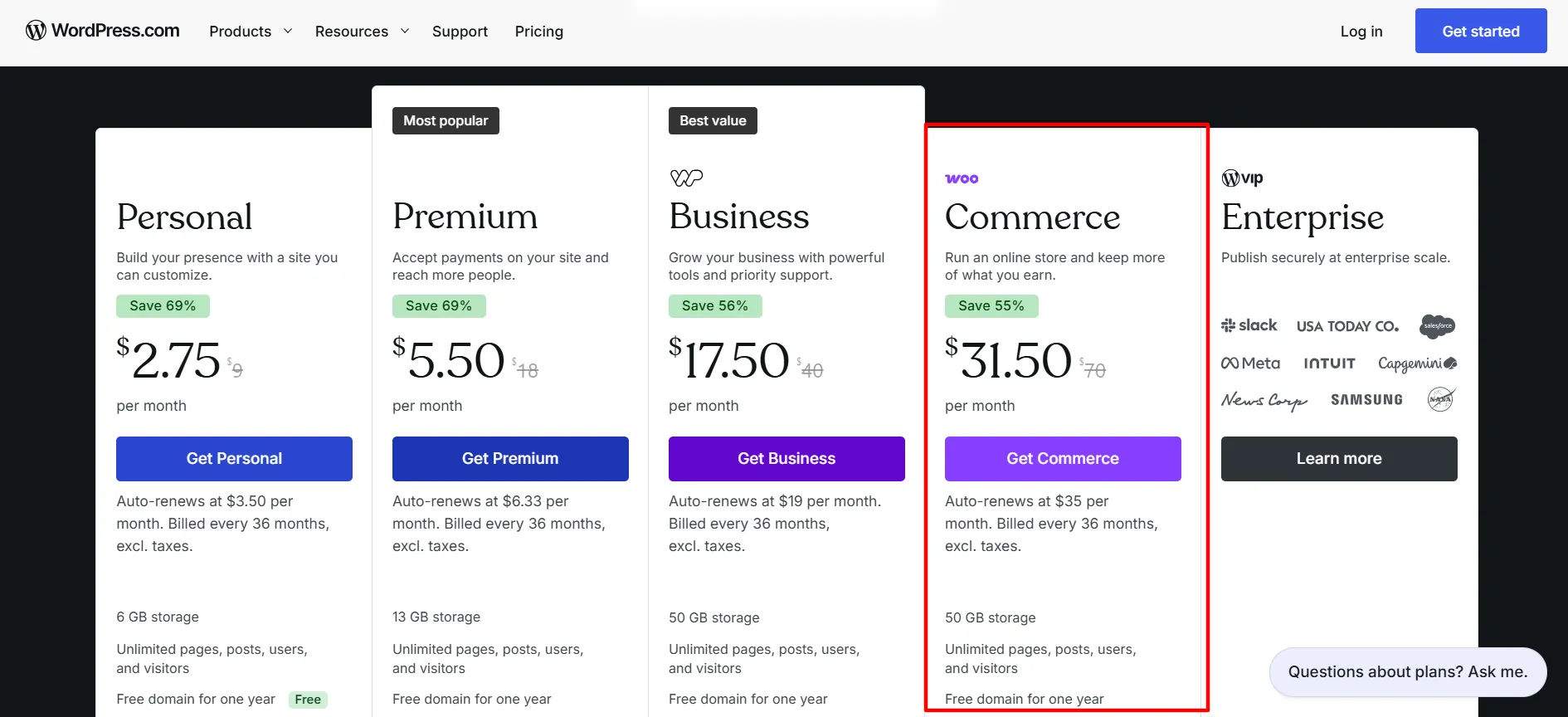
It includes the Business feature set and adds a WooCommerce-based online store with tools for products, payments, shipping, taxes, coupons, gift cards, analytics, and other ecommerce tasks.
WordPress.com Ease of Use
One of the strongest parts of WordPress.com is the setup process.
You do not have to purchase hosting from another company, install WordPress manually, configure an SSL certificate, or worry about basic server maintenance. Hosting and automatic WordPress updates are included across the platform.
The WordPress editor uses blocks, so you can build pages by adding and arranging content sections. Themes provide ready-made layouts, while paid plans give you more design and customization options.
WordPress.com also has a guided website builder. The current plans page says users can create and launch a site with a guided builder, including an AI-assisted site creation experience.
For beginners, this reduces the number of technical decisions required before publishing the first page.
Is WordPress.com Easy for Beginners?
Yes, especially if your priority is getting a website online rather than controlling every part of the server.
A beginner can:
Create an account.
Select a plan.
Choose a theme.
Set a site name.
Add pages and posts.
Connect a domain.
Publish.
You can still access more advanced WordPress features later, so the platform does not force you to remain at beginner level.
WordPress.com Themes and Design
WordPress.com offers themes and patterns that let you change the appearance of your website without building everything from scratch.
The Free plan includes themes and flexible editing. Paid plans open access to additional themes, while Premium and higher plans include more premium design choices.
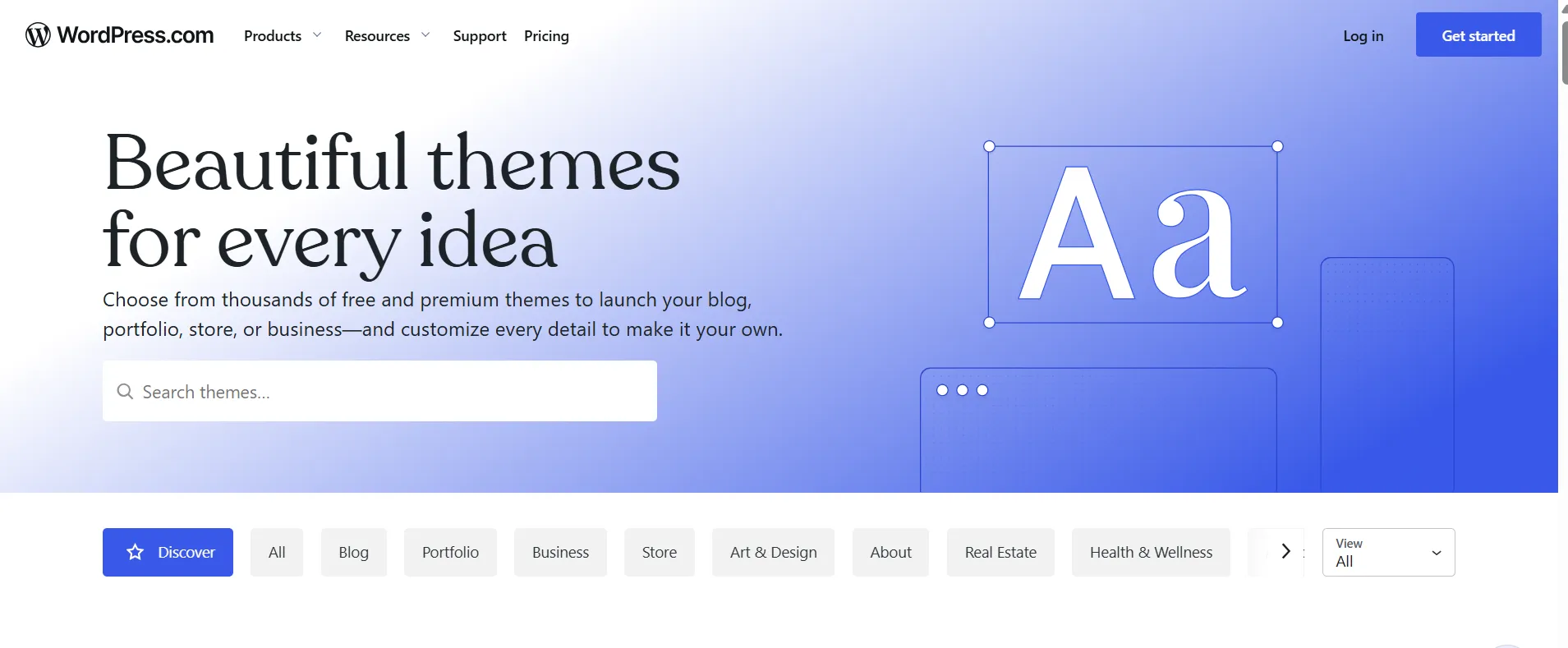
Personal also allows theme uploads, which gives you access to themes from outside the WordPress.com theme selection.
The block editor gives you control over page layouts, colors, typography, images, buttons, columns, and other content elements.
For most blogs, portfolios, service websites, and small company sites, that is plenty.
Users who want to make very specific design changes can also use CSS and, on suitable plans, custom code.
WordPress Plugins
Plugins are one of the reasons WordPress remains so flexible.
WordPress.com now allows plugin installation on all paid plans: Personal, Premium, Business, and Commerce. The platform says its marketplace contains more than 60,000 plugins. You can also upload plugins directly to your website.
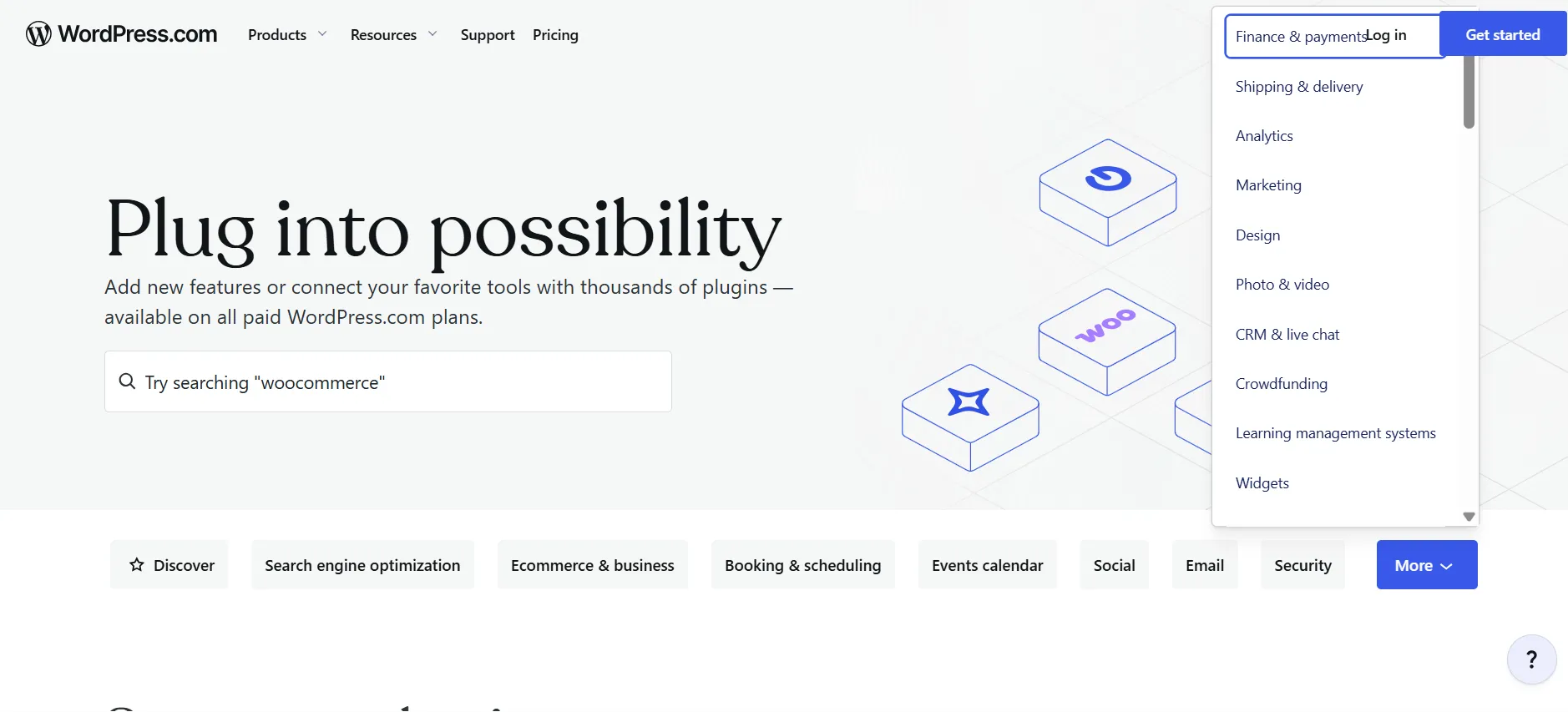
That means Personal users do not need to jump straight to Business just because they want plugins.
You can add plugins for SEO, forms, ecommerce, memberships, courses, analytics, newsletters, and many other purposes.
There are some restrictions. WordPress.com does not allow certain plugins that can cause problems for websites hosted on the platform.
For most website owners, this is unlikely to become a major issue. Developers who need unusual server-level configurations should check compatibility before committing.
WordPress.com Performance
Performance is another strong part of the service.
WordPress.com says its hosting uses WordPress-optimized infrastructure, caching, a built-in CDN, image optimization, and automated burst scaling. Its CDN distributes content across servers around the world, while images can be delivered in WebP format to reduce file sizes.
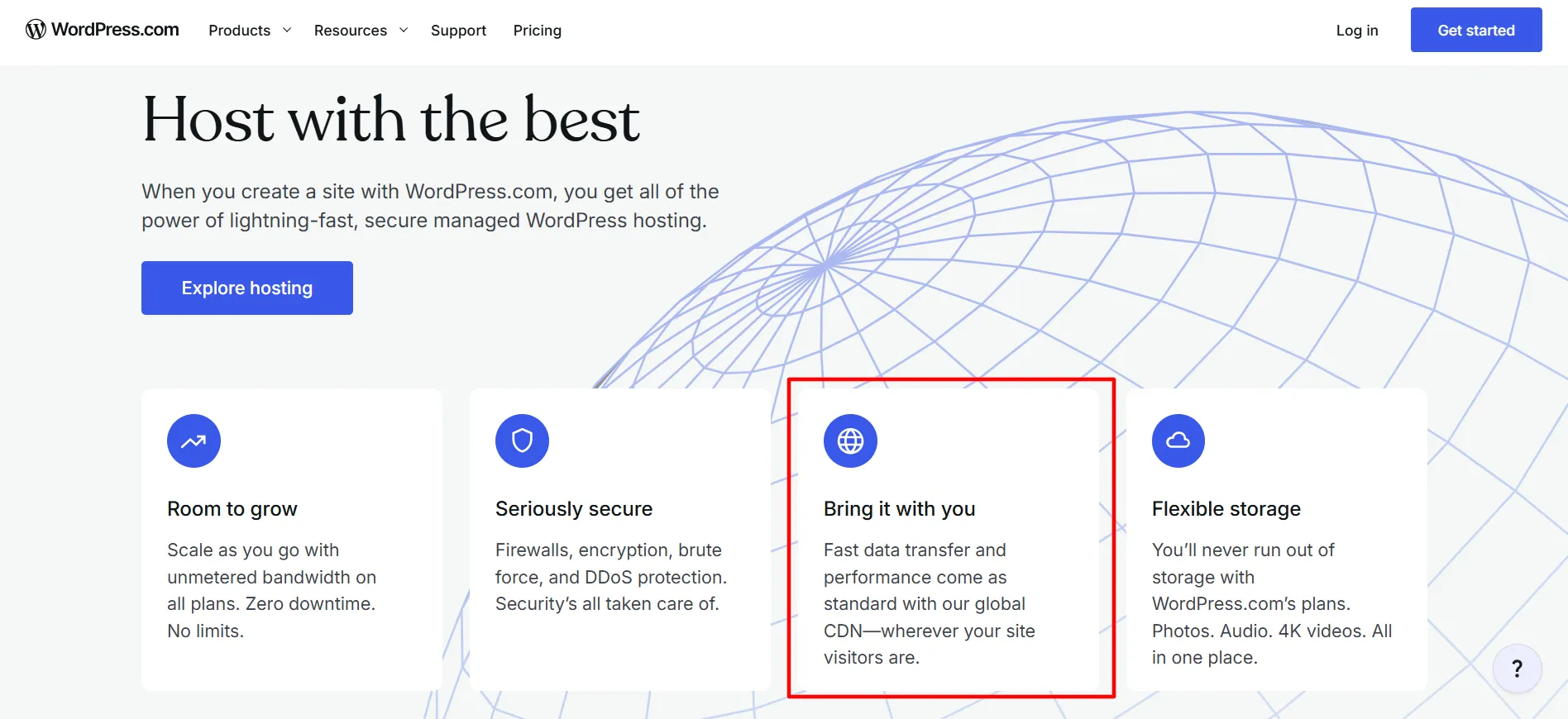
The platform also says its hosting has a global CDN spanning more than 28 data centers across six continents.
This is useful for websites with visitors in different countries.
There is still a catch: hosting cannot fix every performance problem. Large images, excessive plugins, external scripts, third-party advertisements, and poorly coded themes can slow down a website. WordPress.com itself recommends keeping images optimized and removing plugins you do not need.
So WordPress.com gives you a good technical foundation, but your content and plugins still matter.
WordPress.com Security
Security is another area where managed hosting saves website owners work.
WordPress.com automatically updates WordPress software, provides free SSL certificates, runs security scans, uses firewalls, monitors suspicious activity, and provides protection against attacks such as DDoS and brute-force attempts.
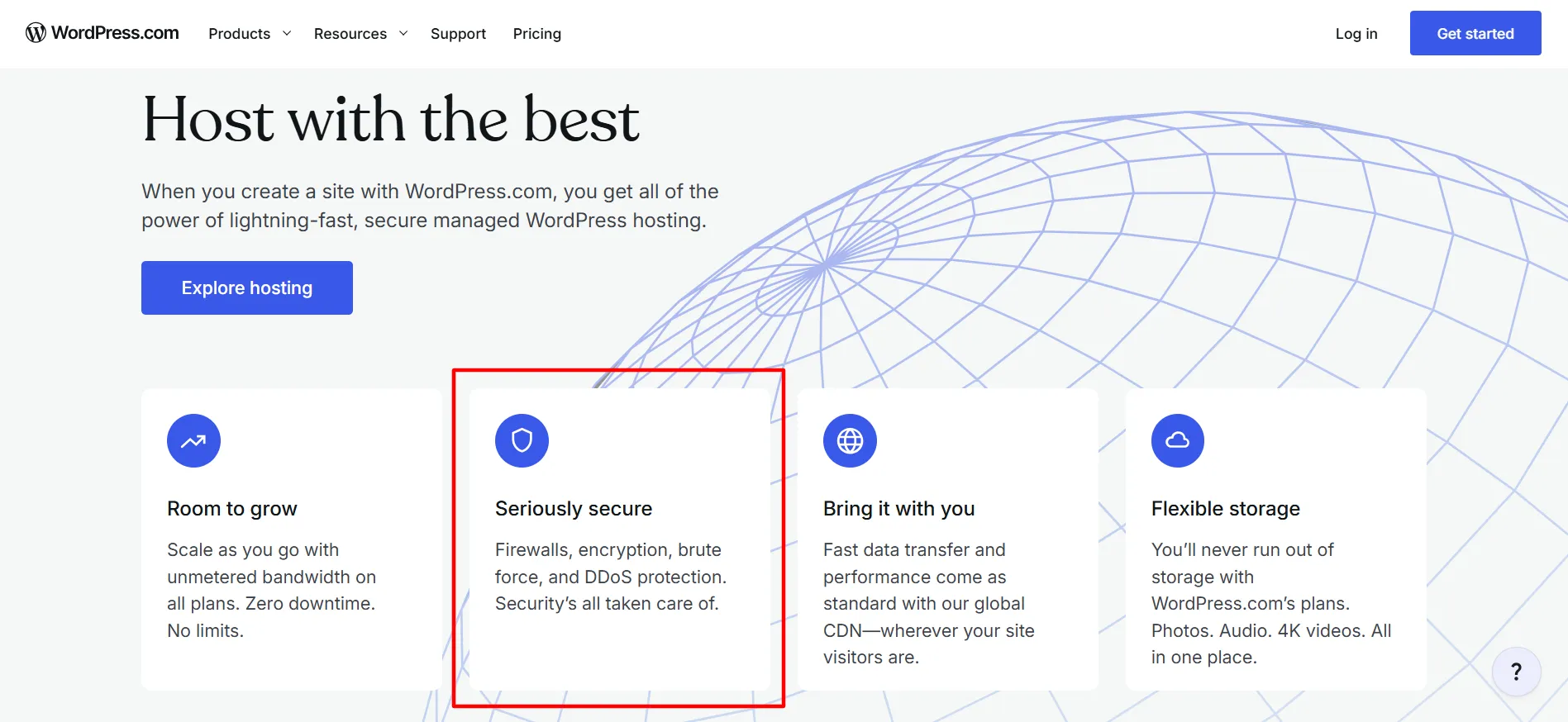
The platform also runs daily scans through Jetpack Scan for dangerous plugins, themes, malware, and vulnerabilities.
This does not make any website impossible to hack. No hosting service can promise that. But having these protections built into the platform means you do not have to assemble the same security stack yourself.
For beginners and small businesses, that can remove quite a bit of maintenance work.
WordPress.com Backups
Backups are available on the Business and Commerce plans.
WordPress.com uses Jetpack VaultPress Backup, and backups run at least every 24 hours. They can run more often when the website changes frequently. Eligible users can restore from backups made during the previous six months.
This is a useful feature for business websites where losing recent content could create a serious problem.
Personal and Premium users should pay attention to this limitation because advanced dashboard-accessible backups are not included with those plans.
Staging and Developer Tools
WordPress.com is not only for beginners.
Business and Commerce customers get staging sites, allowing them to clone a website and test theme or plugin changes before applying them to the live site.
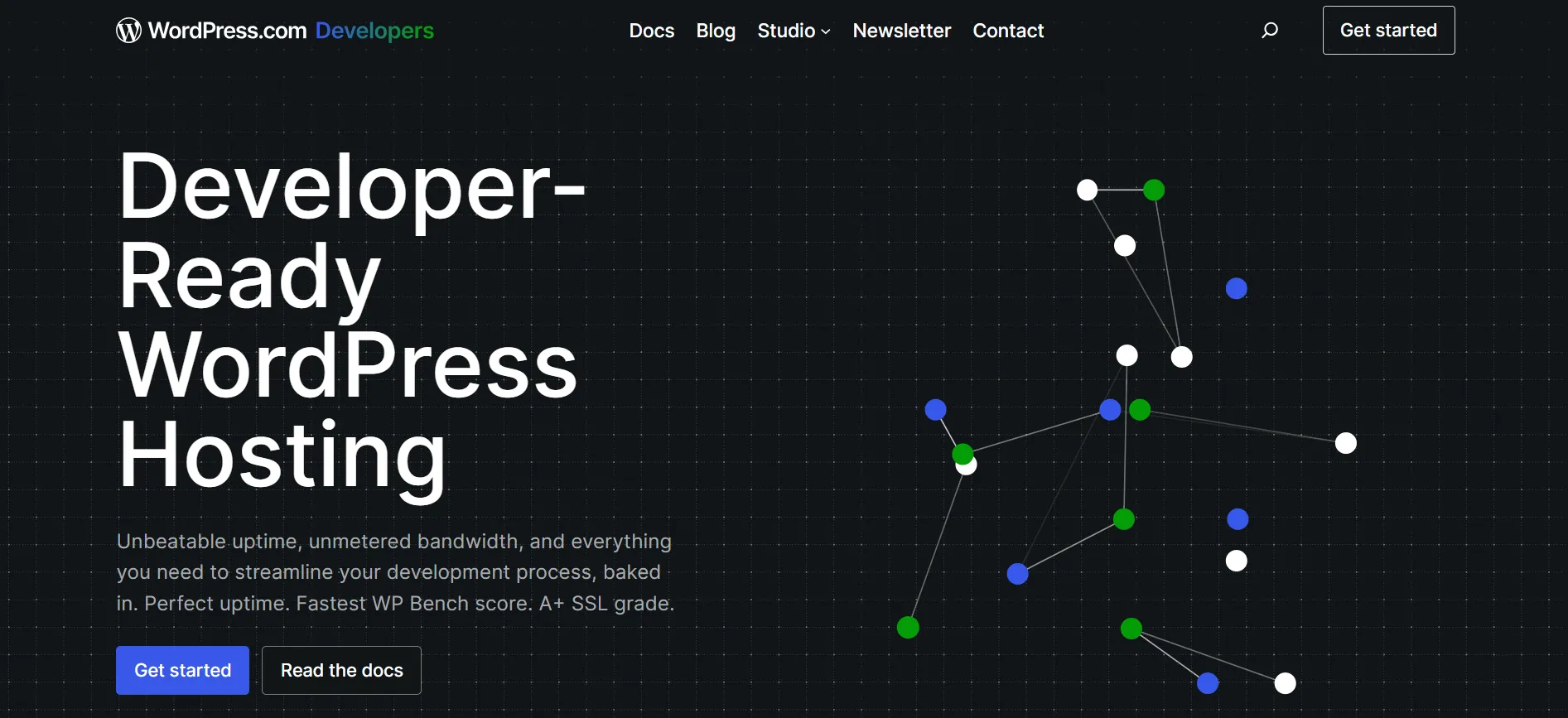
Business and higher plans also include SFTP/SSH, WP-CLI, Git commands, GitHub deployments, database management, and other developer tools.
This gives developers considerably more control than the typical beginner-focused website builder.
The trade-off is price. These tools sit higher in the WordPress.com pricing structure, so a personal blogger probably does not need to pay for them.
WordPress.com Ecommerce
If you want to sell online, WordPress.com supports WooCommerce through its Commerce plan.

Commerce includes a setup flow for creating products, managing orders, configuring shipping, setting taxes, accepting payments, and viewing store analytics. The plan also includes tools for product bundles, gift cards, product customization, coupons, and marketing.
You can sell physical products, digital products, services, and other types of goods.
WordPress.com also supports payment buttons on Premium, Business, and Commerce plans. Those buttons can handle one-time payments, donations, subscriptions, paid content, and paid newsletters through Stripe.
Payment fees are worth watching. WordPress.com currently lists a 4% payment fee on Premium, 2% on Business, and 0% on Commerce, while Stripe charges its own processing fee.
For a website that processes a lot of payments, these differences can matter.
Pros and Cons: WordPress Review
Pros
- Managed hosting: Hosting is included, so you do not need a separate hosting provider.
- Easy setup: You can create and publish a WordPress website without dealing with server installation.
- Strong security: SSL, automatic updates, firewalls, malware scanning, and other protections are built into the platform.
- Plugin access: Paid plans support thousands of WordPress plugins.
- Good performance tools: CDN, caching, image optimization, and automated scaling are included.
Cons
- Paid plans can become expensive: Business and Commerce cost considerably more than Personal and Premium.
- Free sites show ads: WordPress.com displays advertisements on Free websites.
Customer Support: WordPress Review
WordPress.com offers support guides, a support assistant, community resources, and direct help from its Happiness Engineers.
The support documentation says its team includes WordPress experts who can work with customers on website questions. Business plans receive priority expert support, while the hosting page advertises 24/7 access to WordPress experts.
This is useful for users who would rather ask for help than spend hours searching through hosting documentation.
The amount and type of support can depend on the plan and the issue, so users should check the current support terms for their subscription.
Who Should Use WordPress.com?
WordPress.com is a good match for people who want WordPress with less server maintenance.
It can work especially well for:
Bloggers
Writers
Freelancers
Creators
Portfolio websites
Small businesses
Publishers
Membership websites
Online stores
Agencies managing client websites
A beginner can start small and move to a higher plan when the website needs more tools.
Who Should Avoid WordPress.com?
WordPress.com may not suit developers who need complete control over their hosting environment, unusual server configurations, or software that conflicts with the platform’s restrictions.
It may also be unnecessary for someone who already knows how to manage WordPress hosting and wants to control every server setting.
For those users, conventional self-hosted WordPress can offer more control. The trade-off is that the user becomes responsible for hosting, security, backups, updates, and other technical tasks.
Is WordPress.com Worth It in 2026?
For many website owners, yes, WordPress.com is worth considering in 2026, especially if you want managed WordPress hosting rather than a do-it-yourself server setup.
Its strongest advantage is the combination of WordPress flexibility and managed hosting. You can use plugins and custom themes while WordPress.com handles much of the technical work behind the site.
The Free plan is useful for testing an idea, while Personal gives beginners a custom domain and plugin access. Premium adds tools for creators and publishers.
Business is aimed at sites that need backups, staging, developer tools, and stronger support. Commerce is built around WooCommerce stores.
The main question is not whether WordPress.com has enough features. It does. The better question is which features your website actually needs.
FAQs: WordPress Review
Yes. WordPress.com provides unlimited posts and pages, newsletter tools, themes, traffic statistics, subscriber features, and hosting. The Free plan can be used for a basic blog, while paid plans add custom domains, plugins, more storage, and other tools.
Yes. WordPress.com has a Free plan with no expiration date. It includes 1 GB of storage, WordPress hosting, unlimited posts and pages, and other basic features. Free websites display WordPress.com advertisements.
Yes. Hosting is included with WordPress.com plans, including the Free plan. You do not need to purchase separate hosting to run your website.
Yes. Plugin installation is available on Personal, Premium, Business, and Commerce plans. Some plugins are restricted because of platform compatibility or security concerns.
Yes. WordPress.com provides SSL certificates for its websites, including sites using custom domains.
Commerce is the WordPress.com plan designed for ecommerce. It uses WooCommerce and includes tools for products, payments, shipping, taxes, orders, coupons, analytics, and other store functions.
Yes, but the advanced backup feature is available on Business and Commerce plans. Those plans use Jetpack VaultPress Backup, with backups running at least every 24 hours and restore access covering the previous six months while the eligible plan remains active.
Yes. WordPress.com supports importing websites from other services, and its support documentation states that users own their content and data.
Quick Links:
Final Verdict: WordPress Review
WordPress.com is a feature-rich managed WordPress platform that combines easy setup with a large amount of customization.
For a basic blog, you can start free. For a personal website, Personal offers a reasonable path to a custom domain and plugins. Premium adds tools for content creators and publishers. Business brings staging, backups, developer access, and priority support. Commerce adds a full WooCommerce store setup.
Its security and hosting tools are a major reason to consider the platform. Automatic updates, SSL, firewalls, malware scanning, CDN services, caching, and other hosting features are handled for you.
The biggest drawback is that some features require higher-priced plans. Anyone comparing WordPress.com with self-hosted WordPress should also factor in the value of having hosting, security, maintenance, and support handled in one place.
For people who want WordPress flexibility without becoming their own part-time server administrator, WordPress.com is a practical option worth considering.
