
Squarespace Review 2026: Is It Worth Your Money?
Squarespace Review: Squarespace is a website builder for people who want a polished website without dealing with complicated coding or separate hosting arrangements.

Squarespace is an all-in-one website builder for portfolios, blogs, and online stores. It bundles design templates, hosting, domains, and ecommerce tools in one dashboard. Plans start at a low monthly price, with discounts for annual billing.
Pros
- Polished templates look good without any coding.
- Drag and drop editing makes page building simple.
- Hosting, SSL, and domains come bundled together.
- Built-in ecommerce handles products and checkout.
- Mobile-friendly designs adjust to any screen size.
Cons
- Fewer advanced customization options than open platforms.
- Ecommerce fees depend on the plan you pick.
In this Squarespace review, we will look at its main features, ease of use, website design tools, SEO options, ecommerce functions, customer support, pricing, and drawbacks. By the end, you should have a clear idea of whether Squarespace fits your project and budget.
Squarespace Review: Quick Verdict
Category | Our assessment |
|---|---|
Ease of use | Beginner-friendly |
Website design | Excellent for polished layouts |
Blogging | Good for content-focused websites |
SEO tools | Suitable for most small and medium websites |
Ecommerce | Good for many small and growing stores |
Customization | Good, with some limits |
Pricing | Reasonable at entry level, with extra costs to consider |
Best for | Creators, freelancers, bloggers, and small businesses |
Free trial | 14-day website trial |
Overall verdict | A strong choice for design-focused websites |
Squarespace is worth considering if you want an attractive website with built-in tools for publishing content, promoting services, or selling products. It is less appealing if you need complete control over the website’s code, a permanent free plan, or the lowest possible running costs.
It brings website design, blogging, online selling, analytics, and marketing tools together in one platform. Its professionally designed templates make it appealing to freelancers, creators, bloggers, and small businesses that care about how their websites look.
But is Squarespace worth paying for when other website builders are available? That depends on what you want to build. Squarespace makes it fairly simple to create attractive pages and manage everyday website tasks, but its pricing, selling fees, and limits on customization may not suit every user.
What Is Squarespace?
Squarespace is a website-building platform that lets you create and manage a website through a visual editor. You can use it to build a business website, personal blog, portfolio, restaurant website, online store, or service-based business site.
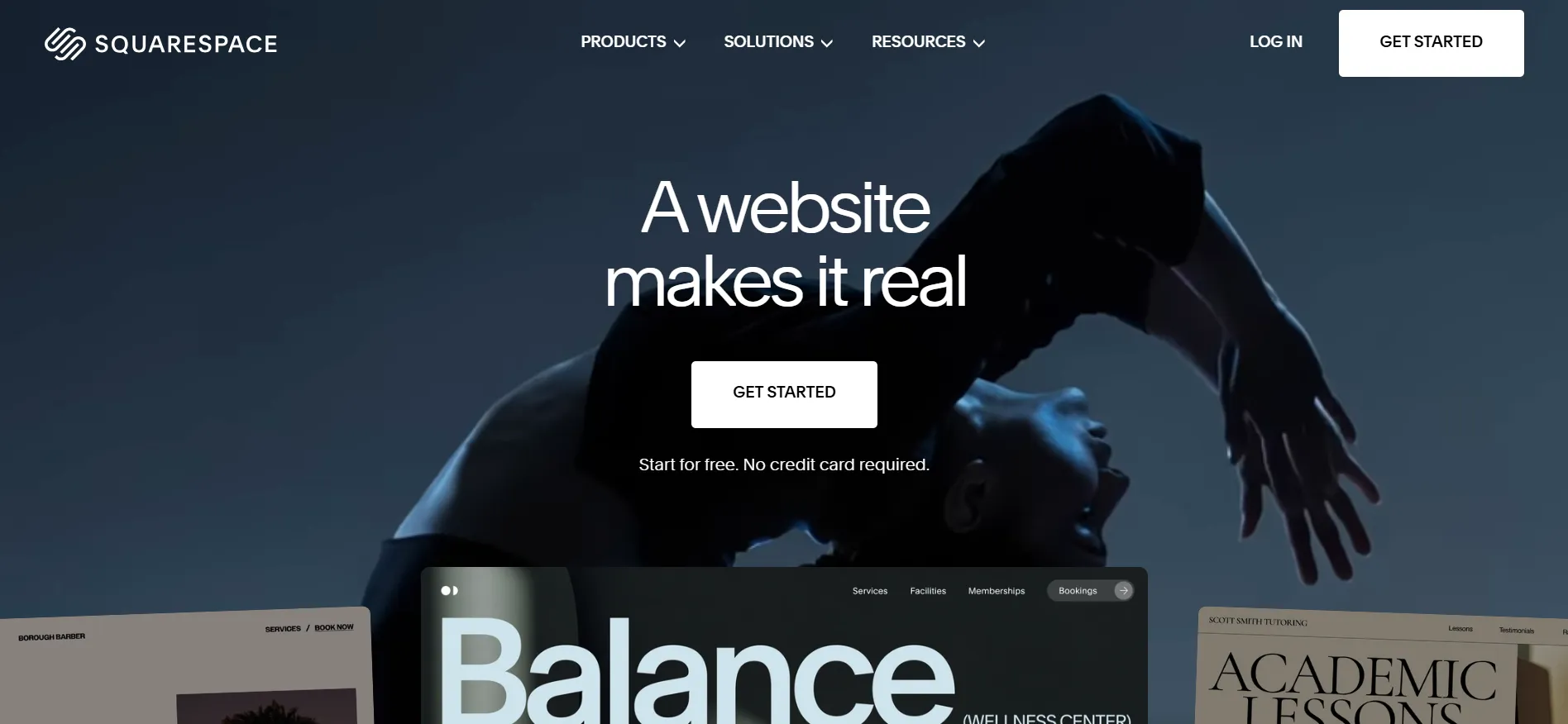
Instead of purchasing hosting separately and installing a website management system, you can handle most everyday website tasks through your Squarespace account. The platform includes website templates, hosting, SSL security, blogging tools, analytics, and selling features, depending on your plan.
You can also register a domain, connect an existing domain, and add other Squarespace services when needed. Some services, such as scheduling tools and email marketing subscriptions, have separate charges.
Squarespace is particularly popular with people who want a professional-looking website but do not want to spend weeks learning web development. You still need to write your content, choose suitable images, and organize your pages, but you do not have to build the entire site from scratch.
Squarespace Pricing: How Much Does It Cost?
Squarespace offers different website plans for personal websites, growing businesses, and online stores. The current pricing page lists three options at the following monthly rates, each marked with a 30% discount.
Plan | Listed monthly price | Advertised discount | Best for |
|---|---|---|---|
Basic | $9/month | 30% off | Blogs, portfolios, and small websites |
Core | $12/month | 30% off | Growing businesses and websites needing extra tools |
Advanced | $17/month | 30% off | Online stores that need advanced commerce features |
Prices are in US dollars. Rates, available plans, promotions, taxes, and payment processing fees may vary by country.
Basic Plan: $9 Per Month
Basic is the entry-level option for people who want a website for publishing articles, displaying a portfolio, promoting services, or sharing business information. It includes website editing tools, templates, blogging features, SEO settings, and hosting.
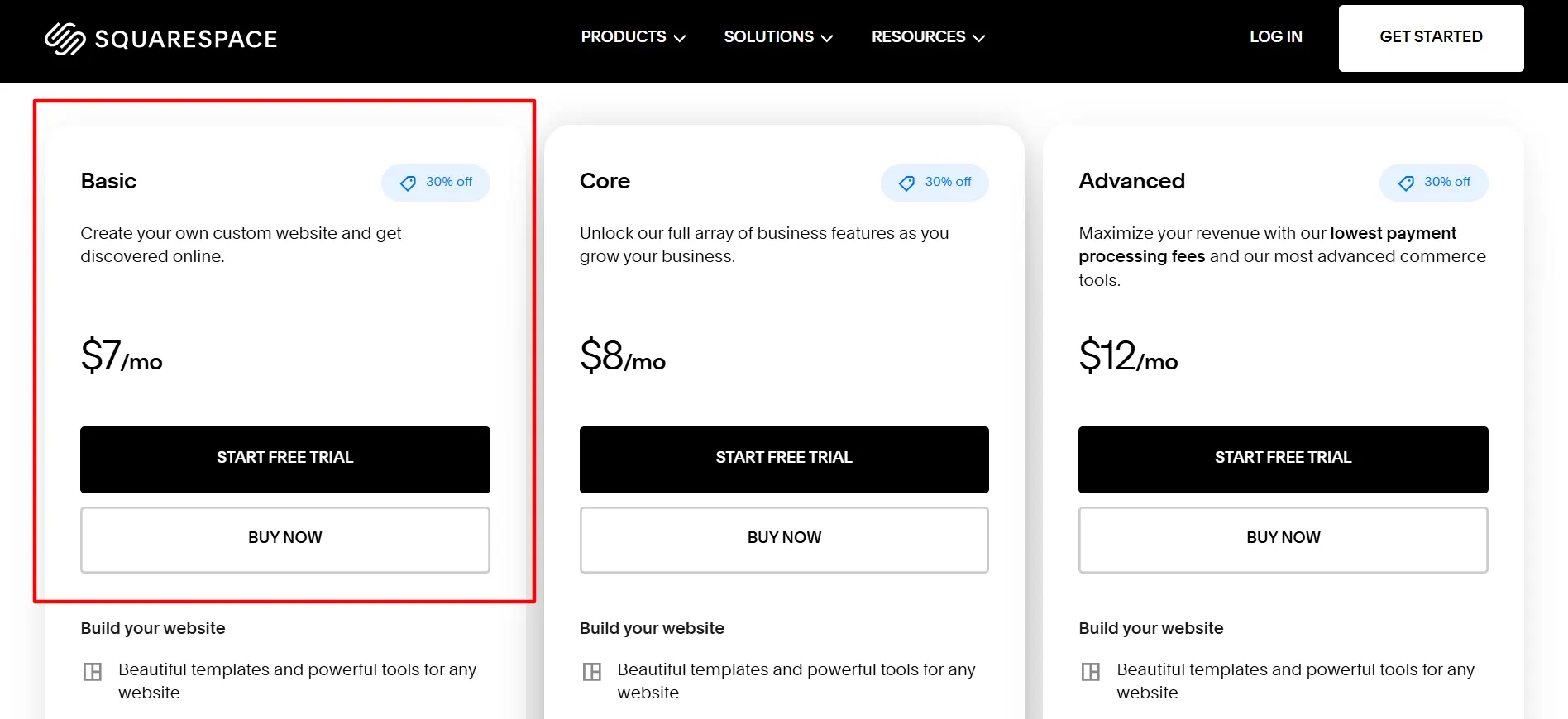
You can also sell products and services through the site. The main drawback is that Basic carries a 2% Squarespace commerce transaction fee on eligible store sales and a separate 7% digital product fee. Payment processing charges apply as well.
This plan may suit a freelancer, blogger, artist, or small business that does not need advanced selling tools.
Core Plan: $12 Per Month
Core adds more business features for websites that need greater control and room for a team to work together. It includes unlimited contributors, custom code options, additional commerce tools, and more detailed sales reporting.
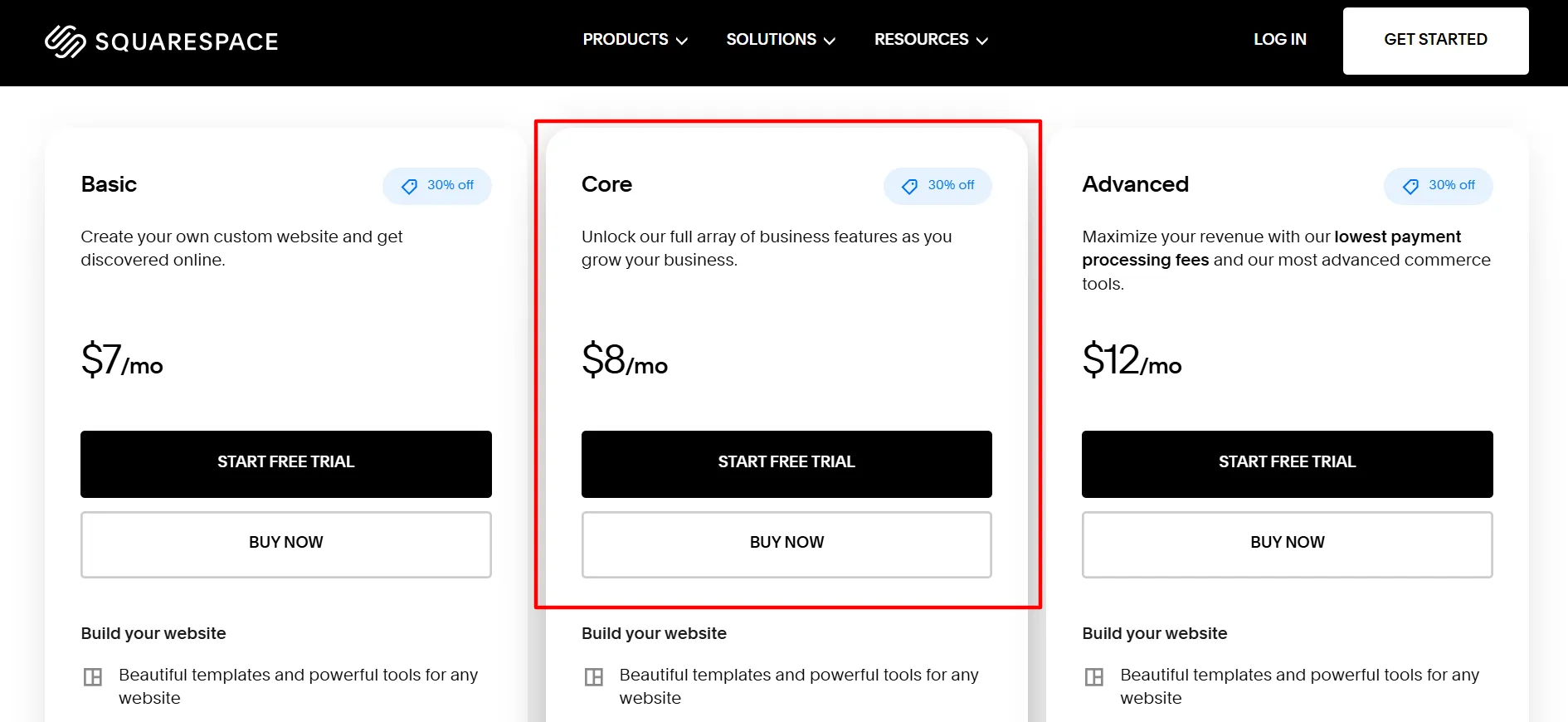
Core removes the standard Squarespace commerce transaction fee on eligible online store sales. Its digital product transaction fee is currently listed at 5%, while payment processing fees still apply.
At the displayed rate, Core costs $3 more per month than Basic. If you need the extra features or expect regular store sales, that difference may be worth considering.
Advanced Plan: $17 Per Month
Advanced is designed for businesses with more demanding ecommerce needs. It includes the features of the lower plans, along with unlimited video storage and support for connecting your own carrier for carrier-calculated shipping.
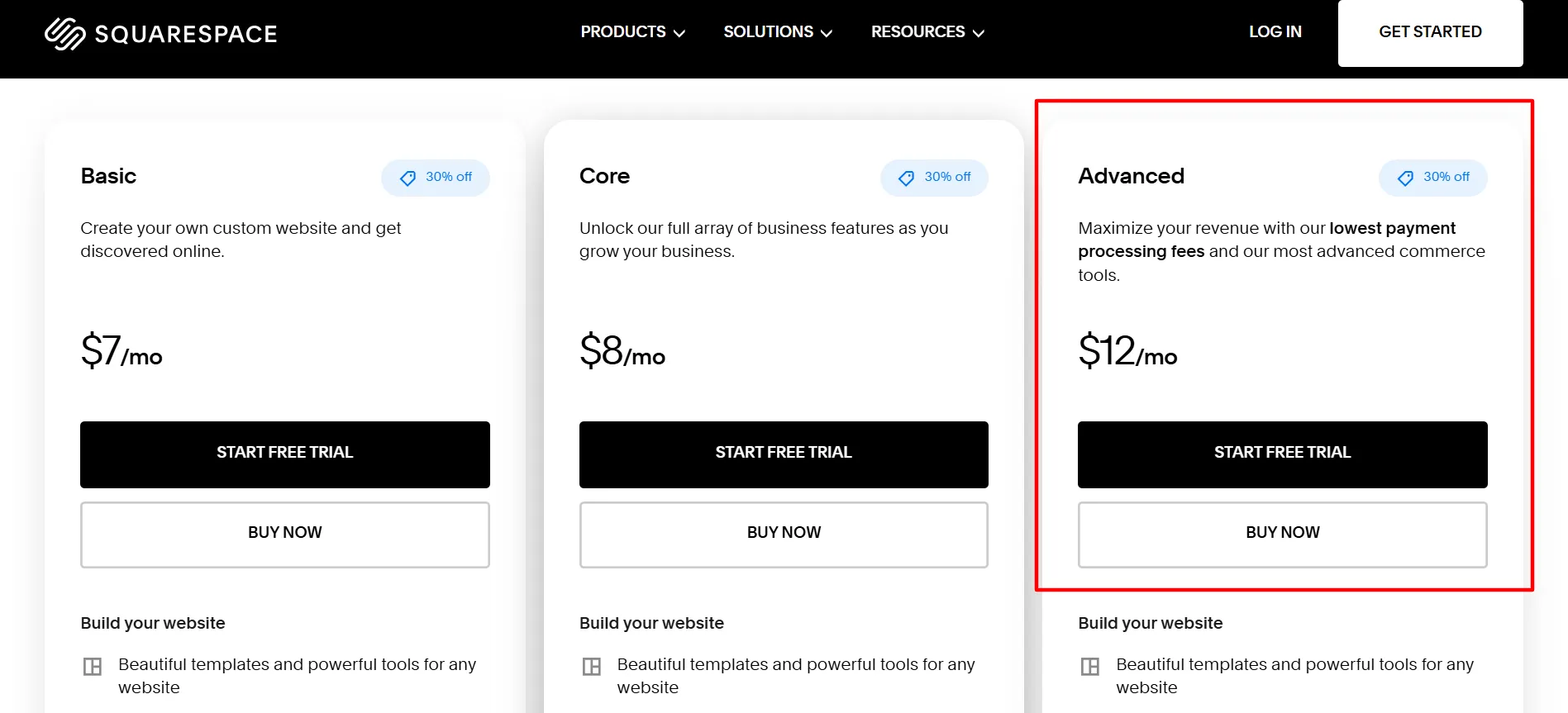
The plan has no standard Squarespace commerce transaction fee on eligible store sales and no digital product transaction fee under the current fee schedule. Payment processing charges still apply, with rates depending on your location, card type, and payment provider.
Advanced may be a good fit for established stores or businesses that sell digital products regularly. If you mainly publish blog posts or display your services, its extra selling features may not justify the higher subscription cost.
One pricing detail to check: Squarespace offers monthly and annual billing, and annual subscriptions generally have a lower average monthly cost but require an upfront payment. Confirm the billing terms and whether the advertised discount applies to your first payment before subscribing. Squarespace states that subscription discounts do not carry over to renewals at the promotional rate.
Squarespace Features Reviewed
Squarespace Review covers the features that matter most for building a website. The tools include templates, drag and drop editing, built-in hosting, and ecommerce options. Each one is tested for ease of use and real-world value.
1. Website Templates and Design Tools
Website design is one of Squarespace’s strongest areas. Its templates give you a polished starting point for building a site, with layouts for portfolios, professional services, creative businesses, restaurants, blogs, and online stores.

You can change text, images, colors, page sections, and other design elements using the visual editor. Its grid-based editing tools give you control over how content sits on a page without requiring you to write code for every adjustment.
This is useful for people who want a professional appearance but do not have a designer on their team. A photographer can display a gallery, a consultant can create service pages, and a shop owner can build product listings using the same general editing system.
There is a trade-off. Squarespace offers design freedom within its editing system, but it does not give every user the same freedom as a fully custom-coded website. Moving between templates or recreating a complex design can also take time.
Our verdict: Squarespace earns high marks for attractive layouts and visual consistency. It is a good fit for design-conscious users who prefer guided editing over building everything from scratch.
2. Ease of Use
Squarespace is suitable for beginners who want to get a website online without learning programming first. You choose a template or start a new design, add pages, arrange content, and adjust the site’s appearance through the editor.
The platform keeps many website tasks in one account. You can manage pages, publish blog posts, check analytics, and handle supported store functions without constantly switching between separate services.
Still, first-time users should expect a learning period. You may need time to understand the page editor, organize navigation menus, set up mobile layouts, and connect a domain. More detailed customization can take extra work, especially if you have a specific design in mind.
It is also worth previewing your site on phones and tablets. A layout that looks great on a desktop may need some adjustments for smaller screens.
Our verdict: Squarespace is easy to learn for standard websites, though building a carefully designed site still takes planning and patience.
3. Blogging Tools
Squarespace includes blogging features for publishing articles, tutorials, company updates, interviews, and other written content. You can organize posts, add images, edit URLs, and manage page titles and descriptions.
These tools make it suitable for businesses that use a blog to answer customer questions, share industry knowledge, or attract visitors from search engines. You can create a content section alongside your service pages rather than paying for a separate blogging platform.
For SEO-focused publishers, Squarespace provides useful controls for page metadata and site structure. You can also connect analytics tools to learn how people find and use your content.
There are limits to consider if you run a large editorial operation. Publishers who need highly specialized workflows, extensive custom content structures, or a large library of plugins may prefer a more flexible content management system.
Our verdict: Squarespace works well for small and medium-sized blogs, business publications, and content marketing sites. Large publishers with complex requirements should compare it with other platforms before committing.
4. SEO Features
Squarespace includes several tools that help you prepare a website for search engines. You can edit page titles, descriptions, URLs, and image text, while organizing pages and blog posts into a clear structure.
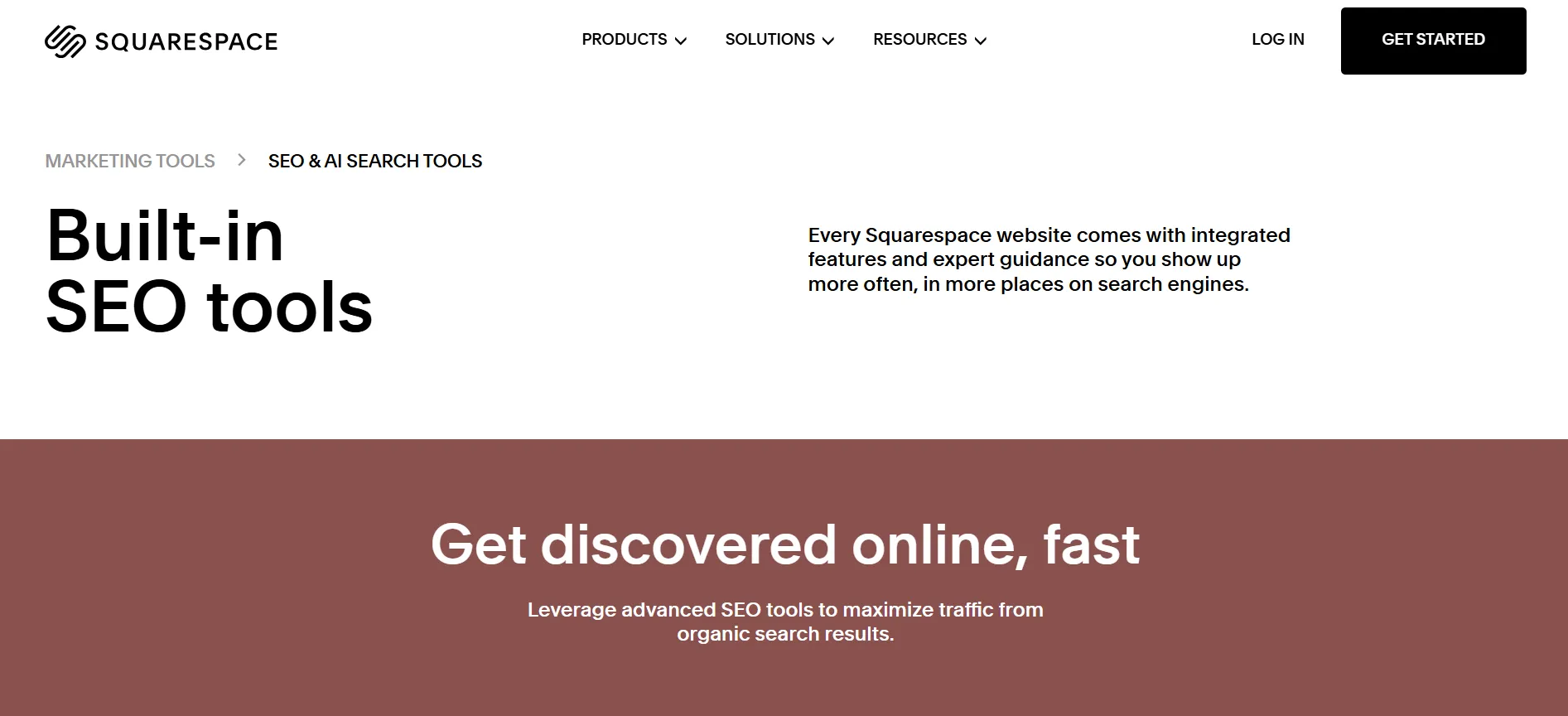
A well-organized site helps visitors find information and makes it easier for search engines to understand the content. Squarespace also provides SSL security and mobile-friendly layouts, both of which support a good website experience.
The platform does not guarantee high rankings, though. Your results still depend on the quality of your content, keyword research, site structure, links from other websites, competition, and visitor experience.
If you publish SEO articles, you will still need to plan topics, use search terms naturally, write useful content, and monitor results. Squarespace gives you the tools to manage many on-page tasks, but it does not replace an SEO strategy.
Our verdict: Squarespace’s SEO tools are suitable for many small business websites and blogs. People who need highly specialized SEO workflows may want more control than the platform offers by default.
5. Ecommerce and Online Selling
Squarespace allows you to sell physical products, digital downloads, services, courses, and memberships. You can add product pages, manage store content, and use supported payment options through the platform.
Its selling tools are useful for small brands, artists, consultants, and creators who want their online store to match the rest of their website. You can promote products through your pages and blog content without building a separate store from the ground up.
The plan you choose matters. Basic has a 2% commerce transaction fee on eligible store sales, while Core and Advanced do not charge that standard commerce fee. Digital product fees are separate: the current listed rates are 7% for Basic, 5% for Core, and 0% for Advanced. Payment processing charges still apply.
For a small shop, Squarespace may offer enough features to start selling. A larger store with complex inventory needs, extensive sales channels, or specialized shipping workflows should compare its features with dedicated ecommerce platforms.
Our verdict: Squarespace is a good option for smaller stores that value website design and straightforward selling tools. Check the fees and store requirements carefully if ecommerce will be your main source of income.
6. Marketing, Analytics and Business Tools
Squarespace provides analytics that help you understand website activity, traffic sources, and store performance. The information available varies by plan and feature, but it can help you see which pages attract visitors and how people interact with your site.

Some plans include additional commerce reporting, promotional pop-ups, announcement bars, automatic discounts, and third-party connections. These features can support campaigns and help businesses manage parts of their sales process.
Squarespace also offers other products, including scheduling and email marketing services. Keep in mind that some of these products require separate subscriptions, so the cost of running a business through Squarespace can go beyond the website plan.
Our verdict: The built-in tools cover many everyday business needs. Check the available features and separate service fees before assuming every tool is included in your website subscription.
Squarespace Customer Support
Squarespace provides customer support and a Help Center with guides on website design, billing, domains, selling, and other common tasks. Its support resources can be useful when you are setting up your site or troubleshooting a problem.
The company advertises 24/7 customer support for its website plans. The way you contact support and how quickly you receive an answer can depend on the issue and the available support channel.
Beginners may appreciate having written guides they can follow while building their websites. Still, if you prefer immediate phone assistance or want a personal account manager, check the current support options before signing up.
Pros and Cons: Squarespace Review
Pros
- Professional templates: Makes it easier to create a polished website without hiring a designer.
- Beginner-friendly editor: Lets you build pages and arrange content visually.
- Hosting included: You do not need a separate hosting package for a standard Squarespace website.
- Blogging and SEO tools: Supports content publishing and common on-page SEO tasks.
- Selling features: Lets you offer products, services, courses, and memberships.
Cons
- No permanent free plan: You need a paid subscription to keep using your website after the trial.
- Extra selling fees: Commerce, digital product, and payment processing fees can add to your costs.
Is Squarespace Good for Beginners?
Yes. Squarespace is a sensible choice for beginners who want a polished website without learning to code. Its templates and visual editor help you create pages, add images, publish articles, and present your business online.
The main learning curve comes from arranging the site properly, customizing page sections, setting up navigation, and preparing the website for launch. If you want a simple site, the process is manageable. A more detailed online store or large content website will take longer to set up.
Beginners should start by listing the pages and features they need. A blog or portfolio may work well on Basic, while a growing business that needs custom code or extra commerce tools may prefer Core.
Who Should Use Squarespace?
Squarespace is worth considering if you are:
A blogger who wants a clean, professional website.
A freelancer who needs a portfolio and service pages.
A small business owner building an online presence.
A creative professional who wants to display visual work.
A seller with a small or medium-sized online store.
A creator who wants to sell digital products, courses, or memberships.
It may not be the best match if you need a permanent free website, extensive control over every part of the code, or advanced ecommerce features for a large and complex store. In those cases, compare Squarespace with WordPress or a dedicated ecommerce platform before making a decision.
FAQs: Squarespace Review
Squarespace can be worth the money if you value attractive templates, built-in hosting, blogging tools, and straightforward website management. Your final costs depend on the subscription, selling fees, domains, taxes, and any separate services you need.
Yes. Squarespace offers a 14-day website trial, allowing you to work on your site before choosing a paid plan. Check the current trial terms when you sign up.
Basic may suit a small business that needs a website to display services and contact details. Core may be a better fit if you need unlimited contributors, custom code, and additional business tools.
Squarespace includes tools for editing page titles, descriptions, URLs, and image text. These features support on-page SEO, but rankings depend on your content, site structure, competition, and other factors.
Yes. Squarespace supports physical products, digital products, services, courses, and memberships. The fees and available selling features depend on your plan and payment setup.
Squarespace allows you to upgrade or downgrade your website plan. Review the features, fees, and billing terms of the new plan before making a change.
Quick Links:
Squarespace Review: Final Verdict
Squarespace is worth your money if you want an attractive website, an easy visual editor, and a set of built-in tools for blogging, marketing, and online selling. It is particularly well suited to creators, freelancers, bloggers, and small businesses that want a professional website without managing separate hosting.
The current listed monthly prices are $9 for Basic, $12 for Core, and $17 for Advanced, with each plan marked 30% off. Basic is a sensible starting point for blogs and portfolios, Core suits businesses that need more control and selling features, and Advanced is aimed at stores that need more advanced commerce tools.
Its main drawbacks are the lack of a permanent free plan, extra fees for some types of sales, and limits on customization for complex projects. These concerns may matter more as your website grows or your store begins processing more orders.
Our final recommendation: Squarespace is a good choice for design-focused websites and many small businesses. Before subscribing, compare the plan features, confirm the promotional billing terms, and calculate the extra costs if you plan to sell online. Visit the official Squarespace website to see whether its current plans fit your needs.
