
Elementor Review 2026: Best WordPress Site Builder?
Elementor Review searches usually come from one simple question: is this WordPress website builder actually worth paying for?
After looking at Elementor’s current features, plans, design tools, ecommerce support, AI features, site management tools, and pricing, the answer is yes for many WordPress users, but not for everyone.

Elementor is a WordPress page builder platform powering over 22 million websites globally, with a new site created every 3 seconds. It offers drag and drop visual editing, AI powered design assistance, theme builder, responsive layouts, image optimization, performance tools, cookie consent management, and optional hosting and domain services. The platform serves individual creators, agencies, and enterprises with flexible pricing starting from free.
Pros
- Massive adoption with 22 million websites built proves Elementor's reliability, making it the industry standard for WordPress page building with constant updates and community support.
- AI powered design tools generate complete pages from text prompts, accelerating the design process and helping users create professional layouts without manual building or coding skills.
- Integrated performance optimization including image compression, Core Web Vitals improvements, accessibility checking, and cookie consent management keeps your site fast and user friendly automatically.
- All in one platform handles page building, hosting, domain registration, and email delivery so you manage everything from one dashboard without juggling multiple providers.
Cons
- Pricing scales quickly for advanced features, with professional plans costing significantly more than basic tiers, making it expensive for small projects or hobbyist websites.
- Learning curve exists despite the visual interface because advanced customization still requires understanding WordPress architecture, hosting basics, and technical concepts for optimization.
Elementor is a visual website builder built specifically for WordPress. Its free version lets you create pages with a drag-and-drop editor, while paid plans add tools for complete site design, forms, popups, dynamic content, WooCommerce, custom code, and more.
Elementor also now has Elementor One, which combines its professional editor with services for AI, image handling, accessibility, email delivery, cookie consent, and site management.
The biggest strength is control. You can build a WordPress website visually without having to write every line of HTML or CSS. The tradeoff is that Elementor gives you so many controls that beginners may need some time before they feel comfortable with everything.
So, is Elementor good enough for a business website, blog, portfolio, landing page, or online store? Let’s find out.
Elementor Review at a Glance
Get a fast snapshot of Elementor’s core page building features, pricing structure, ease of use, design capabilities, and overall value in this comprehensive Elementor review for WordPress designers.
Category | Our Take |
|---|---|
Ease of use | 4.5/5 |
Design flexibility | 4.8/5 |
Templates | 4.5/5 |
WooCommerce tools | 4.7/5 |
Free version | 4.5/5 |
AI tools | 4.3/5 |
Site management | 4.3/5 |
Performance potential | 4/5 |
Value for money | 4.3/5 |
Best for | WordPress users who want visual control |
Overall rating | 4.6/5 |
These ratings reflect Elementor’s current feature set and how well the platform fits different WordPress projects. Your experience can vary depending on your theme, plugins, hosting setup, page design, and the number of features you use.
What Is Elementor?
Elementor is a WordPress website builder that replaces much of the traditional coding process with a visual editing experience.
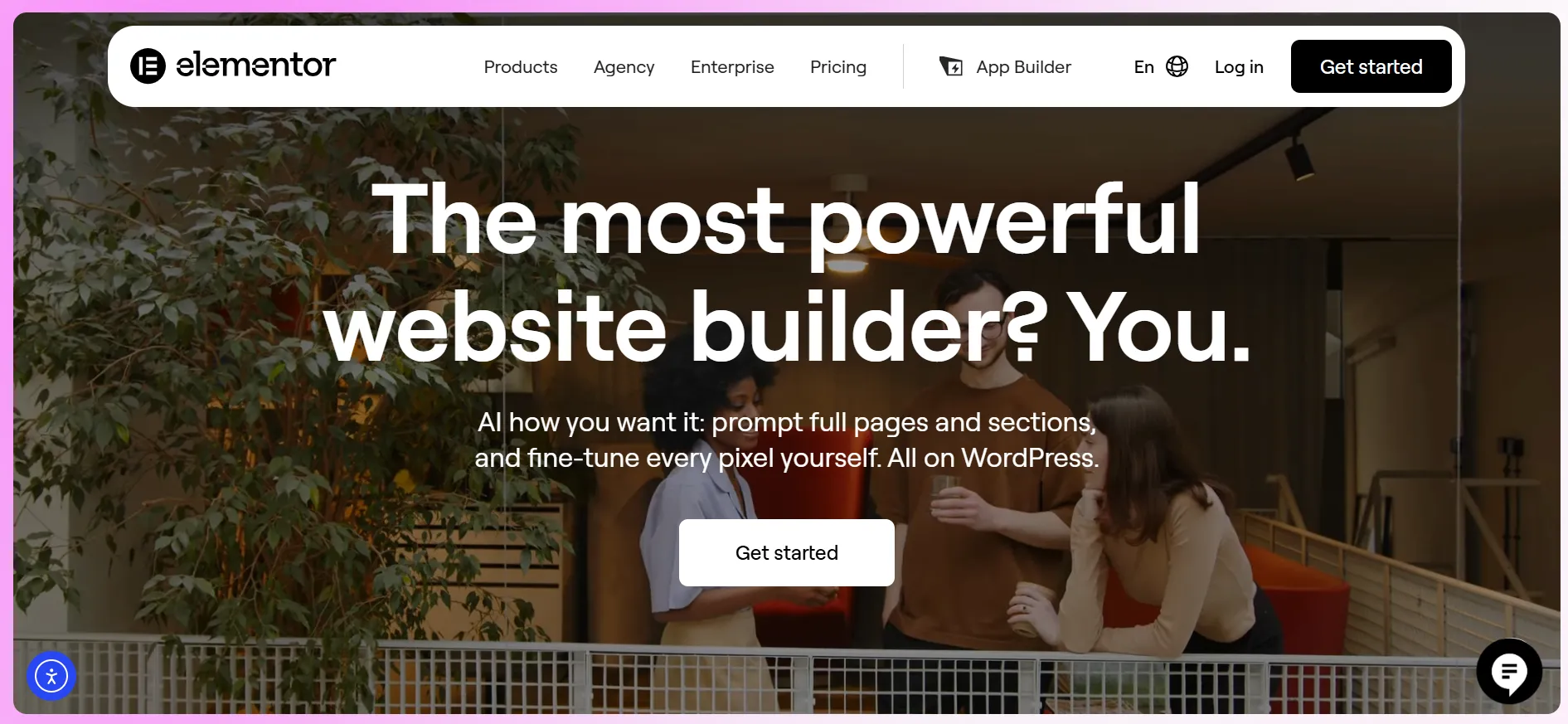
You can open a page, select an element, drag it into position, change its settings, and see the result while you work.
The free Elementor plugin includes a collection of widgets and the visual editor. Paid plans add more advanced tools, including Theme Builder, Dynamic Content, forms, popups, marketing widgets, WooCommerce features, and additional design controls.
Elementor also offers its lightweight Hello Theme, which gives designers a relatively blank starting point. The builder can also work with WordPress themes that follow WordPress coding standards.
That flexibility is one reason Elementor appeals to such a wide range of users.
A blogger can use it to create a custom homepage. A freelancer can build client websites. A store owner can design WooCommerce pages. A marketing team can create landing pages without asking a developer to code every change.
How Easy Is Elementor to Use?
Ease of use is one of Elementor’s strongest areas.
The editor follows a visual approach. Instead of editing a page through a collection of disconnected settings, you can work directly with the layout.
The general process looks like this:
Open a WordPress page.
Launch Elementor.
Add a widget or container.
Drag it into the desired position.
Edit the content and styling.
Check the layout on different screen sizes.
Publish the page.
You do not need to understand PHP or write custom CSS to create a polished page.
That does not mean Elementor is completely effortless.
The editor gives you a lot of control over spacing, typography, borders, backgrounds, positioning, responsive behavior, animations, and other settings. Once you move beyond simple pages, there is more to learn.
For beginners, this can feel like being handed the keys to a car with far more buttons than expected.
The good news is that you can learn the basics fairly quickly. You do not need to understand every feature before building your first page.
Ease-of-use verdict: Excellent for visual website creation, with a moderate learning curve once you start using advanced controls.
Elementor Free vs Elementor Pro
One of Elementor’s biggest advantages is that you can start for free.
The free version provides the visual drag-and-drop builder and a selection of widgets. That makes it useful for people who want to test the platform before spending money.
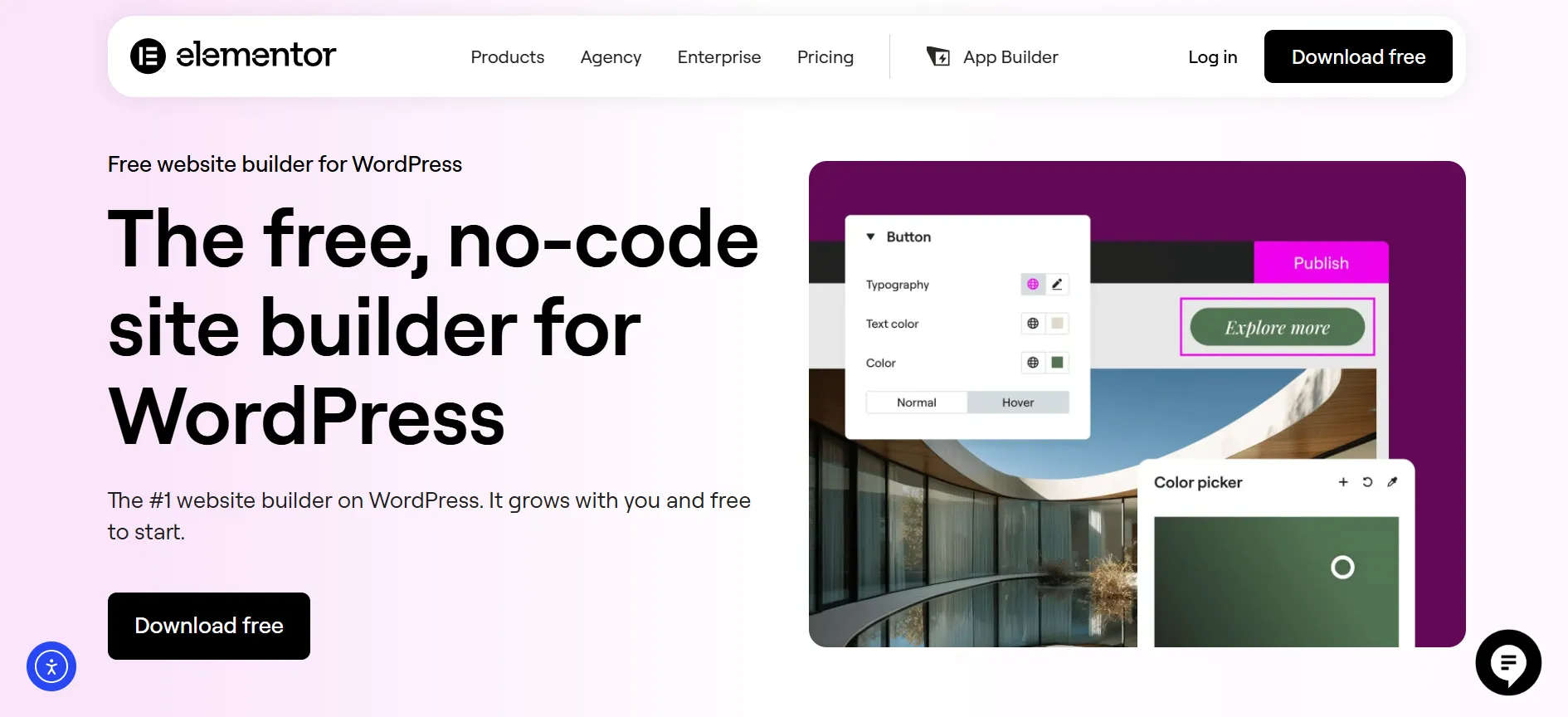
The paid plans take things much further.
Elementor Pro adds features such as:
Theme Builder
Dynamic Content
Form Builder
Popup Builder
Professional widgets
Advanced design controls
Custom CSS
Custom code
WooCommerce tools
Marketing features
More advanced templates
Elementor’s current FAQ states that Pro gives users a more complete set of tools for building websites, including landing pages, popups, forms, WooCommerce layouts, and advanced design features.
Is the Free Version Enough?
It can be.
If you are creating a simple portfolio, landing page, personal site, or a few custom pages, the free version may cover what you need.
The paid version becomes more attractive when you want to control the entire site rather than individual pages.
For example, Theme Builder lets you work with headers, footers, post layouts, archive templates, and other site-wide areas.
If your goal is a highly customized WordPress website, Pro gives you much more room to work.
Elementor Design Features
Explore every design feature Elementor offers in this comprehensive Elementor review, covering drag and drop editing, responsive layouts, theme builder, widget library, custom code options, AI design assistance, and professional design tools.
1. Drag-and-Drop Editor
The visual editor lets you arrange content without manually coding each page.
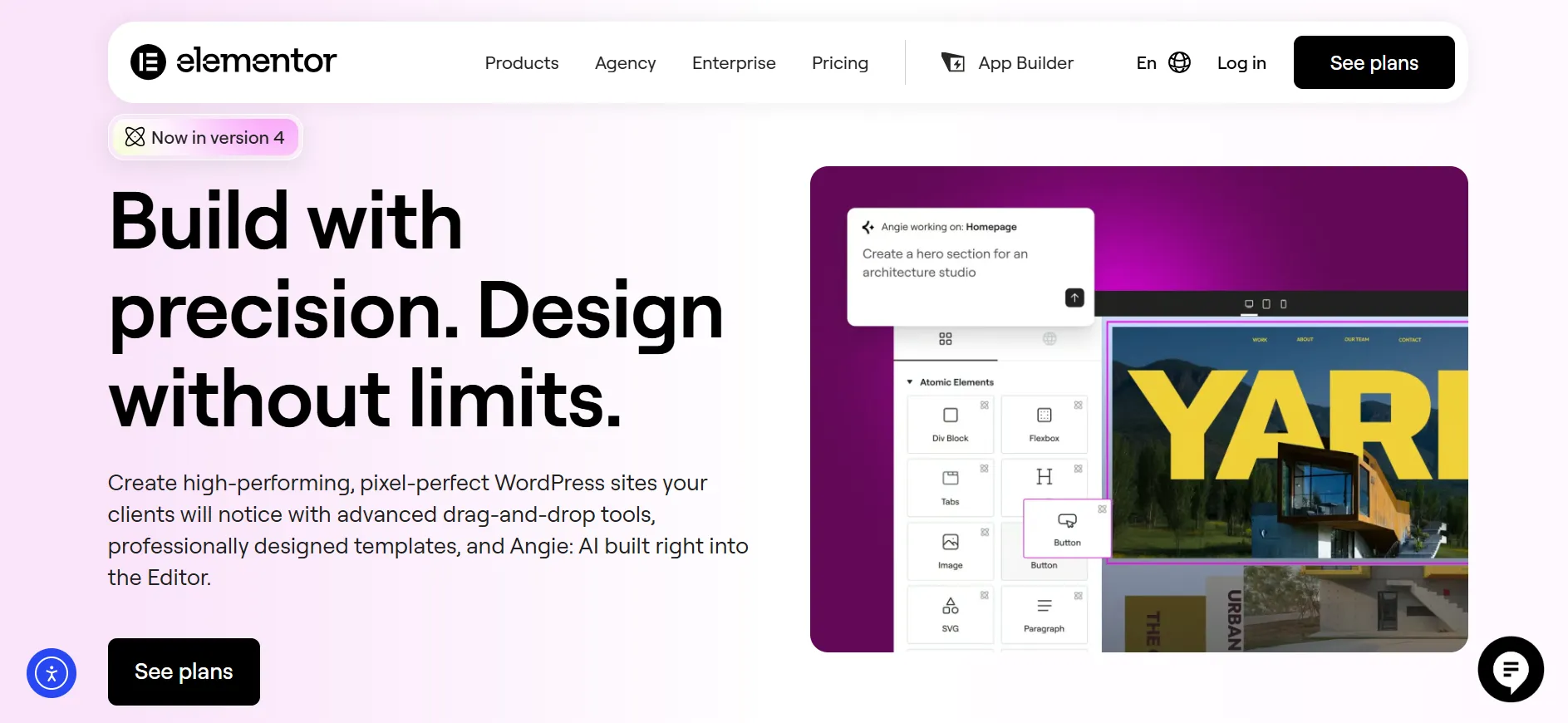
You can work with headings, images, videos, buttons, galleries, icons, forms, posts, testimonials, menus, and many other widgets.
The free version already includes a useful collection. Paid plans add many more.
2. Theme Builder
Theme Builder is one of Elementor’s most useful features.
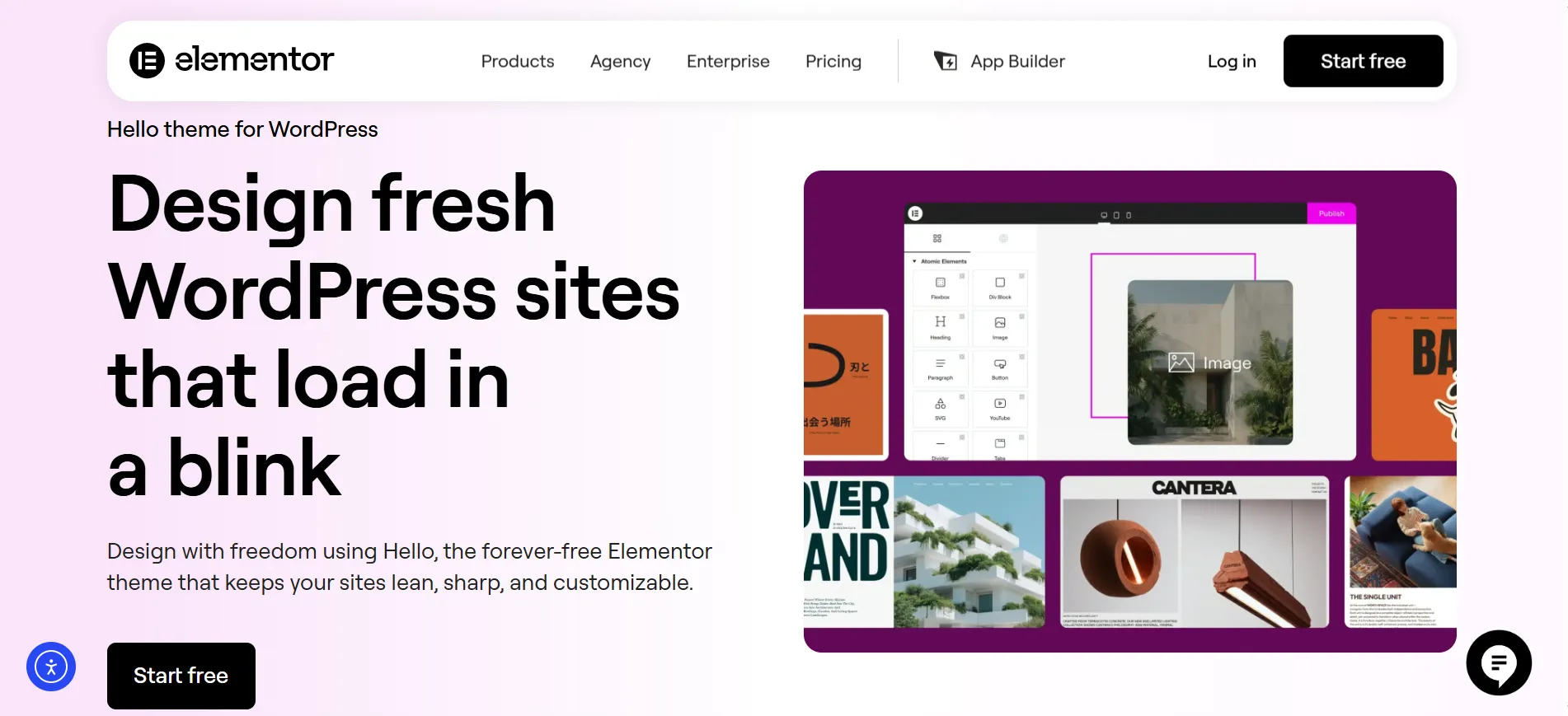
Instead of designing only the main content area, you can create templates for different parts of your WordPress website.
You can customize areas such as:
Header
Footer
Blog post layout
Archive pages
Search pages
Product pages
Other WordPress templates
This makes Elementor much more than a landing-page tool.
3. Responsive Editing
A website can look great on a desktop and still look terrible on a phone. Elementor gives you responsive controls so you can adjust layouts for different screen sizes.
You can change settings for desktop, tablet, and mobile views rather than relying entirely on one design.
This is useful when a large heading needs to become smaller on a phone or when columns need to stack differently.
4. Motion and Visual Effects
Elementor also provides animation and motion controls.
Used carefully, these can make a page feel more polished.
Used everywhere, they can become distracting and may add unnecessary work for the browser.
That means these features are best treated as design tools rather than decorations that need to appear on every section.
Elementor Templates
Templates can save a lot of time.
Instead of beginning with a blank page, you can start with a prebuilt layout and change the text, images, colors, spacing, and other elements.
This can be especially useful for:
Business websites
Landing pages
Portfolios
Blogs
Agencies
Online stores
Service websites
The real advantage is not just speed. Templates can also help beginners understand how professional page layouts are structured.
You can take a template apart, study its sections, and rebuild the idea in your own style.
That gives Elementor a useful learning advantage for new WordPress designers.
Elementor for WooCommerce
If you run a WooCommerce store, Elementor becomes even more interesting.
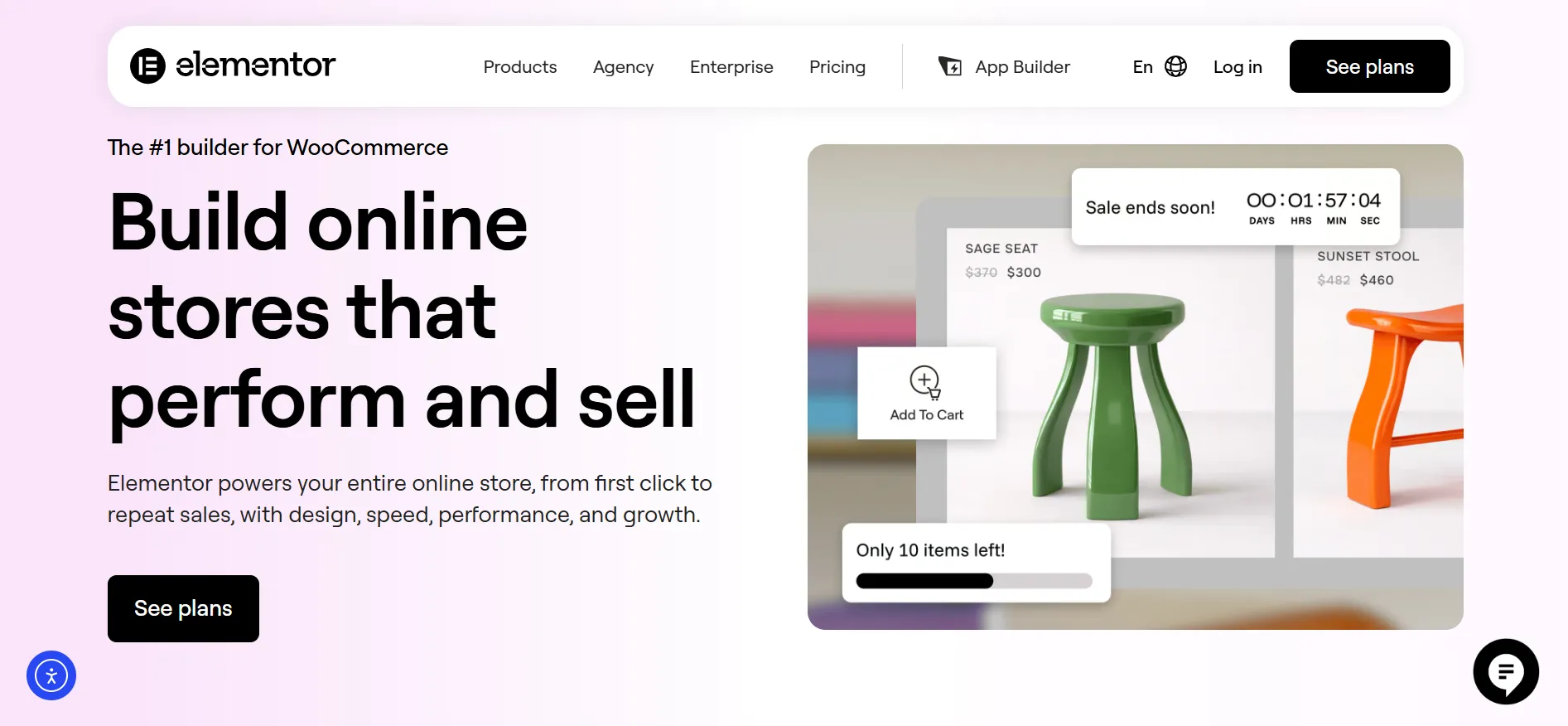
Elementor’s higher plans include WooCommerce widgets that let you customize major store sections.
These include:
Product title
Product images
Product price
Add to Cart
Product rating
Product stock
Product metadata
Product tabs
Related products
Upsells
Product archives
Cart
Checkout
My Account
Purchase Summary
WooCommerce notices
Menu Cart
Elementor’s official FAQ confirms that the Advanced plan and higher can be used to edit the major sections of a WooCommerce store, including product pages, archives, cart, checkout, and account pages.
That is a major advantage if the standard WooCommerce layouts do not match the look you want.
Is Elementor Good for Online Stores?
Yes, especially if design flexibility matters to you.
You can create a store that looks different from the default WooCommerce layout instead of accepting the appearance provided by your theme.
The downside is that more design freedom also means more responsibility. You still need to make sure your store remains easy to use, loads properly, works on phones, and provides a smooth checkout.
A beautiful product page will not rescue a confusing checkout.
Elementor for Bloggers
Elementor can also work well for blogs, but there is an important distinction.
The free plugin is useful for designing pages, while Elementor Pro gives you more control over blog-related layouts and templates. Elementor confirms that Pro is required to edit blog posts with Elementor.
For content-heavy websites, Theme Builder and Dynamic Content can be especially useful.
You can create a post template once and apply it across many articles.
This can help maintain a consistent appearance without manually designing every article.
For a simple blog where the WordPress editor already does everything you need, Elementor may be more than necessary.
For a magazine-style site, affiliate site, business blog, or publication with custom layouts, it becomes more useful.
Elementor Dynamic Content
Dynamic Content is another feature that separates Elementor from a simple visual page builder.
It lets you connect design elements with WordPress content.
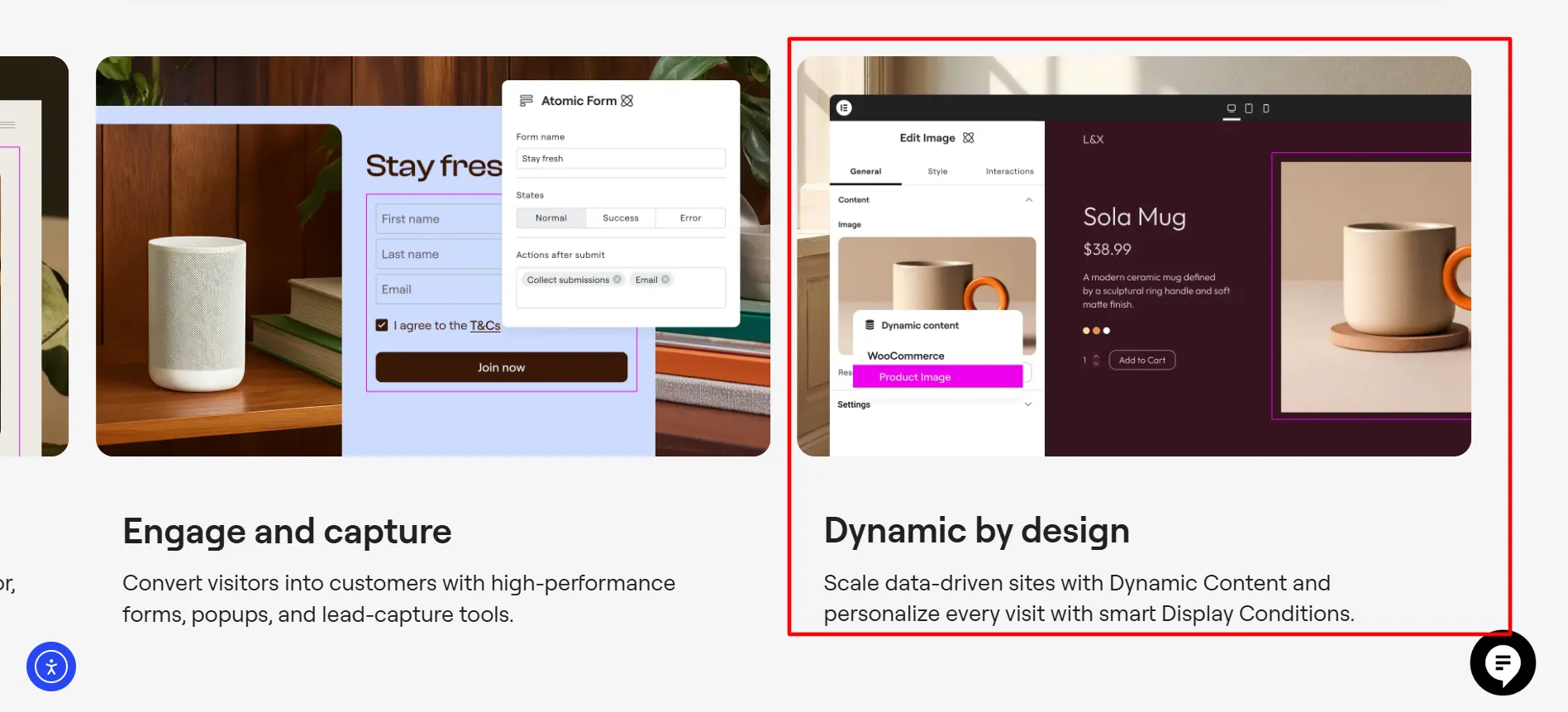
For example, instead of manually entering the same information into every page, you can create a template that pulls information from your WordPress content.
This can be useful for:
Directories
Listings
Property websites
Staff profiles
Product websites
Custom post types
Large blogs
Service databases
The available Dynamic Content functions depend on the plan you choose. Elementor’s current pricing page shows custom fields and post types are not included with Essential but are available on higher plans.
For a small personal website, you may never need this.
For a large content website, it can become one of Elementor’s most useful features.
Elementor AI Review
Elementor has moved beyond traditional visual editing with its AI tools.
Its current One plans include AI features for generating:
Text
Code
Images
Layouts
Containers
AI actions use credits, and the amount depends on the task. Elementor says an AI action can require between 1 and 40 credits depending on the type of request.
The concept is useful because the AI features live inside the website-building workflow.
You can ask for content or design assistance without constantly switching between Elementor and a separate AI tool.
Still, AI should be treated as an assistant rather than a replacement for judgment. Generated copy may need editing, and generated layouts may need adjustments before they are ready for visitors.
What Is Elementor One?
Elementor One is the company’s broader subscription package.
Rather than focusing only on the visual editor, One combines Editor Pro with additional services.
According to Elementor, One includes services such as:
Editor Pro
AI features
Image Optimizer
Site Mailer
Ally for web accessibility
Cookiez for cookie consent
Manage for site management
Elementor says new capabilities can also be added to the One subscription as they become available.
This makes One quite different from the standard Pro plans.
Who Should Consider Elementor One?
One is more appealing if you already need several of the included services.
For example, a business website may need an Elementor subscription plus an image service, email delivery tool, accessibility service, and cookie-consent solution.
One puts those services under the same subscription.
The current One plan covers one website and includes 25,000 monthly One credits. One Agency supports unlimited websites and includes 350,000 monthly credits.
Unused credits do not roll over. A fresh credit allocation is provided each month.
If you only want the page builder, standard Elementor Pro may make more sense.
Elementor Pricing in 2026
Compare Elementor’s pricing across all plans in this Elementor review, showing monthly rates on annual billing, included features at each tier, storage limits, site allowances, and what each Elementor pricing level delivers.
Plan | Current Annual Price | Sites |
|---|---|---|
Essential | $60/year | 1 |
Advanced Solo | $84/year | 1 |
Advanced | $108/year | 3 |
Expert | $204/year | 25 |
One | $180 first year | 1 |
One Agency | $432 first year | Unlimited |
The first four plans focus on Elementor’s professional editor. One adds the wider collection of website services.
Elementor’s current pricing page lists a 30-day money-back guarantee, while renewal pricing can differ from introductory pricing.
The One plan currently renews at $228 per year, while One Agency renews at $540 per year.
That makes renewal pricing something you should check before buying.
Elementor Performance: Is It Fast?
This is one area where Elementor deserves a balanced review.
A visual builder gives you more design control, but the final website can become heavy if you add too many widgets, animations, large images, scripts, third-party plugins, and unnecessary effects.
That does not mean Elementor automatically creates a slow website.
Your hosting, theme, images, caching setup, plugins, fonts, page structure, and code all matter.
Elementor itself also provides tools and guidance intended to help users create faster websites.
The practical lesson is simple: do not blame the page builder for every slow WordPress site, but do not ignore page weight either.
A clean Elementor site with sensible images and a well-configured WordPress setup can perform much better than an overloaded page packed with animations and large media files.
If speed is your top priority, keep designs simple, compress images, limit unnecessary effects, remove unused plugins, and test important pages with real performance tools.
Elementor Support
Elementor provides support resources through its website, help center, documentation, and account system.
The official FAQ covers common questions around themes, plugins, Pro features, WooCommerce, Elementor One, credits, subscriptions, and refunds.
Paid users also receive support and updates as part of their subscription.
For beginners, the documentation and large collection of tutorials available around Elementor can be useful because the platform has been around long enough to have a large user community.
Pros and Cons: Elementor Review
Pros
- Excellent visual editor: You can build pages without writing every part of the design manually.
- Strong design freedom: Elementor gives you detailed control over layouts, spacing, typography, colors, responsive settings, and other design elements.
- Useful free version: You can test the builder without purchasing a subscription.
- Strong WooCommerce support: Higher plans let you customize major parts of an online store.
- Theme Builder: You can design more than individual pages.
Cons
- There is a learning curve: Beginners can feel overwhelmed by the number of settings.
- Higher plans cost more: The price increases when you need multiple websites or additional services.
Is Elementor Worth It in 2026?
After looking at its current features and pricing, Elementor is worth considering in 2026 if you want visual control over a WordPress website.
Its free version gives beginners a low-risk way to test the editor. The paid plans become more useful when you need Theme Builder, advanced Dynamic Content, forms, popups, custom code, or WooCommerce features.
For a single professional website, Advanced Solo is worth considering. Freelancers with several client sites can look at Advanced or Expert. Users who want a broader package of AI, accessibility, image, email, cookie, and management tools can consider Elementor One.
The main reason to choose Elementor is not simply that it makes WordPress look nicer.
It gives you more control over how your website is built.
That can be a huge advantage when you want a custom design but do not want to code every component from scratch.
The main caution is equally straightforward: more control requires more responsibility. A page builder will not automatically produce a fast, well-structured, search-friendly website. You still need good content, sensible layouts, clean images, proper mobile design, reliable hosting, and careful plugin choices.
FAQs: Elementor Review 2026
Elementor ranks among the top WordPress page builders with millions of users worldwide. It excels for designers needing drag and drop simplicity, but the best builder depends on your skill level, budget, and specific project requirements compared to alternatives like Divi or Beaver Builder.
No. Elementor's core strength is its visual drag and drop interface requiring zero coding skills. However, advanced users can access custom code capabilities on higher pricing tiers for more complex customizations and integrations.
The free version includes basic drag and drop editing and standard widgets. Paid Elementor plans unlock advanced features like theme builder, custom code, form submissions, WooCommerce tools, AI Site Planner, and priority support.
Yes. Elementor works on any standard WordPress hosting provider. However, Elementor's own Host Cloud Plus hosting is optimized specifically for Elementor sites and includes automatic updates, daily backups, and Elementor support.
Yes. Elementor integrates with WooCommerce through its Sell XL plan, allowing you to build custom product pages, shopping carts, and checkout experiences without leaving the Elementor editor.
The number of sites depends on your plan. Essential allows one site, Advanced Solo covers one site, Advanced covers three sites, while One and One Agency plans unlock unlimited site creation.
Quick Links:
Elementor Review: Final Verdict
Overall Rating: 4.6/5
Elementor remains one of the strongest choices for WordPress users who want a visual approach to website design.
Its biggest advantage is the combination of ease of use and design control. You can start with a simple page and gradually move into advanced templates, Dynamic Content, WooCommerce layouts, popups, forms, custom code, and other features.
The free version is useful for testing the platform. Essential works for smaller projects, while Advanced Solo is more suitable for professional single-site work. Advanced and Expert make more sense when several websites are involved.
Elementor One changes the equation by combining the professional editor with additional website services. It can be appealing when you already need several of those services instead of buying them separately.
There are drawbacks. The interface can take time to master, poorly designed pages can become heavy, and the subscription cost rises as your requirements grow.
Still, for someone who wants to build a custom WordPress website without coding every section from scratch, Elementor offers a very strong package.
Our verdict: Elementor is a great choice for WordPress beginners, designers, freelancers, businesses, and WooCommerce users who want strong visual control. If you prefer the simplicity of the native WordPress editor or want the lightest possible setup, you may be happier without it.
Before purchasing, try the free version first. If you like the editing experience and need the Pro features, then move to the plan that matches your website count and actual requirements.
