
Semrush Review 2026: Details, Pricing and Verdict
Semrush Review research often starts with one simple question: is this SEO platform worth paying for?

Semrush is a leading all-in-one digital marketing platform offering SEO, AI search visibility, content marketing, social media, advertising, local business, and PR tools. Recently acquired by Adobe, Semrush serves marketers with 28 billion keywords, 43 trillion backlinks, and AI-powered insights.
Pros
- Massive data foundation with 28 billion keywords, 43 trillion backlinks, and 808 million domain profiles for comprehensive market research.
- AI search visibility tracking LLM prompts and AI answer optimization, keeping you ahead in the emerging AI-driven search landscape.
- All-in-one platform covering SEO, content, social, advertising, PR, and local business eliminates tool stacking complexity.
- Enterprise-grade tools with advanced reporting, competitor analysis, and actionable insights powering data-driven decisions.
- Adobe integration post-acquisition provides seamless connection to Adobe's ecosystem for unified marketing workflows.
Cons
- Premium pricing higher than budget alternatives, especially for smaller teams or solo operators.
- Steep learning curve with extensive features overwhelming for beginners without marketing background.
Semrush has grown far beyond a keyword research tool. The platform now combines SEO research with AI search visibility, competitor research, website audits, content tools, reporting, advertising research, social media tools, local marketing, and other marketing products.
The current Semrush website also has a newer plan structure. Its SEO + AI Search plans include SEO, Starter, Pro+, and Advanced, while Enterprise plans use custom pricing. Semrush still offers its SEO Classic toolkit with Pro, Guru, and Business subscriptions.
That makes Semrush a much bigger product than many older reviews suggest.
This Semrush Review looks at what you actually get, how the main tools work, pricing, ease of use, AI search features, reporting, support, and the main reasons you may or may not want to pay for it.
Semrush at a Glance: Quick Semrush Review Overview
A concise snapshot of Semrush’s core tools, pricing structure, and platform strengths for fast understanding in this comprehensive Semrush review.
Category | Semrush |
|---|---|
Main focus | SEO and search visibility |
AI search tracking | Yes |
Keyword research | Yes |
Competitor research | Yes |
Rank tracking | Yes |
Site audits | Yes |
Backlink research | Yes |
Content tools | Yes |
Advertising research | Yes |
Social tools | Yes |
Local SEO tools | Yes |
Free plan | Yes |
Free trial | 7 days |
Entry paid SEO plan | $139/month |
SEO + AI Search Starter | $199/month |
Enterprise | Custom pricing |
Semrush currently offers a free account with one demo project and 10 reports per day across its main tools. Most toolkits also have a seven-day trial.
What Is Semrush?
Semrush is an online marketing platform that gives users data and tools for improving visibility across search engines and AI search platforms.
SEO remains a major part of the product.
You can use Semrush to research keywords, check competitor websites, monitor rankings, audit technical SEO issues, study backlinks, and research content opportunities.
The newer platform also looks beyond traditional search results.
Semrush’s AI Visibility tools can track mentions, citations, sentiment, and visibility across services such as ChatGPT, Google AI, Gemini, and Perplexity.
That change is worth paying attention to.
People now discover websites and brands through more than the traditional Google results page. Semrush is building its product around that wider search behavior.
Semrush Review of Keyword Research
Keyword research remains one of Semrush’s most useful features.
You can enter a keyword and examine related terms, search volume, keyword difficulty, trends, search intent, competitors, and other data.
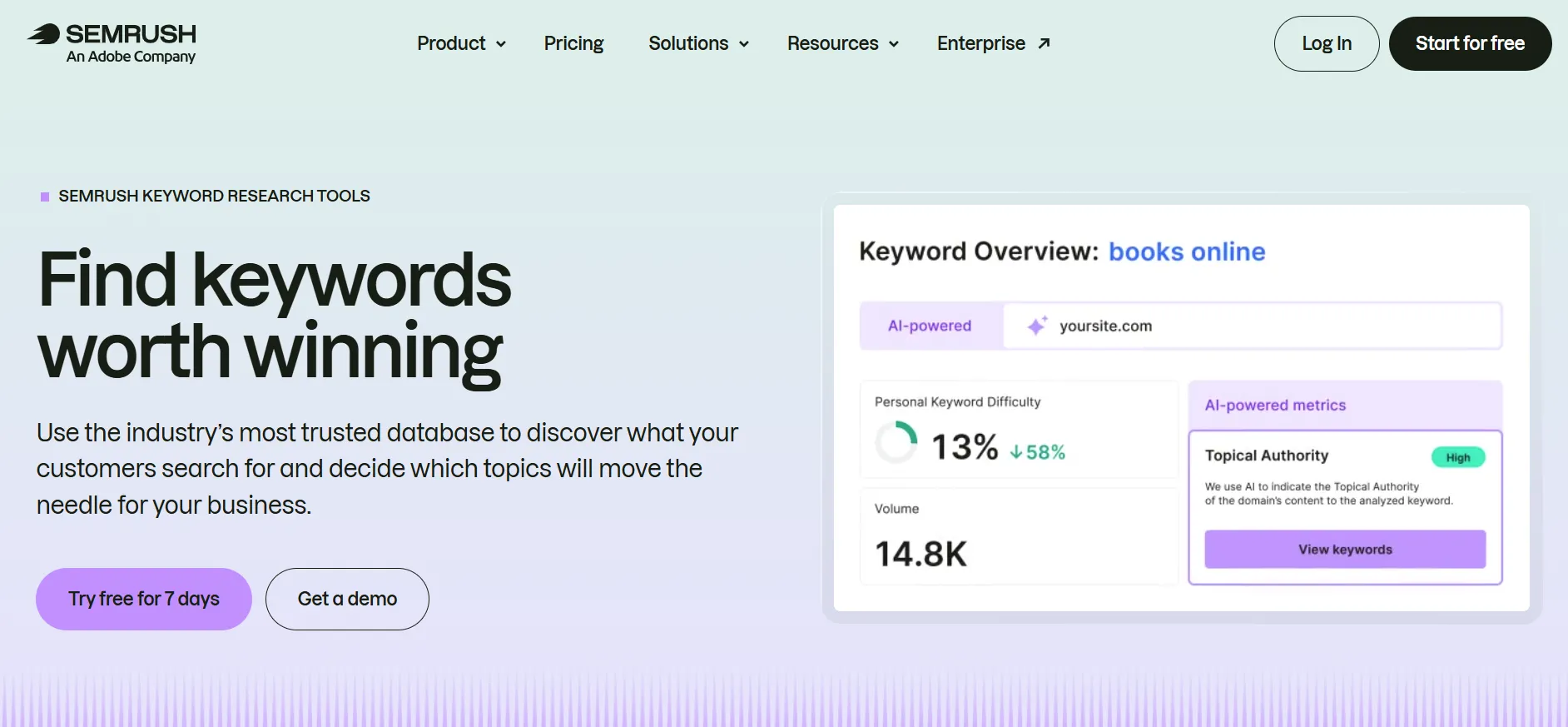
The tool can help answer questions such as:
Which keywords are worth targeting?
How competitive is a search term?
What related phrases should a page cover?
Which keywords do competitors rank for?
Which terms may bring commercial traffic?
Are there long-tail phrases worth creating pages around?
The value increases when you combine keyword research with competitor data.
Instead of guessing what people search for, you can inspect the search terms associated with competing websites and identify topics they already receive traffic from.
Current Semrush plans include different keyword limits. The SEO plan supports 500 keywords tracked daily, while Pro+ supports 1,500 and Advanced supports 5,000.
For someone managing one small website, 500 tracked keywords may be enough.
An agency handling many clients will likely need a higher limit.
Semrush Competitor Research Review
Competitor research is another major reason people use Semrush.
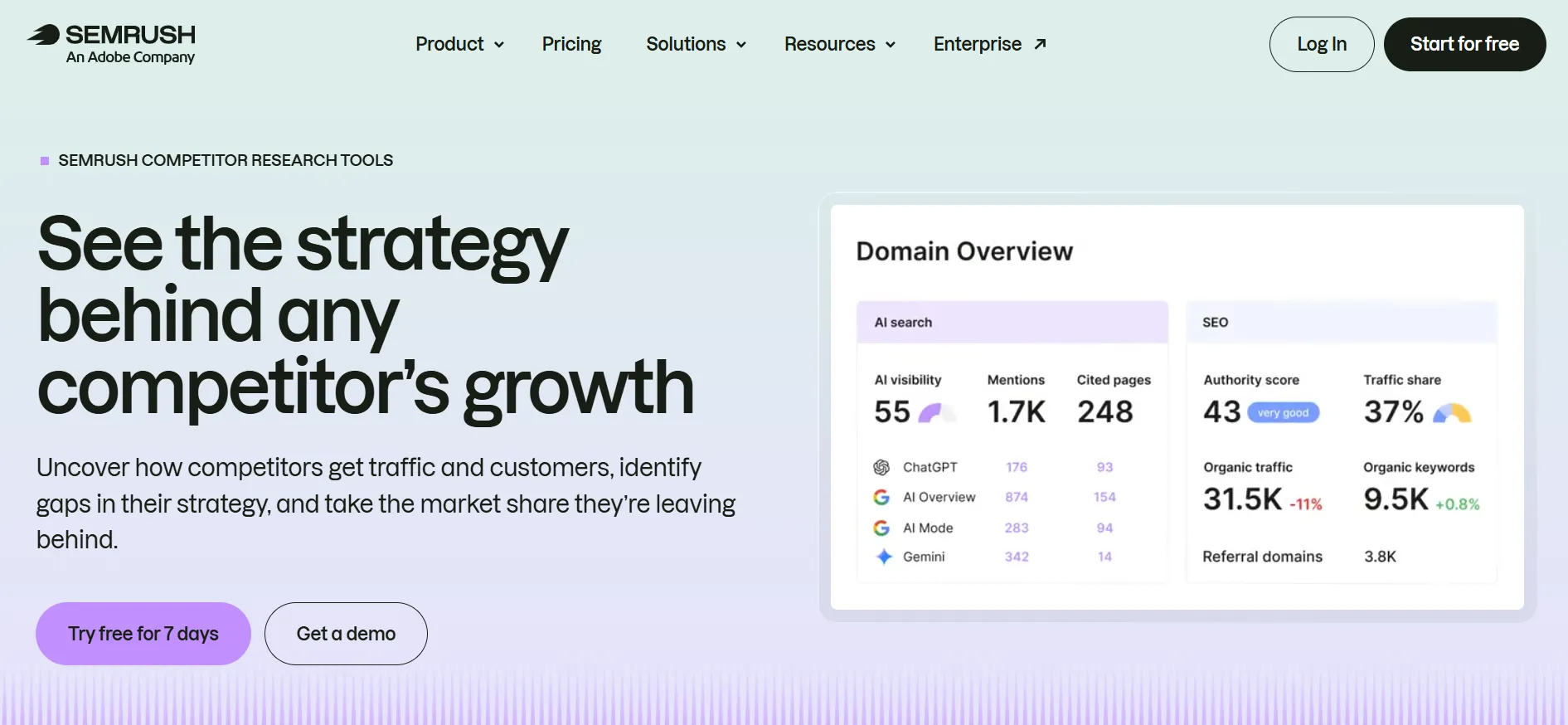
You can compare websites and research areas such as:
Organic keywords
Search positions
Competitor traffic estimates
Backlinks
Paid keywords
Advertising activity
Top pages
Keyword gaps
Search visibility
This can turn competitor research into something more useful than simply looking at another company’s website and wondering how it ranks.
Suppose a competing website has hundreds of pages ranking for topics you have not covered.
Semrush can help reveal those topics.
You can then review the keywords and search intent and decide whether creating similar content makes sense for your website.
The data should still be treated as research rather than absolute truth. Third-party traffic estimates and keyword databases are not the same as having direct access to another website’s analytics account.
That distinction matters when using any SEO platform.
Semrush Site Audit Review
Semrush Site Audit checks a website for technical and SEO problems.
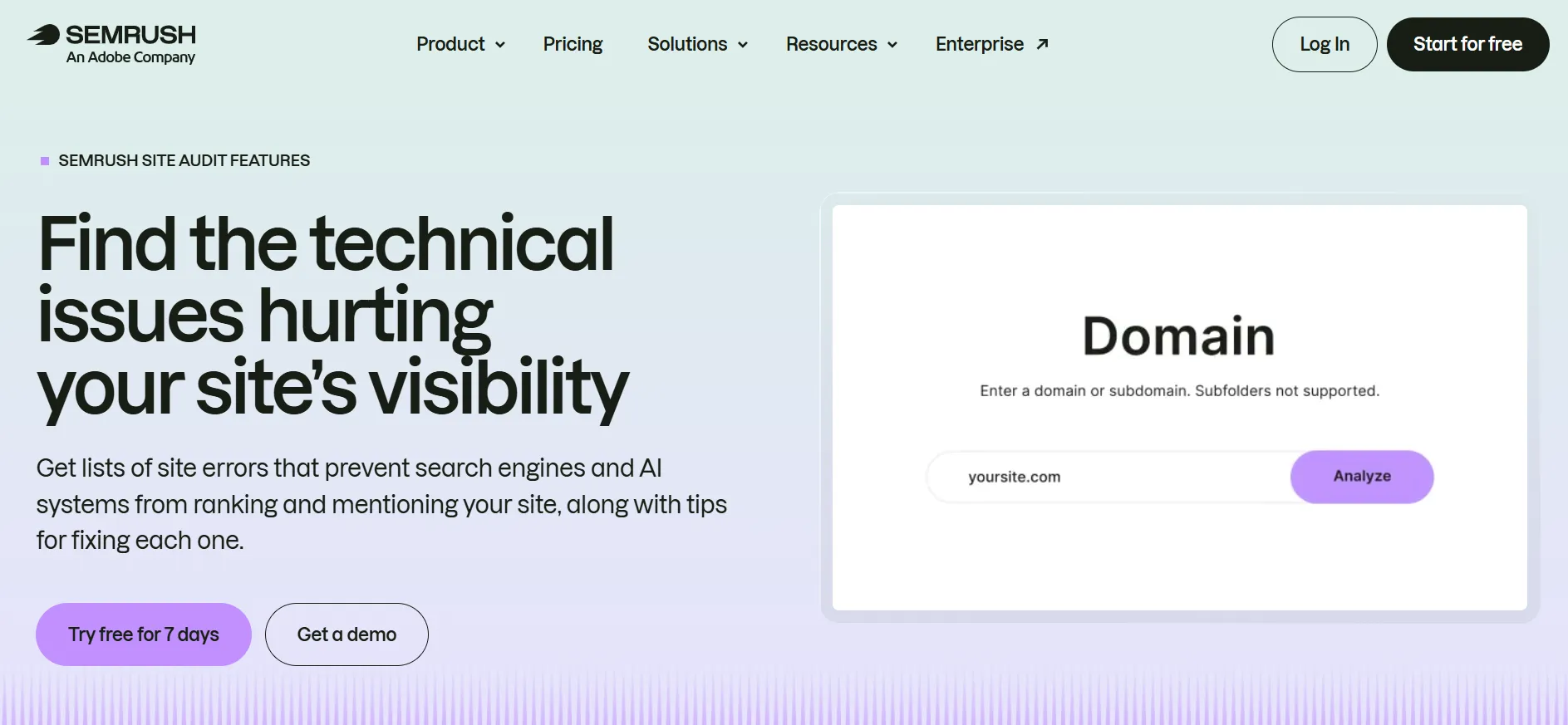
The tool can identify issues involving areas such as:
Broken links
Crawlability
HTTPS
Duplicate content
Metadata
Internal linking
Redirects
Indexing
Page performance
Structured data
Technical SEO settings
The Site Audit feature can be useful for both new and established websites.
A new website can use it to catch problems after launch.
An older website can run regular crawls to find issues that appear after publishing new pages, changing templates, installing plugins, or changing internal links.
Semrush also includes an AI-ready Site Audit on its Starter plan and above, while the SEO plan includes its standard Site Audit feature.
The tool gives you plenty of information, but it does not replace technical judgment.
Not every warning deserves the same level of attention. A website owner still needs to understand which problems affect crawling, indexing, search visibility, or visitors.
Semrush Position Tracking Review
Position Tracking lets you monitor keyword rankings over time.
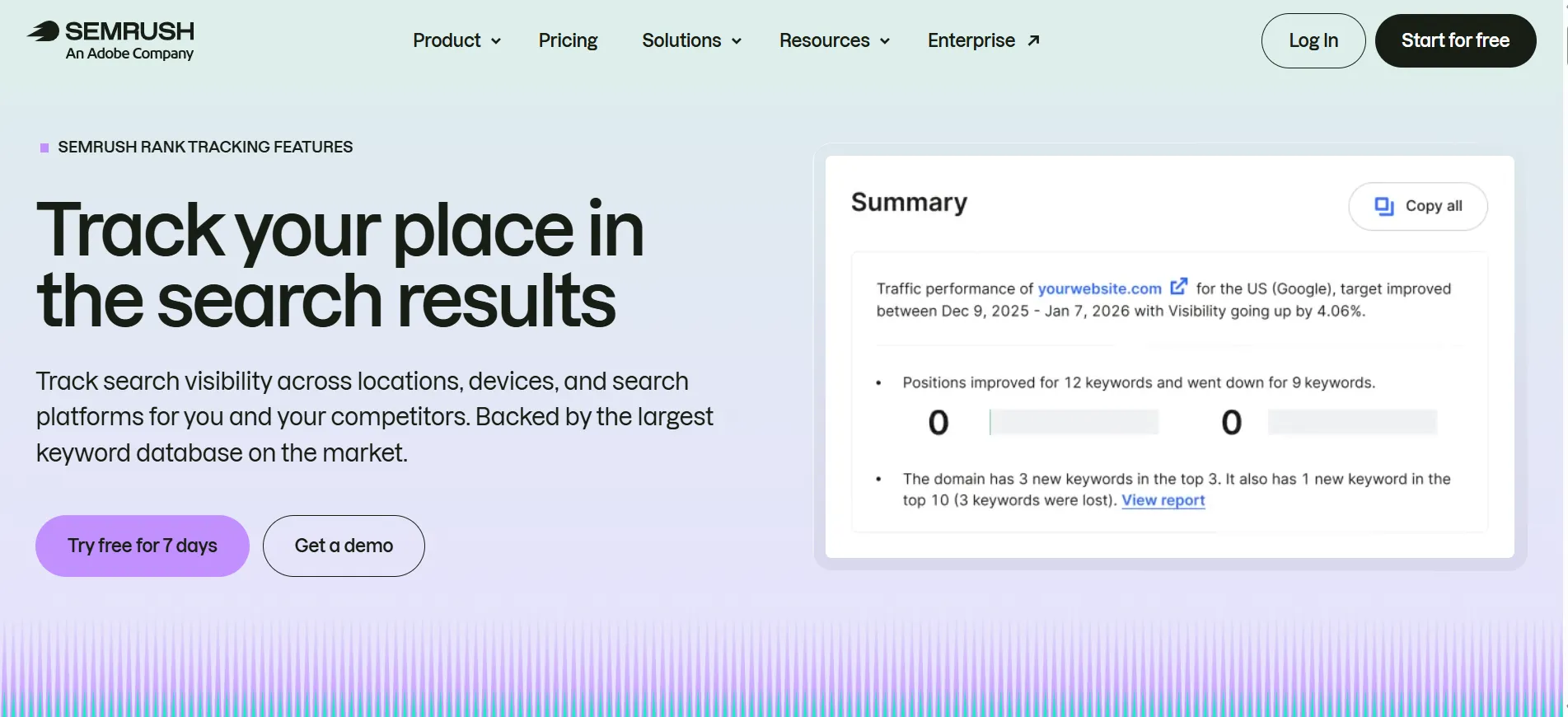
You can track rankings by factors such as:
Country
Location
Device
Search engine
Keyword
Competitor
The current Pro+ plan adds multi-location and device tracking, while higher plans provide more room for larger tracking setups.
This is useful because rankings change constantly.
A single ranking check tells you very little.
Tracking over several weeks or months gives you a better picture of whether a page is gaining or losing visibility.
It can also help you spot ranking changes after publishing content, updating an existing article, improving internal links, or making technical changes.
Semrush Backlink Analysis Review
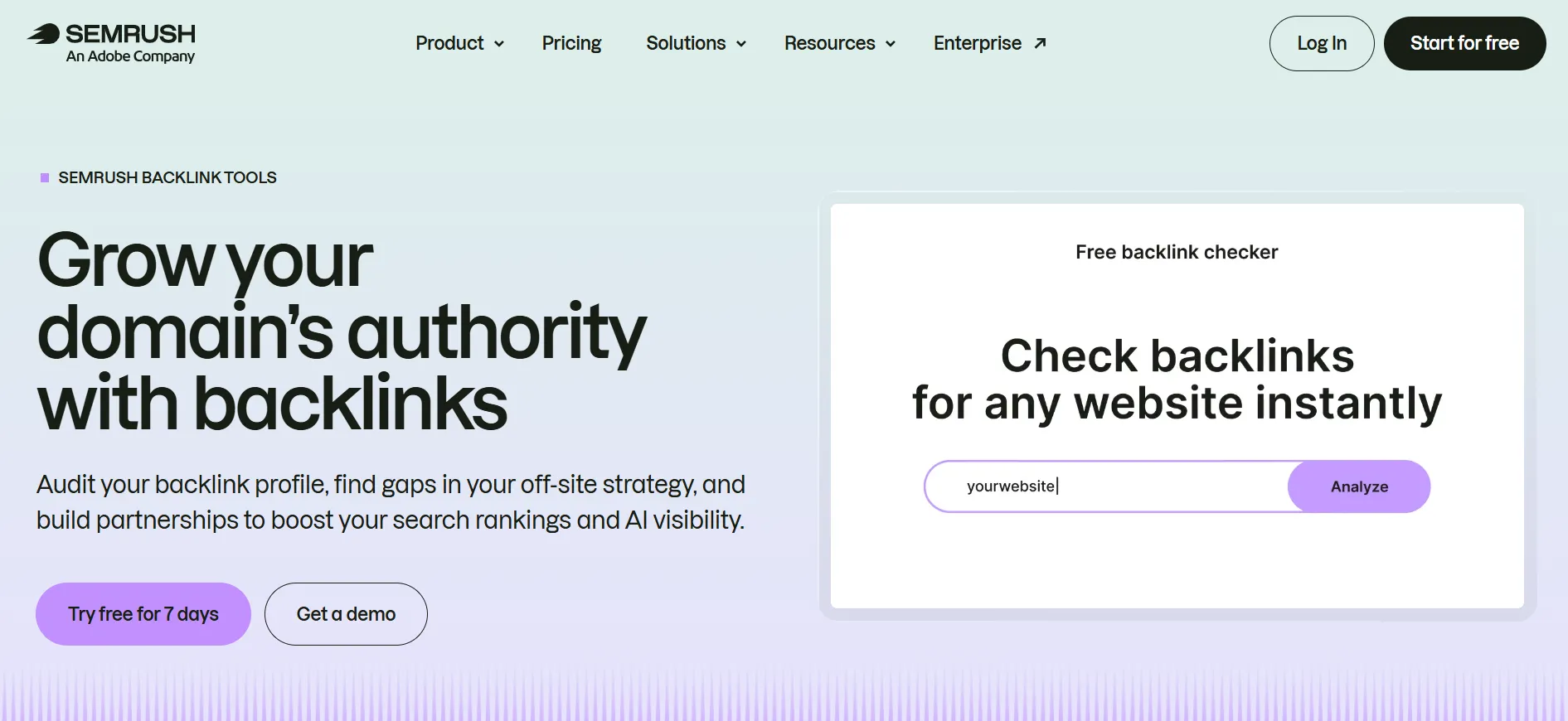
Backlinks remain part of SEO, and Semrush provides tools for studying backlink profiles.
You can investigate:
Referring domains
Backlinks
Anchor text
Link types
Competitor backlinks
New links
Lost links
Competitor backlink research can also help identify websites that link to similar businesses or publications.
That does not mean every competitor link is worth copying.
A backlink from a low-quality or irrelevant website may have little practical value. The useful part is finding patterns and potential sources worth reviewing.
Semrush includes Backlink Analytics in its SEO Classic plans, including Pro, Guru, and Business.
Semrush AI Visibility Review
One of the biggest changes in Semrush is its move into AI search visibility.
The company now tracks how brands appear in AI search experiences.
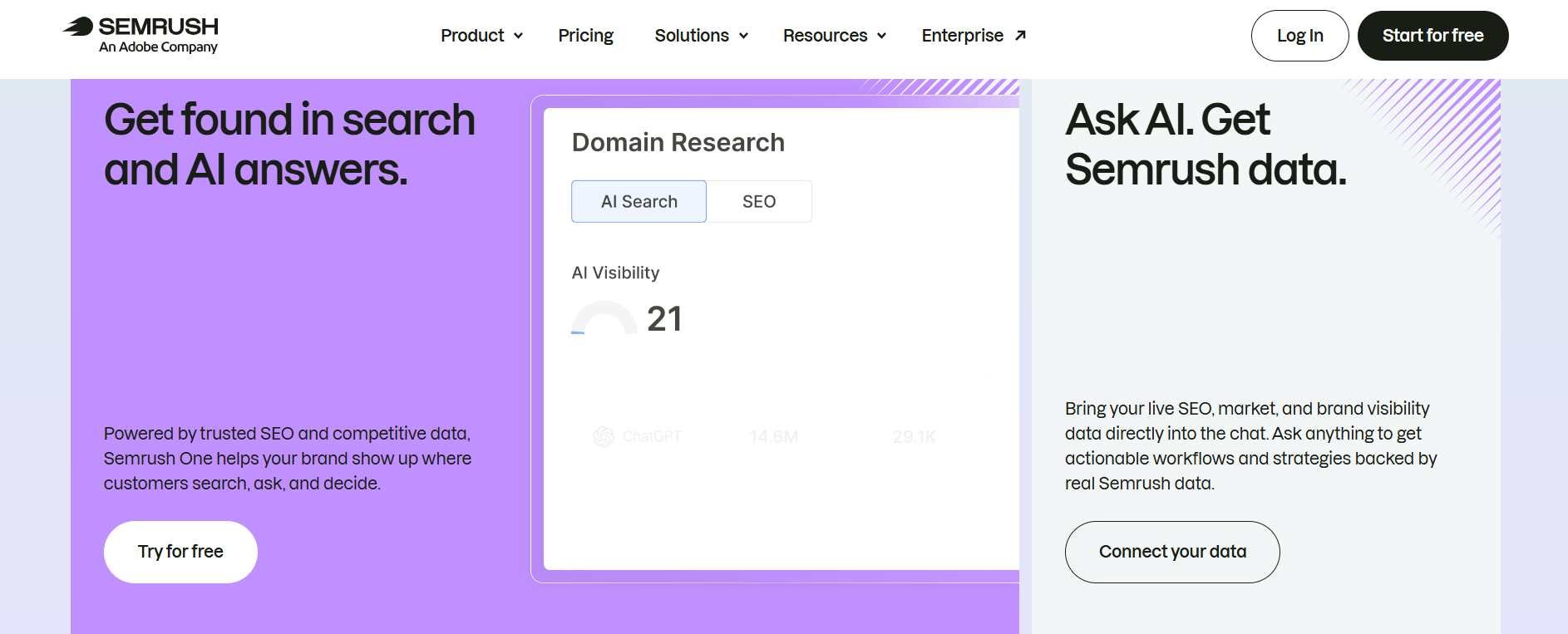
The current AI Visibility toolkit includes:
AI visibility reports
Custom prompt tracking
AI brand performance
AI competitor research
Prompt research
AI mentions
Citations
AI sentiment
AI visibility scores
The standalone AI Visibility plan starts at $99 per month per domain when billed annually.
The bundled SEO + AI Search plans include AI visibility features at higher subscription levels.
Semrush currently says its tools can monitor mentions from ChatGPT, Google AI, Gemini, and Perplexity.
This is useful for brands that want to know whether AI systems mention their company when people ask relevant questions.
There is a catch.
AI search results can change quickly and vary by prompt, location, model, and time. A visibility report is a useful measurement tool, but it should not be treated like a fixed Google ranking.
Semrush Content Tools Review
Semrush also has a separate Content toolkit.
The current Content Base plan costs $60 per month when billed annually and includes content ideas, up to 10,000 articles per month, five SEO Content Boosts per month, AI and SEO content optimization, and content written around a brand voice.
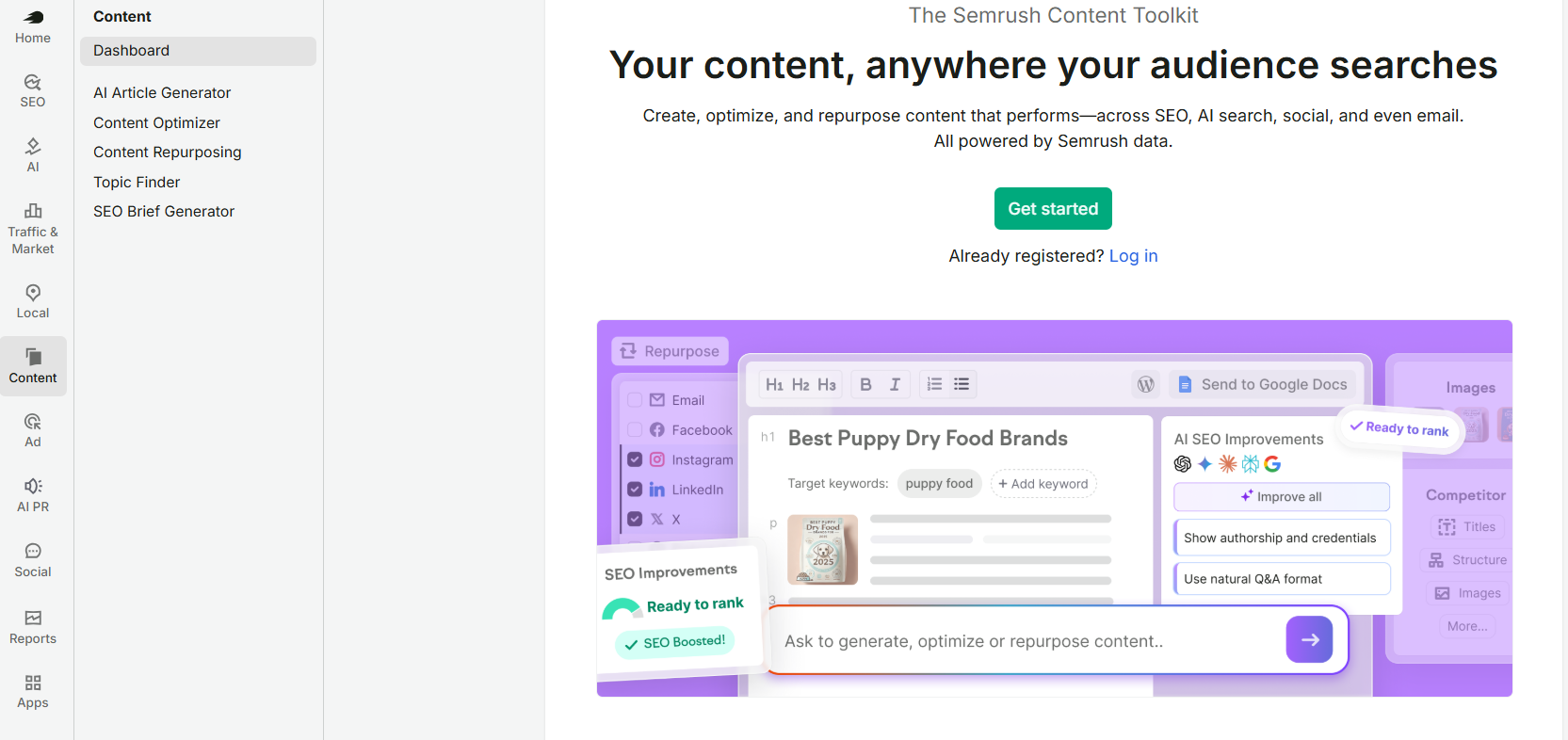
These tools can help content teams move from keyword research to content planning.
A typical workflow could look like this:
Keyword research → competitor review → content brief → article creation → SEO checks → performance tracking
That workflow is one of Semrush’s strong points.
You do not need to jump between five unrelated platforms for every part of the process.
Still, SEO tools do not replace good writing. A page can satisfy every technical checklist and still fail to answer what the reader actually wants.
Semrush Reporting Review
Reporting is an area where Semrush becomes useful for agencies.
The platform’s My Reports system lets users combine information from different Semrush tools into branded reports and schedule them for clients or teams.
Semrush currently offers two reporting add-ons:
Base Report costs $10 per month.
It includes data from more than 20 Semrush tools, Google Analytics and Google Search Console integrations, scheduled reporting, PDF export, and sharing with Semrush users.
Pro Report costs $20 per month.
It adds external integrations, scheduled delivery at a selected time, branding and white-label reports, AI-generated summaries, and sharing by link.
For an agency sending reports to several clients, these features can save a lot of manual work.
For a solo website owner, paying extra for advanced reporting may not make much sense.
Semrush Pricing Review
Semrush pricing can look confusing because the company now sells both bundled plans and individual toolkits.
The current SEO + AI Search pricing is:
Plan | Monthly price | Annual monthly price |
|---|---|---|
SEO | $139 | $117.33 |
Starter | $199 | $165.17 |
Pro+ | $299 | $248.17 |
Advanced | $549 | $455.67 |
Enterprise | Custom | Custom |
Semrush’s current pricing page shows the annual monthly equivalent and says annual subscriptions can save up to 17%.
The plans also differ in the number of websites and keywords you can track.
SEO and Starter support 5 websites and 500 tracked keywords.
Pro+ increases this to 15 websites and 1,500 keywords.
Advanced supports 40 websites and 5,000 keywords.
Semrush also sells individual toolkits, including SEO Classic, AI Visibility, Traffic & Market, Local, Content, Social, Advertising, and AI PR.
That modular approach means you can build a subscription around the tools you need, but it also means the final cost can rise as you add features.
Is Semrush Easy to Use?
Semrush has a lot going on.
That is both a strength and a weakness.
The dashboard gives experienced SEO users access to a large amount of information. A new user may open the platform and immediately see dozens of reports, filters, metrics, charts, and menus.
It takes some time to learn which tools actually matter for your work.
The platform becomes easier once you have a clear workflow.
For example, an SEO manager might use:
Keyword Overview
Keyword Magic Tool
Competitor Research
Site Audit
Position Tracking
Backlink Analytics
Content tools
Reporting
You do not need to use every feature simply because it exists.
That is probably the biggest lesson for new Semrush users.
Semrush Customer Support Review
Semrush provides a Help Center and onboarding resources, while paid users can access customer support options depending on their subscription.
The company also provides guides, tutorials, webinars, and educational material around SEO and digital marketing.
The large amount of documentation helps because Semrush has so many features.
If you are completely new to SEO, learning the platform and learning SEO at the same time can feel like doing two courses at once.
The free account is useful here.
You can test the platform before committing to a paid subscription, and Semrush currently advertises a seven-day free trial as well.
Semrush Pros and Cons: Semrush Review
Pros
- Large SEO toolkit: Keyword research, competitor analysis, rank tracking, Site Audit, backlink research, and more sit in one platform.
- AI visibility: The platform now tracks brand visibility across several AI search services.
- Competitor research: You can study competitors' keywords, backlinks, content, and paid search activity.
- Technical SEO: Site Audit gives website owners a structured way to find technical issues.
- Content tools: Semrush connects keyword research with content planning and optimization.
Cons
- High cost: Paid plans can be expensive for individual bloggers and small websites.
- Learning curve: The number of tools can feel overwhelming at first.
Semrush vs Ahrefs
Semrush is often compared with Ahrefs because both platforms cover major SEO research tasks.
Both can help with keyword research, competitor analysis, backlinks, and rank tracking.
Semrush has also put a strong focus on AI search visibility, with dedicated tools for tracking mentions, citations, sentiment, prompts, and AI competitors.
The better fit depends on the type of work you need to do.
If your workflow includes SEO plus content, advertising research, local marketing, social media, reporting, and AI visibility, Semrush offers a wider selection of tools within its broader product family.
If you mainly want a focused SEO research platform, comparing the exact keyword, backlink, rank tracking, and reporting limits is more useful than comparing brand names.
Who Should Use Semrush?
Discover if Semrush fits your needs in this Semrush review, covering ideal users from freelance SEOs and agencies to in-house marketing teams and enterprises.
SEO Professionals
SEO specialists can use keyword research, technical audits, rank tracking, competitor research, and backlink analysis in one account.
Content Teams
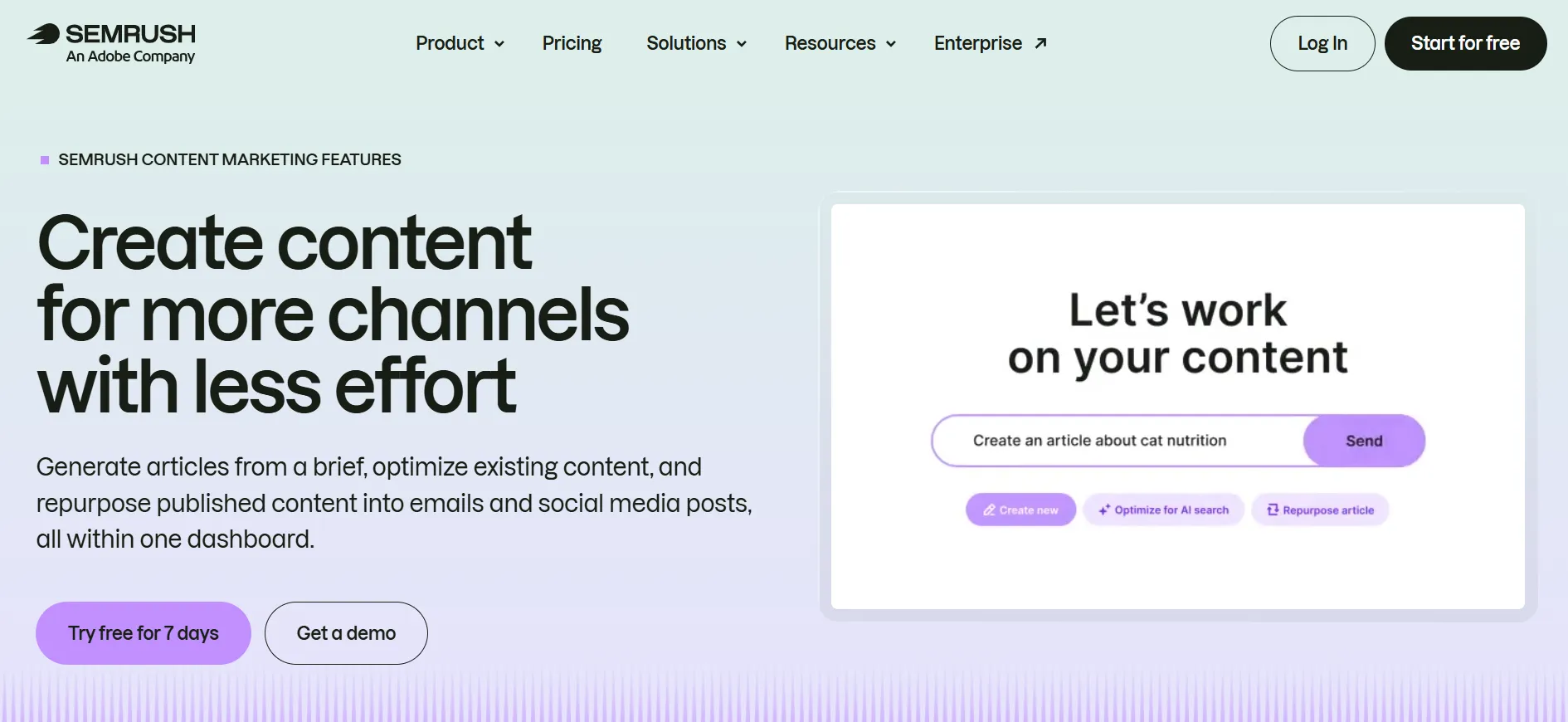
Content teams can combine keyword research with content ideas, briefs, optimization tools, and performance tracking.
Marketing Agencies
Agencies can benefit from multiple projects, reporting, additional users, competitor research, and client-focused reports.
Growing Businesses
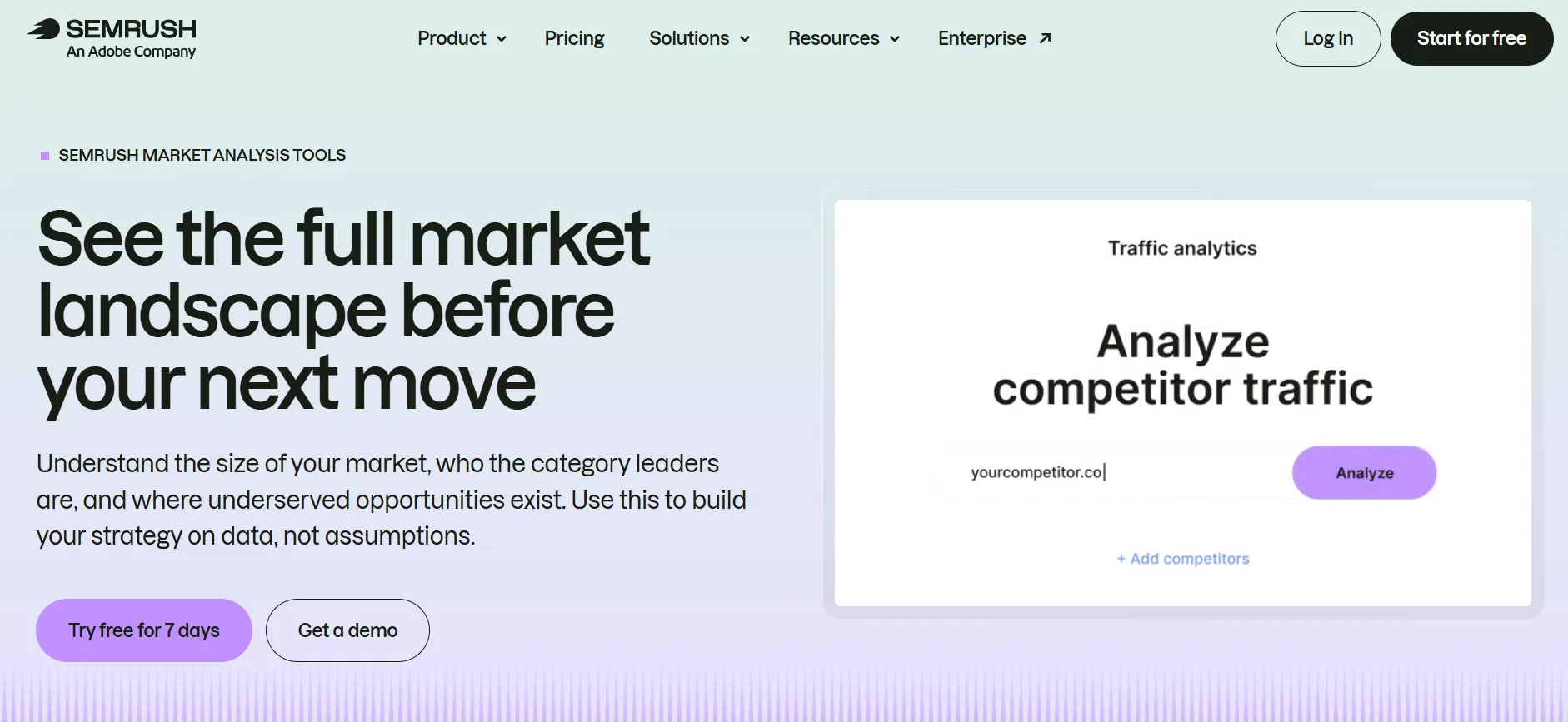
Businesses with several websites or active SEO programs can use Semrush to monitor search visibility and competitors.
Large Organizations
Enterprise customers can get custom limits, API access, multiple brands, team controls, dedicated account management, and other features. Enterprise pricing is customized.
Who May Not Need Semrush?
Semrush may be more than you need if you:
Run one small personal blog
Only need occasional keyword research
Have no plans to track rankings
Do not need competitor research
Do not manage technical SEO
Rarely publish new content
Have a very limited SEO budget
A simpler SEO tool may cover those needs at a lower cost.
You can also start with Semrush’s free account and see whether the limited version gives you enough information before paying for a subscription.
Is Semrush Worth It?
The answer depends on how much of the platform you will actually use.
Semrush makes more sense when SEO is a serious part of your website or marketing work.
If you need keyword research, competitor analysis, technical SEO, backlinks, rank tracking, content research, reports, and AI visibility, having those tools together can save time and reduce the need for several separate subscriptions.
The cost is harder to justify when you only need one small feature.
The current pricing starts at $139 per month for the SEO plan, while the broader Starter plan costs $199 per month. Semrush also offers a free account and a seven-day trial, which gives new users a chance to test the platform before paying.
Quick Links:
Final Thoughts: Semrush Review 2026
This Semrush Review shows a platform that has expanded well beyond traditional SEO software.
Its main strengths are the depth of its keyword and competitor research, technical SEO tools, rank tracking, backlink data, reporting, content features, and growing focus on AI search visibility.
The current platform can monitor visibility across traditional search and AI services including ChatGPT, Google AI, Gemini, and Perplexity.
The main concern is cost.
Semrush is not a budget SEO tool, and the price can rise when you add users, reports, or specialist toolkits. The amount of data can also take time to learn.
For SEO professionals, agencies, content teams, and businesses that actively manage search visibility, the large collection of tools can make the subscription useful.
For a casual blogger who only wants a few keyword ideas, it may be more software than necessary.
The easiest way to find out is to start with the free account or trial, test the tools you actually need, and then compare the paid plan against your monthly SEO workload.
