
Udacity Pricing 2026: Plans, Costs and Features
Udacity Pricing is based on an all-access subscription rather than separate payments for each Nanodegree or course.
So, how much does Udacity cost in 2026? Which plan gives you the better deal? And is a Udacity subscription worth paying for?
Let’s break down the current pricing, features, refund rules, free learning options, and ways to spend less.
Udacity Pricing at a Glance 2026
Get a fast snapshot of Udacity pricing across free courses, individual Nanodegrees, and subscription tiers in this quick reference, showing monthly costs, included features, mentorship access, and project review options in this Udacity pricing guide.
Udacity Plan | Price | Billing | Best For |
|---|---|---|---|
Monthly Subscription | $249/month | Monthly | Learners who want flexibility |
4-Month Subscription | $846 total | Paid upfront | Learners planning several months of study |
Free Courses | $0 | No subscription | Testing Udacity before paying |
Udacity’s published subscription information lists the monthly plan at $249. The four-month bundle costs $846 upfront, which represents a 15% saving compared with paying $249 each month for four months.
The current plans page also describes the four-month option as the more cost-effective choice for learners who expect to spend several months completing a Nanodegree. After the discounted four-month period, the subscription changes to month-to-month billing.
This pricing model can work well for learners who want to study several related subjects. Instead of paying for one program and stopping there, you can move between courses, Nanodegrees, projects, and other learning content while your subscription remains active.
Udacity focuses heavily on technology and career skills. Its catalog includes artificial intelligence, machine learning, programming, data science, cloud computing, cybersecurity, product management, digital marketing, and other professional subjects.
1. Monthly Subscription: $249 per Month
The monthly Udacity subscription costs $249 per month.
This option makes sense if you are unsure how long you will study. You pay for one month at a time and can cancel from your account settings. Your access continues until the end of the current billing period after cancellation.
The monthly plan includes access to Udacity’s catalog rather than just one selected Nanodegree.
You can use it to study subjects such as:
Artificial intelligence
Generative AI
Machine learning
Data science
Data engineering
Programming
Cloud computing
DevOps
Cybersecurity
Digital marketing
Product management
This makes the monthly option more useful for learners who want to test different subjects before committing to a longer study period.
2. 4-Month Subscription: $846
The four-month subscription costs $846 upfront.
At the regular monthly rate, four months would cost $996. The four-month bundle therefore saves $150, bringing the effective cost to $211.50 per month.
Udacity describes this option as a discounted four-month membership. The discount applies to the first four months, after which the plan converts to monthly billing at the applicable regular price.
For someone who already knows they want to complete a Nanodegree, this is generally the better-priced choice.
It also gives you enough time to work through a longer program without having to make a new payment every month.
What Does a Udacity Subscription Include?
Udacity’s subscription gives you access to the wider catalog rather than restricting you to one course.
The current plans page lists:
Unlimited access to hundreds of courses
Access to Nanodegree programs
Hands-on projects
Expert feedback
Personalized career coaching
Interview preparation
Program certificates for eligible programs
Access to Discovery and Fluency programs
Real-world project work
The exact learning experience can differ between programs, so you should check the individual program page before enrolling.
The main benefit of the subscription is the freedom to move between subjects. You could work through a machine learning program and then take a Python or SQL course without purchasing another subscription.
Udacity No Longer Sells Individual Nanodegrees Separately
One of the biggest changes to understand when looking at Udacity Pricing is the move to an all-access model.
Udacity previously allowed students to pay for individual Nanodegree programs or courses. Its current subscription model gives subscribers access to the wider catalog instead. Udacity’s support documentation says individual program enrollment is not currently supported as a separate purchase.
That means you should not compare Udacity’s $249 monthly price with the old price of a single Nanodegree.
The current model is closer to a membership. You pay for access during your subscription period and can study multiple areas.
This can be expensive if you only need one short lesson. It can be much more appealing if you plan to complete a full Nanodegree and add related courses along the way.
What Can You Learn With Udacity?
Explore Udacity’s learning categories and Nanodegree programs covering AI, programming, cloud computing, data science, web development, and business skills available at various Udacity pricing levels.
1. Artificial Intelligence
AI is one of the biggest parts of the current Udacity catalog.
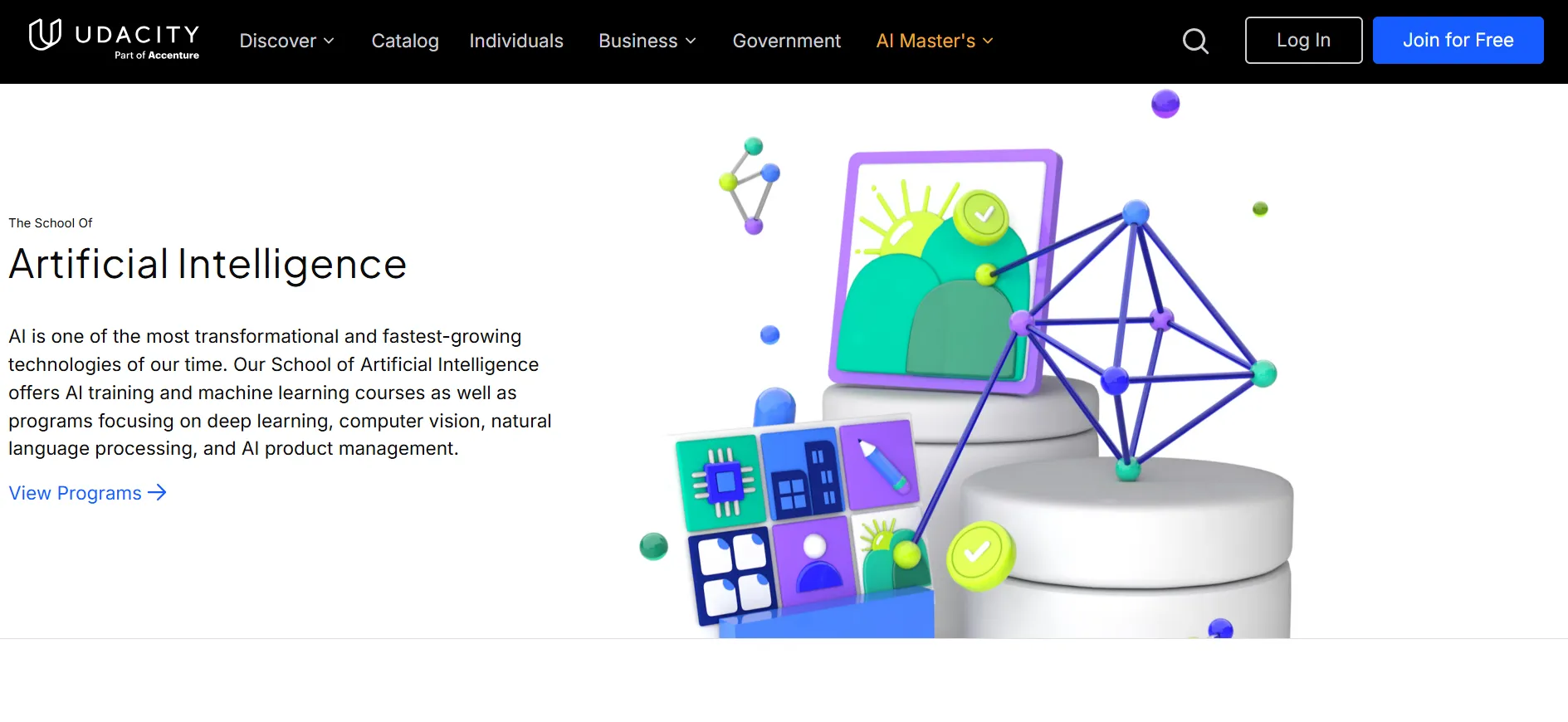
You can find programs and courses covering:
Generative AI
Agentic AI
Machine learning
Deep learning
Natural language processing
AI software development
AI for business
AI product management
AWS machine learning
Udacity’s AI catalog also includes beginner-friendly material for learners who have limited technical experience. Its current AI page separates learning paths for technical practitioners from courses designed for people who want to add AI skills to their existing work.
2. Programming
Programming courses cover subjects such as Python, C++, web development, JavaScript, and programming fundamentals.
These courses can be useful if you are preparing for a more advanced technical program and need to build your foundation first.
3. Data Science
Udacity also covers data analysis, data science, data engineering, business analytics, and related areas.

A learner could use the subscription to study Python and SQL before progressing to data analysis or machine learning.
4. Cloud and DevOps
Cloud learners can find courses related to AWS, cloud architecture, DevOps, infrastructure, and related technical skills.
This area is useful for professionals who want to move toward cloud engineering or expand their existing IT knowledge.
5. Product Management and Digital Marketing
Udacity isn’t limited to coding.
The platform also includes programs covering product management, digital marketing, business analytics, and related career skills.
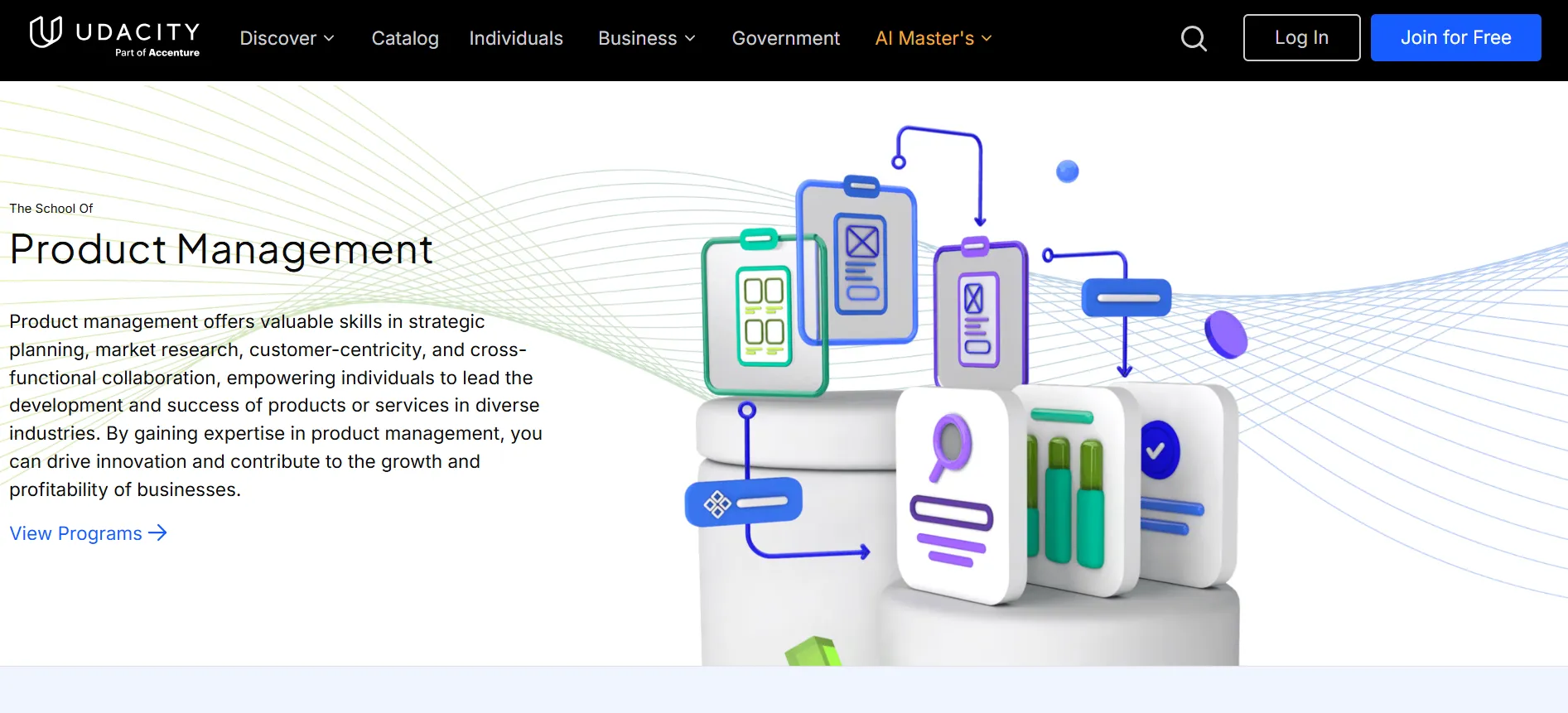
That makes the all-access structure more useful if your learning goals cross several disciplines.
Project-Based Learning
One of Udacity’s main selling points is its focus on practical projects.
The platform describes Nanodegrees as project-based learning experiences built around skills employers need. Programs include lessons, hands-on projects, expert feedback, and career resources.
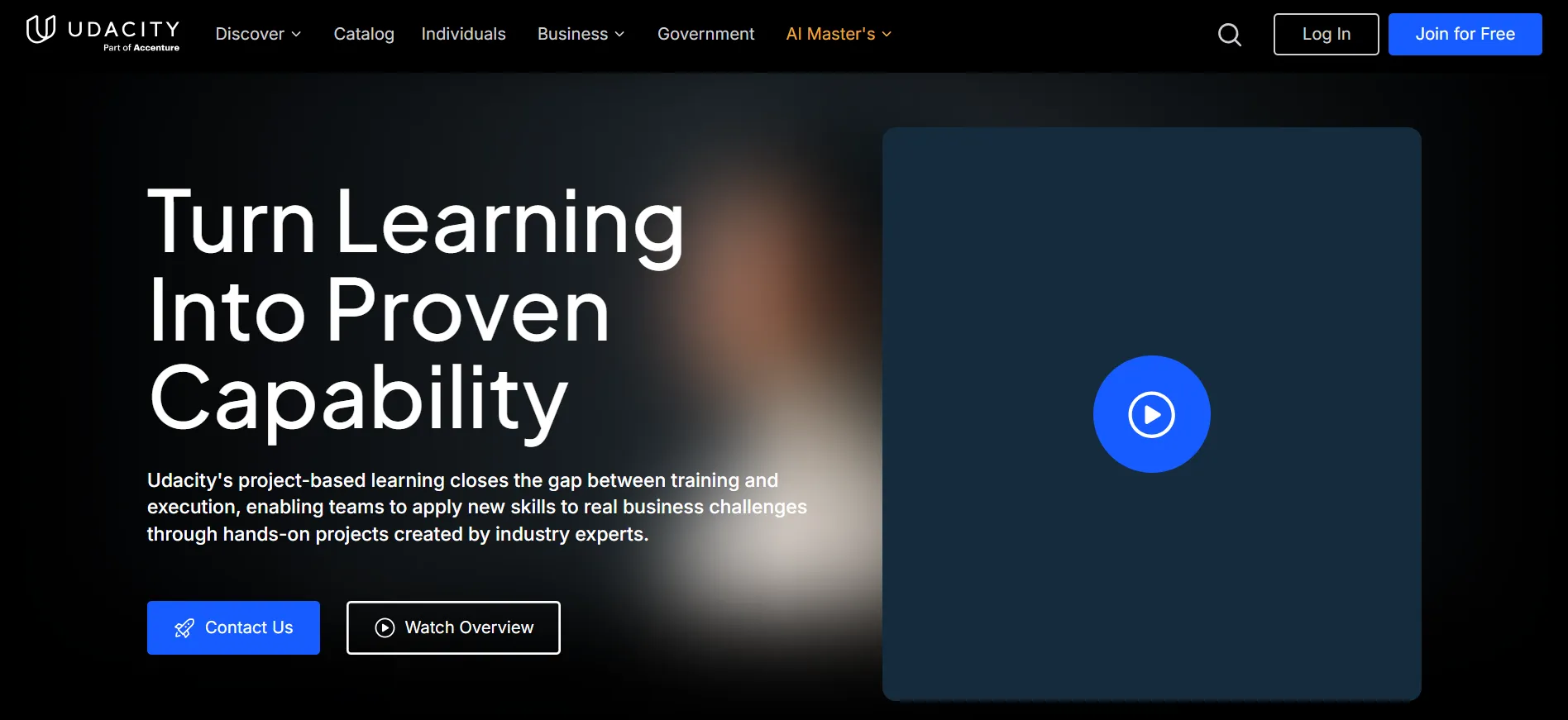
This approach can be more useful than a course library built mainly around watching videos.
You get opportunities to work on projects and receive feedback rather than simply finishing a series of lectures.
For people building a portfolio, this can make the subscription more useful because the learning process includes work that can demonstrate what you have studied.
Does Udacity Offer a Free Plan?
Udacity has free courses and learning content, so you do not have to pay just to start exploring the platform.
Udacity’s support documentation says free content remains available even in regions where paid checkout is not available.
Free courses are a good starting point if you want to see whether Udacity’s teaching style suits you.
They can also help you decide whether a paid subscription makes sense before spending $249.
Does Udacity Have a Free Trial?
Udacity currently has a 7-day free trial promotion for the Agentic AI Nanodegree, but this is not the same as a general seven-day trial of the entire Udacity catalog.
The current terms say the promotion is available to eligible users and provides seven days of access to the Agentic AI Nanodegree. A valid payment method is required, and Udacity places a temporary $10 authorization hold to verify the payment method.
Unless you cancel before the trial ends, the subscription converts to a paid monthly Udacity All Access subscription at the price shown when you sign up.
There is also an important geographic restriction. The current terms state that this promotional trial is void in India.
Since Udacity can change promotional eligibility, check the offer shown on your account before signing up.
Udacity Refund Policy
The refund rules are worth checking before buying a subscription.
For a first monthly subscription payment, Udacity says you can cancel and unenroll within the first 7 days to qualify for a full refund. The period is 14 days in the EU. The refund applies to the first month only.
If you renew for another month, you do not receive another seven-day refund period.
The rules for prepaid bundles are different. Udacity’s support documentation says the refund period begins when you purchase the bundle. After the seven-day refund period ends, there are no further refunds or partial refunds for ending the fixed multi-month term early.
This makes it worth checking your schedule before purchasing the four-month plan.
What Happens After the 4-Month Plan Ends?
The four-month subscription is not a permanent four-month-only membership.
After the discounted four-month period ends, Udacity converts the subscription to month-to-month billing unless you cancel.
This is one of the most important details to remember when comparing Udacity plans.
If you only want four months of access, set a reminder to review your subscription before the bundle ends. You can cancel from your account settings, and your access remains available through the current billing period.
Is the 4-Month Udacity Plan Better Than Monthly?
For many learners, yes.
Consider a learner who wants to complete a Nanodegree in four months.
At $249 per month:
$249 × 4 = $996
With the four-month bundle:
$846 total
That creates a $150 saving.
The four-month option is therefore the better deal if you already expect to stay for the full period.
The monthly plan is more suitable if you are unsure about your study schedule or only want short-term access.
Choose Monthly If:
You want maximum billing flexibility
You are testing Udacity for the first time
You may stop learning after one or two months
You are unsure which subject you want to study
Choose 4 Months If:
You already have a Nanodegree in mind
You expect to study consistently
You want the lower effective monthly cost
You need several months to finish your program
Is Udacity Expensive?
At $249 per month, Udacity is not a low-cost course platform.
The price makes more sense when you use the all-access catalog rather than taking only one short course.
For someone who completes a full Nanodegree and also studies related subjects, the subscription can offer more value than buying several separate programs.
On the other hand, a learner who only needs a few hours of instruction may find the monthly price difficult to justify.
The right question is not simply whether Udacity is expensive. It is whether you will use enough of the catalog during your subscription period.
Ways to Save on Udacity Pricing
Discover multiple methods to reduce Udacity pricing costs including coupon codes, four-month prepayment discounts, free courses for testing, and seasonal promotions to get the best value on Nanodegree subscriptions.
Choose the 4-Month Bundle
The most predictable saving is the four-month prepaid plan, which currently gives a 15% discount compared with four regular monthly payments.
Check for Personalized Promotions
Udacity says personalized offers may be available to some learners. These can vary by user and promotion.
Check your Udacity account, email offers, and the checkout page before paying.
Start With Free Courses
If you are not sure whether Udacity suits you, try its free content first.
This lets you experience the teaching format without immediately committing to a paid plan.
Check Employer Education Benefits
Some employers reimburse professional education costs. Udacity has previously noted that many learners receive employer tuition reimbursement for courses or Nanodegrees.
If your company has a learning budget, check its education policy before paying personally.
Udacity Pricing for Master’s Programs
Udacity now also has accredited master’s programs through the Udacity Institute of AI and Technology and Woolf.
These programs are separate from the standard subscription experience, although a Udacity subscription is required to begin the application process.
For example, Udacity’s current Master of Science in Artificial Intelligence page lists a one-time $199 enrollment fee and requires a Udacity subscription. The page estimates the full degree cost at around $5,000 based on the expected completion schedule, although the actual amount can vary with study pace because the subscription is billed monthly.
The standard Udacity subscription should therefore not be confused with the total price of a master’s degree.
If you are only looking for a Nanodegree or skills course, you do not need to budget for a master’s program.
FAQs: Udacity Pricing
The current published monthly subscription price is $249 per month. It provides access to Udacity's wider catalog rather than one individual Nanodegree.
The current four-month bundle is $846 upfront, representing a 15% saving compared with four months at the regular $249 monthly price.
Udacity offers free courses and other free learning content. Paid subscription access is not required for all content.
Yes. Udacity's current plans page says you can cancel anytime through your account settings. You keep access until the end of your current billing period.
Udacity currently uses an all-access subscription model and does not support separate enrollment in individual Nanodegree programs as a standalone purchase.
Udacity provides a seven-day refund period for subscription bundles. After that period, the company says there are no partial refunds for ending a fixed multi-month subscription early.
Yes. The four-month subscription currently has a 15% discount. Udacity also says personalized promotional offers may be available to some learners.
Quick Links:
Final Verdict: Udacity Pricing
Udacity Pricing 2026 is built around an all-access membership, with the main individual choices being $249 per month or $846 for four months upfront.
The monthly plan gives you more freedom if you are testing the platform or do not know how long you will study. The four-month bundle is the better price if you already have a Nanodegree or learning goal that will keep you busy for several months.
The biggest advantage of Udacity’s pricing model is the breadth of access. You can move between AI, programming, data science, cloud, DevOps, product management, and other subjects without buying another individual program.
The biggest drawback is the cost. At $249 per month, Udacity requires a real commitment from your budget. The subscription makes more sense when you use the platform regularly and take advantage of its projects, feedback, career resources, and wider course catalog.
If you are unsure, start with Udacity’s free courses. If you decide to subscribe, compare the monthly and four-month options before checkout. For learners ready to study for several months, the 4-month Udacity subscription at $846 currently offers the lower effective monthly price and can be the better choice.
