
Omnisend Review 2026: In-Depth Analysis
This Omnisend review breaks down what the platform offers in 2026, from email automation to SMS campaigns, so you can decide if it belongs in your online store’s marketing stack.
Omnisend built its name around ecommerce brands that want one dashboard instead of five separate tools, and that focus shows up in nearly every feature the platform ships.
Store owners juggling Mailchimp for email, a separate app for SMS, and another tool for push alerts often end up paying more and learning less. Omnisend tries to fix that by putting everything under one roof.

Omnisend earns a strong spot among ecommerce marketing platforms by combining email, SMS, and push notifications in one dashboard. Store owners get pre-built automation for cart abandonment and win-back campaigns without stitching together separate apps. It fits growing stores best, though costs climb as your contact list grows.
Pros
- Combines email, SMS, and push notifications in one plan
- Pre-built automation workflows save setup time
- Deep integration with Shopify, WooCommerce, and BigCommerce
- Free plan available for new stores testing the waters
- Drag-and-drop editor needs no coding skills
Cons
- SMS credits run out fast on high-volume stores
- Advanced reporting sits behind the pricier tiers
- The automation builder takes a short learning curve
Free plan available; Standard from $16/mo; Pro from $59/mo (both billed per contact tier)
Get Started with OmnisendHere’s what this Omnisend review covers: the pricing plans and what each tier unlocks, the automation and segmentation tools that make campaigns run on their own, where the platform falls short, and honest answers to the questions shoppers ask before signing up.
We checked the dashboard, tested the integrations, and weighed the value against what similar tools charge. Here’s our quick take before we get into the details.
What Is Omnisend and Who Is It For?
Omnisend is an ecommerce marketing platform built for online stores that want email, SMS, and push notifications working from a single dashboard.
It connects directly with Shopify, WooCommerce, BigCommerce, Wix, and several other store builders, pulling in order data, product catalogs, and customer behavior automatically.
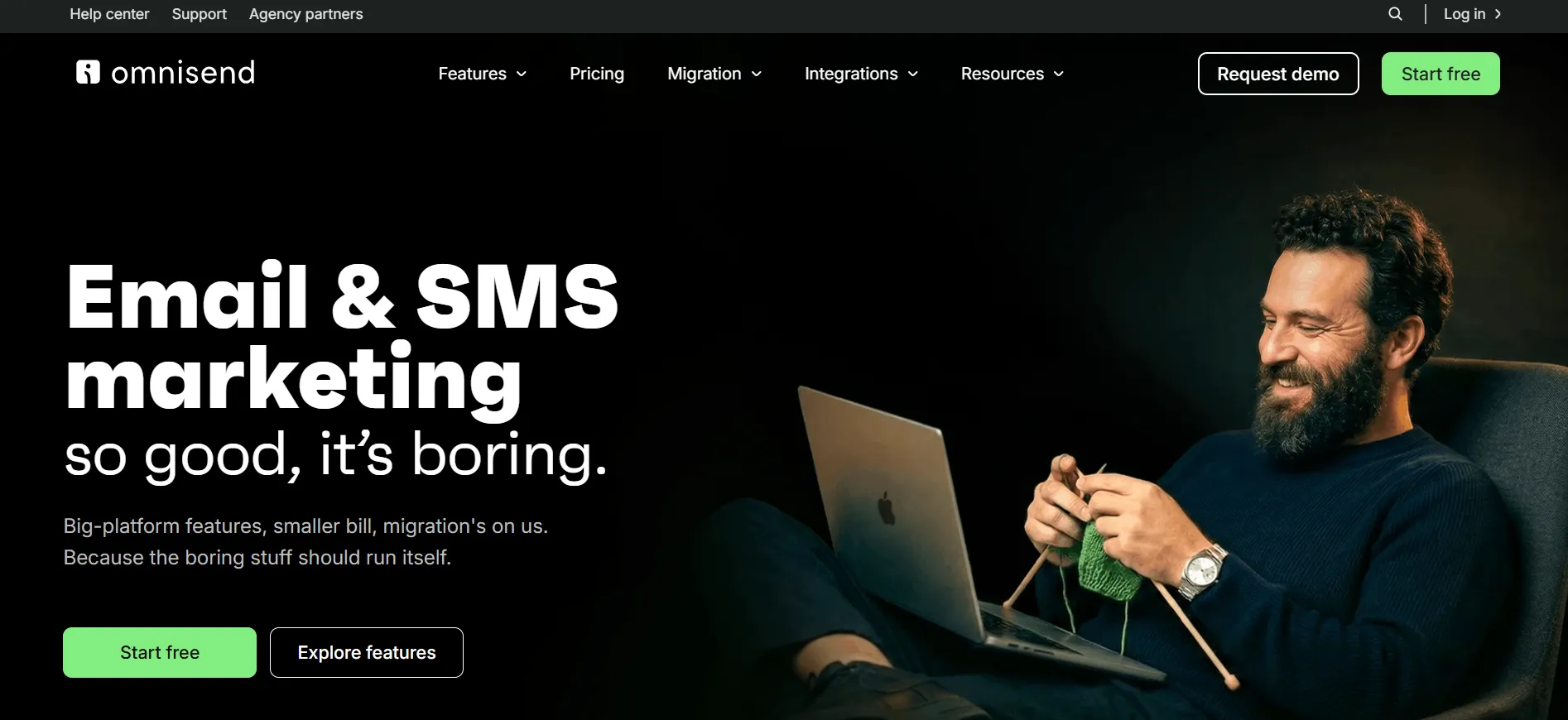
The platform suits store owners who sell physical products and want marketing that reacts to shopper behavior, like cart abandonment, browse abandonment, or a first purchase.
Content creators or service businesses without a shopping cart will find tools like Mailchimp or ConvertKit a closer fit, since Omnisend’s automation library leans heavily on order and product events.
Agencies managing several ecommerce clients also pick Omnisend because it keeps every channel, email, SMS, and push, inside one reporting view instead of three separate logins.
Omnisend Pricing Plans Explained
Omnisend runs three plans: Free, Standard, and Pro. Pricing is based on your contact list size, so the rate below reflects the entry tier. Your actual bill rises as your list grows past that threshold.
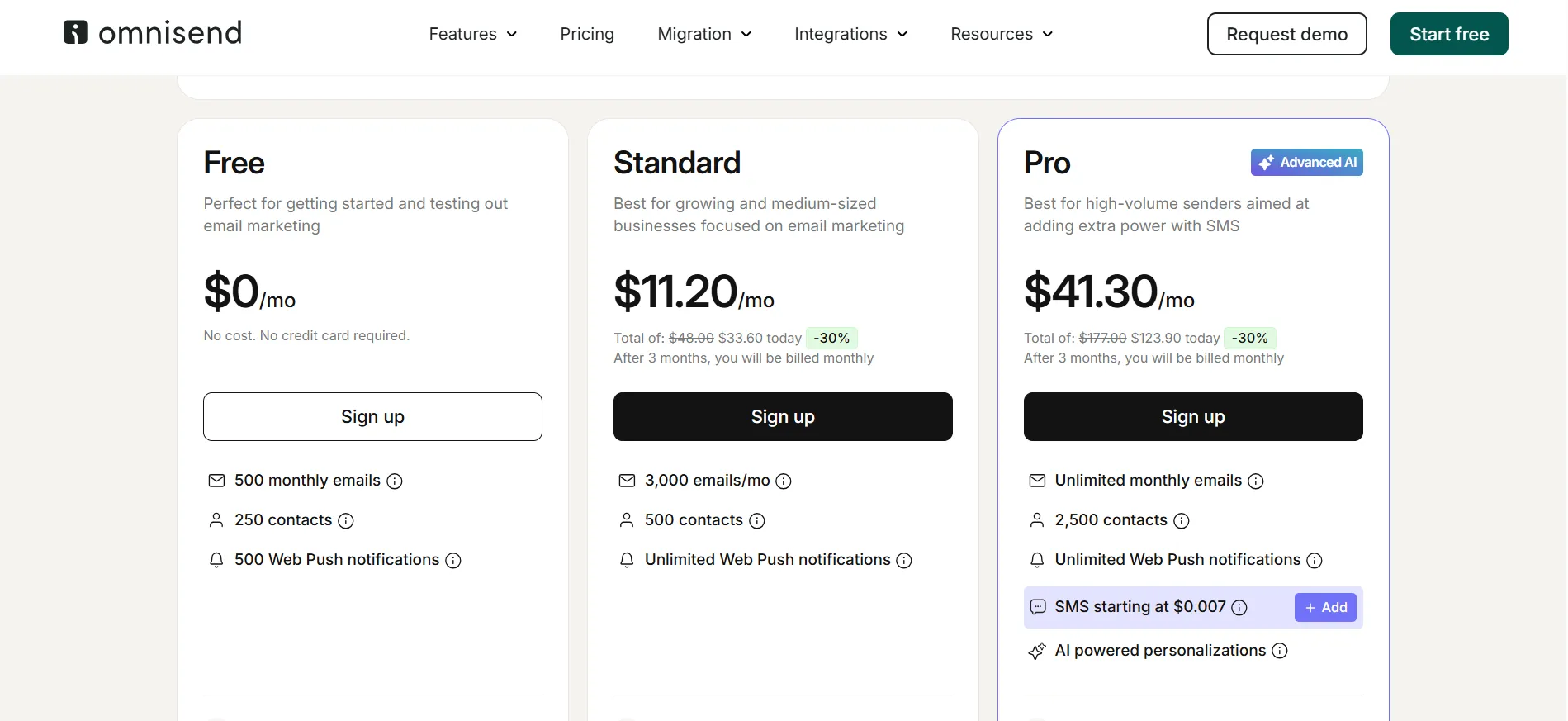
The Free plan costs $0 per month and includes 500 monthly emails and up to 250 contacts, no credit card required. It’s enough room to test email marketing before spending anything, though Omnisend branding stays visible on your emails and forms.
The Standard plan starts at $16 per month at its entry contact tier (Omnisend is currently running a limited-time offer that brings the first three months down to roughly $11.20 per month before it reverts to the regular rate).
It covers 500 contacts and 6,000 monthly emails at that tier, removes the Powered by Omnisend badge, and unlocks unlimited web push notifications, free migration from your old platform, dynamic content blocks, and basic advanced reporting.
The Pro plan starts at $59 per month at its entry contact tier (also discounted to around $41.30 per month for the first three months under the current promo).
It raises the included contacts to 2,500, sends unlimited monthly emails, bundles pay-as-you-go SMS credits starting around $0.007 per message, and adds the full AI toolset plus a dedicated account expert for stores spending $400 or more per month.
Because every paid tier scales with your contact count, check Omnisend’s live pricing page for the exact rate once you know your list size, promotional pricing and exact rates can change.
Feature Comparison at a Glance: Omnisend Review
Omnisend is an email and SMS marketing platform built for online stores. This section compares its main features side by side. You can see where it fits your store and where other tools may suit you better.
| Feature | Free | Standard | Pro |
|---|---|---|---|
| Starting Price | $0/mo | From $16/mo | From $59/mo |
| Monthly Emails (entry tier) | 500 | 6,000 | Unlimited |
| Contacts Included (entry tier) | 250 | 500 | 2,500 |
| SMS Marketing | Limited | Available | From $0.007/SMS |
| Web Push Notifications | No | Unlimited | Unlimited |
| Omnisend Branding | Visible | Removed | Removed |
| Advanced Reporting | No | Basic | Advanced |
Key Features That Make Omnisend Stand Out
Omnisend brings email, SMS, and automation into one place for online stores. Its ready-made workflows help you send the right message at the right time. The features below show what helps store owners sell more without juggling several tools.
1. Email Marketing and Templates
The drag-and-drop editor lets you build campaigns without touching code.
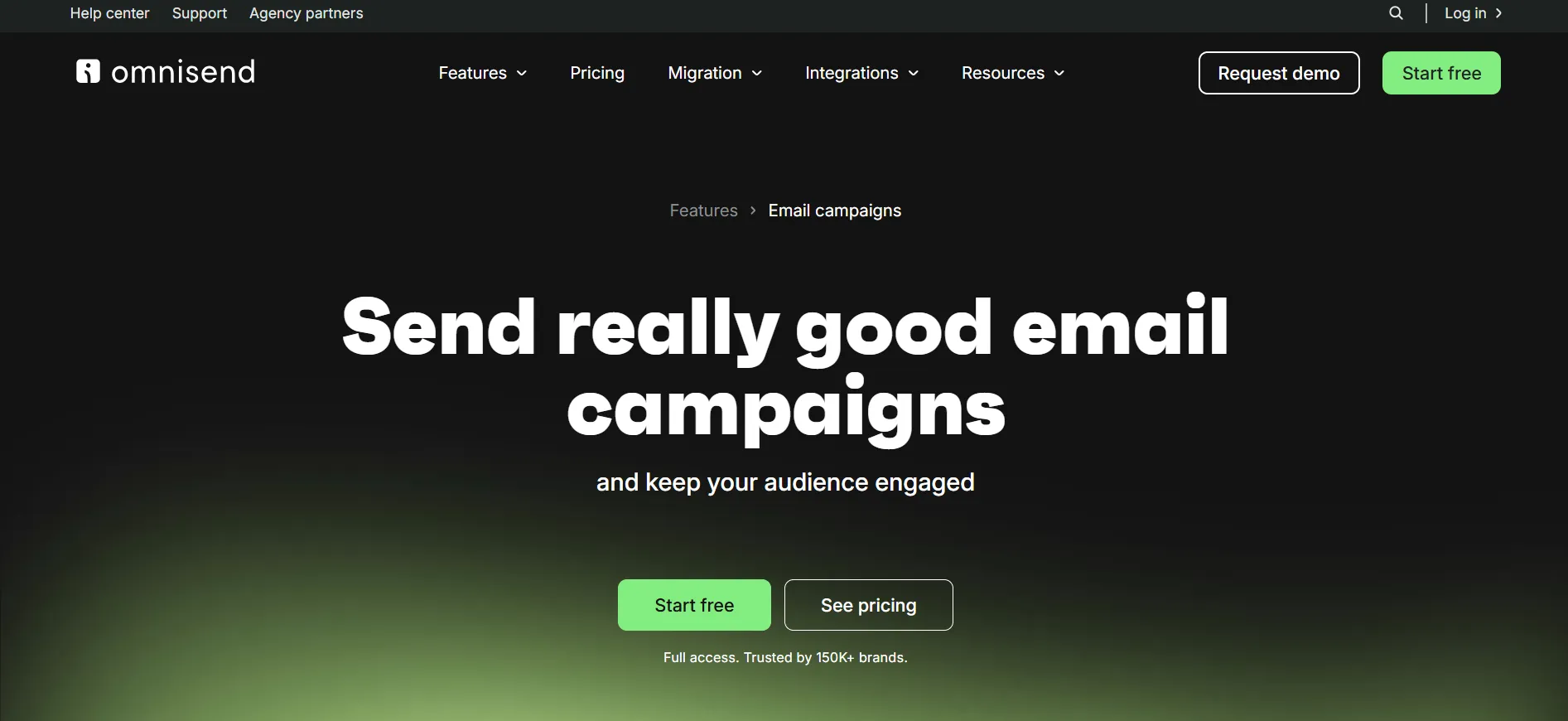
Omnisend ships pre-made templates sorted by industry, plus product picker blocks that pull live items straight from your store catalog into the email.
2. Pre-Built Automation Workflows
Omnisend’s automation library covers the moments that matter most for online stores: welcome series, cart abandonment, browse abandonment, post-purchase follow-ups, and win-back campaigns for shoppers who went quiet.
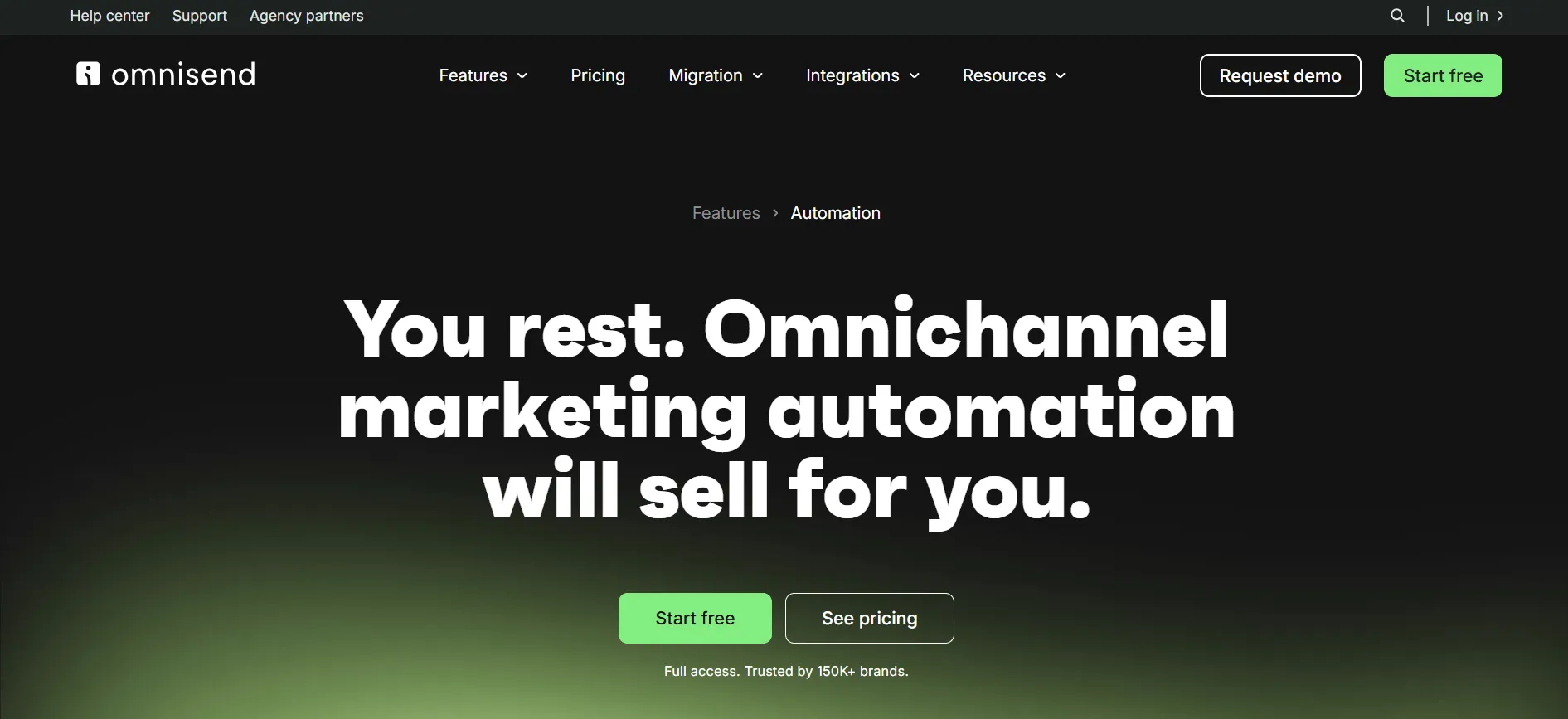
You can start from a template and adjust the timing, channel, and message without building the logic from scratch.
3. SMS and Push Notification Marketing
Email isn’t the only channel Omnisend handles. SMS campaigns and automations run from the same dashboard, using the same customer data and segments.
Web push notifications round out the channel mix for stores that want to reach shoppers who haven’t opted into email or text yet.
4. Audience Segmentation
Segments can filter shoppers by purchase history, total spend, location, browsing behavior, or how they engage with past campaigns.
That lets you send a win-back offer to lapsed buyers while sending a different message to first-time shoppers, all from the same send.
5. Reporting and Analytics
Campaign reports break down opens, clicks, and revenue attributed to each email or text.
Automation reports show how each workflow step performs, so you can spot where shoppers drop off and adjust the sequence.
6. Integrations With Ecommerce Platforms
Beyond the big three, Shopify, WooCommerce, and BigCommerce, Omnisend connects with Wix, Magento, and a handful of apps through Zapier for stores running on custom stacks. The native integrations sync order and customer data without manual exports.
Pros and Cons: Omnisend Review
No marketing platform gets everything right. Here’s a straight look at where Omnisend pulls ahead and where it falls short, based on what the dashboard and support team actually deliver.
Pros
- Built-in product recommendation blocks inside emails
- A/B testing available on campaigns and automations
- Segmentation targets shoppers by purchase history and browsing behavior
- Responsive customer support through live chat
- Easy migration tools for switching from another platform
Cons
- Email template design options feel limited next to design-first competitors
- Pricing scales quickly once your contact list grows
- Push notification setup can feel technical for beginners
Most of these trade-offs come down to budget and design flexibility. If your store runs a tight list and wants revenue-driving automation over custom design, the cons matter less.
How Does Omnisend Compare to Other Email Marketing Tools?
Shoppers researching an Omnisend review usually also look at Klaviyo, Mailchimp, and ActiveCampaign. Klaviyo leans deeper into predictive analytics and tends to cost more as your list grows.
Mailchimp covers a wider range of business types but doesn’t focus on ecommerce automation the way Omnisend does. ActiveCampaign brings stronger CRM features but asks for more setup time before automations run well.
Omnisend’s edge is combining email, SMS, and push notifications under one price without needing a separate app for texting. For a store that wants one tool instead of three, that bundling often works out cheaper and easier to manage.
Is Omnisend Easy to Use?
The onboarding flow walks new users through connecting their store, picking a few starter automations, and sending a first campaign within the same session.
The drag-and-drop editor doesn’t require design experience, and the pre-built workflows mean you don’t have to map out customer journeys from a blank page.
Support comes through live chat, email, and a help center with step-by-step guides. Response times stay quick during business hours, though complex automation questions sometimes need a follow-up email instead of an instant chat answer.
Ready to see the dashboard for yourself? Start with the free plan and test a welcome automation before you spend a dollar.
FAQs: Omnisend Review
Yes. The free plan lets small stores test email and SMS automation before paying for a subscription, and the Standard plan starts at $16/month for growing lists.
Omnisend connects natively with Shopify, WooCommerce, BigCommerce, Wix, and Magento, syncing order data, product catalogs, and customer behavior automatically.
SMS is built into the same plans as email rather than sold as a standalone product, so you'll have access to email tools even if texting is your main focus. Pro-plan SMS starts around $0.007 per message.
Yes, Omnisend offers a free plan with 500 monthly emails and up to 250 contacts, with Omnisend branding on campaigns, which works well for testing the platform.
Pro starts at $59 per month at the entry contact tier, though Omnisend regularly runs promotions that bring the first few months down to a lower introductory rate.
Omnisend bundles email, SMS, and push notifications in one price, while Klaviyo focuses more on advanced predictive analytics and tends to cost more as your contact list grows.
Yes, the platform ships pre-built workflows for welcome series, cart abandonment, browse abandonment, and win-back campaigns that you can customize without starting from scratch.
Quick Links:
Final Verdict: Is Omnisend Worth It in 2026?
Omnisend earns its spot on most ecommerce marketing shortlists because it solves a real problem: running email, SMS, and push notifications from one dashboard instead of three separate logins.
The automation library saves setup time, and the native integrations with Shopify, WooCommerce, and BigCommerce mean your store data stays in sync without manual work. At $16/month for Standard and $59/month for Pro at entry contact tiers, pricing stays competitive against tools that charge separately for each channel.
The trade-offs are real too. Costs climb once your contact list grows, and template design flexibility lags behind tools built purely for email design. But for a store that wants revenue-focused automation and a channel mix that goes beyond the inbox, Omnisend holds up well against the competition in 2026.
If cart abandonment emails and SMS win-back campaigns sound like something your store needs, testing the free plan costs nothing but a little setup time.
