
Moz Pricing 2026: Is It Worth Buying?
If you’re researching Moz pricing, you probably want to know whether its SEO tools can help your website attract more organic traffic without stretching your budget.
Moz Pro brings keyword research, rank tracking, site audits, backlink analysis, and newer AI search visibility features into one platform. The main question is whether you will use enough of these tools to justify the subscription.
Moz offers several ways to get started, from a $49-per-month Starter option to paid Moz Pro plans designed for businesses and SEO teams. The Standard plan costs $99 per month, Medium costs $179, and Large costs $299 when billed monthly. Annual billing lowers the effective monthly rates on the three main Pro plans. Enterprise pricing is available through the sales team.
These prices put Moz in the paid SEO software category, so it’s worth comparing the plan limits with your actual workload before subscribing. A blogger tracking one website may not need the same tools as an agency managing dozens of client campaigns.
In this guide, we’ll break down Moz pricing, explain what each plan offers, look at the features included in the subscription, and help you decide whether Moz Pro is worth buying.
Moz Pricing at a Glance
Moz Pro has three main self-service plans, along with a lower-cost Starter option and a custom Enterprise offering. The current published monthly and annual rates for the three main plans are listed below.
Plan | Monthly billing | Effective monthly price with annual billing | Annual billing amount shown |
|---|---|---|---|
Starter | $49/month | Not confirmed on the main pricing page | Check at signup |
Standard | $99/month | $79/month | $950 for the first year |
Medium | $179/month | $143/month | $1,719 for the first year |
Large | $299/month | $239/month | $2,868 for the first year |
Enterprise | Custom | Custom | Contact sales |
Moz advertises a 20% discount on the base price of eligible Moz Pro plans when you pay yearly. The trade-off is straightforward: annual billing can lower your overall rate, but you commit to a longer payment period upfront.
If you’re still testing the platform, monthly billing or an available trial may be a better starting point.
What Does Each Moz Pricing Plan Cost?
The right Moz subscription depends on how many websites you manage, how much keyword data you need, and whether you work alone or with a team. Here’s what to expect from each option.
1. Moz Starter: $49 Per Month
Moz Starter is the entry-level option for people managing a single website. At $49 per month, it sits below the three main Moz Pro plans and may suit website owners who need more than the free tools but don’t require a large research allowance.
This plan is worth considering if you run a small business website, a personal blog, or a niche content site. You may not need several user accounts or the capacity to monitor dozens of websites. A smaller plan can help you avoid paying for features that your current SEO workload doesn’t require.
Before choosing Starter, check its exact limits for keyword tracking, website campaigns, crawling, and research queries. Moz displays the Starter offer separately from its main pricing cards, so don’t assume it includes the same allowances as Standard.
Also, verify the available billing terms at checkout. The public pricing page lists Starter at $49 per month, but it doesn’t clearly show an annual rate alongside the main Pro plans.
2. Moz Standard: $99 Per Month
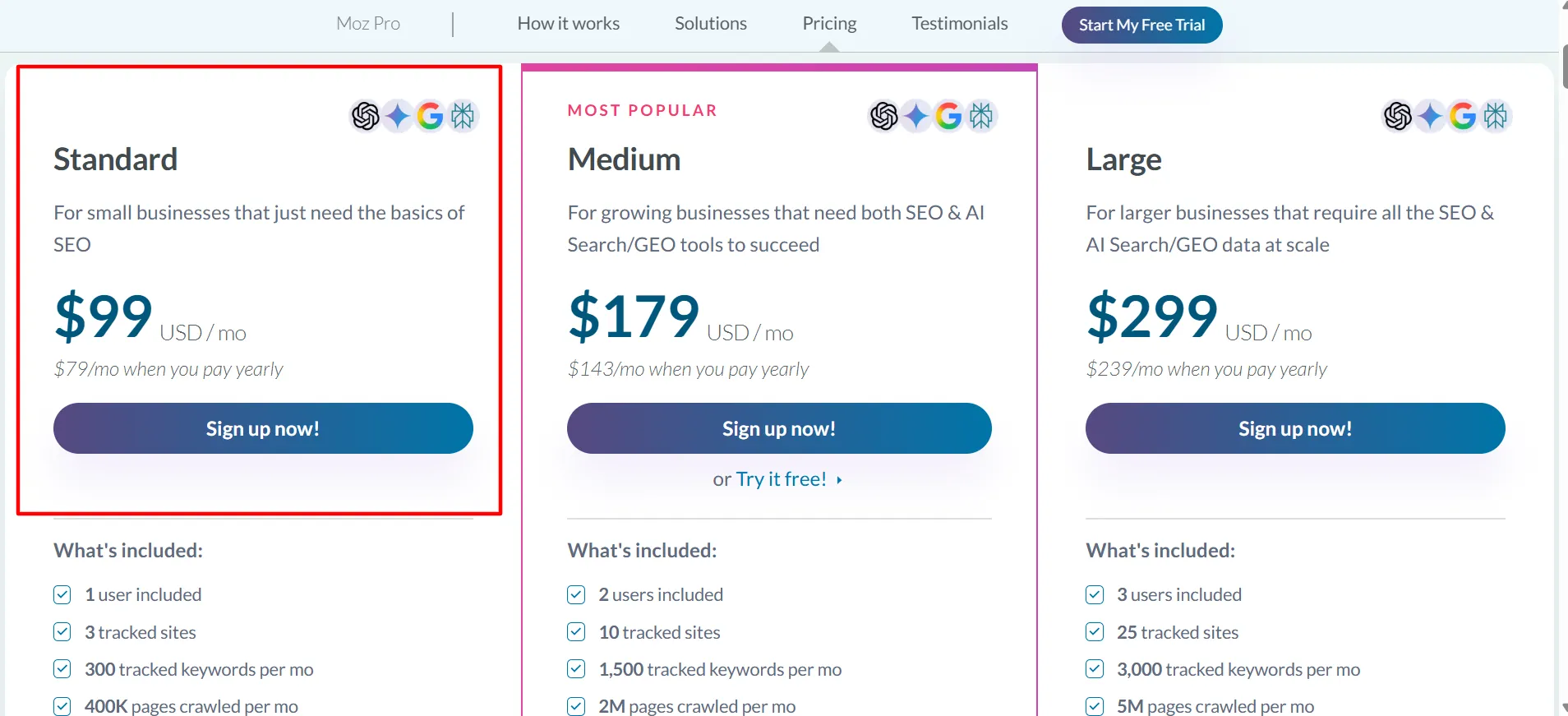
Standard is the first of the three main Moz Pro plans. It costs $99 per month with monthly billing or an effective $79 per month when you pay yearly. Moz lists the first-year annual amount as $950.
The plan includes one user, three tracked sites, 300 tracked keywords per month, and a monthly allowance of 400,000 crawled pages. It also includes core SEO tools and a selection of AI and generative engine optimization features.
Standard is a practical starting point for small businesses, solo marketers, and website owners who want to keep an eye on a few sites. You can research keywords, monitor rankings, examine backlinks, and identify technical problems without buying a larger subscription.
The main limitation is capacity. If you manage several client websites or track a large keyword list, you could reach the plan’s limits quickly. Compare the included allowances with your current workload rather than choosing Standard simply because it has the lowest price among the main Pro plans.
3. Moz Medium: $179 Per Month
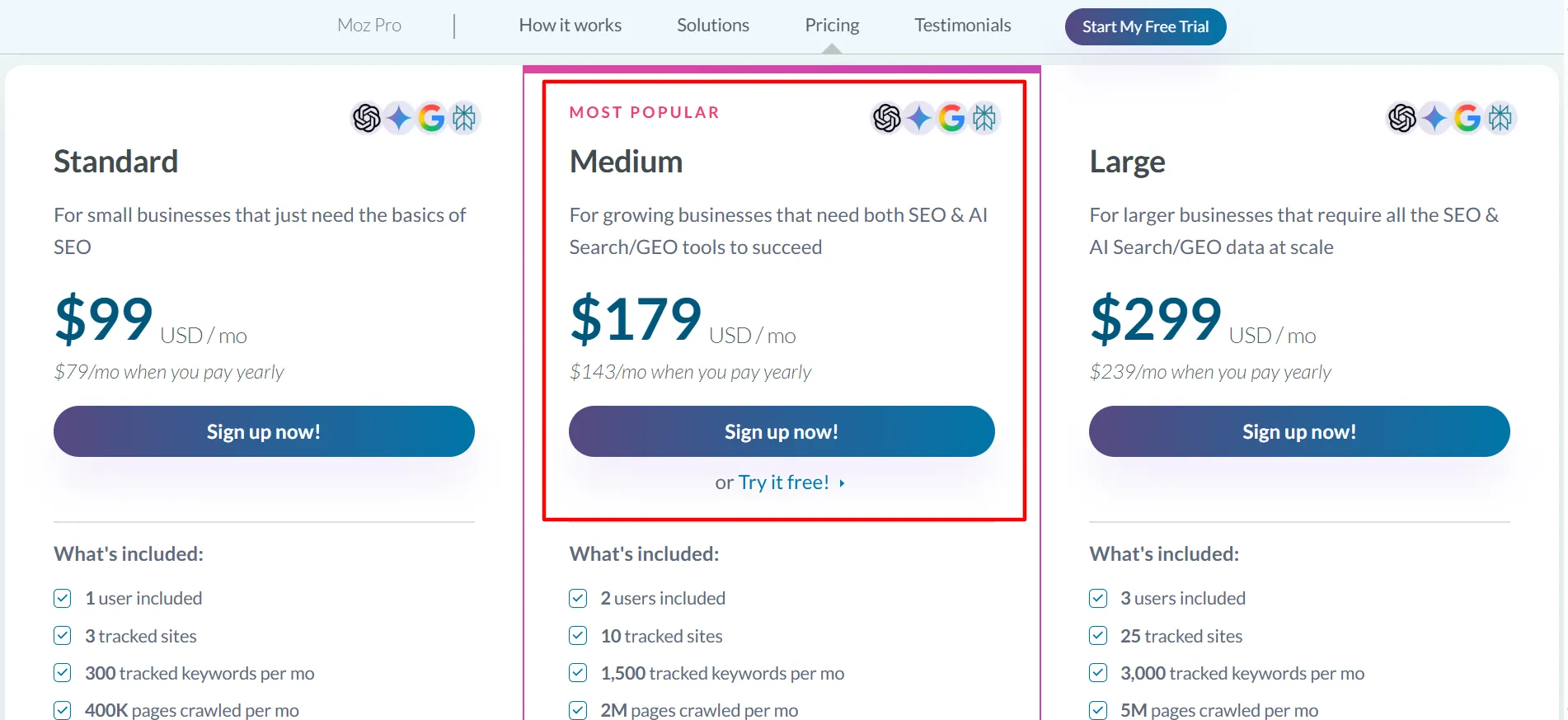
Medium costs $179 per month, or $143 per month with annual billing. Moz lists the first-year annual payment as $1,719 and marks Medium as its most popular option.
The plan includes two user accounts, ten tracked sites, 1,500 tracked keywords per month, and up to two million pages crawled per month. It also provides more AI visibility dashboards, tracked prompts, and AI content briefs than Standard.
This extra capacity makes Medium a better fit for growing businesses, in-house marketing teams, and agencies handling multiple websites. Two user seats can help a small team share the work, while the larger keyword and crawl allowances provide more room for ongoing SEO campaigns.
The higher price makes sense only if you need that additional capacity. If you’re responsible for one small site and track a limited number of keywords, Standard may cover your needs. If your team works across several projects and wants to monitor visibility in traditional search and AI-powered search experiences, Medium deserves a closer look.
Moz’s pricing page also offers a free trial on Medium. Check the current signup terms to confirm eligibility and any payment details required before the trial begins.
4. Moz Large: $299 Per Month
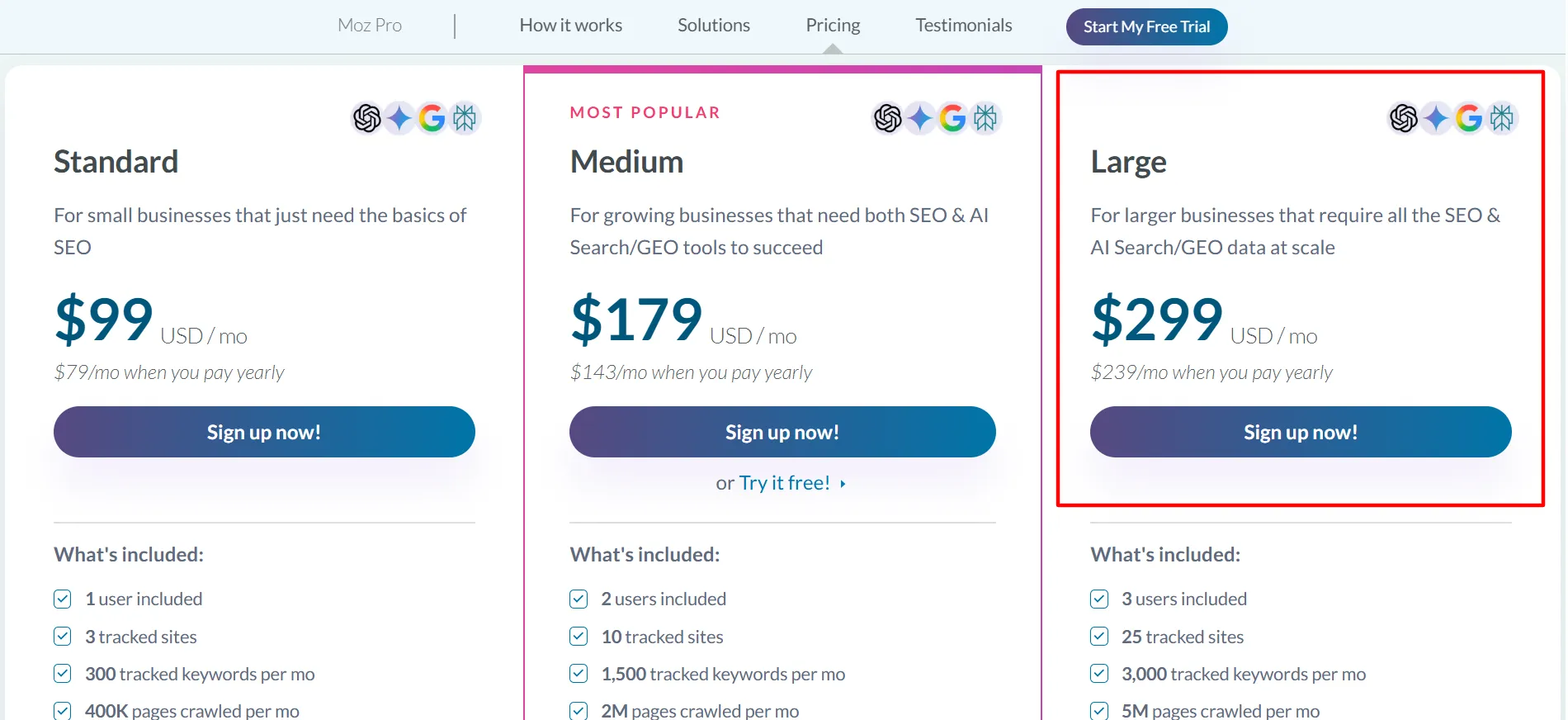
Large is built for businesses and SEO teams that need higher usage limits. It costs $299 per month, or $239 per month with annual billing. The listed first-year annual amount is $2,868.
The plan includes three users, 25 tracked sites, 3,000 tracked keywords per month, and up to five million pages crawled per month. It also increases the allowances for AI visibility dashboards, tracked prompts, and AI content briefs.
Large may suit agencies with multiple clients, businesses with several web properties, and teams running frequent technical audits. The extra room can reduce the need to split projects across separate accounts or continually monitor whether a campaign is approaching its limits.
For a small business with one website, this plan will probably be more than necessary. Before upgrading, estimate how many sites, keywords, and pages you actually need to track. If your requirements are far beyond Large, contact Moz about Enterprise rather than assuming the self-service plan can cover every use case.
5. Moz Enterprise: Custom Pricing
Moz offers an Enterprise option for organizations that need a larger or more tailored setup. Its public pricing page directs interested customers to the sales team instead of listing a fixed price.
Enterprise may be worth exploring if your company has a large SEO team, manages many websites, or needs a plan designed around specific data and reporting requirements. The final cost will depend on the package and needs discussed with Moz.
If you’re considering Enterprise, ask for a written breakdown of the included features, usage limits, user seats, onboarding, and contract terms. Compare the proposal with the cost of a self-service plan plus any extra capacity your team might need.
What Do You Get With Moz Pro?
Moz Pro is more than a keyword tool. Its subscription brings together several SEO tasks that would otherwise require separate workflows. The precise limits vary by plan, but these are the main features to consider.
1. Keyword Research
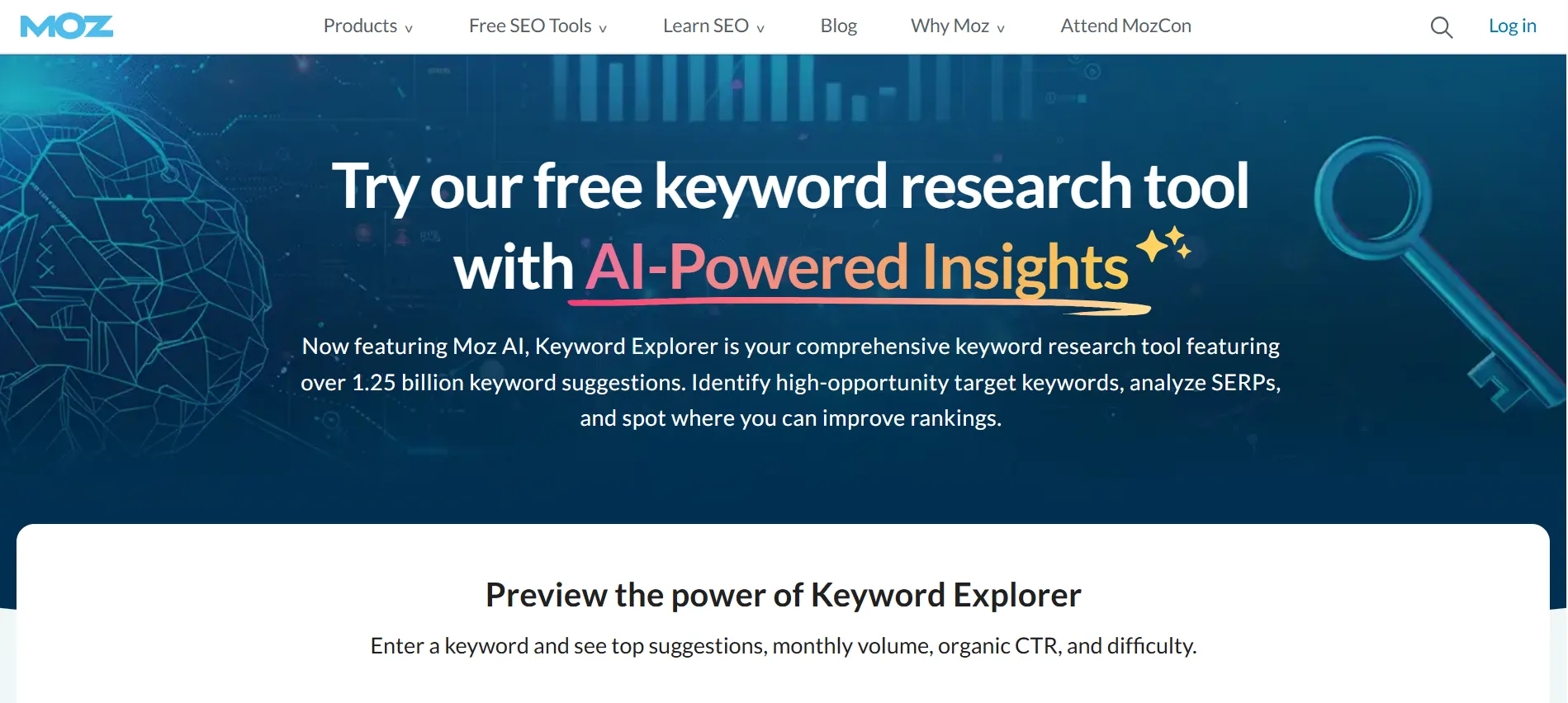
Keyword research helps you discover the search terms people use when looking for products, services, or information. Moz’s Keyword Explorer provides data that can help you compare opportunities, review keyword difficulty, and plan content around relevant searches.
For example, a company selling accounting software could research phrases related to invoicing, tax reporting, and bookkeeping. The results can help its team decide which topics deserve dedicated landing pages or blog posts.
Remember that keyword metrics are estimates, not guarantees. Use them alongside search results, audience knowledge, and your own website data when deciding what to publish.
2. Rank Tracking
Rank tracking lets you monitor how your selected keywords perform over time. This can help you spot changes after publishing a new page, updating existing content, or improving internal links.
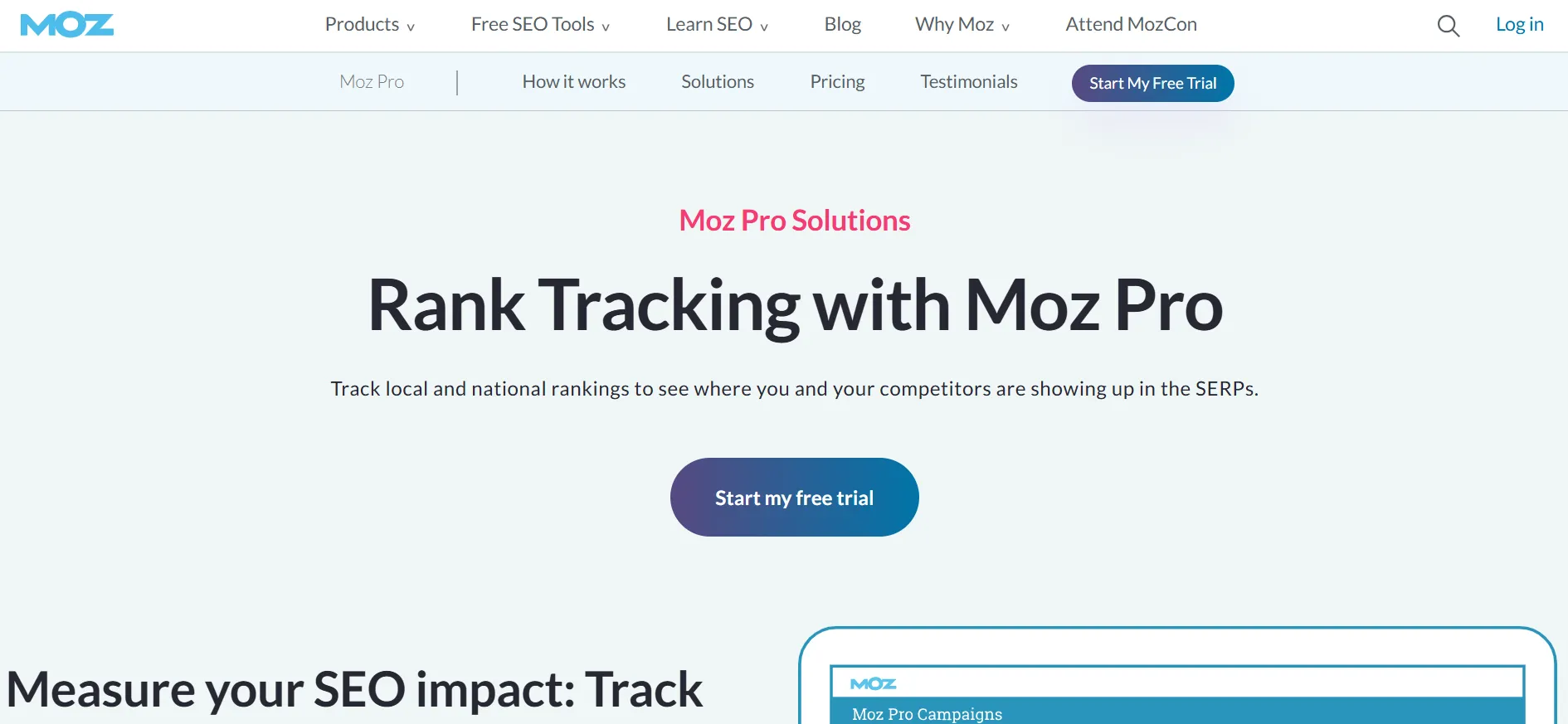
It also gives you a way to compare your progress with competitors. Rankings can move for many reasons, so don’t treat a single daily change as proof that an SEO task succeeded or failed. Look for broader patterns and compare them with traffic and conversion data.
3. Site Audits and Crawling
Technical SEO problems can prevent search engines from discovering, understanding, or indexing pages properly. Moz Pro’s crawling and site analysis features help identify issues that may need attention.
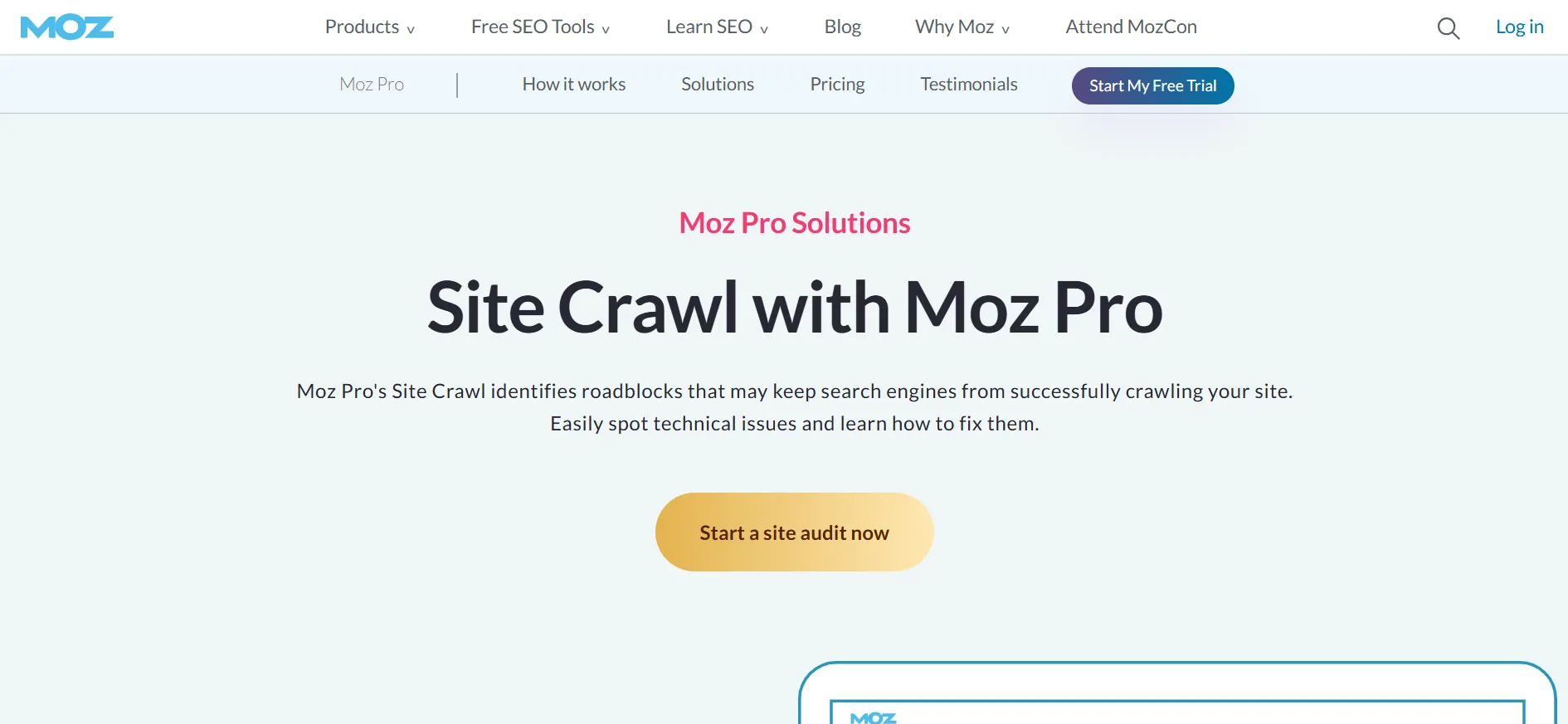
Depending on the plan, crawl allowances range from hundreds of thousands of pages to several million pages per month. This difference matters if your site has a large product catalog, a deep content archive, or many pages that need regular checks.
A crawl report is a starting point rather than a complete repair plan. Review the findings, prioritize issues that affect important pages, and confirm that proposed changes won’t create new problems.
4. Backlink Analysis
Backlinks remain an important part of SEO analysis because links can help search engines understand how websites relate to one another. Moz provides link research tools that help you inspect backlink profiles and investigate sites linking to your competitors.
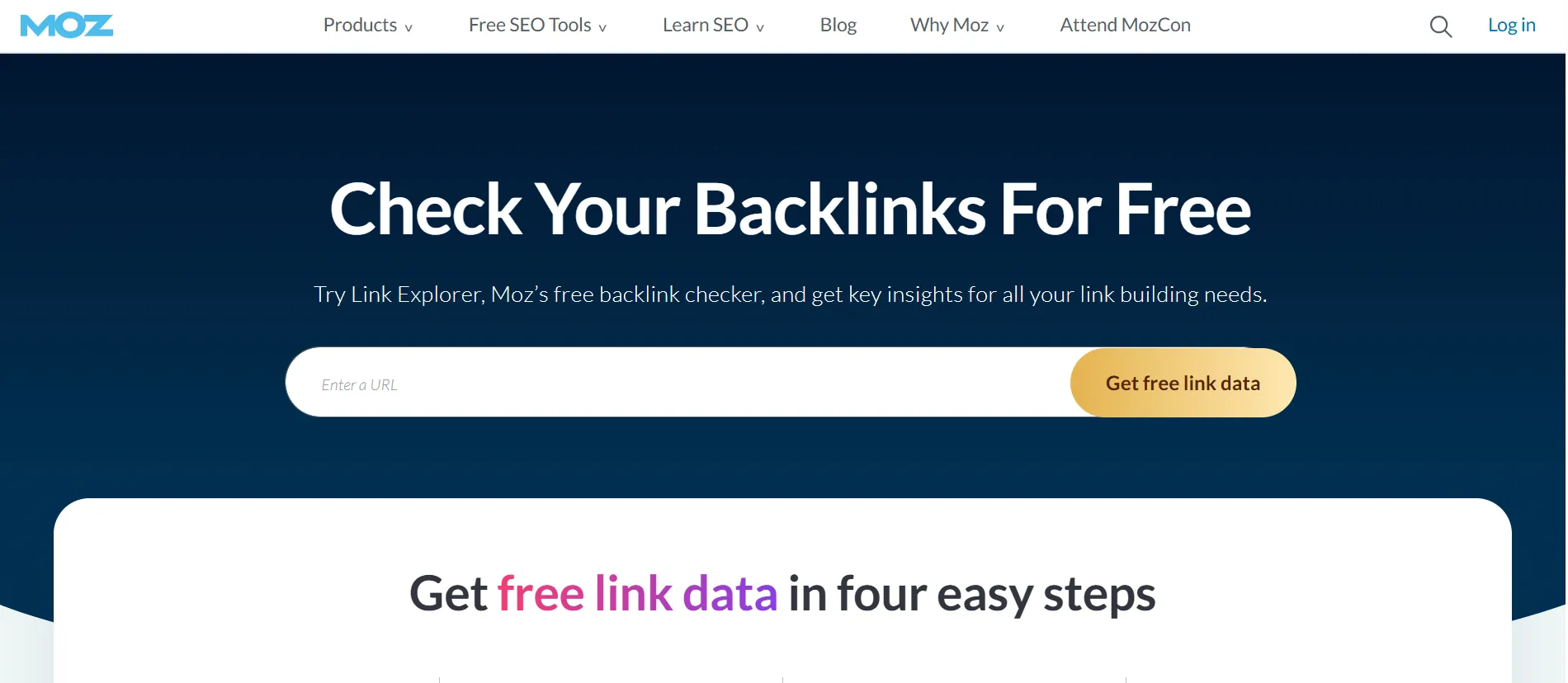
This information can guide outreach and help you identify links worth reviewing. It can also reveal patterns that deserve a closer look, such as links from relevant industry publications or pages that no longer point to your site.
Don’t judge a link solely by a single metric. Relevance, placement, page quality, and the context of the link all matter.
5. Domain Authority
Moz is known for Domain Authority, a score that estimates a website’s ability to rank based on its link profile and other data. SEO professionals often use it to compare websites and get a rough sense of their relative link strength.
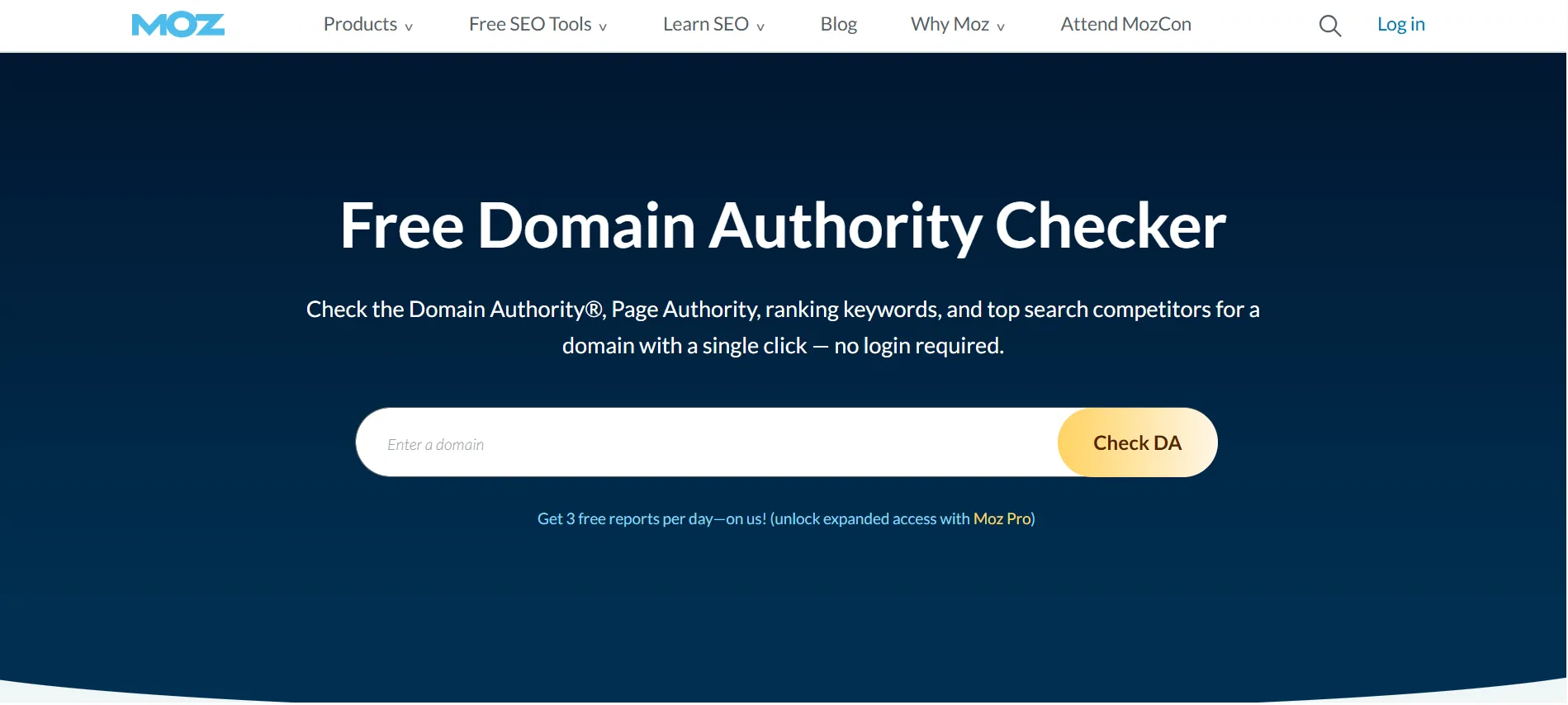
Domain Authority is not a Google ranking factor, and a higher score doesn’t guarantee better search positions. Treat it as a comparison tool rather than a target that must increase every month.
6. AI Search Visibility Features
Moz’s current Pro plans also include AI and generative engine optimization features. These cover areas such as AI Overviews by keyword, AI visibility dashboards, tracked prompts, supported AI models, and AI content briefs. The amount available depends on the plan.
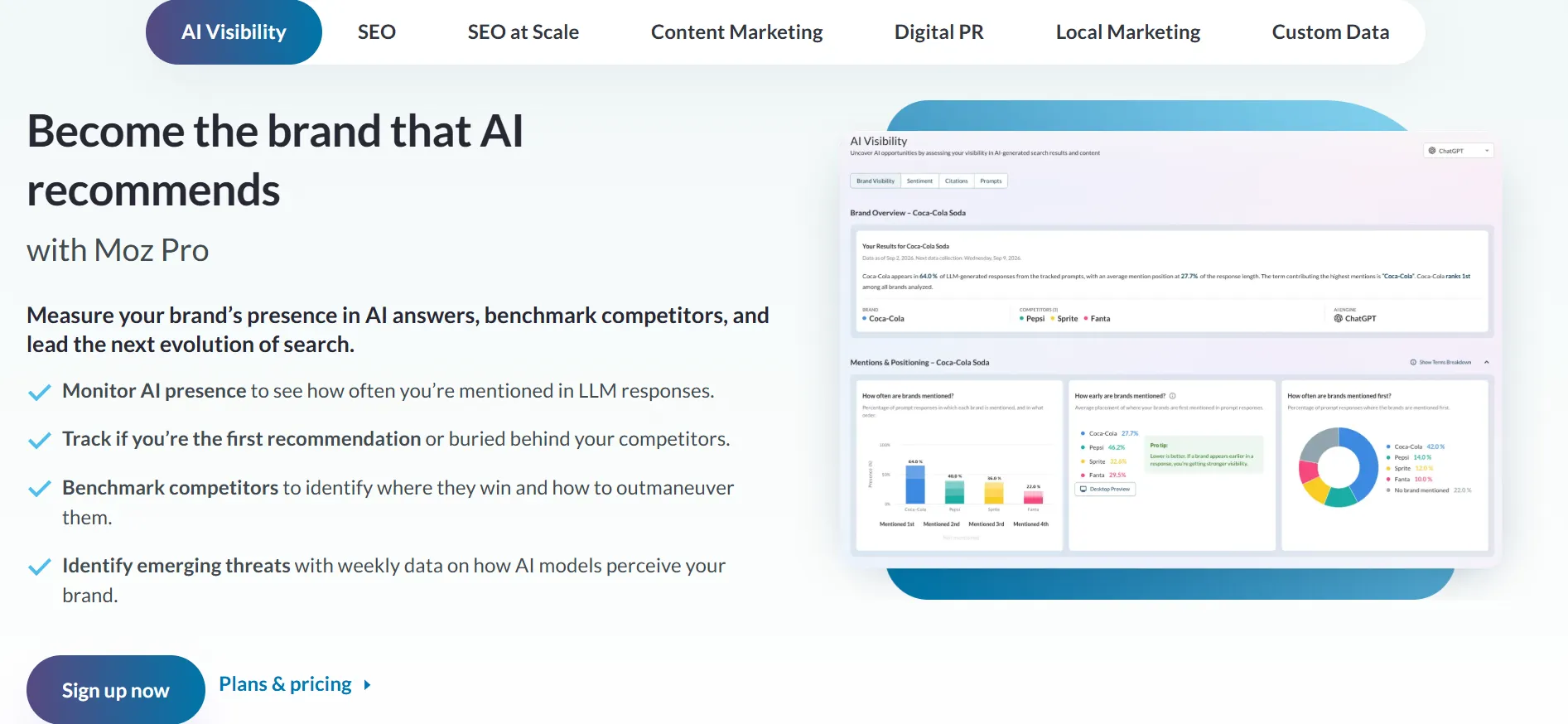
These tools can help marketers explore how their brand appears across selected AI search experiences. Since this area is changing quickly, check which models and reporting features Moz currently supports before making a purchase based on AI visibility alone.
Is Moz Pricing Worth It?
Moz can be worth the price if you use its tools regularly and the data helps you make better SEO decisions. The value comes from the combination of keyword research, rank tracking, backlink analysis, technical audits, and AI visibility features in one subscription.
For a business that publishes content every week, monitors competitors, and tracks several important search terms, the time saved can justify a paid plan. Agencies may also find value in managing multiple client websites through a single account.
The cost is harder to justify if you only check a few keywords now and then. A new blogger or a small site owner may get enough information from Moz’s free tools and Google Search Console before needing a subscription.
Think about the price in terms of your monthly workflow. If you will use the platform to plan content, check technical issues, report progress, and assess link opportunities, a paid plan may earn its place in your budget. If you only need one feature, a more specialized tool or free alternative may be a better fit.
Moz Pro vs. Free Moz Tools
Moz provides free SEO tools that let users explore selected features without paying for a Pro subscription. These include limited access to tools such as Keyword Explorer, Link Explorer, and MozBar through a free Moz Community account.
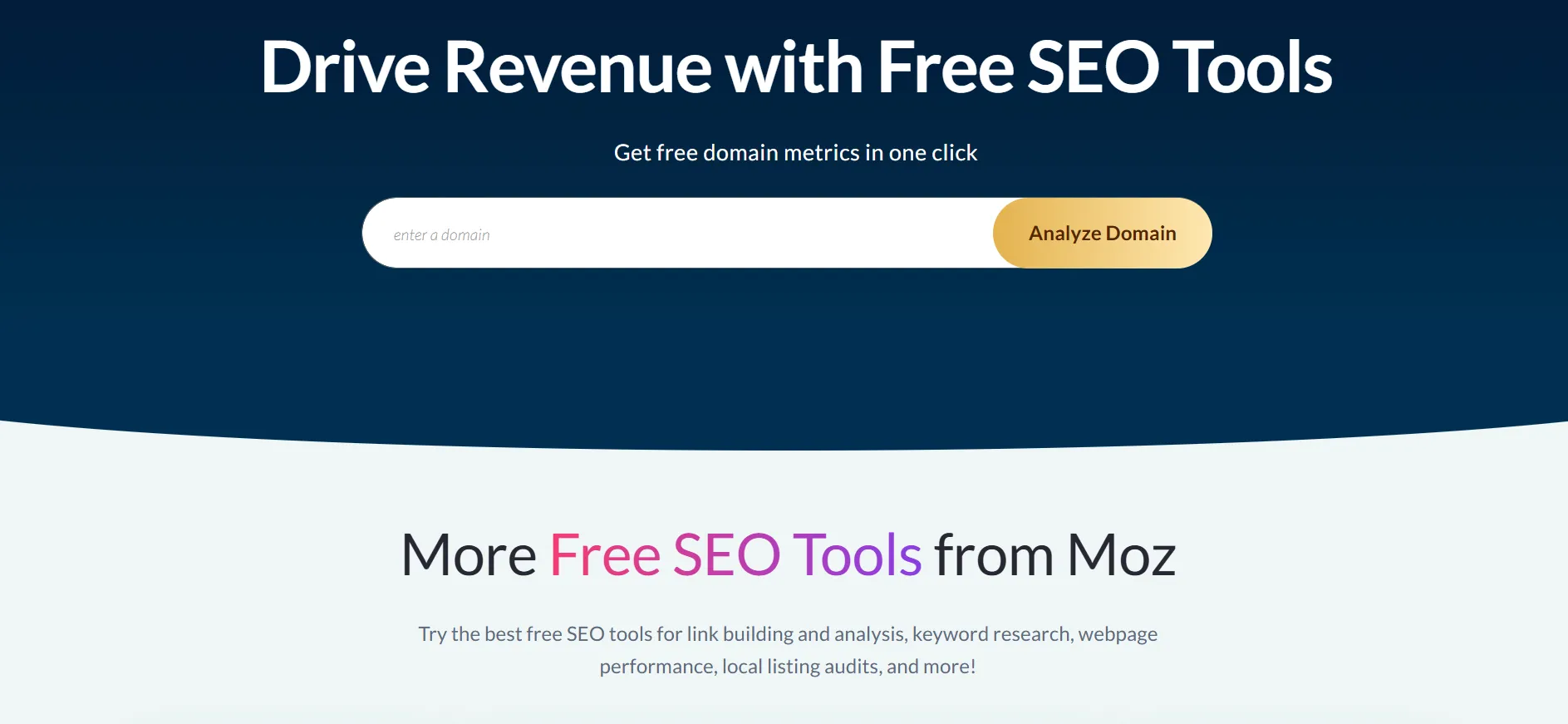
Free tools are a sensible place to begin if you’re learning SEO or managing a small site. You can test the interface, explore keyword ideas, and review backlink information before deciding whether a paid plan offers enough additional capacity.
The main difference is the depth and amount of data available. Paid plans provide larger allowances, ongoing tracking, crawling capacity, and additional reporting and AI visibility features. If you need regular monitoring across several websites, the free tools may not be enough.
How to Choose the Right Moz Pricing Plan
Use your current SEO workload to guide the decision instead of buying the most expensive plan you can afford.
Choose Starter if you manage one website and need an entry-level paid option.
Choose Standard if you run a small business or work on a few sites with a modest keyword list.
Choose Medium if you manage multiple websites, need more keyword tracking, or share SEO work with another person.
Choose Large if your team handles many sites and needs higher crawl and research limits.
Ask about Enterprise if your organization has large-scale or specialized requirements.
Before you subscribe, make a short list of the websites you manage, the number of keywords you track, how often you run audits, and who needs access. Then compare those needs with the plan limits.
Also consider billing. Annual pricing lowers the effective monthly cost on Standard, Medium, and Large, but it requires a larger upfront payment. If you’re unsure whether Moz fits your process, check the available trial and free options first.
FAQs: Moz Pricing 2026
Yes. Moz advertises a 20% discount on the base price of eligible Moz Pro plans when you pay yearly. Check the checkout page for the final amount and current terms.
Moz offers a free Community account with limited access to tools such as Keyword Explorer, Link Explorer, and MozBar. It is useful for occasional research, but it doesn't provide the same capacity as a paid Pro subscription.
Moz's pricing page displays a free-trial option for Medium. Availability and terms can change, so confirm the details on the official signup page before registering.
Standard is a reasonable starting point for a small business that needs keyword research, rank tracking, backlink analysis, and site crawling for a few websites. Starter may be enough if you manage just one site and have lighter needs.
The answer depends on the plan, billing term, and features you're comparing. Don't compare only the starting prices. Check keyword limits, tracked sites, crawl capacity, backlink data, reporting, and the tools your team will actually use.
Moz's pricing page states that customers can cancel a subscription or change plans at any time. Review the current account and billing terms before subscribing, especially if you choose annual billing.
Quick Links:
Final Verdict: Moz Pricing 2026
Moz pricing starts at $49 per month for Starter, while the main Pro plans cost $99, $179, and $299 per month with monthly billing. Annual billing reduces the effective monthly rates for Standard, Medium, and Large. The best choice depends on how many websites you manage and how much SEO data you need.
Moz Pro is worth considering for businesses, content teams, and agencies that need a regular workflow for keyword research, rank tracking, backlink analysis, site audits, and AI search visibility. Its familiar SEO metrics and mix of tools make it a practical option for teams that want to manage several SEO tasks in one place.
It may not be the right purchase for a new blogger or anyone who only needs occasional keyword ideas. Start with the free tools, check the available trial, and compare the plan limits with your workload before paying.
Our verdict: Moz Pro can be worth buying when you use its features consistently and need more research capacity than the free tools provide. Start with the smallest plan that covers your requirements, then upgrade only when your SEO work grows.
