
Cloudways Review 2026: Details, Pricing and Features
Cloudways Review is worth reading if you want better hosting performance without managing every server task yourself. Cloudways sits between traditional shared hosting and fully self-managed cloud infrastructure, giving website owners access to cloud servers through a simpler control panel.

Cloudways is a managed cloud hosting platform trusted by over 100,000 businesses worldwide. It offers simplified WordPress, Magento, Laravel, and PHP app deployment on DigitalOcean, Vultr, Linode, AWS, or Google Cloud. Features include one click installation, autoscaling, automatic backups, free SSL, global CDN, 24/7 support, and a 3-day free trial with $100 in credits. Pricing starts at $11 monthly on basic tiers.
Pros
- True autoscaling automatically adjusts server resources during traffic spikes, preventing crashes and downtime without manual intervention or expensive overage charges during peak periods.
- Multiple cloud provider options let you choose DigitalOcean, AWS, Google Cloud, Vultr, or Linode infrastructure, giving you flexibility to optimize for price, performance, or regional availability based on your needs.
- One click app deployment for WordPress, Magento, Laravel, PHP, Node.js, and others means zero server configuration needed. Your app launches ready optimized with caching and CDN.
- Included Object Cache Pro, free SSL certificates, daily backups, global CDN, and 24/7 support on all plans save $150 to $300 yearly compared to adding these features separately on other hosts.
Cons
- Pricing scales quickly compared to basic shared hosting, with entry-level Micro plans at $11 monthly still higher than budget web hosts, though coupon codes reduce costs to $6 to $7 monthly.
- Learning curve exists despite the simplified interface because cloud hosting concepts, server tiers, and resource selection still require some technical understanding for optimization.
The platform supports WordPress, WooCommerce, Magento, Laravel, and other PHP applications. You can choose your cloud provider, select server resources, deploy applications, create backups, and monitor performance from one dashboard.
Cloudways also offers Autonomous, a managed WordPress hosting service designed to handle traffic spikes through autoscaling.
But does Cloudways justify its cost? Is it easy enough for beginners, and can it handle a growing business website?
In this Cloudways review, we will look at its features, speed, security, support, current pricing, strengths, and drawbacks to help you decide whether it fits your website.
Cloudways Review at a Glance
Get a fast snapshot of Cloudways’ core hosting features, pricing structure, server options, ease of use, and overall value in this comprehensive Cloudways review for developers and businesses choosing managed cloud hosting.
Category | Our assessment |
|---|---|
Hosting type | Managed cloud hosting |
Best for | WordPress sites, businesses, agencies, and online stores |
Starting price | $11/month for a current Flexible configuration |
Free trial | 3 days, no credit card required |
Cloud providers | DigitalOcean, Vultr, Linode, AWS, and Google Cloud |
Supported applications | WordPress, WooCommerce, Magento, Laravel, and PHP apps |
Website migration | First managed migration is advertised as free |
Security | SSL, firewall, DDoS protection, backups, and vulnerability scanning |
Support | 24/7 support |
Main drawback | More expensive and involved than entry-level shared hosting |
Overall verdict | A good fit for growing websites that need managed cloud resources |
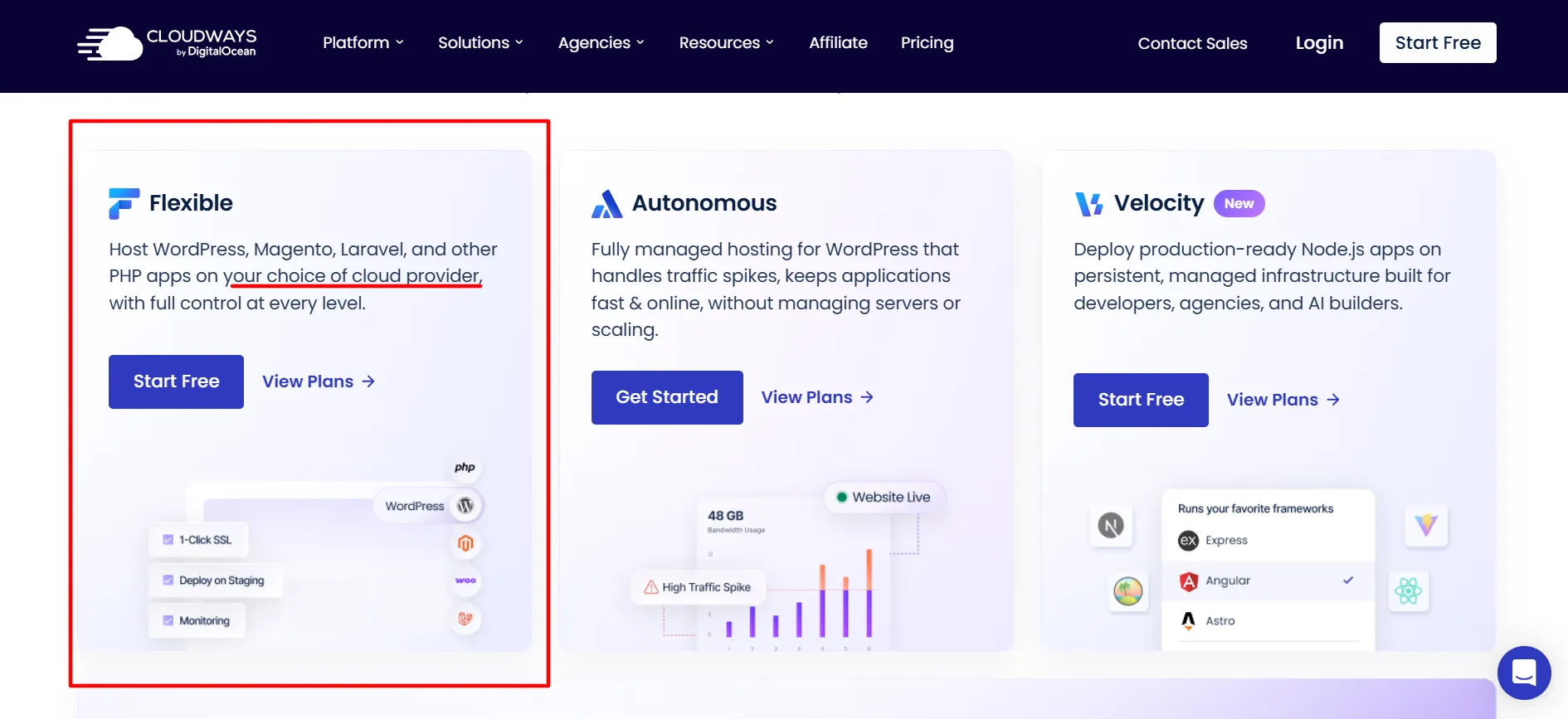
Cloudways offers two main hosting choices: Flexible for users who want control over their cloud server and Autonomous for WordPress websites that need automatic scaling.
What Is Cloudways?
Cloudways is a managed cloud hosting platform that simplifies the work involved in running websites on cloud infrastructure.
With conventional cloud hosting, you may need to configure servers, install software, manage security, set up caching, and handle updates yourself. Cloudways takes care of much of this server-level work while letting you choose the resources your website needs.
The platform supports several cloud providers, including DigitalOcean, Vultr, Linode, Amazon Web Services, and Google Cloud. You can deploy supported applications, manage server settings, and scale resources as your website grows.
Cloudways now has two main hosting products.
Cloudways Flexible suits users who want to choose server resources and manage several applications on a server. It is available for WordPress, Magento, Laravel, and other PHP applications.
Cloudways Autonomous focuses on managed WordPress hosting. Its autoscaling setup can add resources as traffic changes, making it more suitable for sites that experience traffic spikes or have heavier workloads.
This distinction matters because a personal blog and a busy online store do not need the same hosting setup.
Cloudways Hosting Features
Explore every hosting feature Cloudways offers in this comprehensive Cloudways review, covering managed servers, one click WordPress installation, automatic backups, SSL certificates, CDN integration, staging environments, server monitoring, and developer focused tools.
1. Multiple Cloud Providers
Cloudways lets you choose from several cloud infrastructure providers rather than locking you into one server network.
DigitalOcean is a practical starting point for many smaller websites. Vultr and Linode give you more cloud server choices, while AWS and Google Cloud may suit businesses with particular infrastructure or location requirements.
Your choice affects the available server sizes, data center locations, and monthly bill.
You can also select a server location closer to your main audience. If most of your visitors come from India, for example, a nearby data center may help reduce network delays, depending on the provider and location available.
2. Lightning Stack
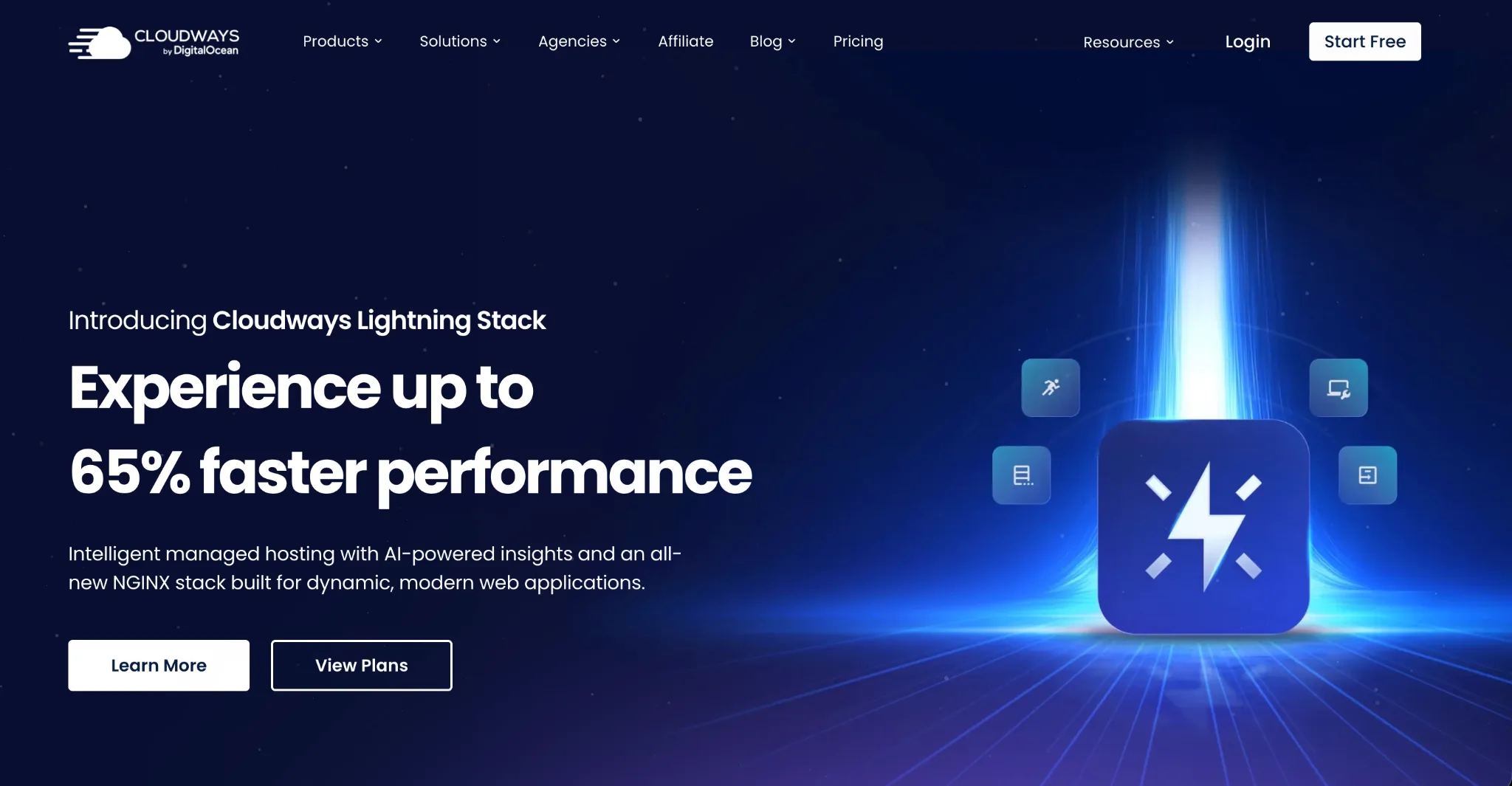
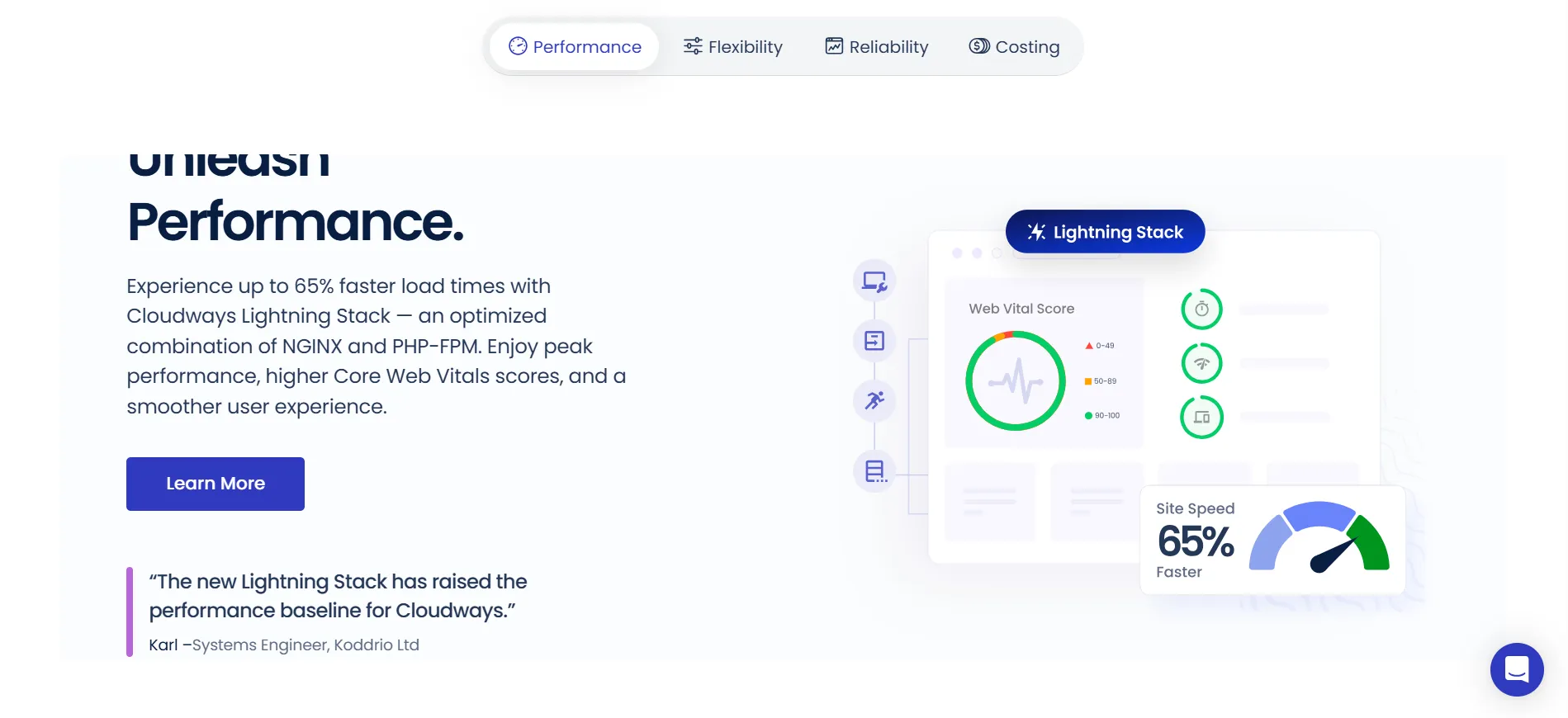
Cloudways includes its Lightning Stack, an NGINX-based hosting stack designed to improve request handling and website loading speed.

The stack works alongside server resources and caching tools to help applications handle requests. This can be useful for WordPress websites with frequent visitors, product catalogs, or content-heavy pages.
Cloudways advertises performance improvements of up to 65% with Lightning Stack. Treat that figure as a company claim rather than a guaranteed result for every website. Actual speed depends on your theme, plugins, images, database, server size, and visitor location.
A lightweight website on a well-configured server can perform very differently from a store loaded with large images and dozens of plugins.
3. Application and Server Management
Cloudways lets you deploy supported applications without building the entire server environment from scratch.
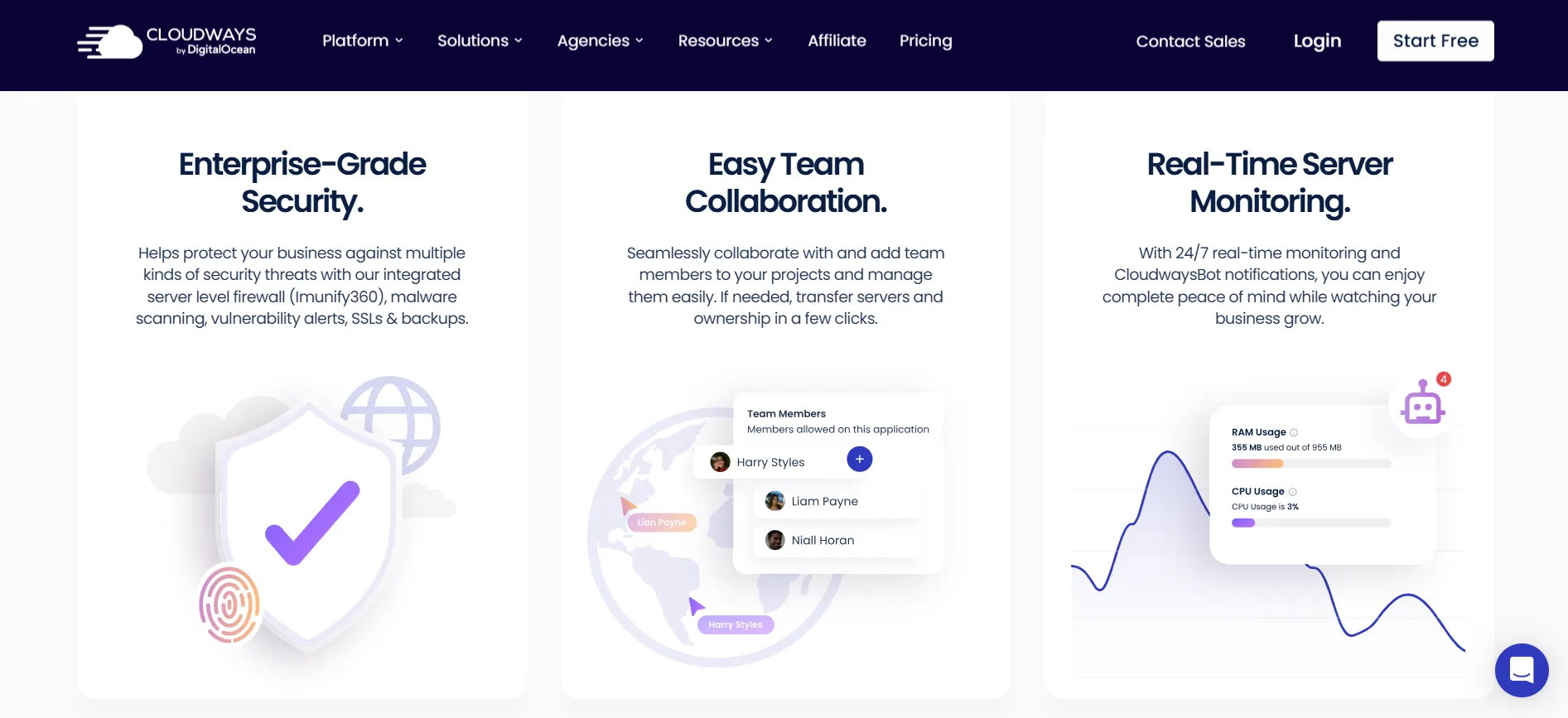
Its dashboard provides access to server monitoring, application settings, backups, staging, cloning, and other management tools.
You can also manage several applications on a server, subject to available resources. That can be useful for freelancers and agencies that maintain multiple client websites.
Still, unlimited application installations do not mean unlimited server capacity. Every website uses some combination of memory, CPU, storage, and bandwidth. A busy store may need more resources than several small blogs combined.
4. Vertical Scaling
Website traffic changes over time. A blog may attract a surge of readers after a popular article gets shared, while an online store may see more activity during a major sale.
Cloudways Flexible lets you increase server resources when required. You can select a larger configuration without rebuilding your entire hosting setup.
This helps businesses avoid paying for a large server before they need it. It also gives growing websites a way to respond when their current resources become insufficient.
Check the scaling options for your chosen provider before committing, since the available changes and costs depend on the configuration.
5. Staging and Cloning
Making changes directly to a live website can be risky. A plugin update or theme change might break a page, interfere with checkout, or cause an unexpected layout problem.
Cloudways offers staging and cloning tools that let you test changes separately from the live site.
You can use a staging environment to test updates, review design changes, and check plugin compatibility before publishing them. Cloning is useful when you need a copy of an application for testing or development.
These tools are especially helpful for WooCommerce stores, business websites, and agencies that cannot afford to experiment on a live site.
Cloudways Performance Review: Is It Fast?
Performance is one of the main reasons to consider Cloudways.
The platform combines cloud infrastructure with caching, server configuration options, and managed hosting tools. The result can be a faster website than a poorly configured shared hosting account, especially when the site needs dedicated server resources.
Cloudways also supports Redis caching and offers Object Cache Pro free on eligible configurations. These tools can help reduce repeated database work, which is useful for content-heavy WordPress sites and stores.
Still, no hosting company can guarantee that every website will load quickly. Your results depend on several factors:
Server size and cloud provider
Theme and plugin quality
Image sizes and page design
Database queries
Caching settings
CDN configuration
Visitor location
Traffic volume
For a fair speed test, use the same website and content, run several tests, and compare loading time, server response, and Core Web Vitals. Test important pages from locations where your customers live.
Cloudways provides a good starting point for performance-focused hosting, but it cannot fix every issue caused by poorly built pages or heavy plugins.
Cloudways Security Review
Security is another area where Cloudways offers useful tools.
Its hosting features include free SSL certificates, a server-level firewall, DDoS mitigation from the underlying cloud providers, brute-force protection, IP controls, and regular server security patches. Cloudways also provides a WordPress vulnerability scanner that can alert you to issues involving WordPress core, plugins, and themes.
Automated backups give you a way to restore your website if an update or other change causes trouble. You should still review backup frequency and retention settings, and keep a separate copy of important data when your business depends on the site.
There is one detail worth understanding: vulnerability scanning and malware removal are not necessarily the same service. Cloudways lists malware protection as a paid add-on for automated cleanup.
You should also maintain good account security, use strong passwords, enable available multi-factor authentication, keep applications updated, and remove plugins you no longer need.
Cloudways handles many server-level tasks, but website owners remain responsible for much of their application security.
Cloudways Support Review
Cloudways advertises 24/7 customer support, which is useful when a website encounters a hosting issue outside normal working hours.
Support can help with hosting questions, server settings, application deployment, and other platform-related problems. Its knowledge base also provides guidance for common tasks, including migrations, backups, caching, and server management.
The level of help you need depends on your technical background.
If you are comfortable with WordPress and basic hosting concepts, the standard support service may cover many of your needs. If you expect support staff to troubleshoot every third-party plugin, customize your theme, or repair application code, you may need a paid support option or a developer.
Cloudways lists advanced support as an add-on. Read the scope of each support tier before assuming that every application-level problem is included.
Cloudways Pricing Review 2026
Compare Cloudways hosting pricing across all server tiers in this Cloudways review, showing monthly costs on different cloud providers, included resources, performance benchmarks, and whether Cloudways pricing delivers value for developers and businesses.
Cloudways Flexible Pricing
The current pricing page lists a DigitalOcean configuration starting at $11 per month. It includes 2GB RAM, 1 vCPU, 50GB storage, and 2TB transfer bandwidth.
Flexible uses pay-as-you-go billing, with hourly pricing displayed alongside monthly estimates. Larger servers cost more, and prices vary by cloud provider and configuration.
Other costs may include offsite backup storage, additional bandwidth, and optional services such as Cloudflare Enterprise or malware protection.
Cloudways Autonomous Pricing
Autonomous is designed for managed WordPress hosting with autoscaling. The current pricing page lists these paid tiers:
Plan | Listed monthly price | Intended use |
|---|---|---|
Growth | $99 | One WordPress site with a smaller baseline setup |
Scale | $199 | Sites needing more baseline resources |
Plus | $399 | Larger WordPress, WooCommerce, and LMS projects |
Enterprise | Custom | Specialized or larger workloads |
Autonomous also has a three-day free trial. Included storage, bandwidth, baseline autoscale servers, and additional resource charges differ by plan.
Is Cloudways Good Value for Money?
Cloudways is not the cheapest option for someone who only needs a simple website. Entry-level shared hosting can cost much less.
The difference is that Cloudways gives you managed cloud infrastructure, server-level tools, scaling options, and access to multiple cloud providers. These features can be worth the added cost when website speed, control, or reliability matters to your business.
For a small blog, Flexible is usually the more sensible starting point. Autonomous makes more sense when the website needs autoscaling and the higher monthly cost fits the business budget.
Pros and Cons: Cloudways Review
Pros
- Choice of cloud providers: Select infrastructure based on your requirements and budget.
- Managed hosting: Spend less time on server setup and routine maintenance.
- Useful performance tools: Lightning Stack, caching, and scaling options support busy websites.
- Free SSL: Secure your website with HTTPS without buying a separate certificate.
- Staging and cloning: Test changes before pushing them to a live site.
Cons
- Not the cheapest hosting: Entry-level shared hosting can cost less.
- Some technical knowledge helps: Beginners may need time to understand cloud providers, server sizes, and application settings.
Cloudways vs Traditional Shared Hosting
The right choice depends on what you want from your hosting account.
Shared hosting is often easier for a first website because the provider handles most server choices and entry prices are low. It can be a good fit for a personal blog or a small site with limited traffic.
Cloudways is more appealing when you want control over cloud resources, better server management tools, or room to grow without moving to a completely different hosting environment.
The trade-off is cost and complexity. You may need to understand server resources, application settings, billing, and add-ons.
If your website earns money, supports customers, or receives regular traffic, those extra controls may be worth paying for. If you are testing your first blog, a simpler hosting plan may be enough.
Who Should Use Cloudways?
Cloudways is a good match for several types of website owners.
WordPress bloggers: A growing blog can benefit from caching, staging, backups, and the ability to increase server resources.
WooCommerce store owners: Online stores can need more server capacity during sales and busy shopping periods. Flexible gives you server control, while Autonomous offers autoscaling for WordPress-based stores.
Freelancers and agencies: The ability to manage multiple applications and work with staging environments can help when maintaining client websites.
Developers: Support for Laravel and PHP applications, along with server controls, makes Cloudways useful for development projects.
Growing businesses: Businesses that have outgrown entry-level hosting can use managed cloud resources without taking on all the work of running raw cloud infrastructure.
Who Should Look Elsewhere?
Cloudways may not be the right fit if you want the lowest possible monthly cost or prefer a hosting service that hides nearly every technical setting.
It may also be unnecessary for a basic personal website that receives little traffic. In that case, affordable shared hosting may provide everything you need.
If you need extensive custom development, specialized infrastructure, or direct control over every server component, compare Cloudways with self-managed cloud hosting and other managed hosting providers before choosing.
Is Cloudways Worth It in 2026?
Cloudways is worth considering in 2026 if you need managed cloud hosting with room to grow.
Its strongest points are the choice of cloud providers, server management tools, staging, backups, security features, and scaling options. These features make it useful for WordPress websites, online stores, agencies, and applications that need more than an entry-level hosting account.
Flexible is the better starting point for most smaller websites because you can choose the resources you need and increase them later. Autonomous is aimed at WordPress sites that need autoscaling and can justify a higher monthly bill.
The main drawbacks are the higher cost compared with shared hosting, the learning curve, and possible charges for add-ons or extra resource use. Cloudways also does not replace a domain registrar, business email provider, or developer for every application problem.
Before signing up, estimate your server requirements, check the latest pricing, and make use of the three-day trial to test the dashboard and migration process.
FAQs: Cloudways Review
Cloudways is a managed cloud hosting platform trusted by over 100,000 businesses worldwide. It simplifies cloud server management by providing one click WordPress installation, automatic backups, SSL certificates, CDN integration, and 24/7 expert support without requiring technical server knowledge.
Cloudways partners with major cloud infrastructure providers including DigitalOcean, Google Cloud, Amazon Web Services, and Linode. You choose your preferred cloud provider and server location, and Cloudways manages the technical infrastructure for you.
Yes. Cloudways Autonomous delivers true autoscaling that automatically adjusts server resources during traffic spikes, preventing site crashes and downtime. The platform scales up when needed and scales down to save costs, with zero configuration required.
Cloudways supports WordPress, Magento, Laravel, PHP, Node.js, and many other popular applications. Each app comes pre optimized with advanced caching, CDN integration, and performance enhancements to ensure maximum speed and reliability.
Yes. Automatic daily backups come included on all Cloudways plans. You can restore your website to any previous backup point in seconds through the control panel, protecting against data loss or security incidents.
Cloudways averages 90 second response times for support tickets with a 96% customer satisfaction rating. The support team operates 24/7/365 and consists of expert engineers familiar with managed cloud hosting and application optimization.
Quick Links:
Final Verdict: Cloudways Review
Cloudways is a strong hosting choice for website owners who want managed cloud infrastructure without taking on every server administration task themselves.
Its combination of cloud provider choice, performance tools, security features, staging, and 24/7 support makes it suitable for growing websites and online businesses. The Flexible service gives you more control over resources, while Autonomous provides managed WordPress hosting with autoscaling.
It is not the cheapest option, and beginners may need some time to get comfortable with the settings. Extra services can also increase the final bill, so it pays to review the details before launching.
