
Cloudways Pricing 2026: Cheap Hosting or Overpriced?
Cloudways Pricing can look a little different from traditional web hosting because you are not simply choosing one fixed hosting package. Cloudways lets you select a cloud provider, server resources, location, and hosting setup based on what your website needs.
In 2026, Cloudways offers two main ways to host: Cloudways Flexible and Cloudways Autonomous. Flexible gives you more control over server resources and cloud infrastructure, while Autonomous is designed for WordPress websites that need managed autoscaling for changing traffic levels.
So, how much does Cloudways really cost, and which setup makes sense for your website?
Let’s break it down.
Cloudways Pricing at a Glance 2026
Get a fast snapshot of Cloudways hosting costs across all server tiers including Basic, Standard, Business, and Enterprise in this quick Cloudways pricing reference, showing monthly rates, included resources, storage capacity, and bandwidth allocations.
Cloudways option | Starting price shown | Best for |
|---|---|---|
Flexible | From $11/month | Users who want control over server resources |
Autonomous Free Trial | $0 for 3 days | Testing managed autoscaling |
Autonomous Growth | $99/month | WordPress sites with growing traffic |
Autonomous Scale | $199/month | Sites with steady traffic growth |
Autonomous Plus | $399/month | Larger WordPress, WooCommerce and LMS sites |
Enterprise | Custom | Large or specialized workloads |
Cloudways’ pricing page currently lists Flexible servers starting at $11/month and Autonomous paid plans at $99, $199, and $399 per month. Autonomous also offers a three-day free trial without a credit card.
Keep in mind that Flexible does not work like a standard shared-hosting plan where everyone gets the same resources at one fixed price. The final amount depends on your configuration.
What Is Cloudways Flexible?
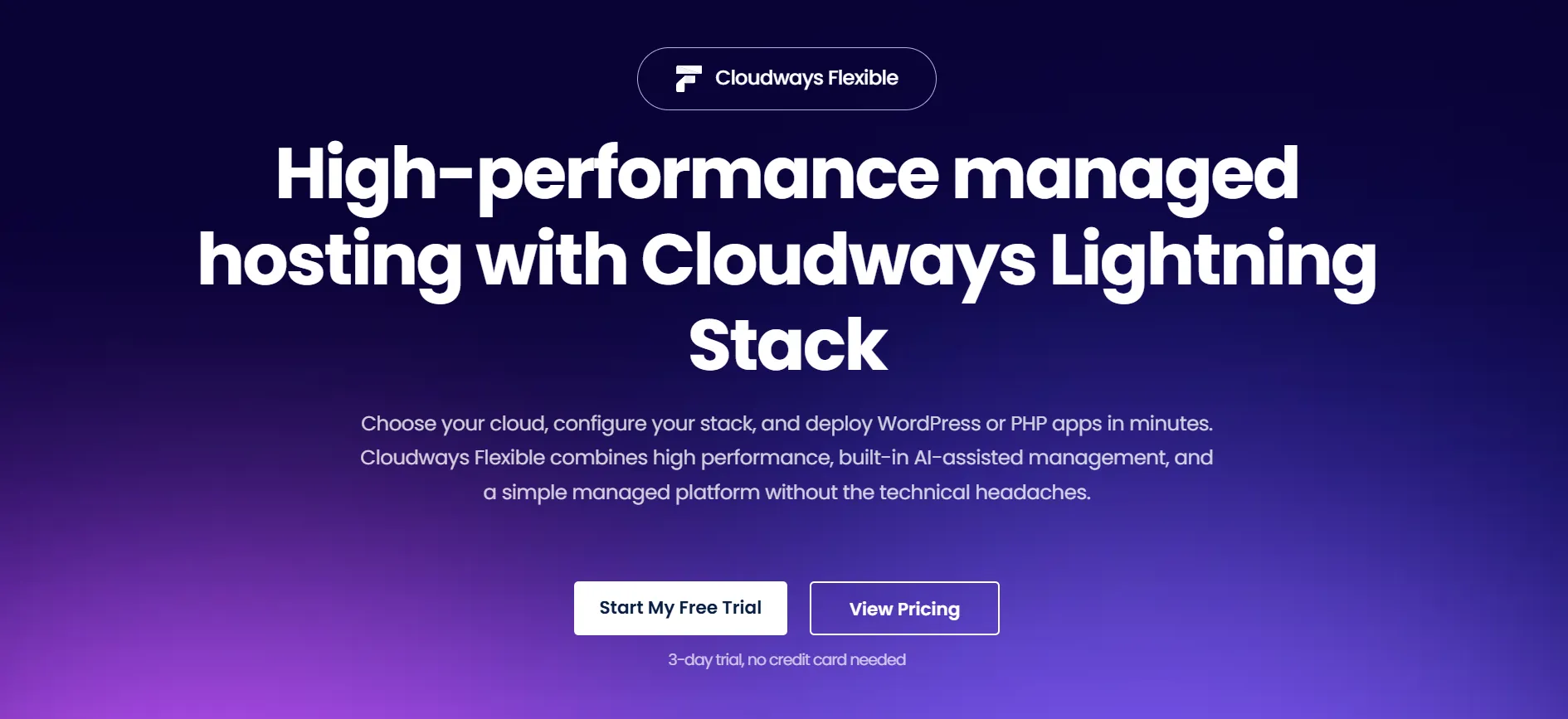
Cloudways Flexible is the option to consider if you want to choose your cloud infrastructure yourself.
You can select from:
DigitalOcean
Vultr
Linode
Amazon Web Services
Google Cloud
You can then select a server configuration and data center that fits your website. Cloudways manages the hosting environment while giving you control over the underlying cloud resources.
This approach works well for WordPress sites, Magento stores, Laravel projects, PHP applications, business websites, agencies, and other applications that need more server control than typical shared hosting provides.
Cloudways Flexible Starting Price
The current pricing page shows a DigitalOcean configuration at:
$11/month
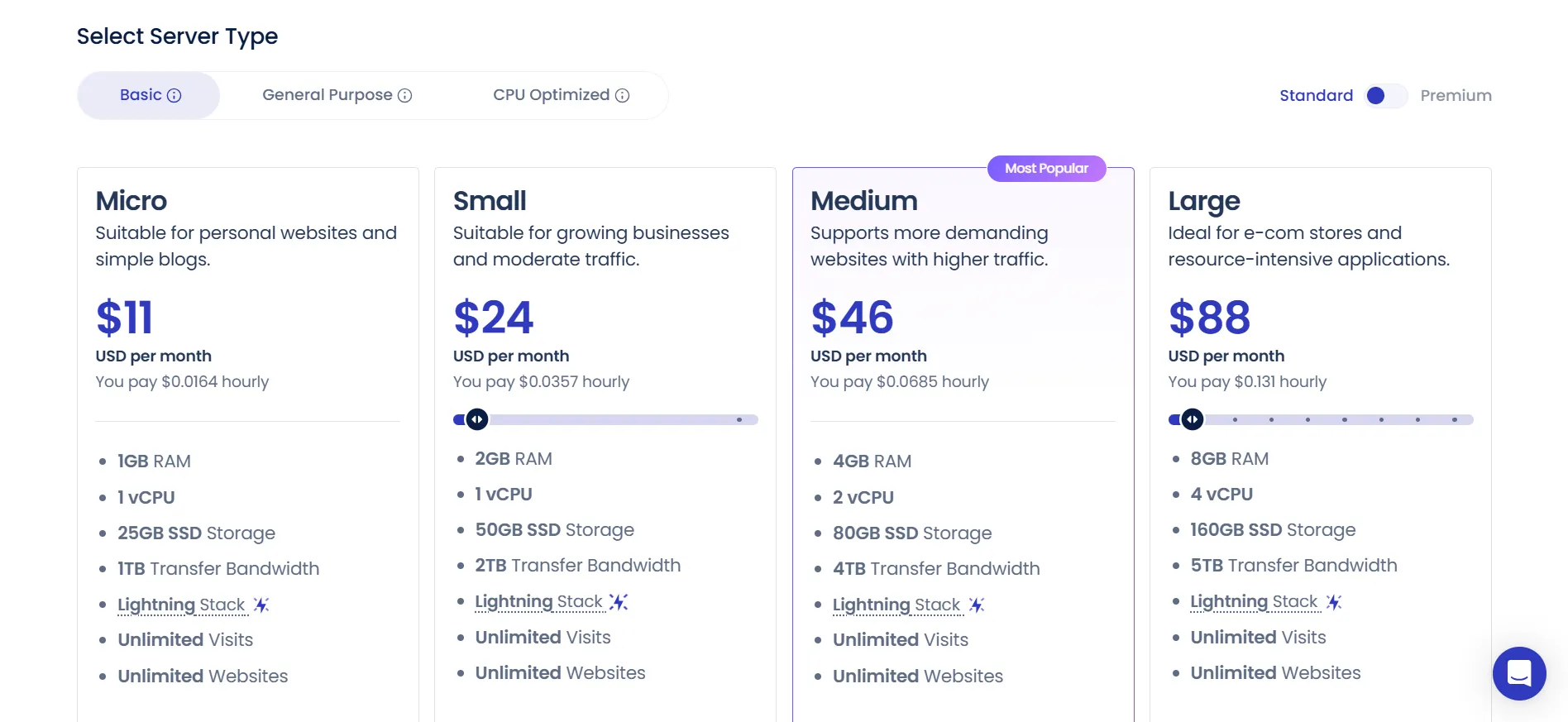
That configuration includes:
2GB RAM
1 vCPU
50GB storage
2TB transfer bandwidth
Unlimited websites
Unlimited visits
4 free Cloudways Copilot credits
Lightning Stack
Cloudways also states that offsite backup storage is charged separately at $0.033 per GB per server.
The important point is that $11 is a starting configuration, not a universal Cloudways subscription price.
Cloudways Flexible Server Sizes
Cloudways presents different server sizes depending on the cloud provider and server type you select.
For DigitalOcean, the current pricing page shows examples such as:
Configuration example | RAM | vCPU | Storage | Bandwidth |
|---|---|---|---|---|
Micro/Small | 2GB | 1 | 50GB | 2TB |
Medium | 8GB | 4 | 160GB | 5TB |
8XL | 128GB | 24 | 2,560GB | 11TB |
The displayed prices vary with the selected configuration. For example, the current page shows the 8GB/4-vCPU configuration at $88/month and the 128GB/24-vCPU configuration at $342/month.
You do not need anything close to the largest server for a normal blog.
A small WordPress site may be comfortable with a low-resource configuration, while a busy ecommerce store may need more RAM, CPU, storage, and bandwidth.
That makes Cloudways pricing more flexible than a simple list of three or four fixed hosting packages.
Cloudways Cloud Provider Options
One of the biggest parts of Cloudways pricing is the cloud provider you select.
DigitalOcean
DigitalOcean is a popular choice for users who want managed cloud hosting at a lower starting cost.
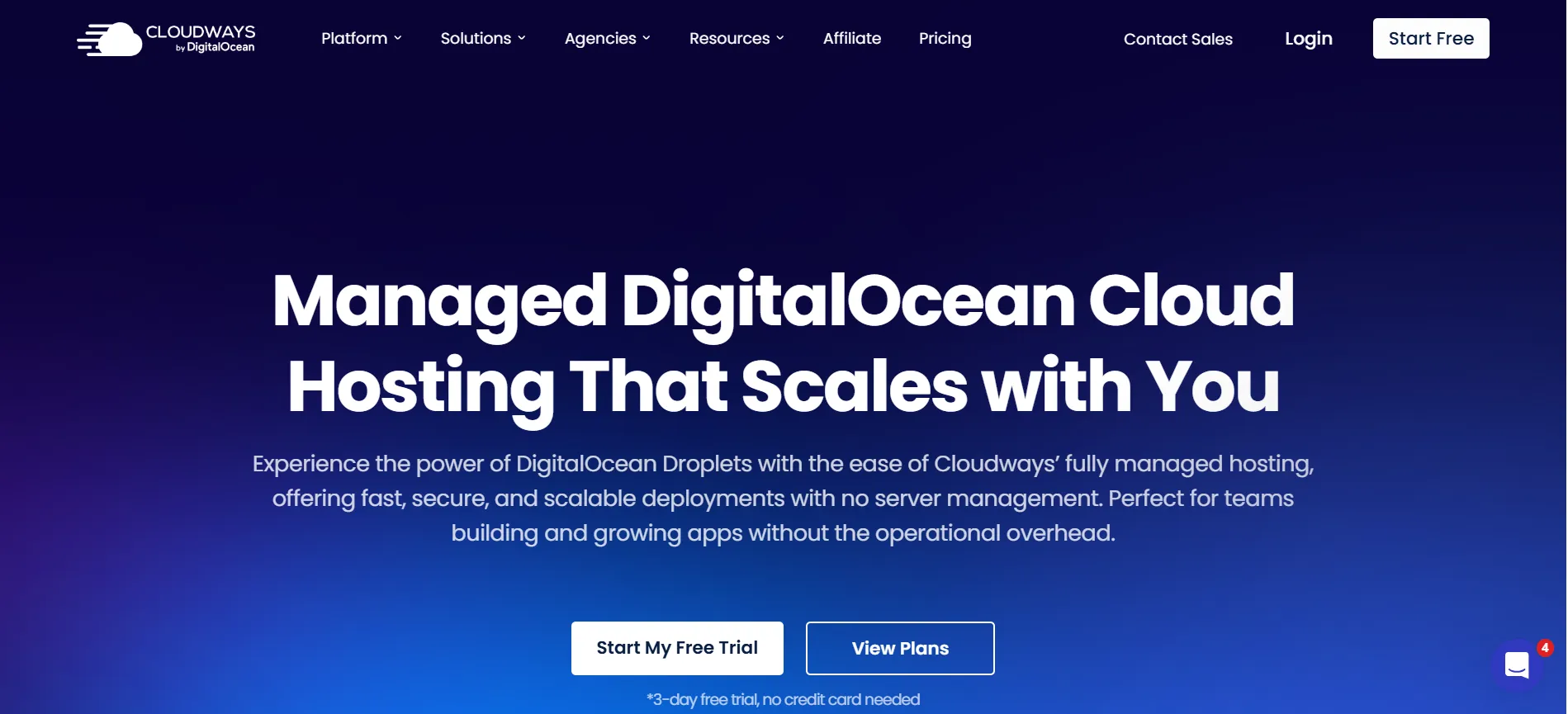
Cloudways currently lists data centers including New York, Amsterdam, Bangalore, Frankfurt, London, San Francisco, Singapore, Sydney, and Toronto.
It is a sensible place to start if you want managed hosting without jumping straight into AWS or Google Cloud pricing.
Vultr
Vultr gives you access to standard and high-frequency servers across a large collection of locations.
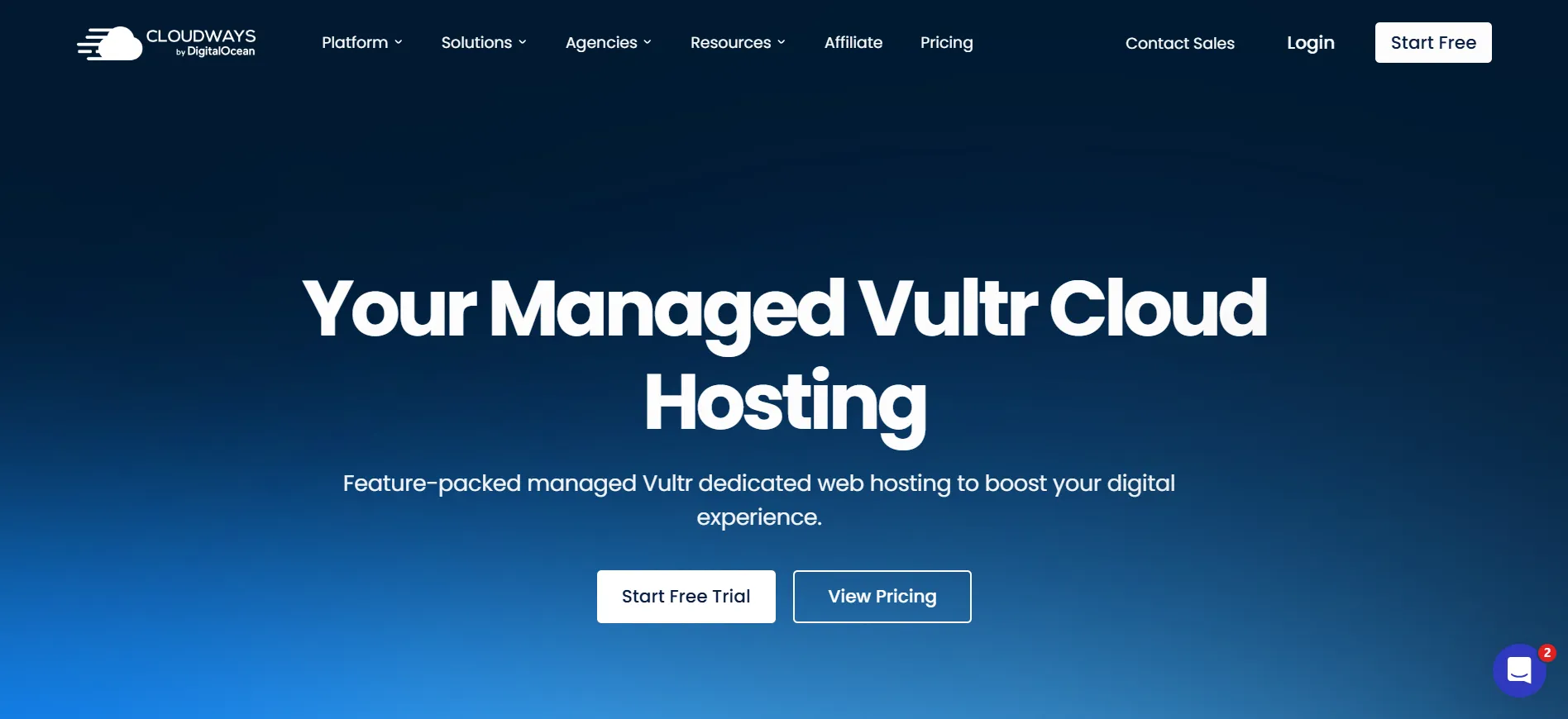
The current Cloudways page lists 30 Vultr locations, with high-frequency options using NVMe storage.
Linode
Linode is another cloud infrastructure option available through Cloudways. It can suit websites looking for cloud resources without moving directly to the complexity of managing AWS or Google Cloud yourself.
AWS
AWS gives you access to Amazon’s cloud infrastructure and a wide range of server configurations.
Cloudways notes that AWS pricing varies by region. It also supports configurable storage and bandwidth, along with vertical scaling options.
Google Cloud
Google Cloud provides another high-end infrastructure option through Cloudways.
Like AWS, pricing can differ by location. Cloudways passes those regional infrastructure differences through to customers.
Cloudways Autonomous Pricing
Cloudways Autonomous is a different product from Flexible.
It is built for managed WordPress hosting with autoscaling, making it more suitable for websites where traffic can rise sharply or remain consistently high.
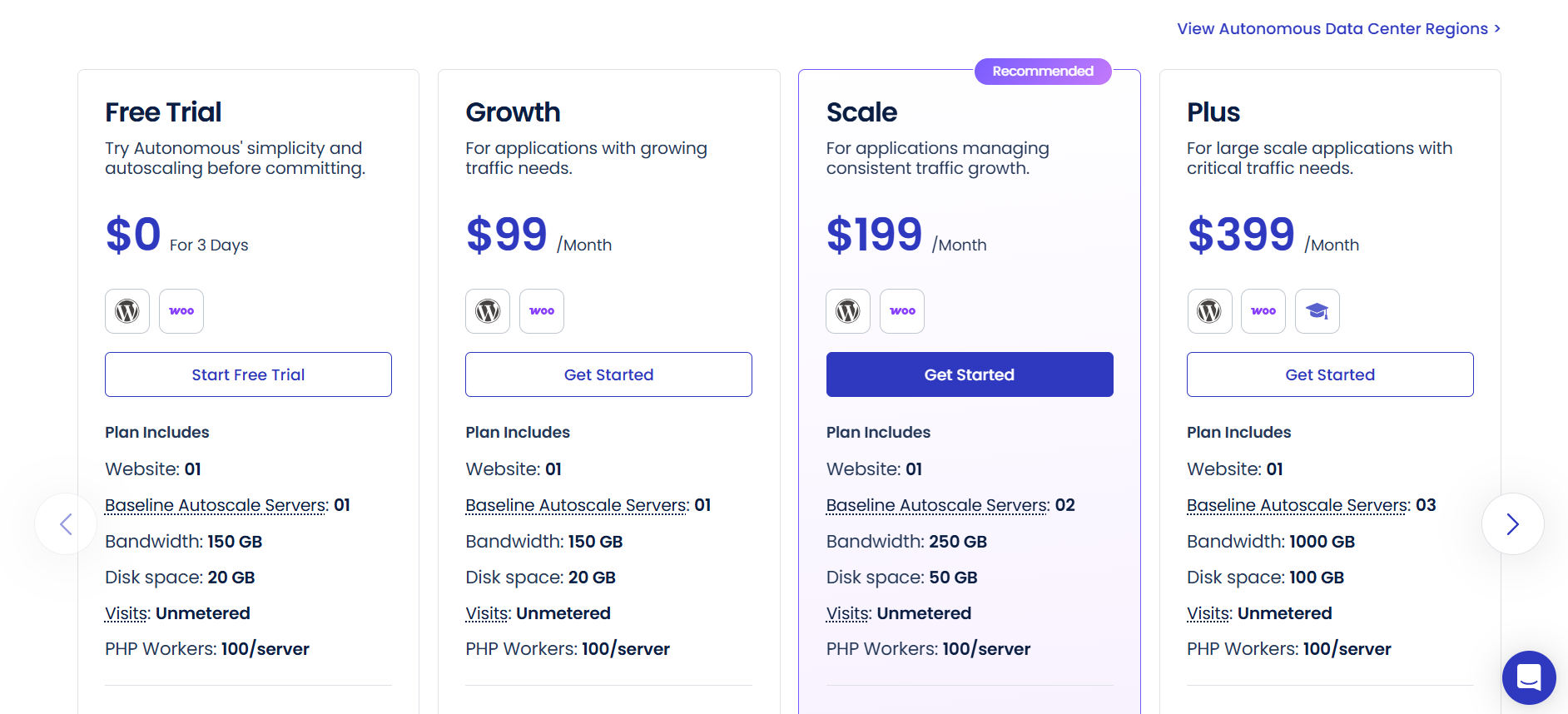
The current plans are:
Plan | Price | Websites | Baseline autoscale servers | Storage | Bandwidth |
|---|---|---|---|---|---|
Free Trial | $0 for 3 days | 1 | 1 | 20GB | 150GB |
Growth | $99/month | 1 | 1 | 20GB | 150GB |
Scale | $199/month | 1 | 2 | 50GB | 250GB |
Plus | $399/month | 1 | 3 | 100GB | 1,000GB |
Enterprise | Custom | Custom | Custom | Custom | Custom |
Autonomous plans include unmetered visits, 100 PHP workers per server, autoscaling, Cloudflare Enterprise CDN, Redis caching, Object Cache Pro + Relay, and managed migration.
Growth
The Growth plan costs $99/month and includes one website, one baseline autoscale server, 20GB disk space, and 150GB bandwidth.
Extra charges apply for additional disk space, bandwidth, and autoscaling beyond the baseline allocation. Cloudways currently lists these at $1/GB for disk space, $0.04/GB for bandwidth, and $0.07/hour per additional autoscaled server.
Scale
The Scale plan costs $199/month.
It includes two baseline autoscale servers, 50GB storage, and 250GB bandwidth. Extra autoscaling is billed at $0.10/hour per additional server.
This plan makes more sense for a WordPress site with steady traffic growth rather than a small personal blog.
Plus
The Plus plan costs $399/month and includes three baseline autoscale servers, 100GB storage, and 1,000GB bandwidth.
Cloudways positions this plan for larger applications, including WordPress, WooCommerce, and LMS websites.
What Do You Get With Cloudways Pricing?
Cloudways includes several hosting features across its plans, so you are not simply paying for server space.
The current Flexible offering includes features such as:
Free managed migration
Lightning Stack
Vertical scaling
Built-in firewall
IP blocking
Free Object Cache Pro on eligible configurations
Redis Cache
Advanced staging and cloning
WordPress Vulnerability Scanner
Unlimited applications
24/7 support
Free SSL
Automated backups
DDoS protection
Cloudways also includes Cloudways Copilot credits with Flexible configurations. Copilot monitors servers and applications and can suggest or apply fixes for certain problems through SmartFix.
This collection of features is one reason Cloudways costs more than very cheap shared hosting.
You are paying for managed cloud infrastructure rather than just a basic hosting account.
Does Cloudways Have a Free Trial?
Yes.
Cloudways Flexible currently offers a 3-day free trial without a credit card. Autonomous also offers a three-day free trial.
The trial gives you a useful chance to test the control panel, migrate a website, check server performance, and see whether the hosting setup suits your workflow.
Three days is not a huge window, but it is enough to get a feel for the service.
Is Cloudways Expensive?
Cloudways can cost more than traditional shared hosting.
That is not surprising because the service is aimed at managed cloud hosting rather than the cheapest possible hosting account.
A small website can start around $11/month with Flexible. At that level, you get cloud server resources and managed hosting features that go beyond what many low-cost shared hosts provide.
Autonomous is much more expensive, starting at $99/month, but it targets websites with different needs.
The real question is not whether Cloudways is cheap.
It is whether you need managed cloud hosting.
If you have a personal blog with a few hundred visitors, a simple shared hosting plan may make more financial sense.
If you run a WooCommerce store, agency portfolio, membership website, busy publication, or application where server performance matters, Cloudways can make more sense.
Which Cloudways Plan Should You Choose?
Select the right Cloudways hosting plan based on your traffic volume, storage needs, and budget in this breakdown comparing Basic, Standard, Business, and Enterprise tiers with monthly costs, server resources, and feature comparisons across Cloudways pricing levels.
Choose Cloudways Flexible if…
Flexible is the better choice if you want to control your server resources and cloud provider.
It is suitable for:
WordPress websites
Small businesses
Blogs
Agencies
WooCommerce stores
Laravel applications
PHP applications
Developers
Websites that need room to grow
For many users, starting with a smaller DigitalOcean server is a sensible approach. You can scale resources when the website actually needs them instead of paying for a large server from day one.
Choose Cloudways Autonomous if…
Autonomous is worth looking at when you run a WordPress website with changing or consistently high traffic.
It is aimed at sites that need autoscaling and a more hands-off hosting experience.
This makes it a better fit for:
High-traffic WordPress sites
Large WooCommerce stores
LMS websites
Traffic-heavy publishers
Websites that experience sudden traffic spikes
The $99/month Growth plan is a much larger commitment than Flexible, so it makes little sense for a small site that does not need autoscaling.
Is Cloudways Pricing Worth It?
Cloudways Pricing is worth considering if you need managed cloud hosting rather than the lowest-cost hosting available.
The biggest advantage is flexibility. You can choose your cloud infrastructure, server resources, and location instead of being locked into one standard package.
The $11/month starting point also makes Flexible accessible for smaller websites, while larger server configurations give growing websites room to increase resources.
Cloudways Autonomous takes a different approach. Starting at $99/month, it focuses on WordPress hosting with autoscaling and managed infrastructure for websites that can justify the higher monthly cost.
There are a few things to watch closely. AWS and Google Cloud pricing varies by location, additional bandwidth can create extra charges, and optional services can increase the final bill.
So, do not choose Cloudways based on the headline starting price alone.
Build the server configuration you actually need and check the displayed monthly cost before launching.
FAQs: Cloudways Pricing
Cloudways Flexible currently starts at $11/month for a DigitalOcean configuration with 2GB RAM, 1 vCPU, 50GB storage, and 2TB transfer bandwidth.
Yes. Cloudways offers a three-day free trial for Flexible without requiring a credit card. Autonomous also offers a three-day free trial.
Cloudways uses pay-as-you-go pricing for Flexible, with the current pricing page displaying both monthly and hourly costs for server configurations.
Yes, bandwidth beyond the included amount is charged separately. Rates depend on the cloud provider.
Cloudways currently lists DigitalOcean, Vultr, Linode, AWS, and Google Cloud.
Yes. Cloudways currently advertises free managed migration as part of its hosting package.
Yes. Cloudways supports managed WordPress hosting through both Flexible and Autonomous. Autonomous is aimed at WordPress sites that need autoscaling, while Flexible gives users more control over cloud resources.
Quick Links:
Final Verdict: Cloudways Pricing
Cloudways has moved beyond the simple hosting model of choosing one fixed package and calling it a day.
Its Flexible service gives you control over cloud provider, server resources, and location, with prices currently starting at $11/month. Its Autonomous service starts at $99/month and targets WordPress websites that need managed autoscaling.
For a personal blog or small website, Flexible is likely the more sensible starting point. For a busy WooCommerce store, publication, LMS, or another WordPress site with changing traffic, Autonomous may justify its higher price.
The most important thing is to look beyond the headline number. Cloud provider, location, storage, bandwidth, backups, and extra resources can all affect what you actually pay.
If you want managed cloud hosting with room to scale, Cloudways offers a strong range of choices. If your only goal is finding the cheapest hosting possible, you will probably find lower-priced alternatives elsewhere.
Our pick for most growing websites: Cloudways Flexible with a suitable DigitalOcean configuration. Start small, monitor your resource use, and scale when your website actually needs more power.
