
Beautiful.ai Coupon Code 2026: 14-Day Free Trial
Searching for a Beautiful.ai coupon code? Here’s the honest answer, pulled directly from their pricing page: Pro runs $12/month on annual billing, and Teams comes down to $40/month per user when billed annually rather than monthly.
No code required for either, that’s simply the price shown once you select the annual toggle. Add a genuine 14-day free trial and a full free year of Pro for students, and there’s plenty of real savings without chasing a discount code at all.
What’s Actually Available Right Now
Discover the latest active Beautiful.ai Coupon Code offers and verified discounts to save on AI-powered presentation tools and create professional slides faster.

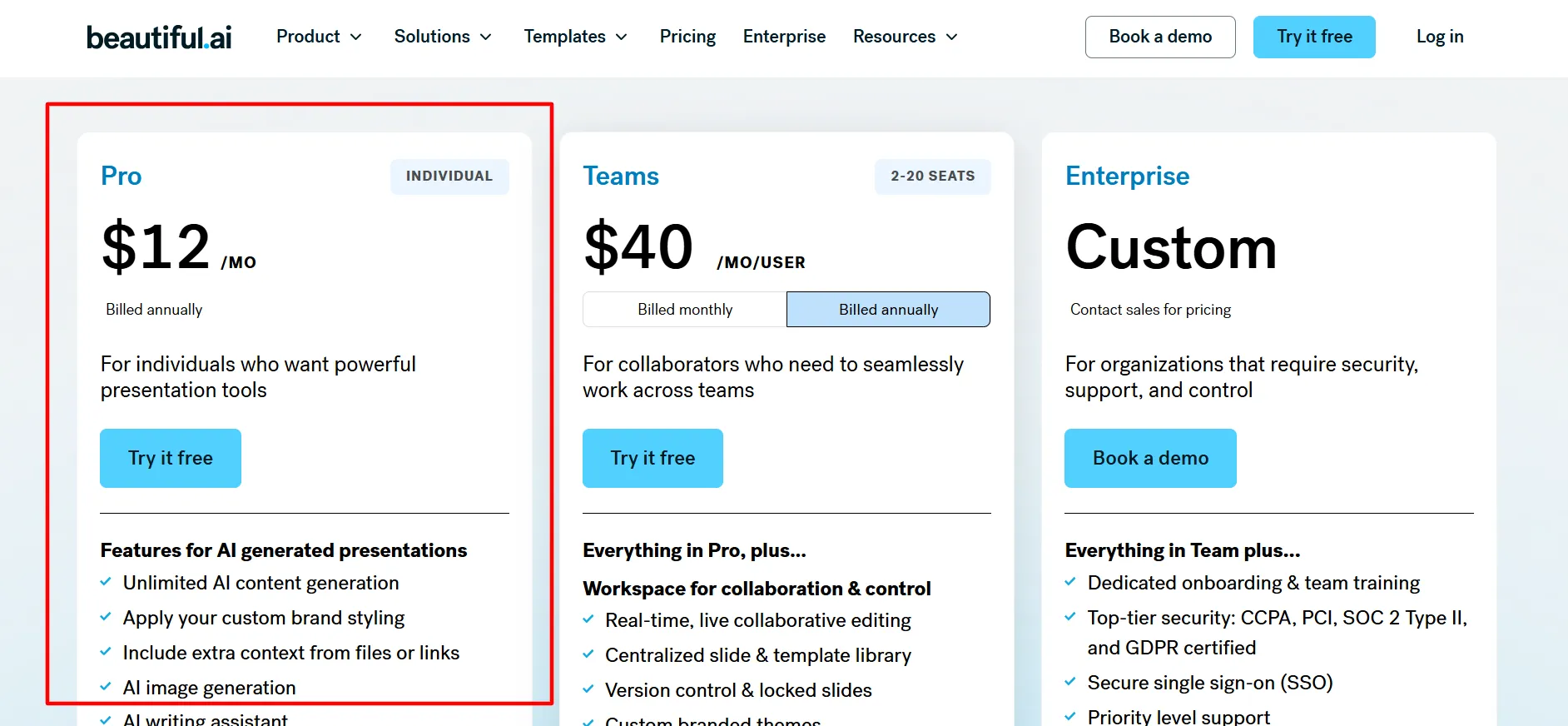
Pro Plan: $12/Month, Billed Annually
Straight from Beautiful.ai's own pricing page. Built for individuals wanting solid presentation tools, no code needed, this is just the annual rate.
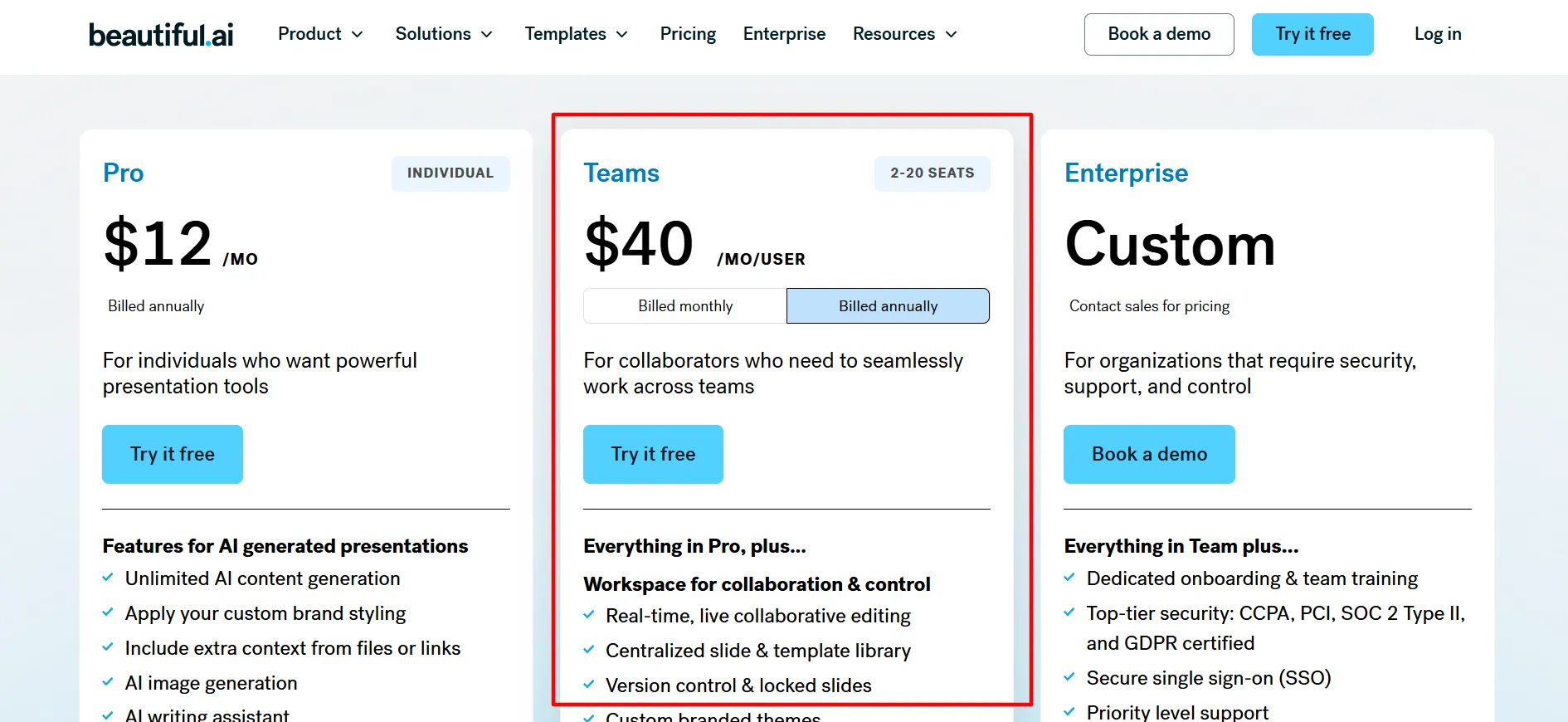
Teams Plan: $40/Month Per User, Billed Annually
Covers 2-20 seats, aimed at collaborators working across a shared team space. A 10-person team choosing annual over monthly saves roughly $1,200 a year, confirmed.
14-Day Free Trial
Sign up through Google, Microsoft, or a work email and get a real 14-day trial, full access, nothing charged until it ends.
A Free Year of Pro for Students
Got a valid .edu email? Beautiful.ai's education program hands you a full 12 months of Pro at zero cost, unlimited slides, Smart Slide templates, AI content generation, PowerPoint export, and viewer analytics included.
Codes Claiming 28-73% Off
Plenty of sites list specific promo codes with wildly inconsistent claimed discounts, some even mention a “military discount” in the same breath as admitting Beautiful.ai doesn’t actually run one. Beautiful.ai only allows one code per order, and most are new-customer only. Don’t trust a percentage until it’s actually reflected in your cart.
How to Actually Get the Best Beautiful.ai Price
Step 1: Go Straight to Beautiful.ai’s Pricing Page Check real, current numbers directly at the source rather than a secondhand listing.
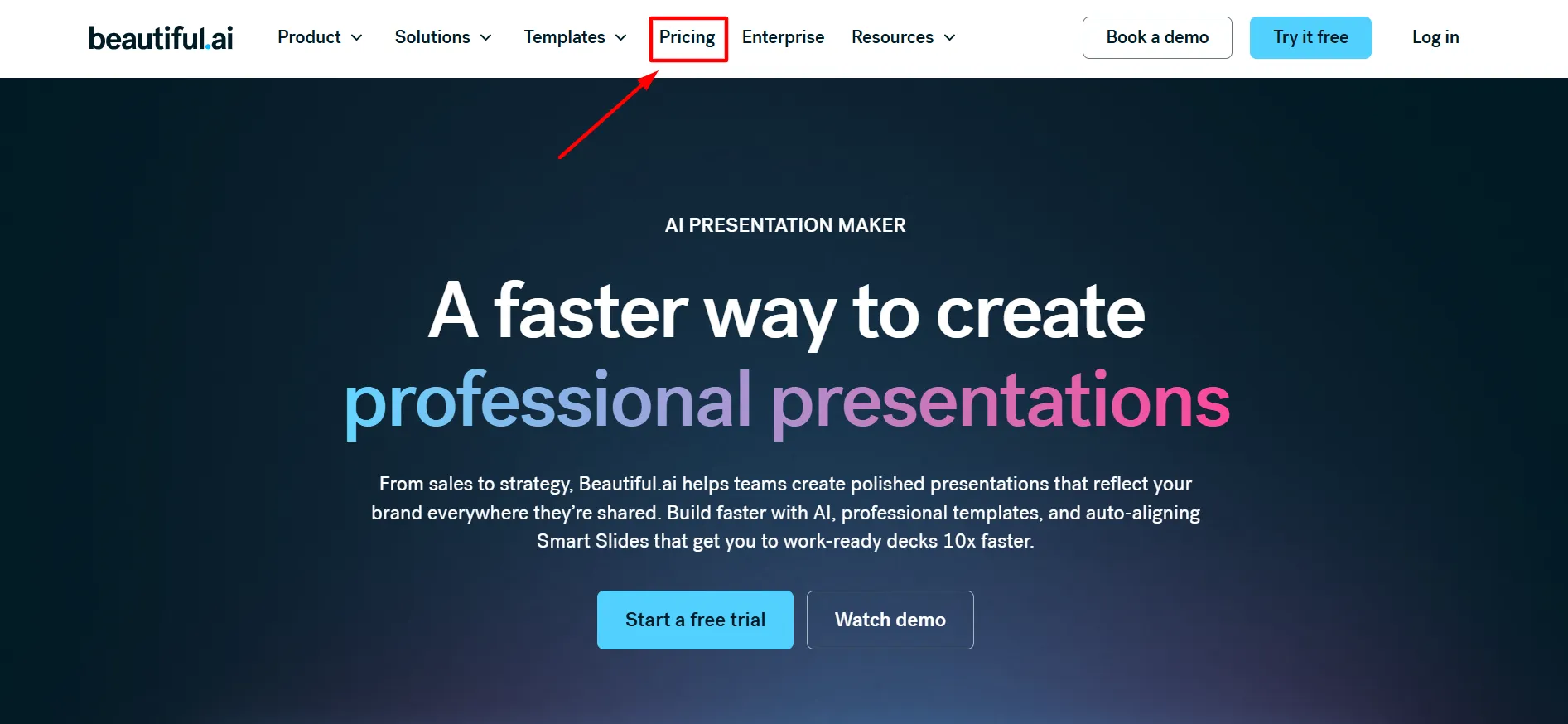
Step 2: Pick Pro, Teams, or Enterprise Pro for solo work, Teams for 2-20 people collaborating, Enterprise for larger orgs needing custom pricing and support.
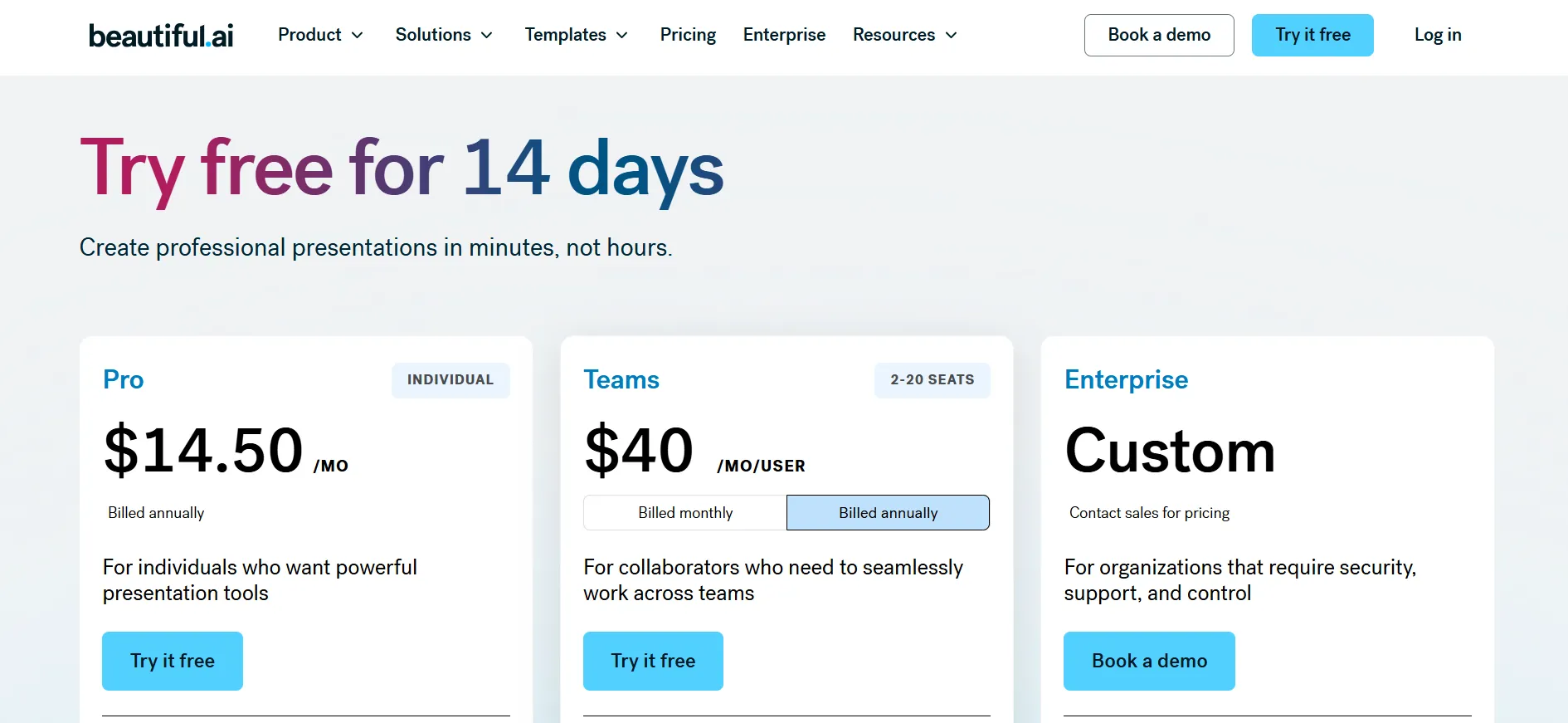
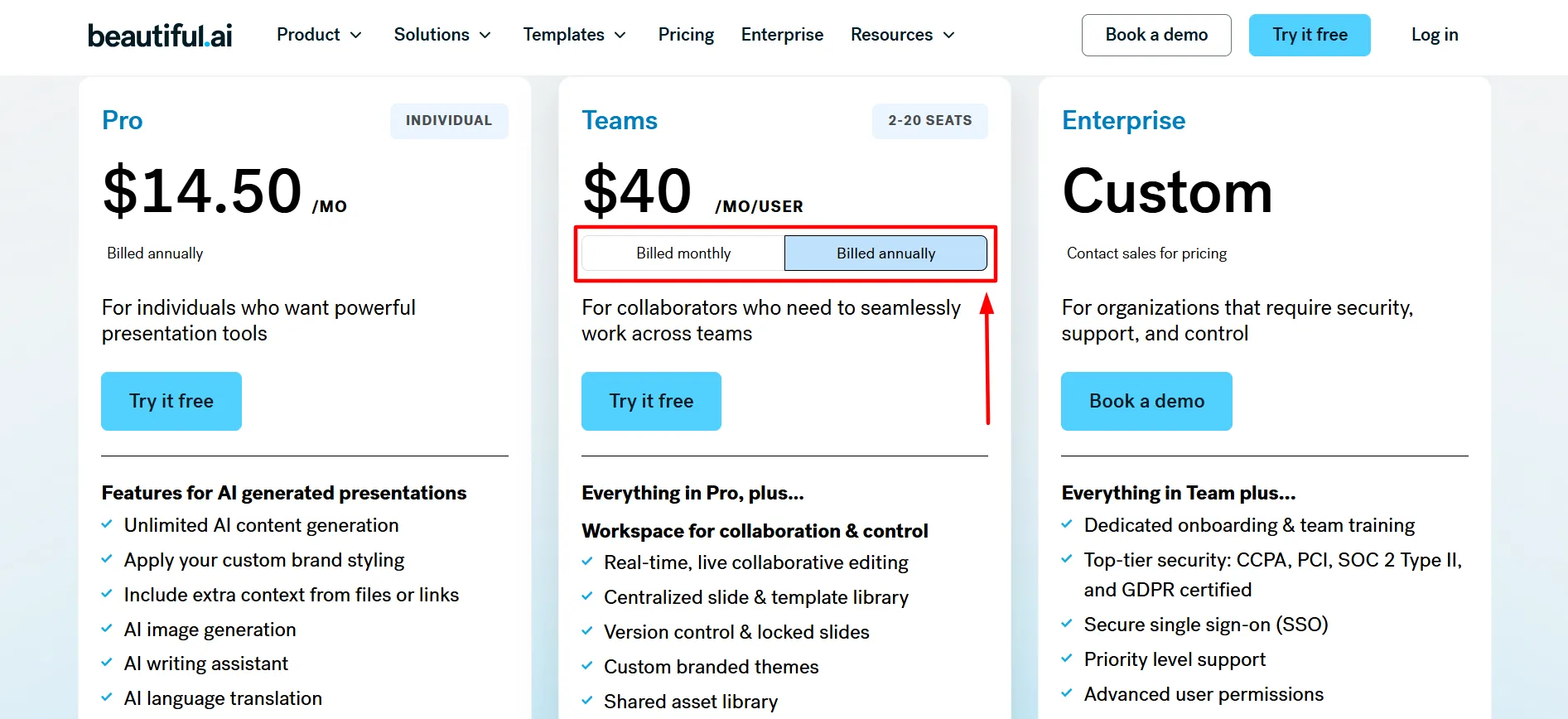
Step 3: Switch to Annual Billing The real saving lives here, both Pro and Teams drop in price per month compared to monthly billing.
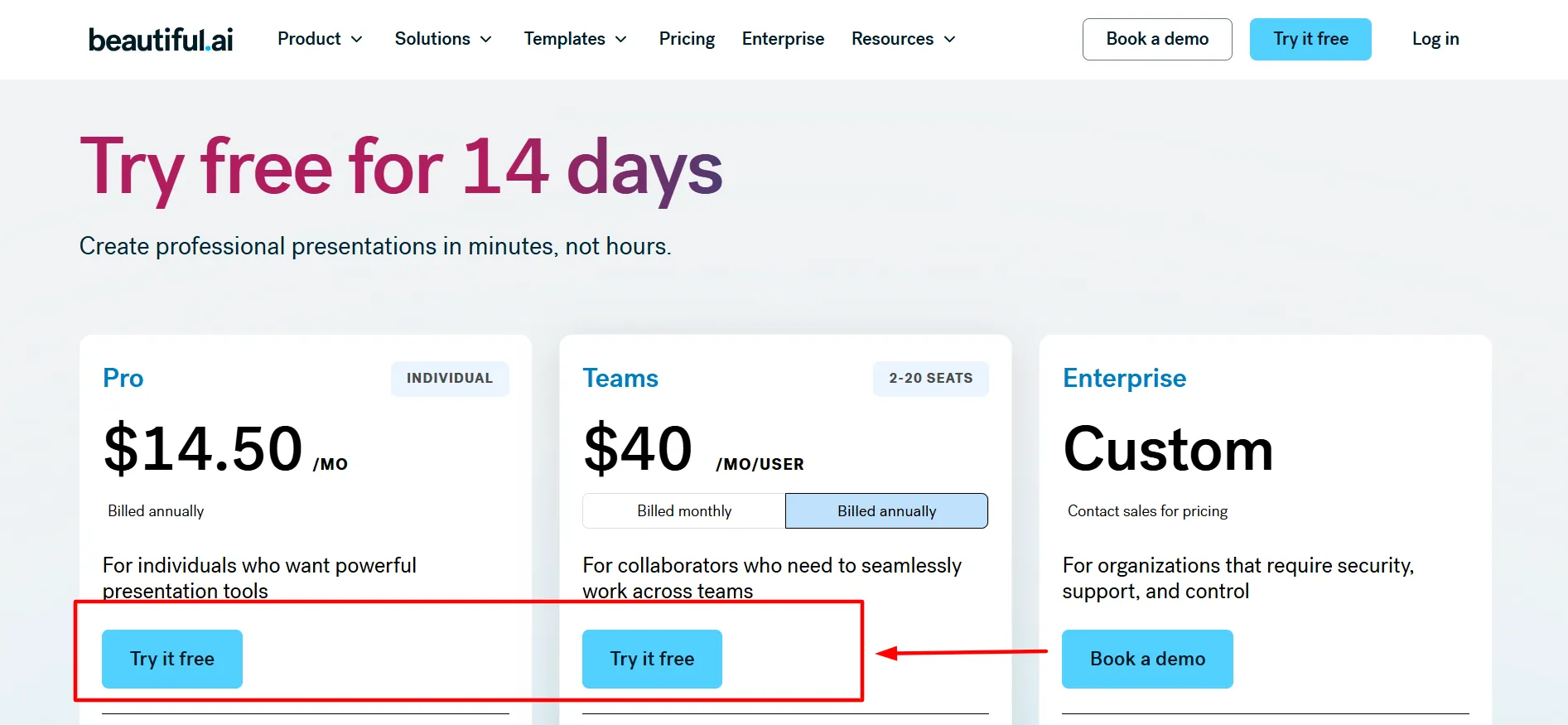
Step 4: Start the 14-Day Free Trial Sign up with Google, Microsoft, or your work email, no charge until the trial’s over.
Step 5: Students, Skip Straight to the Free Year Use your .edu email to claim 12 months of Pro at no cost through the education program instead of paying anything.
Step 6: Finish Setting Up Add payment details if you’re continuing past the trial, or confirm your student eligibility for the free year.
What Is Beautiful.ai?
Beautiful.ai is an AI-powered presentation platform built around one goal: create professional presentations in minutes instead of hours.
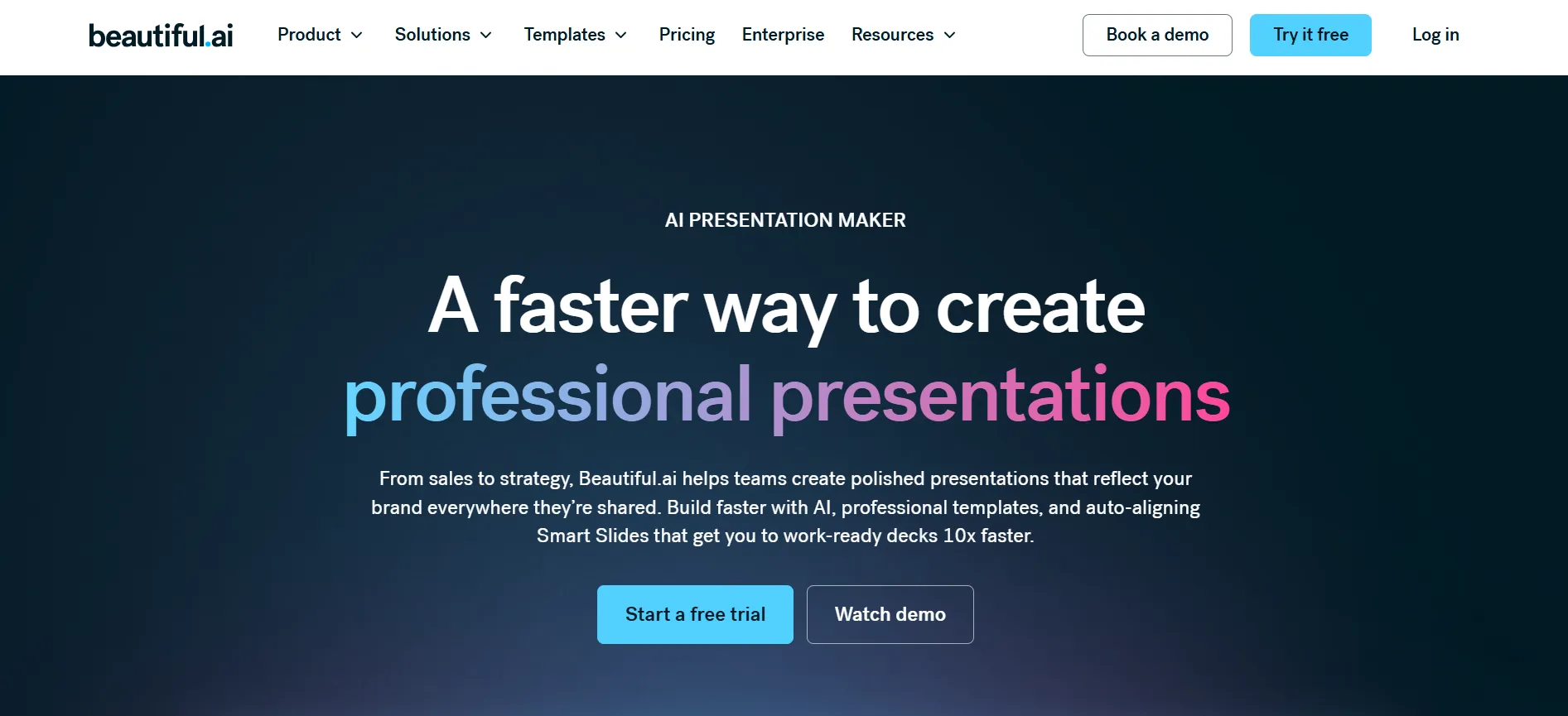
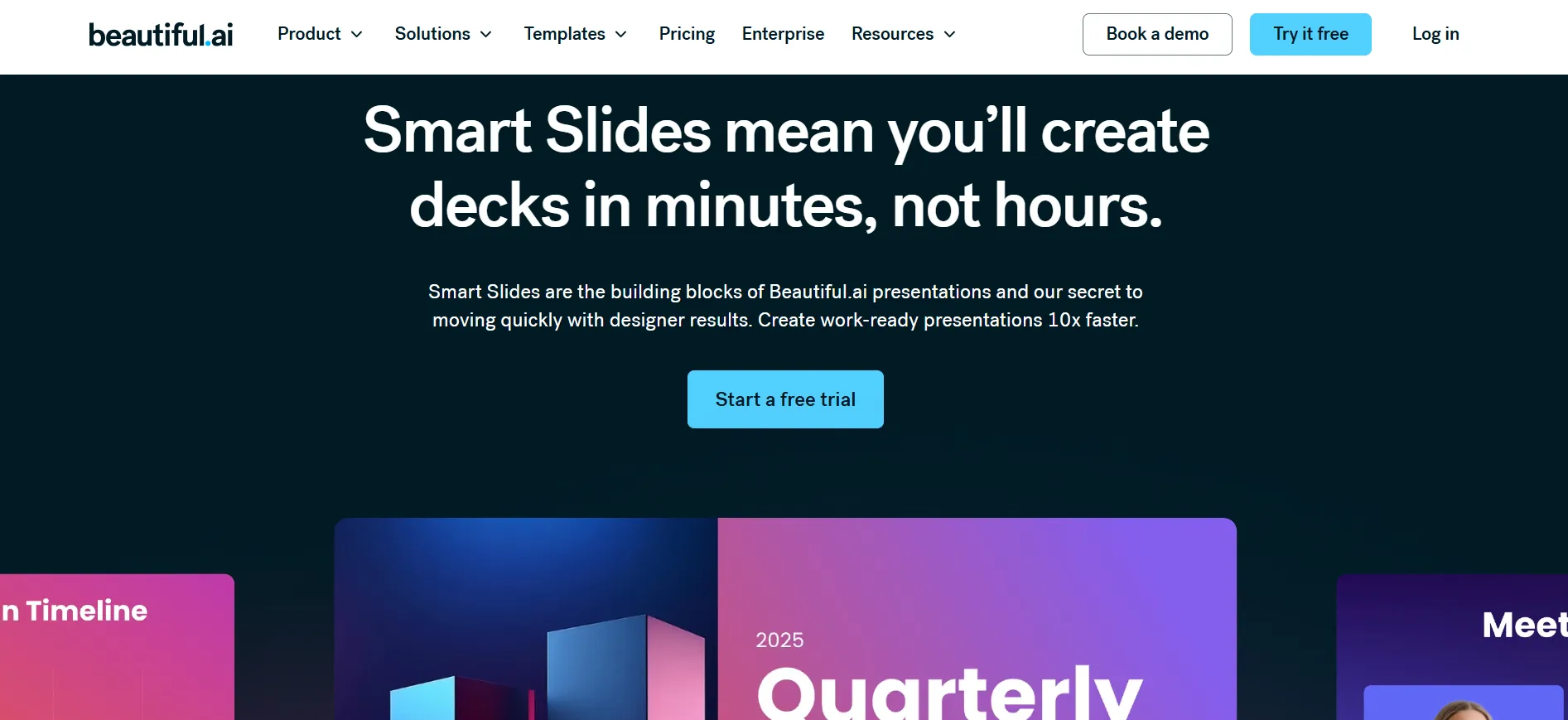
Its core engine, Smart Slides, uses pre-designed, intelligent templates that automatically adjust layout, spacing, and alignment as you add or remove content, so you’re never manually fighting with text boxes or alignment guides.
It’s positioned across a range of business needs and use cases:
By Business Need:
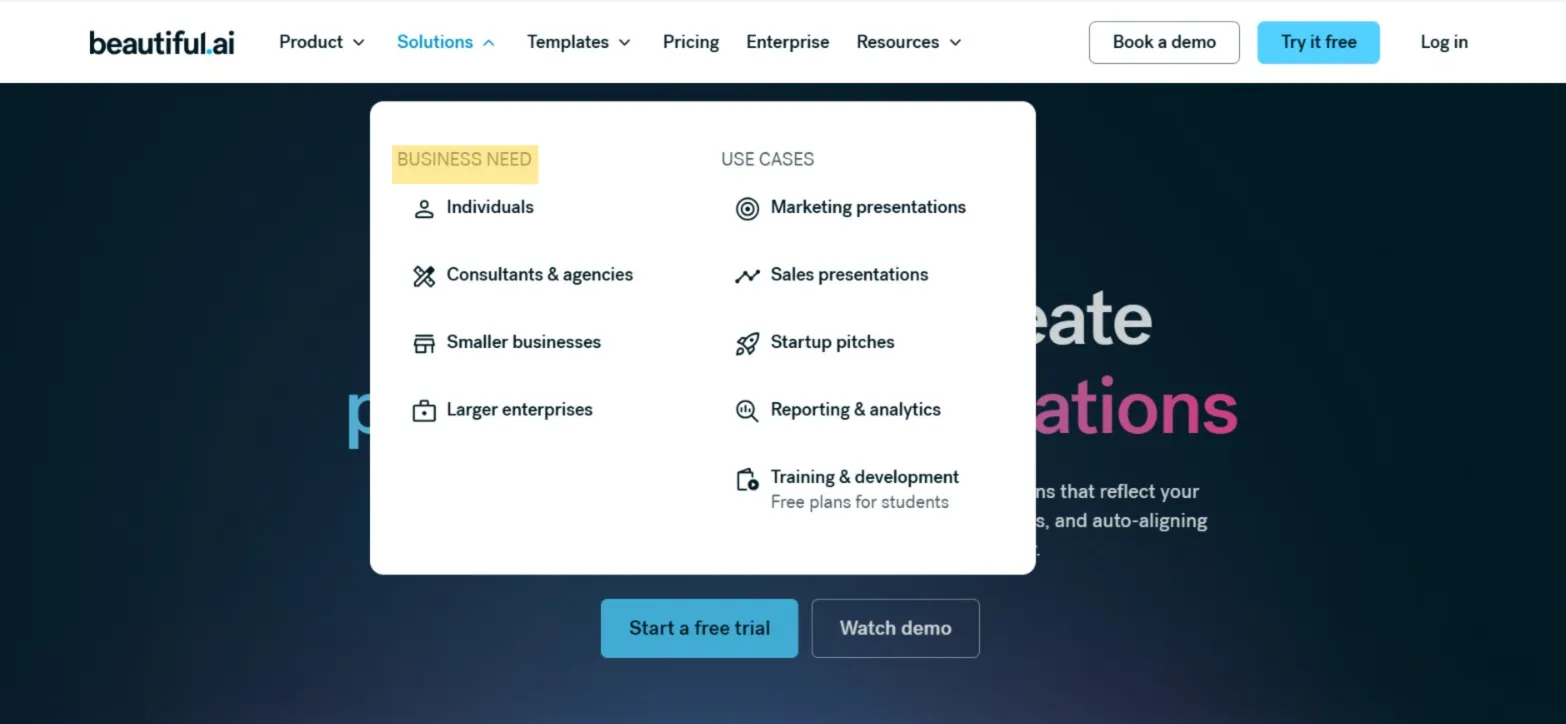
Individuals
Consultants & agencies
Smaller businesses
Larger enterprises
By Use Case:
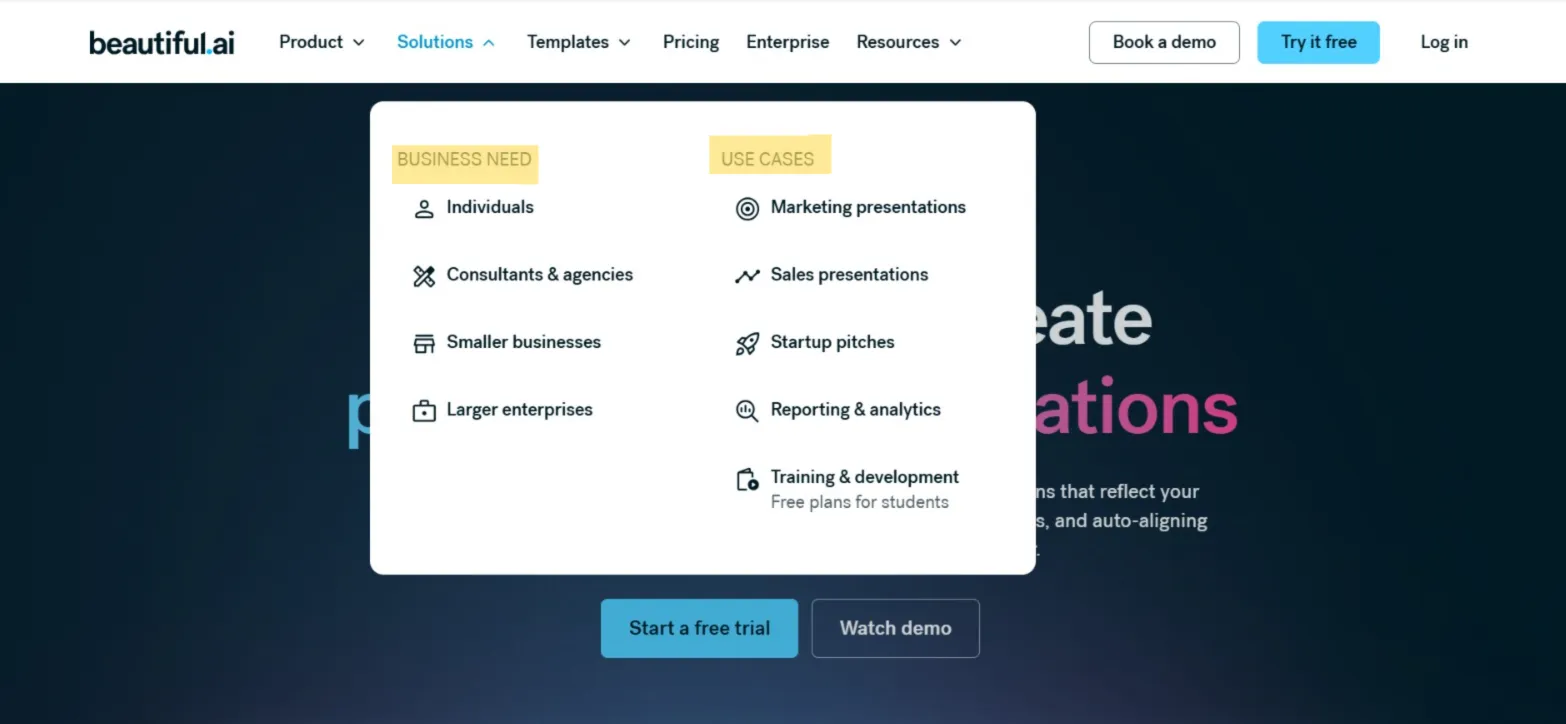
Marketing presentations
Sales presentations
Startup pitches
Reporting & analytics
Training & development (free plans available for students)
Beautiful.ai Pricing, Broken Down
Explore Beautiful.ai pricing plans, features, and subscription options while using the latest Beautiful.ai Coupon Code to save on AI-powered presentation design tools.
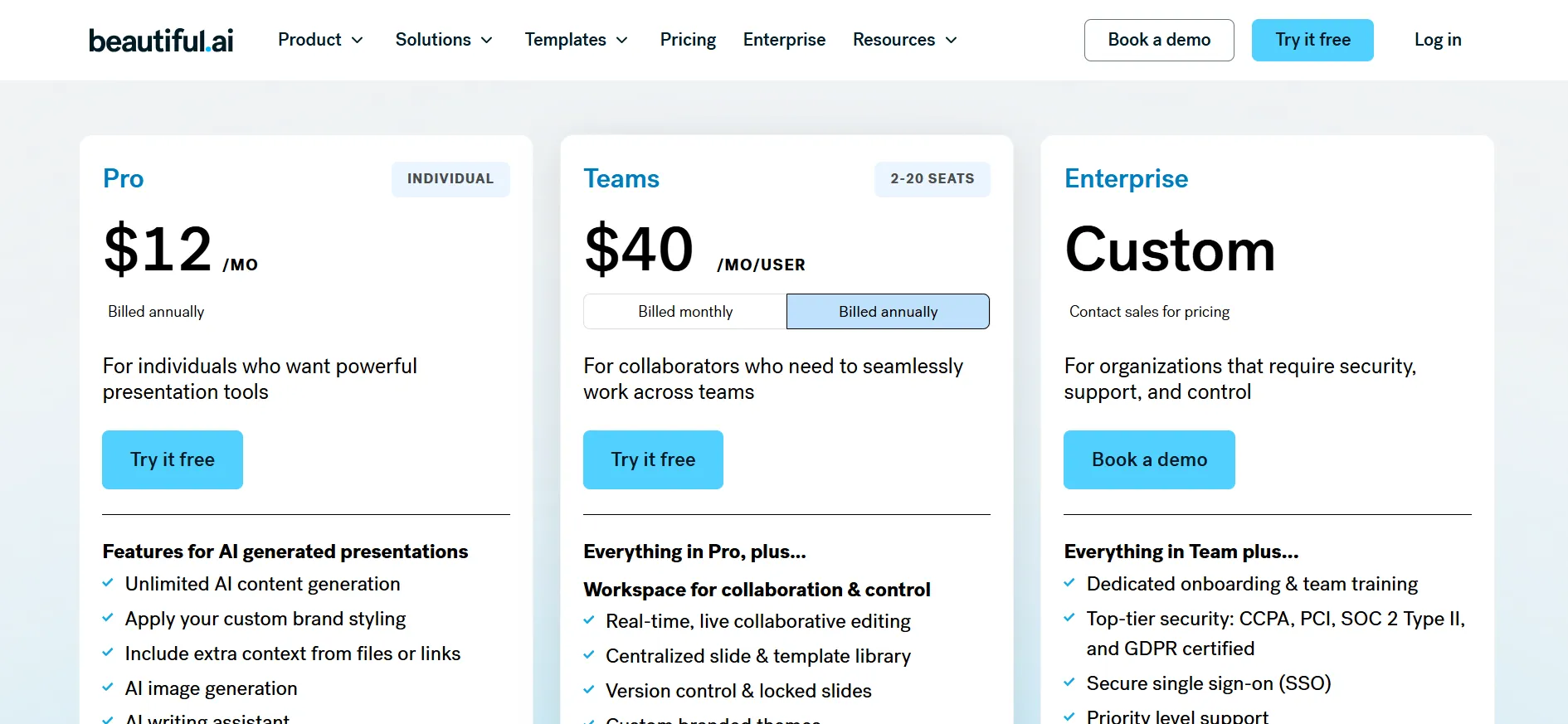
Plan | Cost | Seats | Fits |
Pro | $12/month (annual billing) | Individual | Solo users wanting real presentation tools |
Teams | $40/month per user (annual billing) | 2-20 seats | Teams collaborating from a shared workspace |
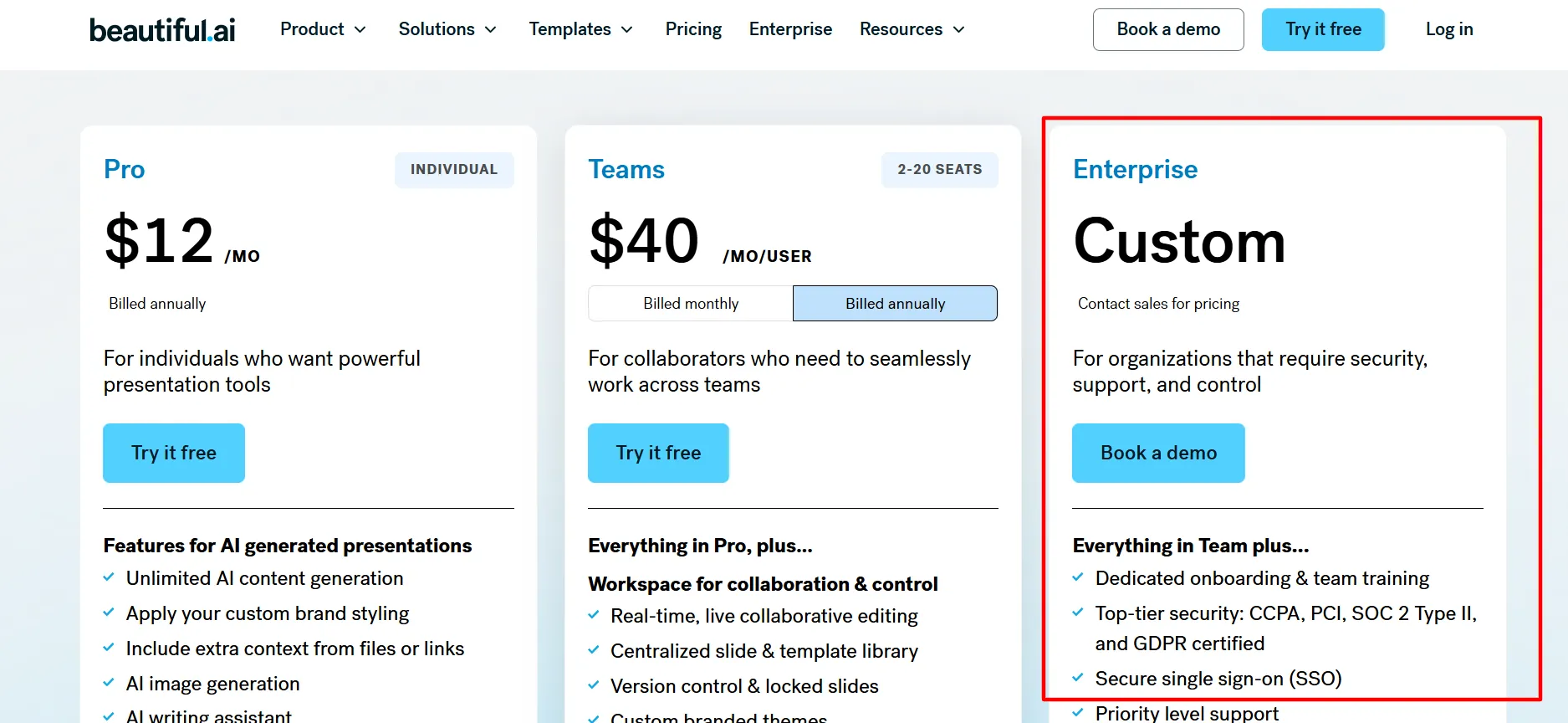
Enterprise | Custom (contact sales) | Any | Organizations needing dedicated security and support |
Pro
It works well if you’re building presentations on your own, client decks, pitches, internal reports, and includes the full Smart Slides engine at the individual level.
Teams
It brings collaboration into the mix for 2-20 people sharing an account, and the confirmed annual discount meaningfully lowers the per-seat cost versus paying monthly.
Enterprise
It is the pick for larger organizations that need more security, support, and administrative control than Teams offers, pricing comes through a direct sales conversation rather than a published rate.
What’s Included With Beautiful.ai
1. Smart Slides
Auto-aligning layouts for fast editing, the feature that really separates Beautiful.ai from manual slide design
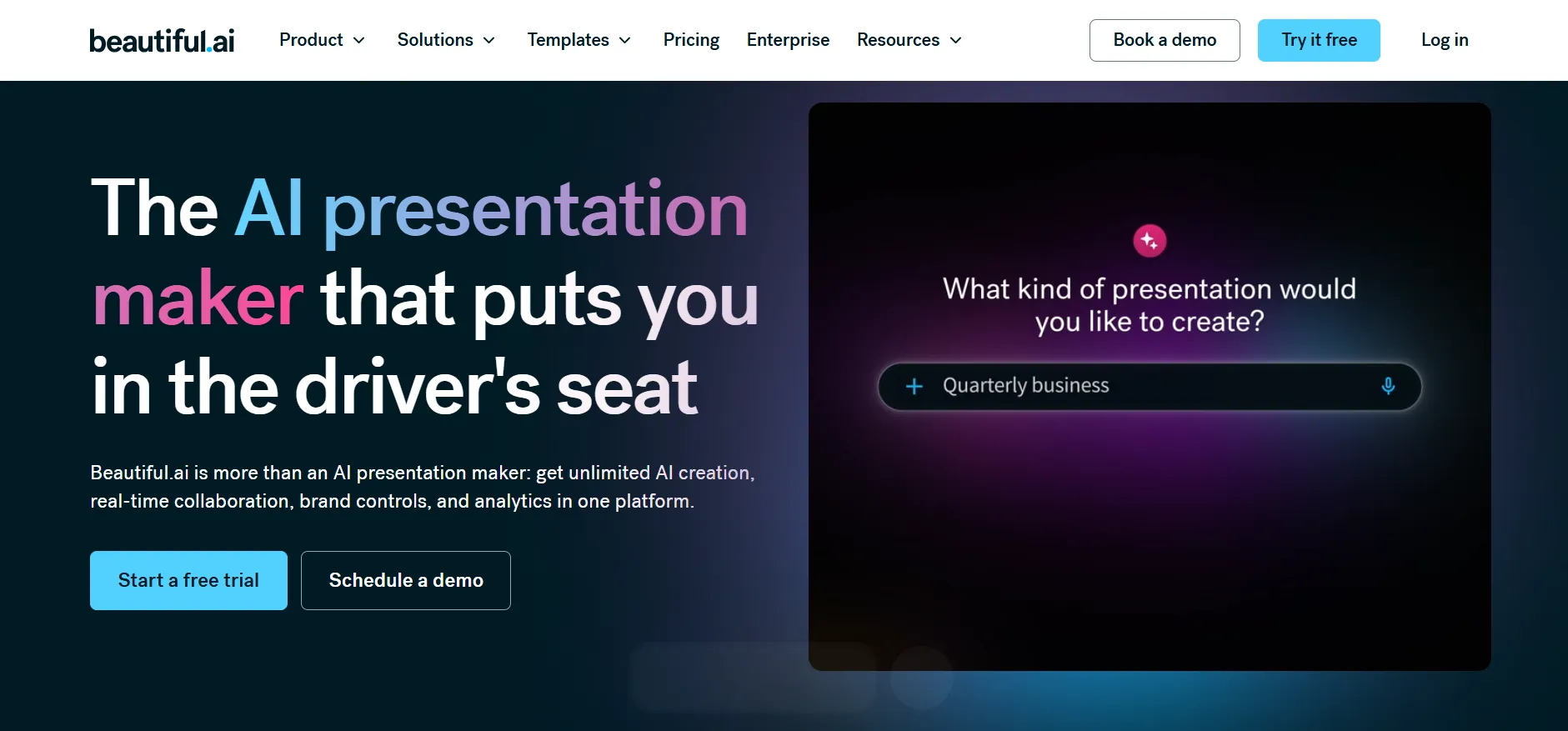
2. AI Presentations
Generate complete slide content straight from a prompt
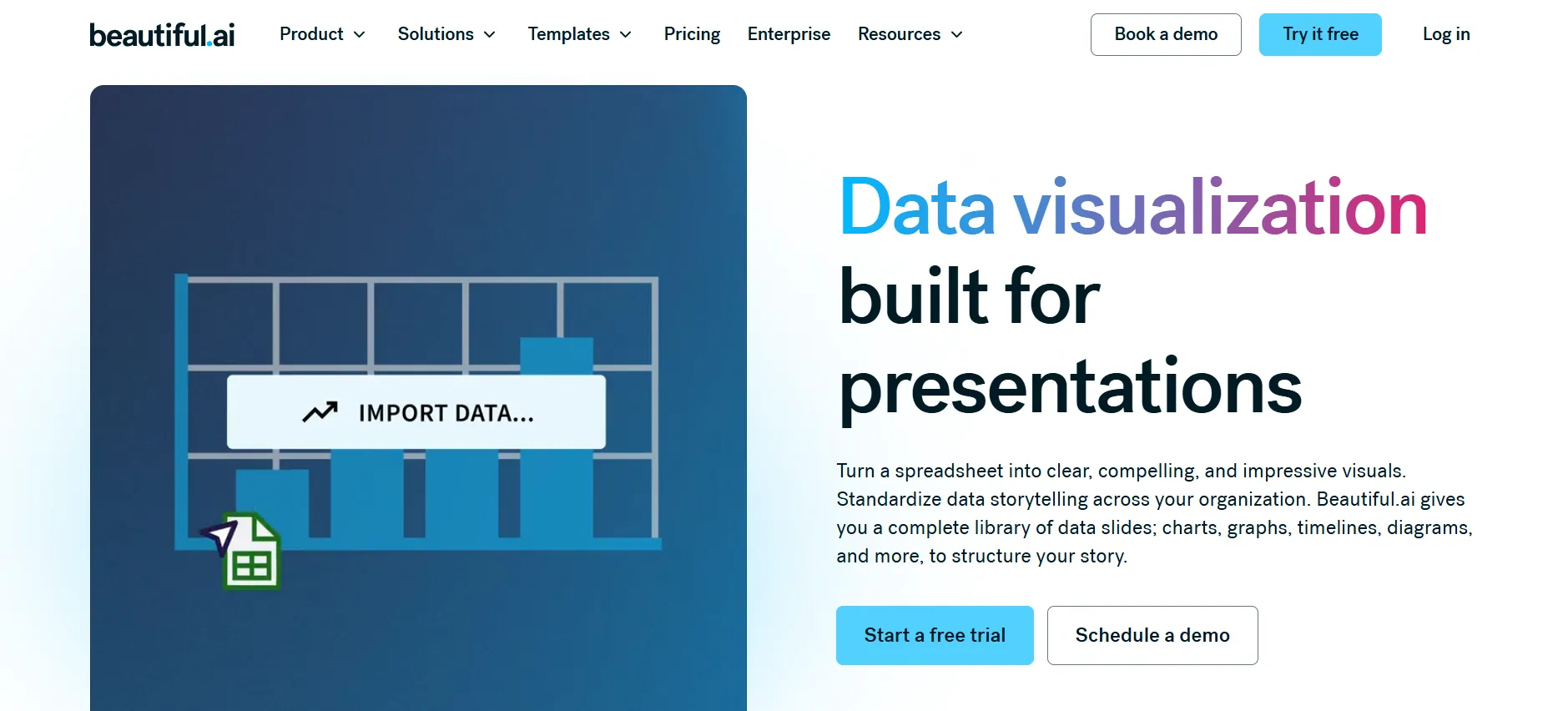
3. Data Visualization
Dynamic graphs, charts, and data slides that stay current as your numbers change
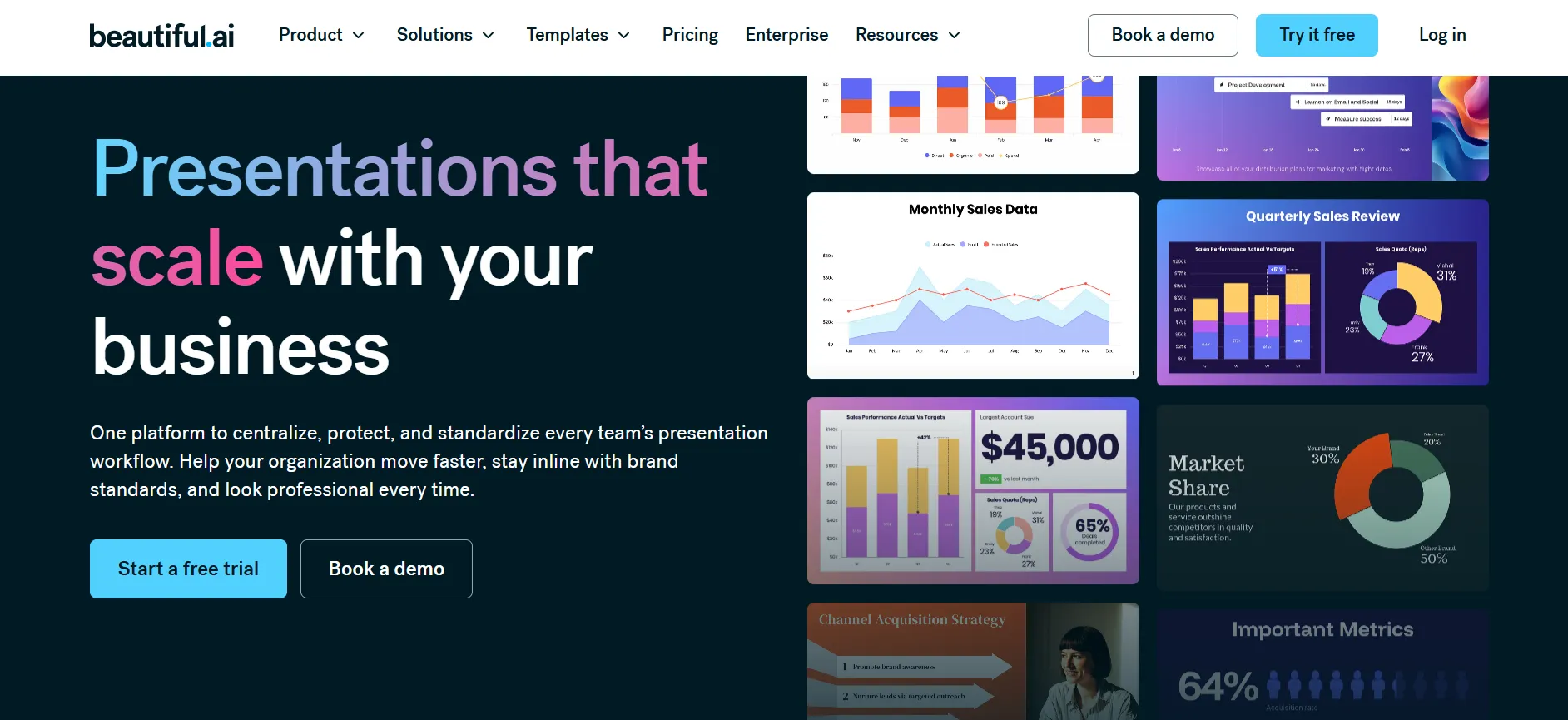
4. Presentation Workflows
Tools built for scaling presentation creation across a whole business, not just single decks
5. Integrations
Bring your favorite tools directly into how you build presentations
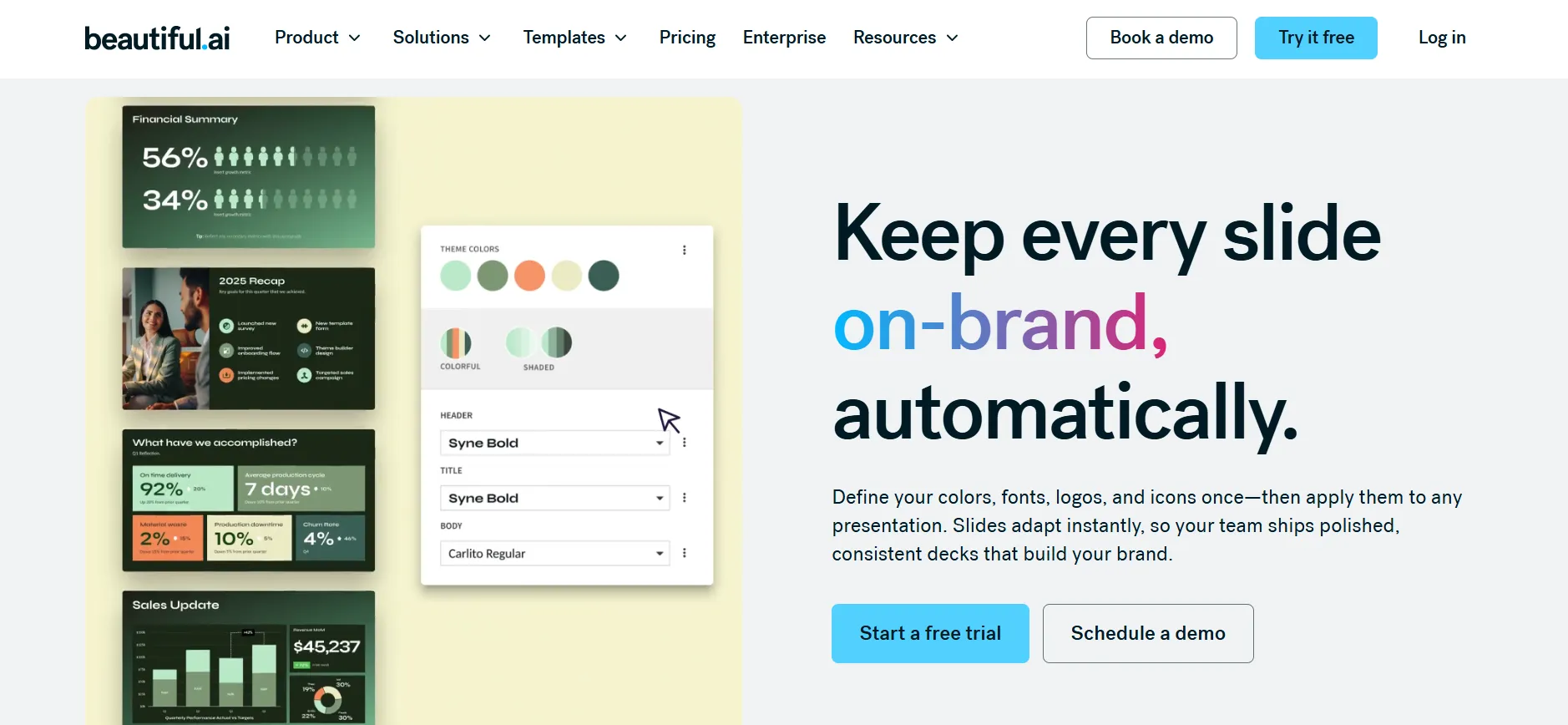
6. Brand Control
Keep every presentation visually consistent with cohesive styling and settings
Trial, Student Program, and Refund Policy
14-Day Free Trial
New users can start a real 14-day trial by signing up with Google, Microsoft, or a work email, full platform access before anything’s charged.
Free Year for Students
A valid .edu email unlocks a full 12 months of the Pro plan at no cost through Beautiful.ai’s education program, with complete feature access: unlimited slides, AI content generation, and PowerPoint export included.
Refund Policy
Monthly plans carry no refund at all. Annual subscriptions can get a partial refund, but only if you submit the cancellation request within 24 hours of purchase or renewal, a tight window worth being aware of before committing to a full year. Cancel outside that window and you’ll keep access through the rest of your current billing cycle rather than losing it right away.
Getting Help
Beautiful.ai’s support site covers Smart Slide Layouts, Generative AI, and general “Creating with Beautiful.ai” guidance, with live chat available and popular search topics spanning collaboration, branding, and customization.
Pros and Cons: Beautiful.ai Coupon Code
Pros
- Real annual billing discount on both Pro and Teams, no code required
- Genuine 14-day free trial with full feature access
- A full free year of Pro for students with a valid .edu email
- Smart Slides handle layout and alignment work most tools leave to you manually
- AI content generation, data visualization, and brand control all included
Cons
- Zero refund on monthly plans
- Annual refund window is very short, just 24 hours from purchase or renewal
FAQs: Beautiful.ai Coupon Code
No confirmed evergreen code exists. The real savings come from annual billing, Pro at $12/month and Teams at $40/user/month, both applied automatically at checkout with no code needed.
No permanent free plan, but every new user gets a genuine 14-day free trial with full access, sign up with Google, Microsoft, or a work email.
Yes. Students with a valid .edu email can claim a full 12 months of the Pro plan at no cost through Beautiful.ai's education program.
Pro runs $12/month on annual billing, Teams runs $40/user/month for 2-20 seats, and Enterprise pricing is custom, available by contacting sales.
Monthly plans aren't refundable at all. Annual plans can be refunded only if you cancel within 24 hours of purchase or renewal, a short window worth knowing about upfront.
No official military discount exists, despite some third-party coupon sites claiming otherwise. Don't trust a specific code without confirming it actually works at checkout.
Teams supports 2-20 seats for collaboration, while Pro is built for a single individual working solo.
For anything past 20 seats, or if you need enterprise-grade security and support, you'll need the Enterprise plan, priced through a direct sales conversation rather than published rates.
Quick Links:
Final Thoughts on Beautiful.ai Coupon Codes & Discount
The real Beautiful.ai savings sit right on their pricing page, no code required: Pro at $12/month and Teams at $40/user/month, both on annual billing. If you’re a student, skip the coupon hunt entirely and apply directly for the free year of Pro through the education program instead.
Just know the annual refund window is short, 24 hours from purchase or renewal, so put the 14-day free trial to real use first and confirm Smart Slides and the AI workflow genuinely fit how you build presentations before committing to a full year.
