
Xero Discount Code 2026: 90% Off or a Free Month, Your Choice
Searching for a working Xero discount code? Here’s the good news: Xero’s running two real offers at once right now, no code needed for either.
Choose 90% off any plan for your first 6 months, or if you’d rather ease in without spending a dollar upfront, take a completely free first month instead. Both are shown directly on Xero’s own pricing page.
What’s Actually Available on Xero Right Now
Discover the latest active Xero Coupon Code offers and verified discounts to save on Xero accounting plans and get more value from powerful business financial tools.
90% Off Every Plan, First 6 Months
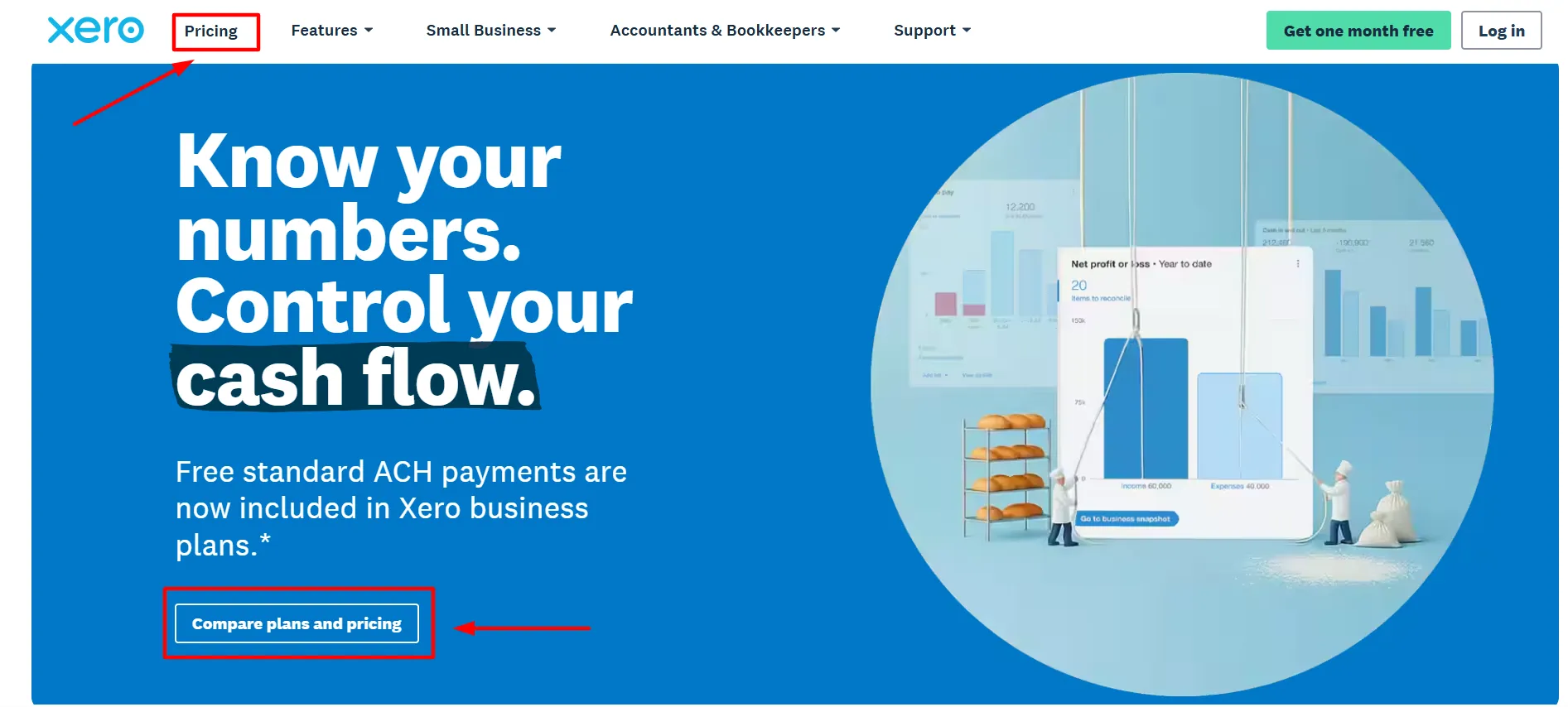
Straight from Xero's own homepage banner. Select "Buy now" at checkout and your rate drops 90% for half a year: Early starts at $2.50/month (then $25), Growing at $5.50/month (then $55), Established at $9/month (then $90). The biggest saving on the table right now.
A Genuinely Free First Month
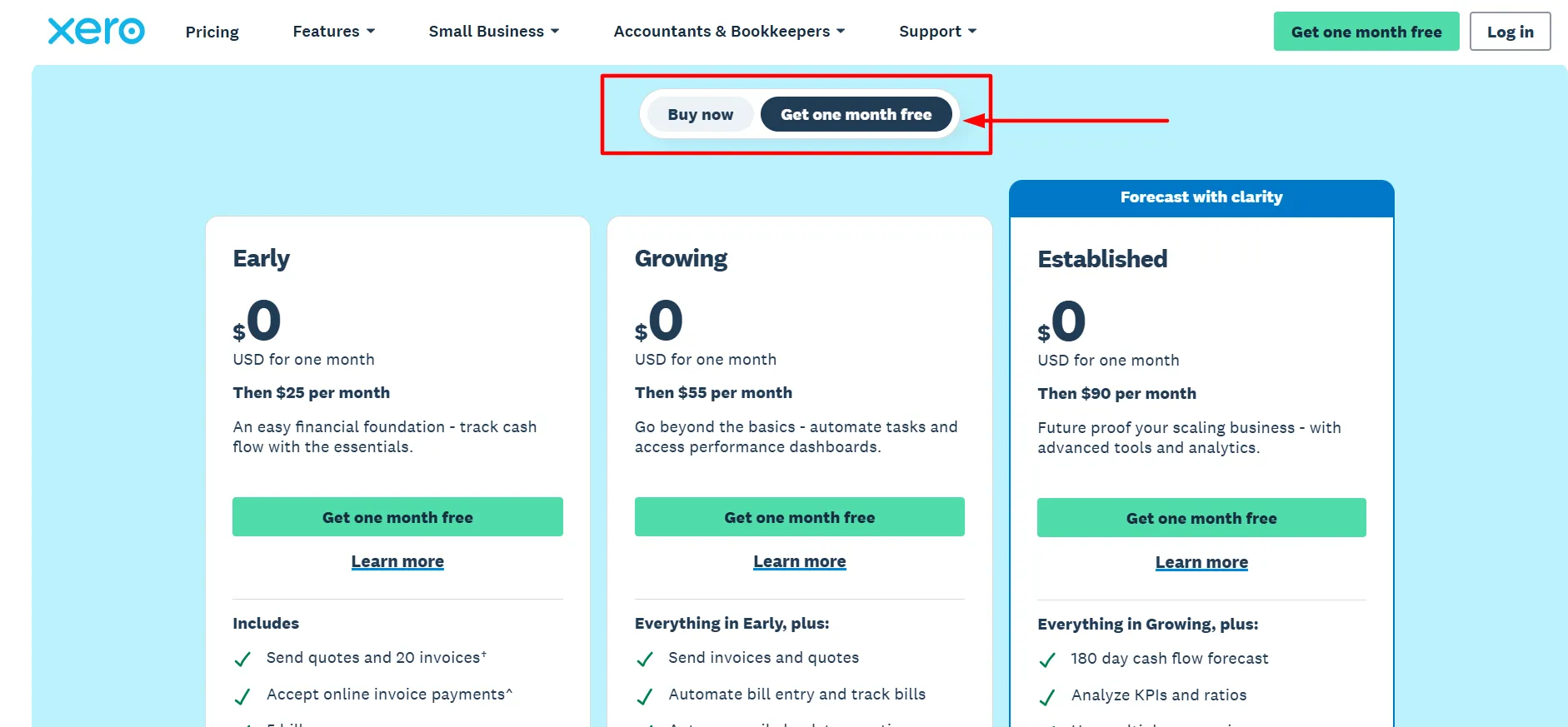
Not ready to pay anything yet? Switch to "Get one month free" instead of "Buy now." Every plan runs at $0 for month one, then moves to standard pricing ($25/$55/$90) starting month two. It's the lower-commitment option, though it saves less overall than the 90% route if you're planning to stay past the first month regardless.
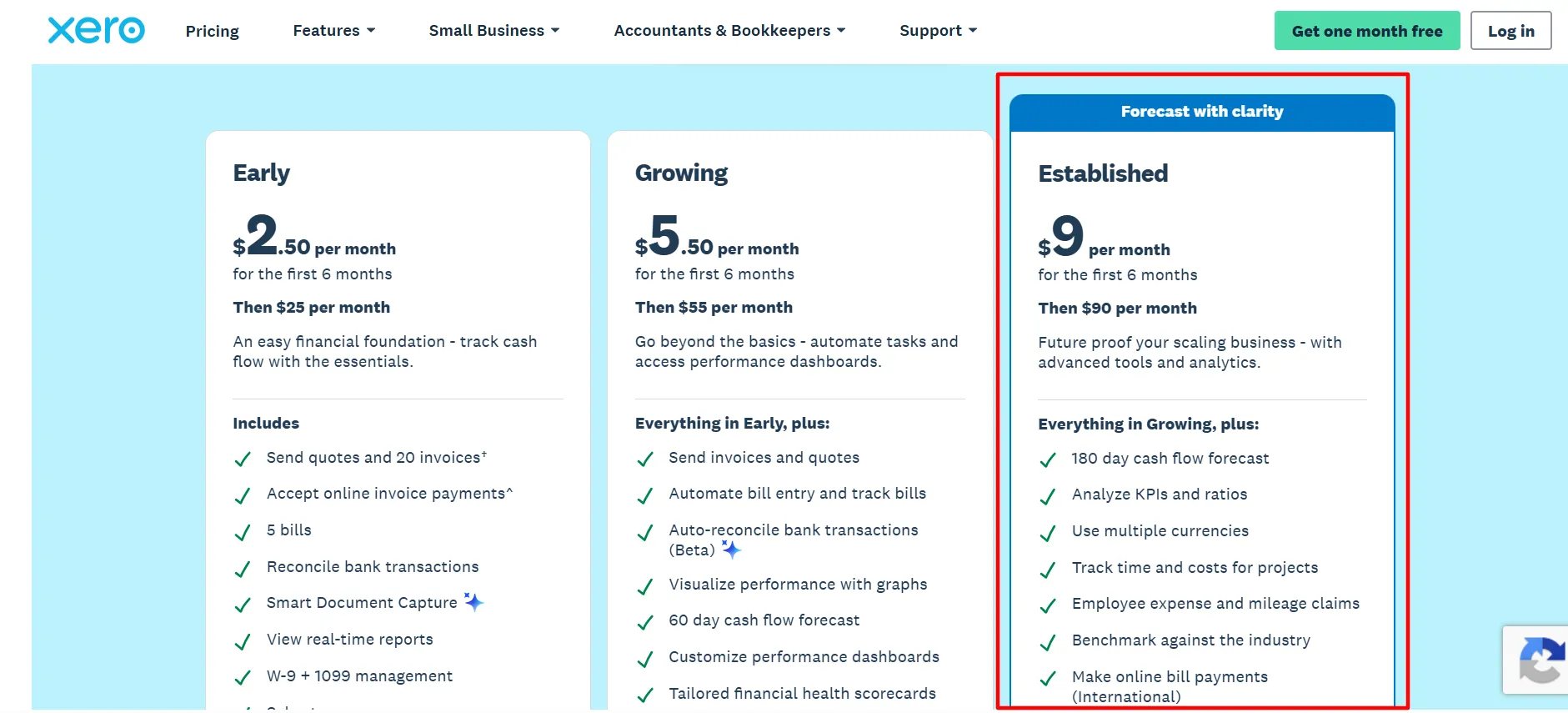
Established Plan From $9/Month (First 6 Months)
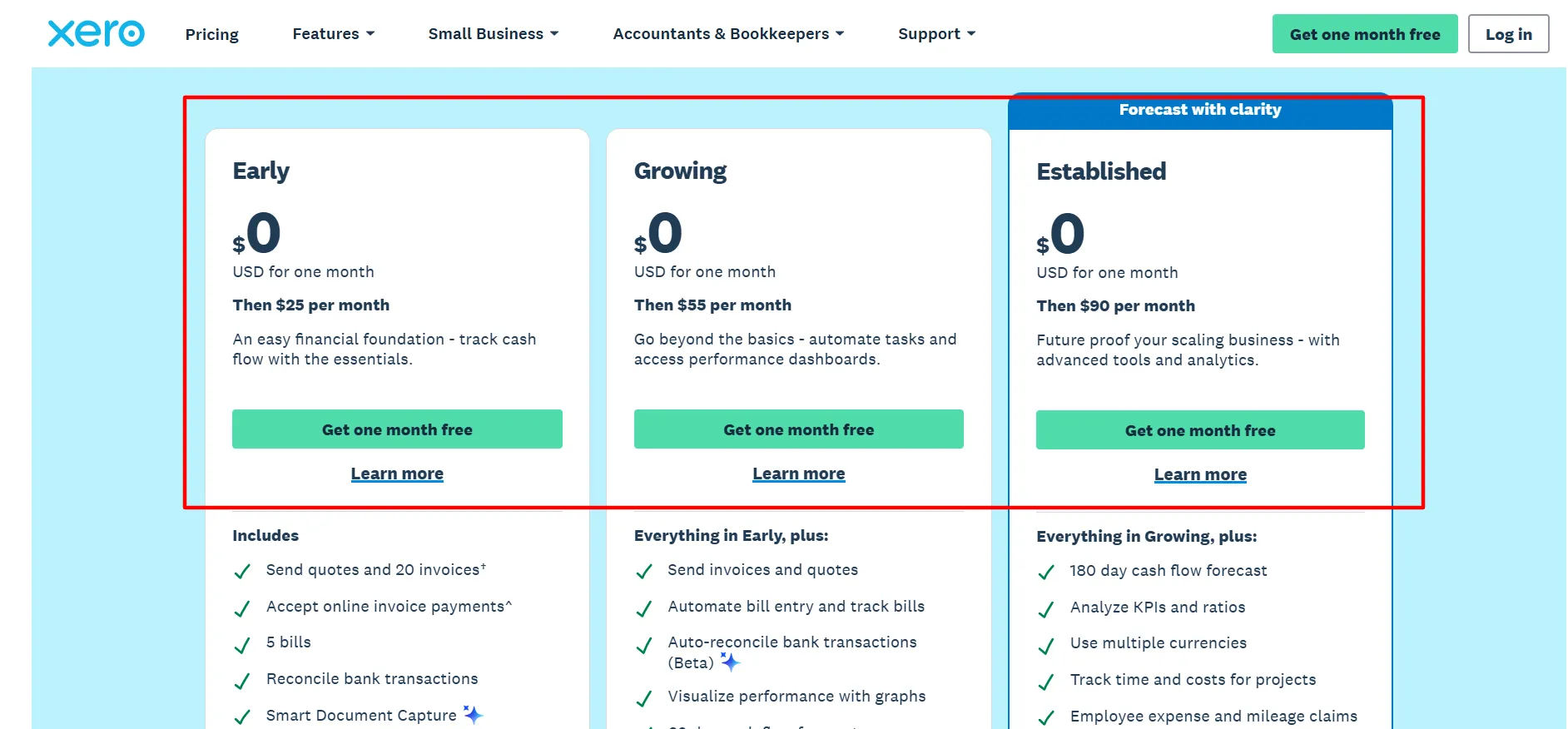
The top small-business tier, marked "Forecast with clarity" on Xero's own pricing page. Builds on Growing with advanced tools and analytics for a business that's actively scaling. Reverts to $90/month after 6 months.
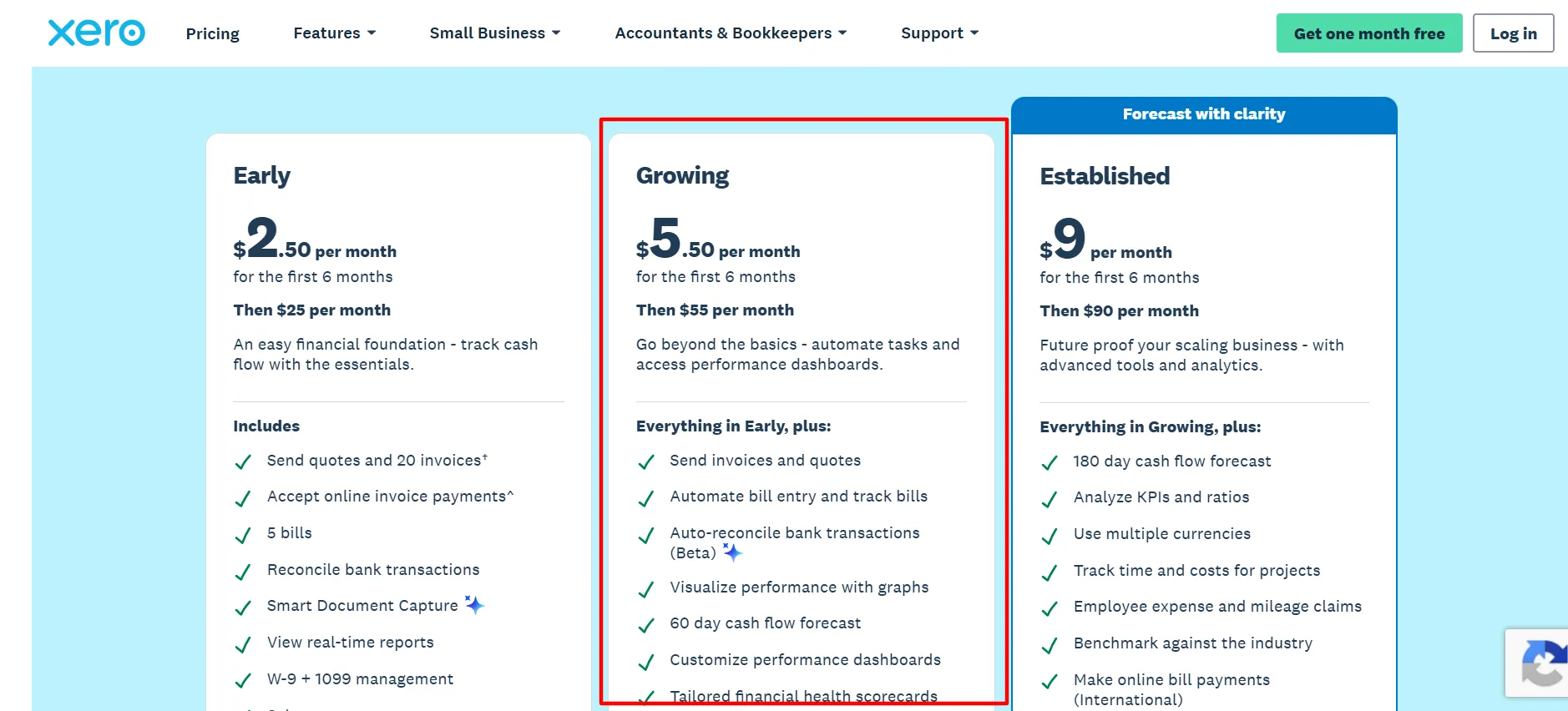
Growing Plan From $5.50/Month (First 6 Months)
Moves past the basics with automated tasks and performance dashboards baked in. Reverts to $55/month after the discount period.
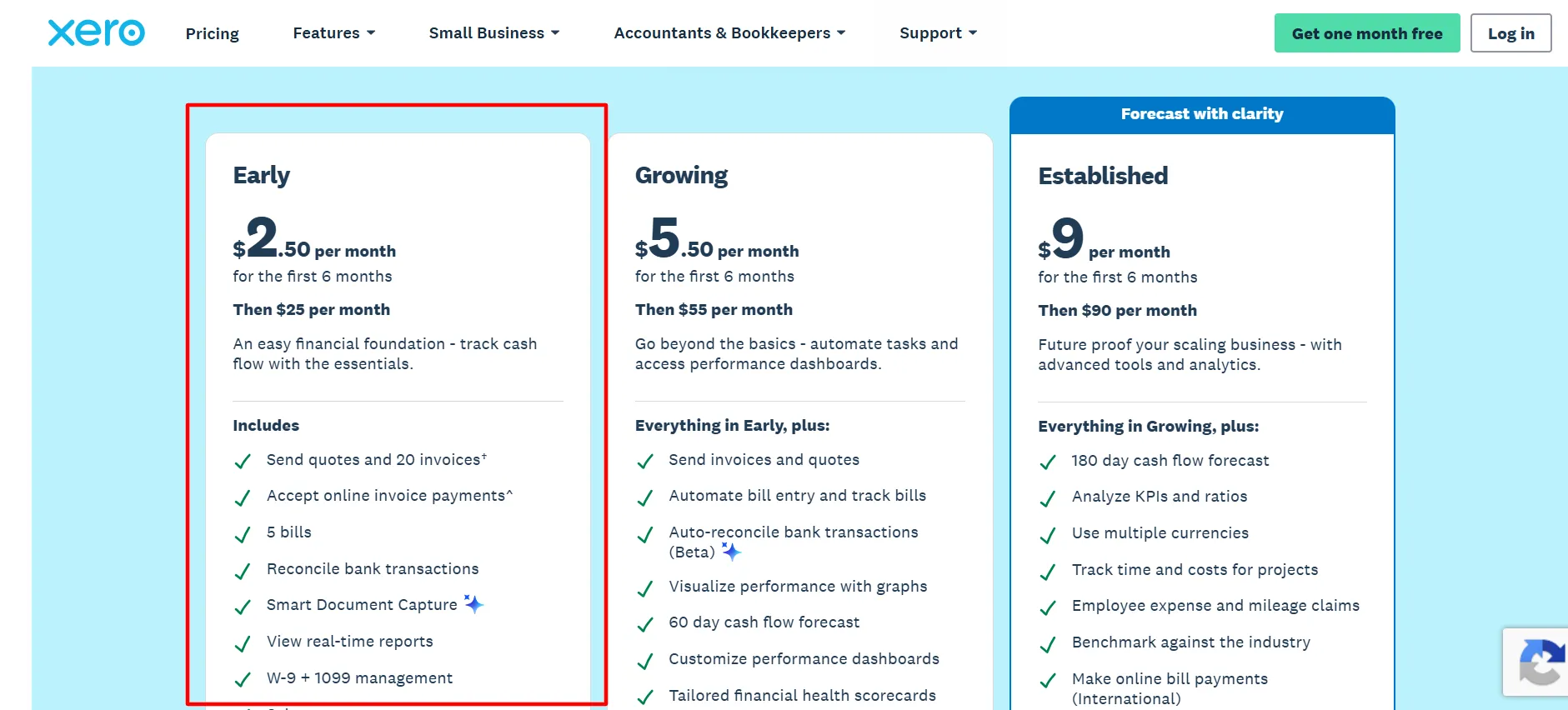
Early Plan From $2.50/Month (First 6 Months)
A straightforward financial foundation for tracking cash flow with just the essentials. Reverts to $25/month after 6 months.
How to Claim a Xero Discount
Step 1: Head to Xero’s Official Site Check pricing directly from the source rather than a secondhand listing.
Step 2: Pick Your Offer Near the top of the pricing page, toggle between “Buy now” (90% off, 6 months) and “Get one month free” (a full free month instead).
Step 3: Choose a Plan Compare Early, Growing, and Established against what your business actually needs right now.
Step 4: Click Through to Checkout Whichever toggle you picked determines your discount automatically, there’s no separate code field to fill in.
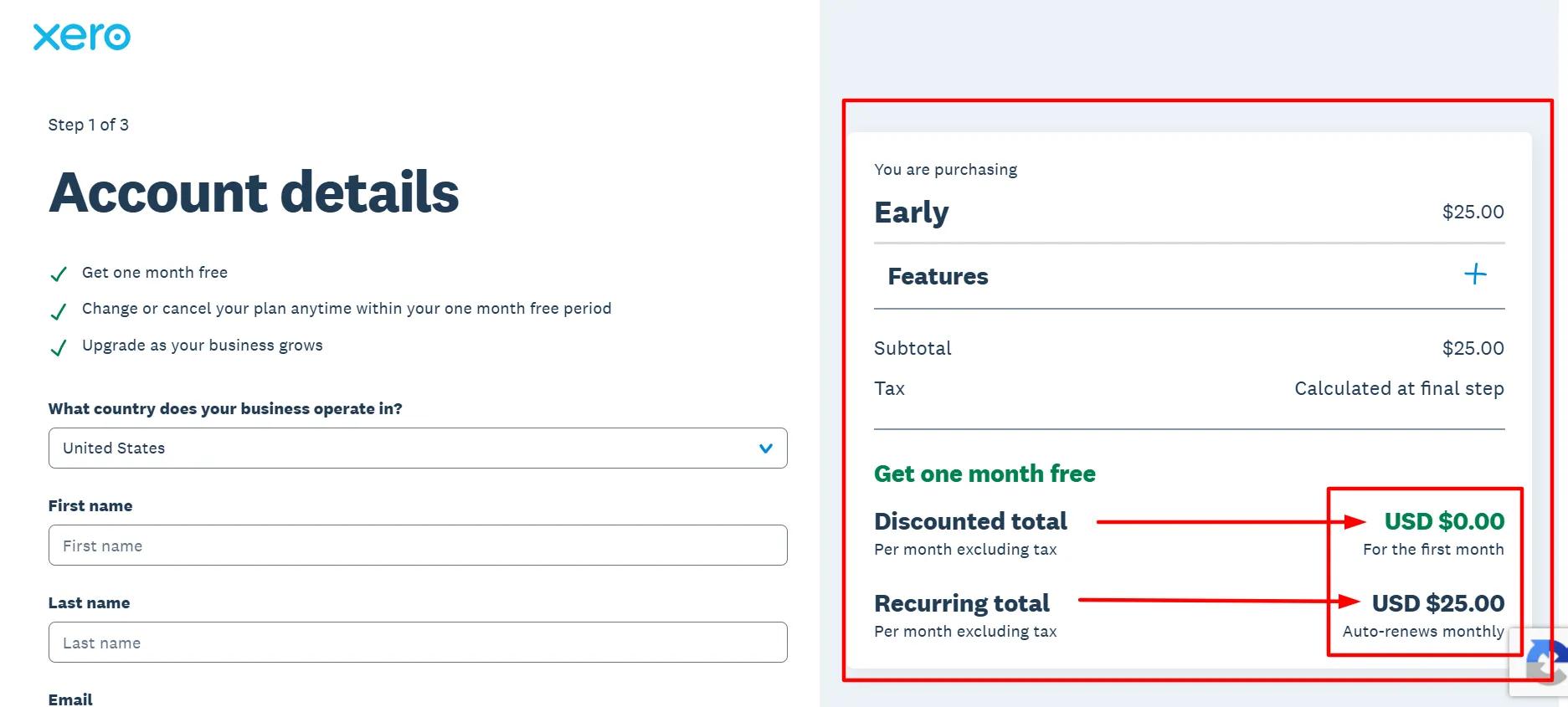
Step 5: Finish Setting Up Your Account Add your business and payment information to get started.
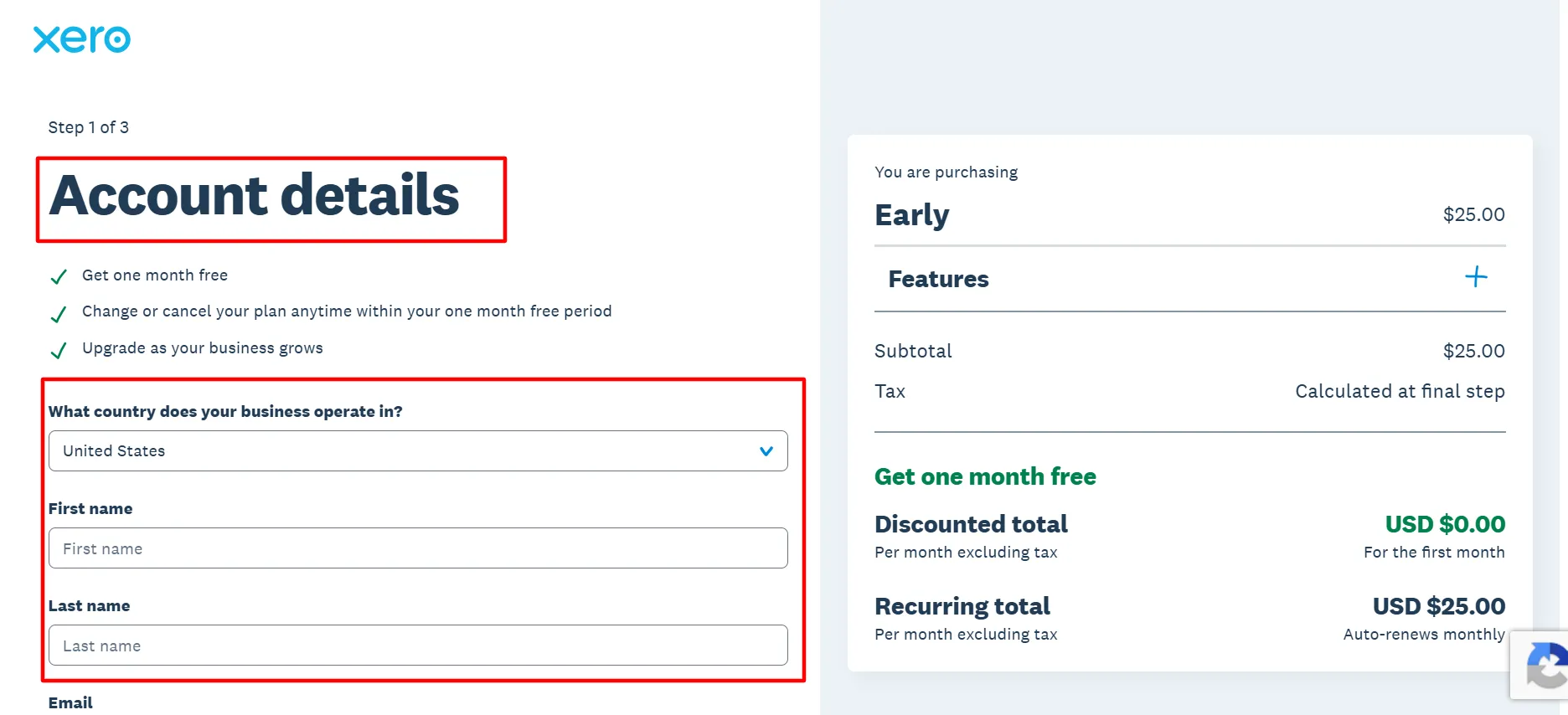
Step 6: Get to Work Start reconciling your books, sending invoices, and tracking cash flow right away.
What Is Xero?
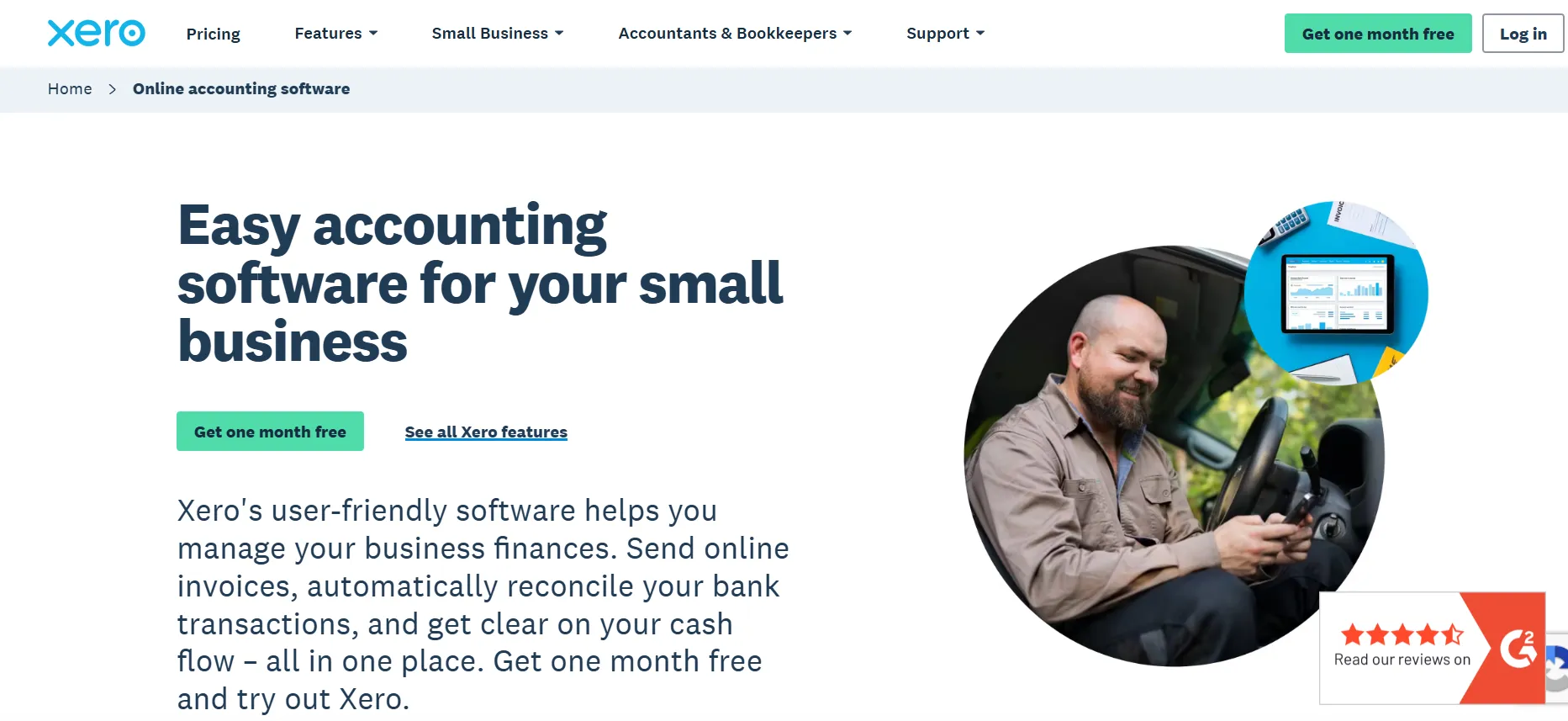
Xero is cloud accounting software built for small businesses, plus the accountants and bookkeepers who support them. The core idea is simple: give business owners a clear read on their numbers and cash flow without needing a finance degree to interpret it.
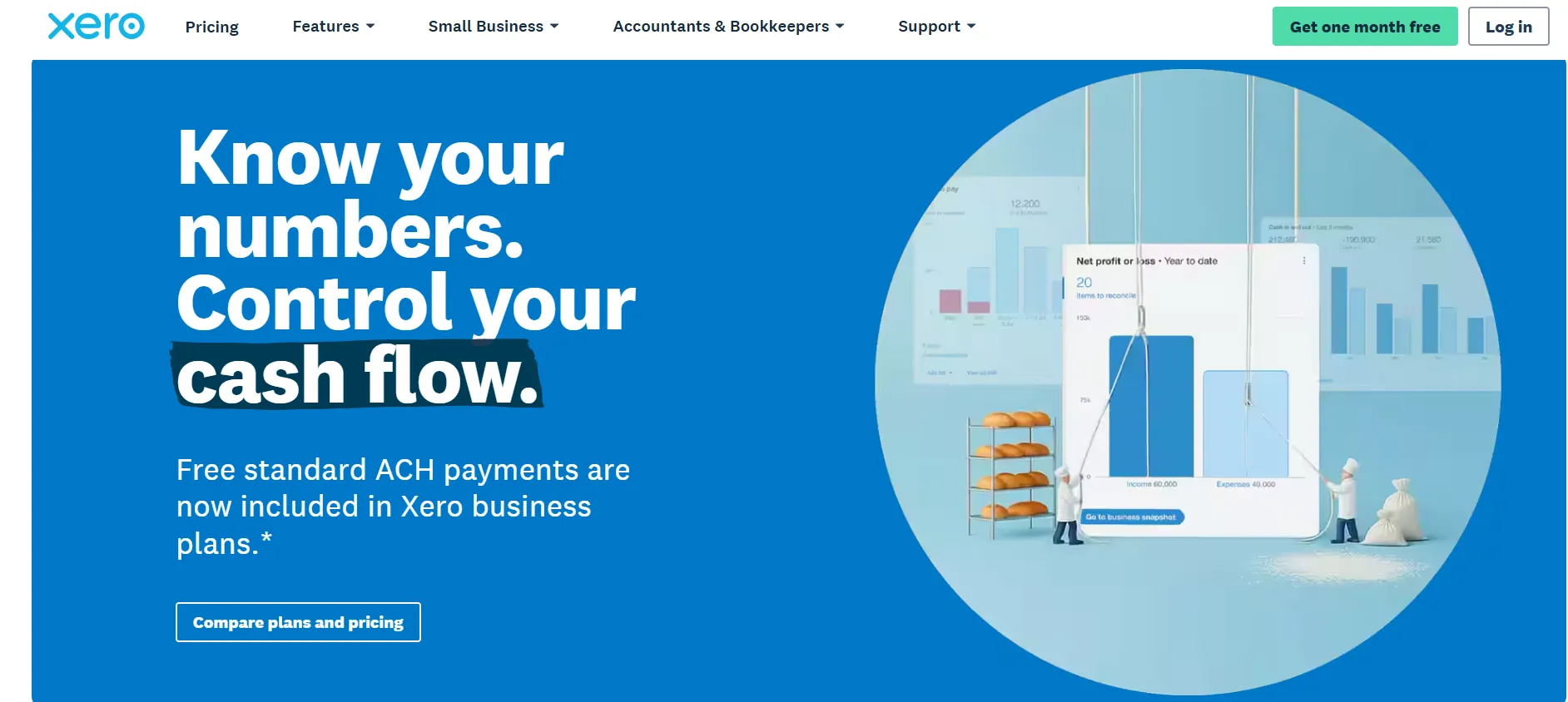
It works well both for owners handling their own books directly and for accounting firms juggling multiple clients from a single dashboard.
It’s built around things like:
Sending and tracking invoices to get paid faster
Accepting payments online, right through the invoice itself
Managing bills and accounts payable from one place
Creating and sending digital purchase orders quickly
Scanning and submitting expense receipts on the go
Bank reconciliation that keeps records accurate with minimal manual work
Forecasting tools for businesses that are actively scaling
Xero Pricing Breakdown 2026
Explore Xero pricing plans, features, and subscription options while using the latest Xero Coupon Code to save on powerful accounting and business management tools.
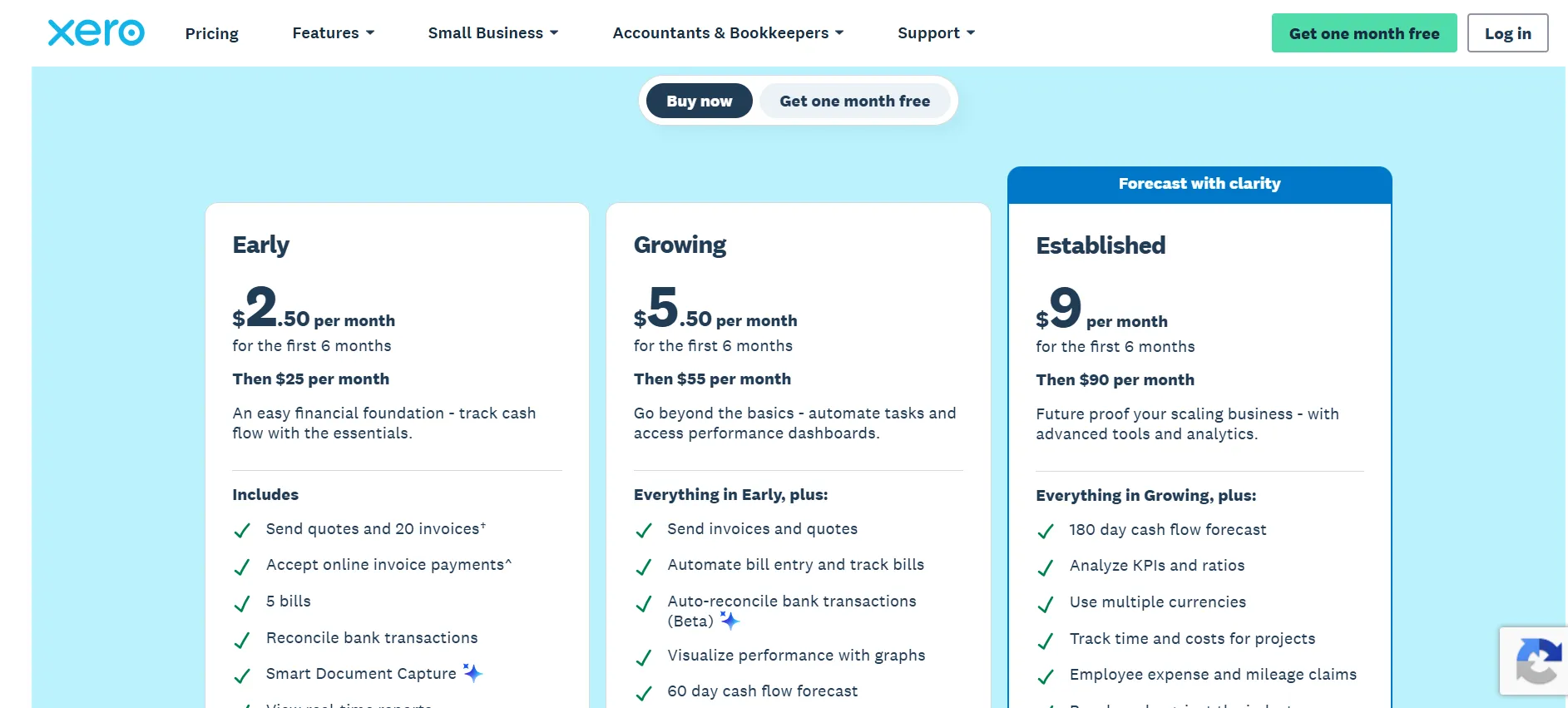
Plan | First 6 Months | Standard Rate After | Fits |
Early | $2.50/month | $25/month | Solo operators wanting a simple foundation |
Growing | $5.50/month | $55/month | Businesses ready for automation and dashboards |
Established | $9/month | $90/month | Scaling businesses needing advanced analytics |
Early
It suits a solo business owner or an early-stage company that just needs cash flow tracked without extra complexity getting in the way.
Growing
It steps things up with task automation and performance dashboards, the right move once Early starts feeling too basic for what you actually need.
Established
It is Xero’s own “Forecast with clarity” tier, aimed at businesses that need deeper analytics and forward-looking tools as they scale, this is where the real forecasting power sits.
What’s Included With Xero
1. Accounting Software
All your core accounting needs handled in one place
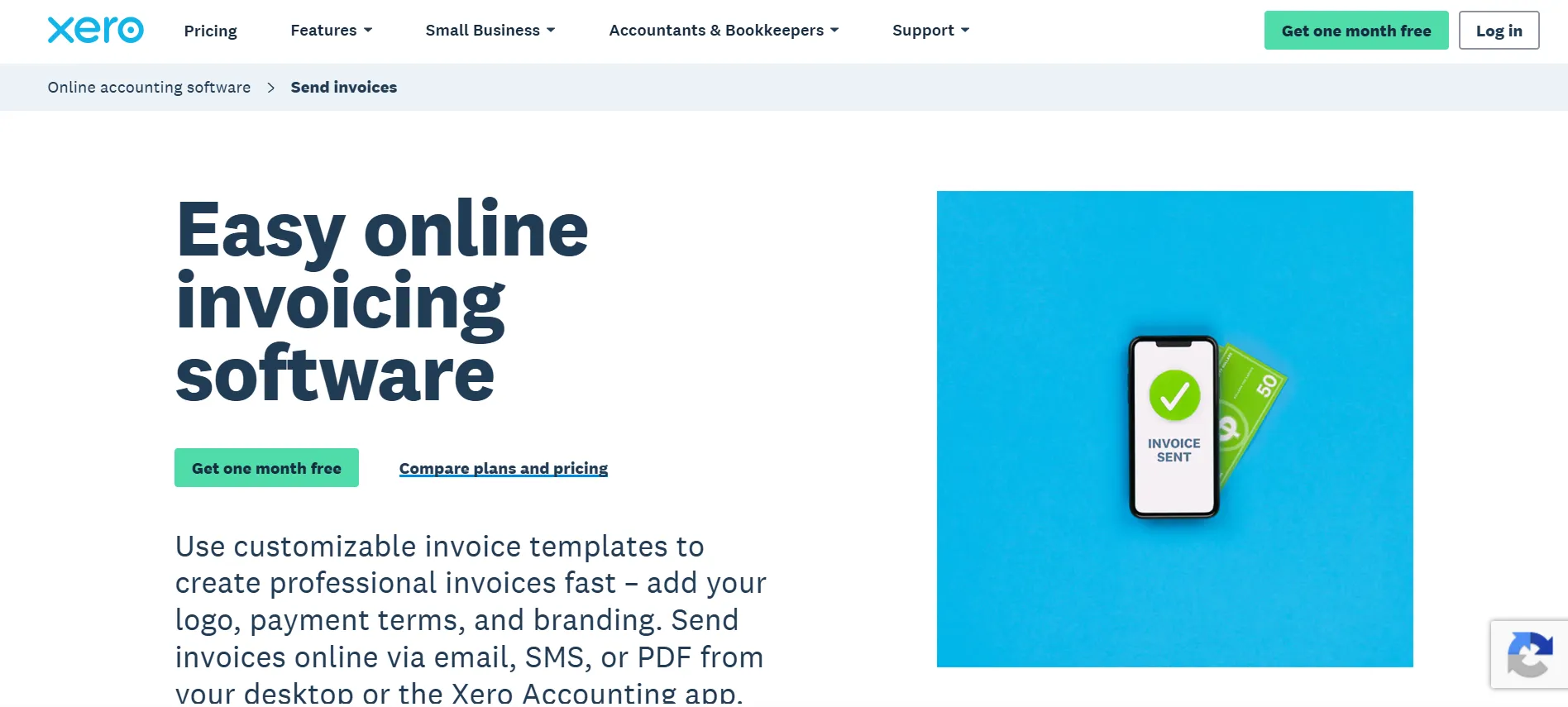
2. Send Invoices
A simpler, streamlined billing process
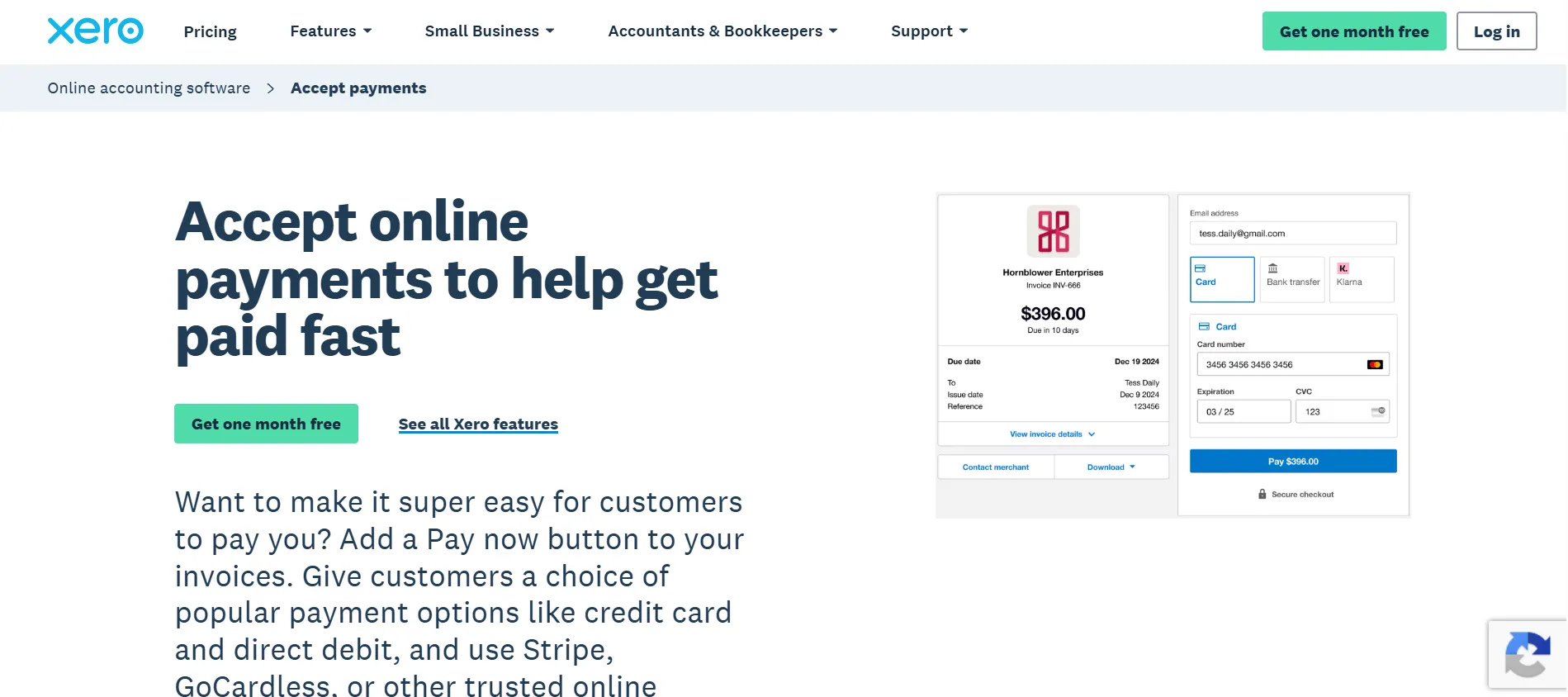
3. Accept Payments
Get paid up to 2x faster with online payments built into invoices
4. Pay Bills
Every bill, organized in one spot
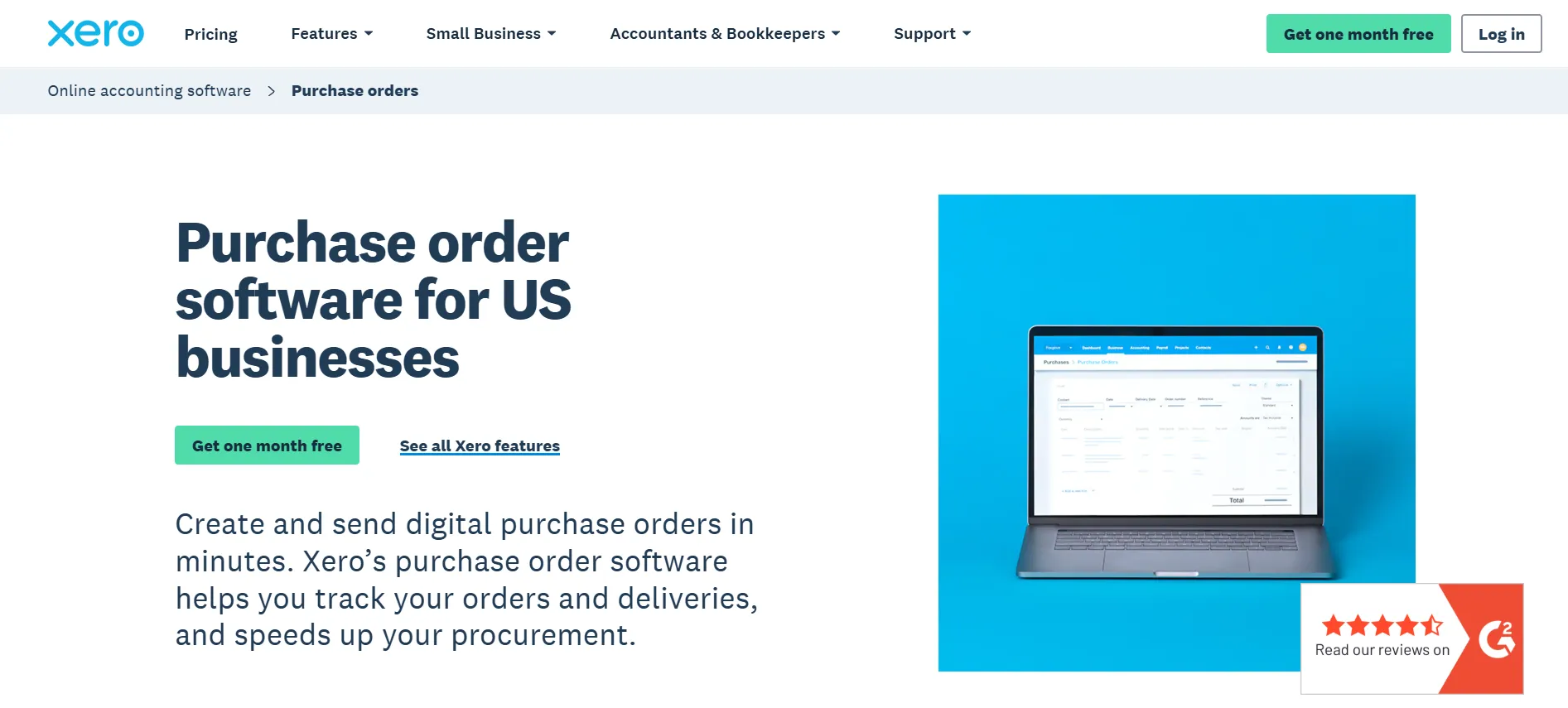
5. Create Purchase Orders
Digital purchase orders sent in minutes
6. Claim Expenses
Scan and submit receipts on the go, no more shoeboxes of paper
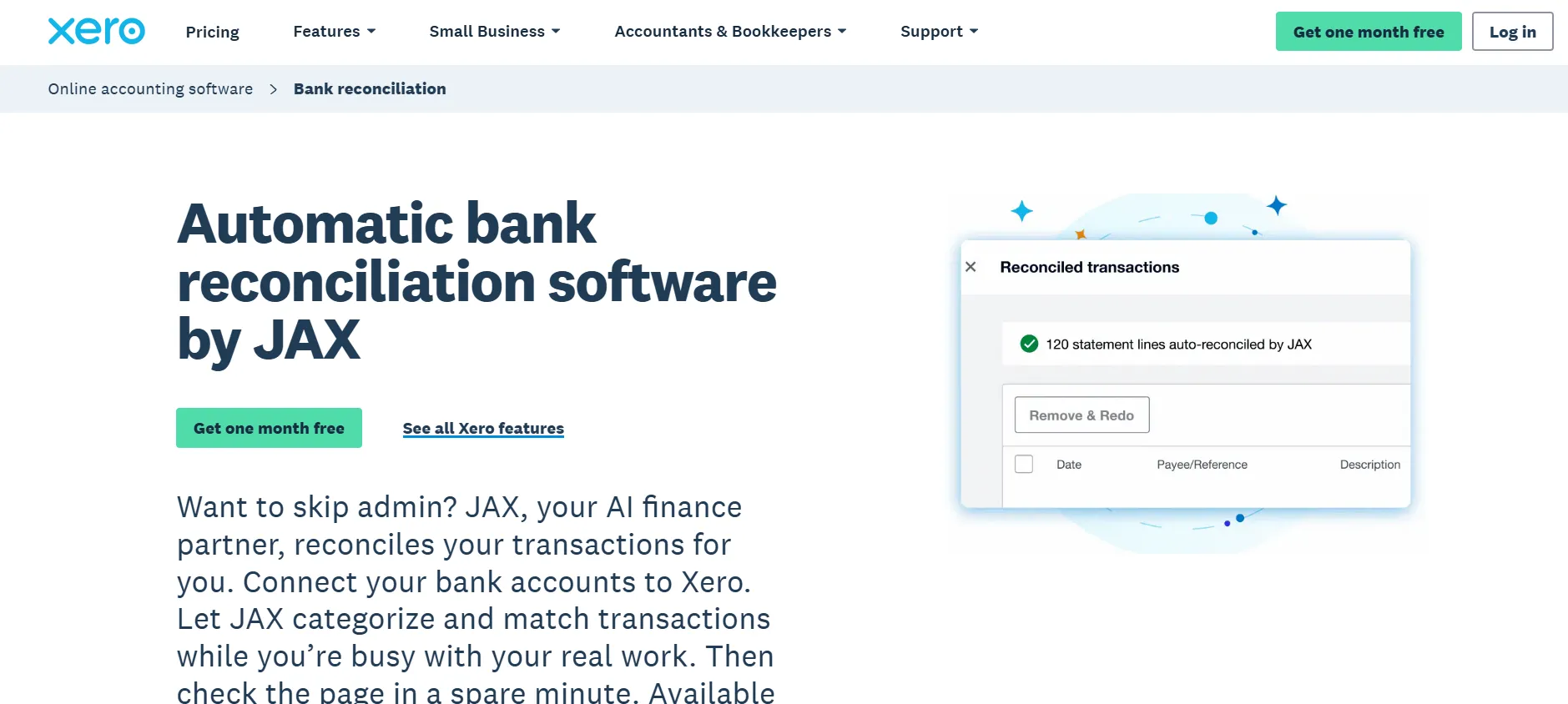
7. Bank Reconciliation
Keeps your records accurate with far less manual effort
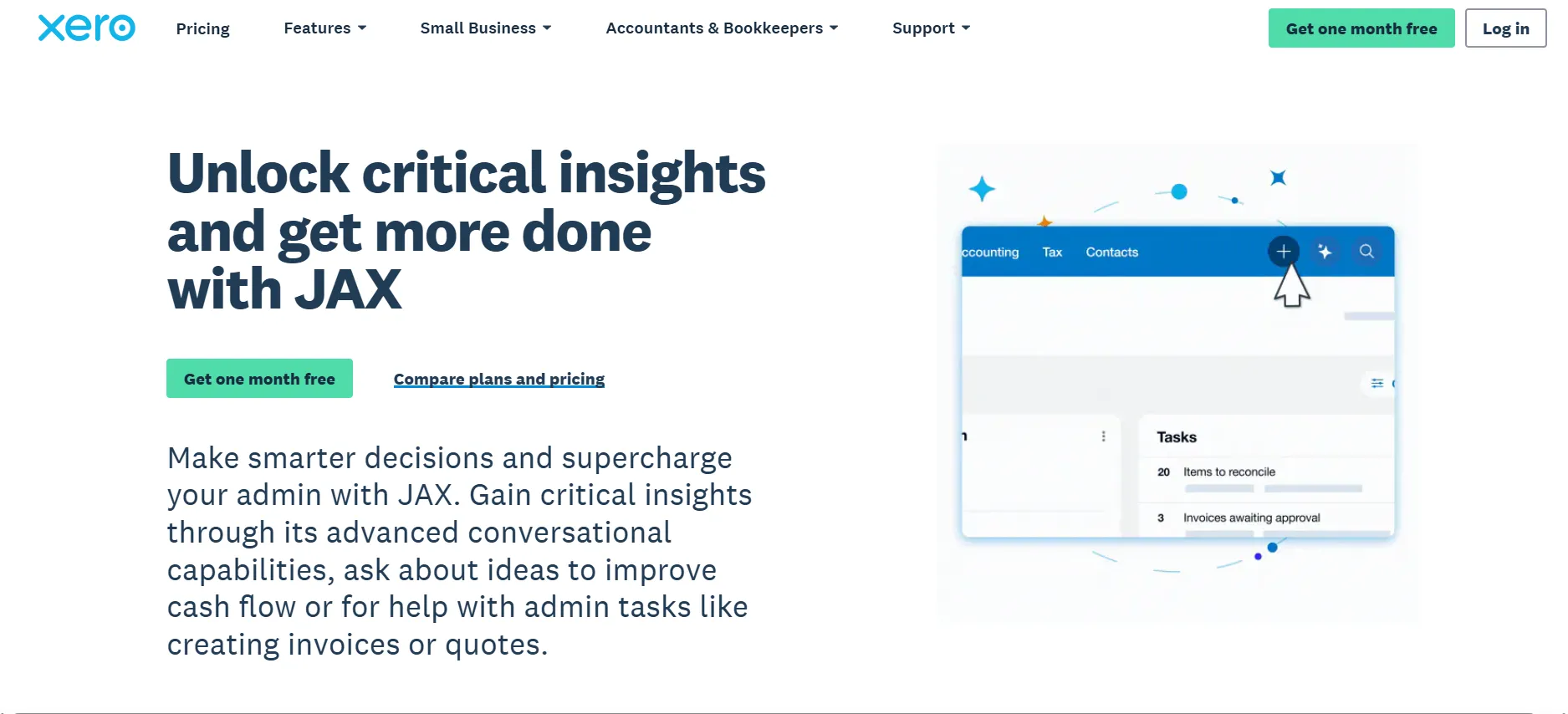
8. JAX, Your AI Finance Partner
Built-in AI that automates busywork and gives you financial clarity
9. Payroll
Handle employee pay directly inside Xero
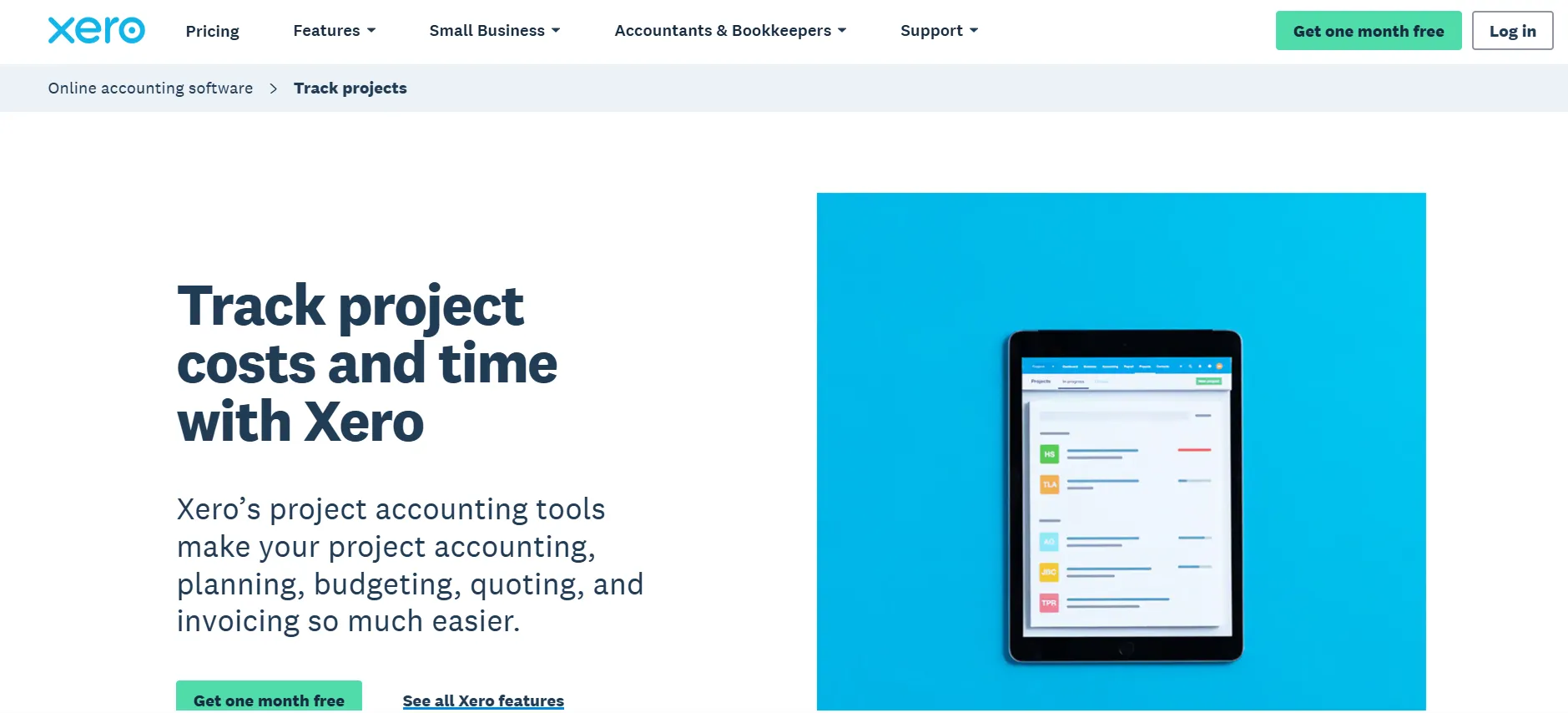
10. Track Projects
Keep an eye on project costs and profitability
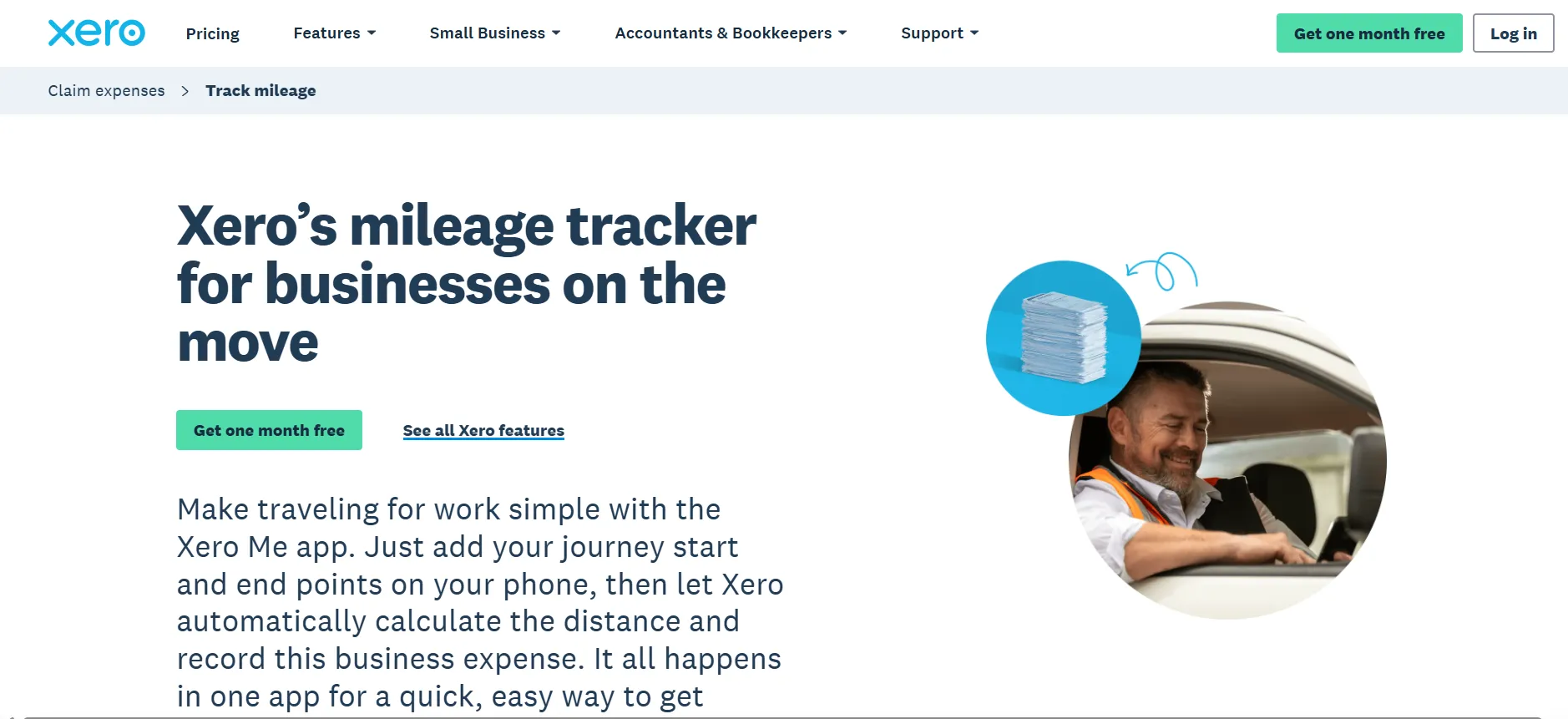
11. Mileage Tracking
Automatic logging of business mileage
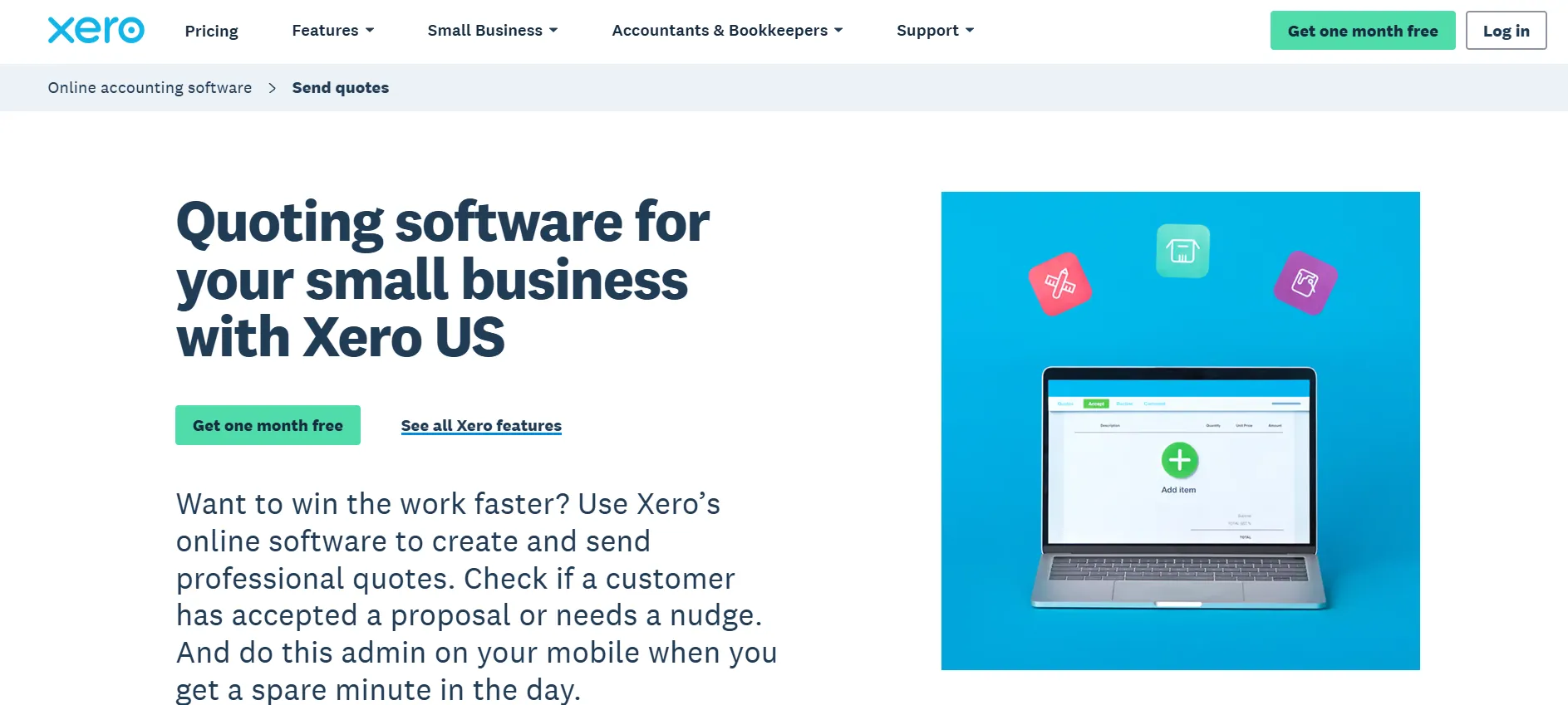
12. Send Quotes
Put together and send professional quotes fast
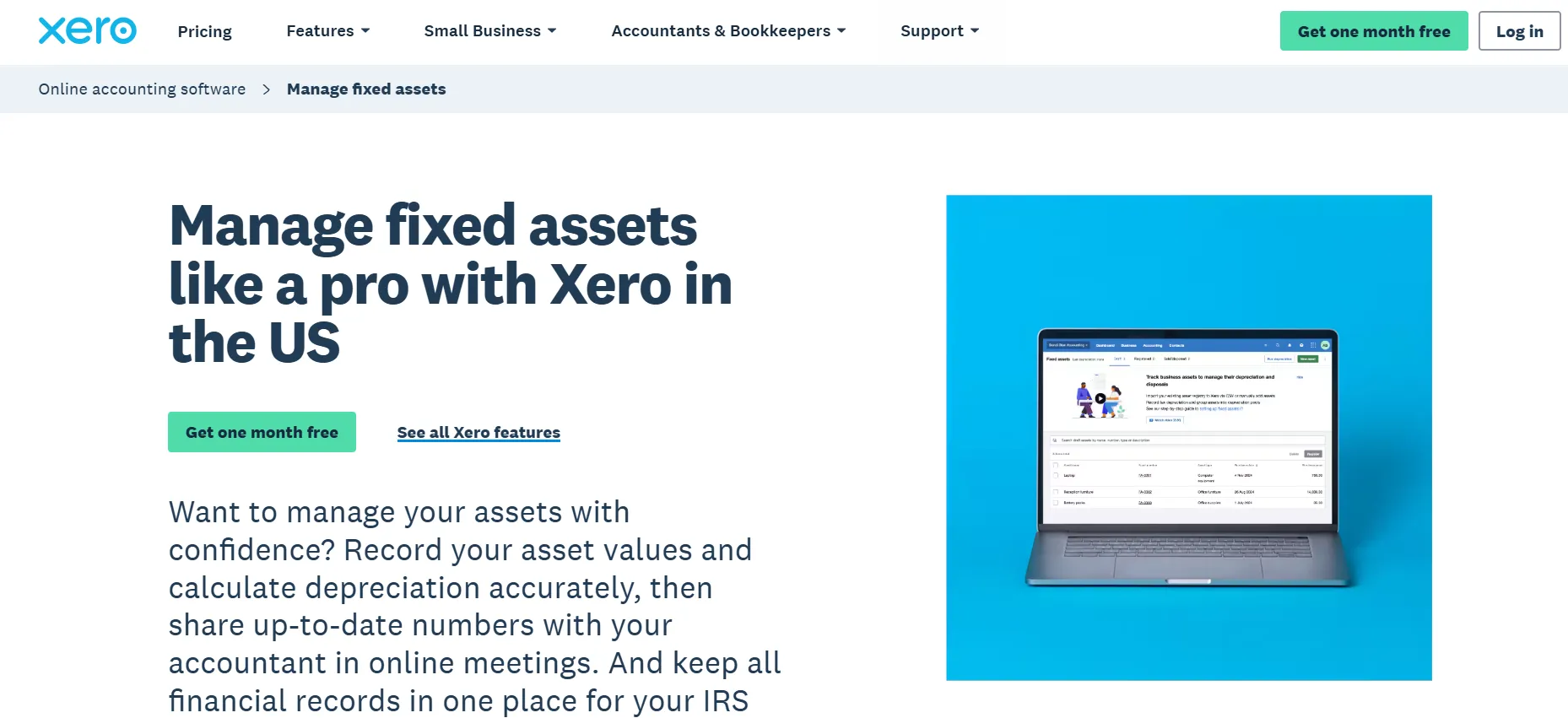
13. Manage Fixed Assets
Track depreciation and asset value over time
Worth noting: certain features, Payroll in particular, may cost extra depending on your plan and region. Check exactly what’s bundled at your tier before assuming everything on this list is included by default.
Xero’s Offers and What Happens When They End
Two Real Starting Points
Rather than a single generic free trial, Xero currently gives you an actual choice: pay a steeply reduced rate right away (90% off for 6 months) or start entirely free for a month first. Neither one needs a discount code, the price is simply tied to which button you click at checkout.
After the Discount Window
Once your 6-month discount (or single free month) runs out, billing shifts automatically to standard pricing, $25, $55, or $90/month depending on your plan.
Cancelling Your Subscription
Xero requires one full month’s written notice before a paid subscription actually ends. You’ll be billed for that final month, but you keep complete access the whole time, useful for exporting anything you want to keep before your access changes. After cancellation, your account gets archived rather than wiped, so reactivating later is straightforward if you come back.
No Refunds, Ever
Once you’re billed, Xero doesn’t refund it, and there’s no partial credit for unused days mid-cycle. That makes the notice period and whichever discount offer you pick your real opportunity to properly test the platform before you’re locked into standard pricing.
Xero Support and Learning Resources
Xero backs its platform with a genuinely solid support and training setup:
Xero Central: the core hub for support articles and troubleshooting
1:1 Help With Xero Coaches: hands-on guidance getting your account set up right
Xero Product Training: structured lessons for learning the platform properly
Xero Community: a forum where users trade questions and answers
Get Certified: formal certification path for accountants and bookkeepers
Guides, Accounting Glossary, Free Templates, and Handy Calculators: self-serve tools for everyday accounting questions
Customer Stories: real-world examples of how other businesses use Xero day to day
Pros and Cons: Xero Discount Codes
Pros
- Two real discount paths available right now, 90% off for 6 months or a free first month
- JAX handles routine financial busywork automatically
- Wide feature set covering invoicing, bills, purchase orders, expenses, and reconciliation in one platform
- Strong training and certification resources, especially useful for accounting firms
- You keep full access throughout the cancellation notice period
Cons
- Zero refunds or partial credits once you're billed
- A full month's written notice is required to cancel, no instant stop
FAQs: Xero Discount Codes
Yes, but it's not a code you type in. Xero currently runs two live offers directly on their pricing page: 90% off any plan for your first 6 months, or a free first month instead, both applied automatically based on which option you select at checkout.
The 90% off offer saves more overall if you're planning to stick with Xero past the first month. The free month is the lower-commitment option if you're not sure yet and don't want to pay anything upfront.
Pricing reverts to the standard rate: $25/month for Early, $55/month for Growing, and $90/month for Established, once your 6-month discount window or free month runs out.
Not a traditional trial, but the "Get one month free" option functions similarly, giving you a full month at $0 before standard billing kicks in.
No. Xero does not offer refunds or partial credits on any subscription, and there's no credit for unused days within a billing period.
Xero requires one month's written notice to cancel. You'll be billed for that final month but keep full access throughout the notice period.
Your account is archived rather than deleted, so you can reactivate later by resuming payments if you decide to come back.
Xero doesn't publicly advertise standing discounts for students or nonprofits. The two live offers (90% off or a free month) are the confirmed ways to save right now.
Quick Links:
Final Thoughts on Xero Discount Codes
The current 90% off for 6 months offer is the strongest deal Xero has on the table right now, and it doesn’t need a code, just click “Buy now” instead of the free-month option at checkout.
If you’d rather not spend anything upfront, the “Get one month free” toggle gets you a genuinely free first month, though it works out to less total savings than the 90% path if you’re planning to stick with Xero past that first month anyway.
Before you commit, keep Xero’s cancellation terms in mind: a full month’s written notice and no refunds once you’re billed. Use whichever discount window you pick to actually put invoicing, bank reconciliation, and JAX through their paces before standard pricing takes over.
