
TikTok for Business Coupon Code November 2026: Get Real Ad Credit Fast
Looking for a TikTok for Business coupon code? TikTok doesn’t offer percentage-off coupon codes for ads. Instead, it runs an official Incentive Program matching your ad spend dollar-for-dollar, up to $6,000 standard or $10,000 through partner programs.
Active TikTok for Business Coupon Code 2026
Discover the latest active TikTok for Business Coupon Code offers and verified promotions to save on TikTok advertising and reach more customers with powerful business tools.

Standard Incentive Program: Up to $6,000 Matched Credit
Spend your own money on eligible campaigns within your first 30 days (the clock starts at account creation, not your first ad), and TikTok deposits matching credit once you cross a tier threshold. This is the public, self-serve offer every new advertiser sees.
Channel Sales Partner (CSP) Track: Up to $10,000 Matched Credit
TikTok launched this in January 2026 as part of its broader Marketing Partners Program, currently limited to seven global partner companies. Signing up for TikTok Ads through one of these partners can unlock a higher matched-credit ceiling than the standard public offer, a full $4,000 more.
Agency Advantage Program: Up to $10,000 for Agencies
A separate track specifically for agencies managing client accounts, also reaching the $10,000 matched-credit ceiling. Important: standard Agency and Business Center accounts are explicitly excluded from the normal $6,000 consumer program, agencies need to register through this specific track instead.
The Mistake That Costs Advertisers Their Entire Credit
Enrollment is triggered by which link you use to create your account, not by how much you spend afterward. If you go directly to ads.tiktok.com and create your account without going through a qualifying promotional or partner link first, you are not enrolled, and you can spend through every tier and still receive zero credit. Confirm you're accessing sign-up through an official incentive or partner link before you create your account, not after.
How to Redeem TikTok For Business Coupon Code
Follow these steps to qualify for and activate TikTok’s official Incentive Program matching your ad spend up to $6,000 or $10,000 in real ad credit.
Step 1: Do not go directly to ads.tiktok.com yet. First find an official TikTok incentive program link or a verified partner enrollment page, this is what activates your eligibility.
Step 2: Create your TikTok Ads Manager account through that link. Account creation is what starts your 30-day clock, not your first live campaign.
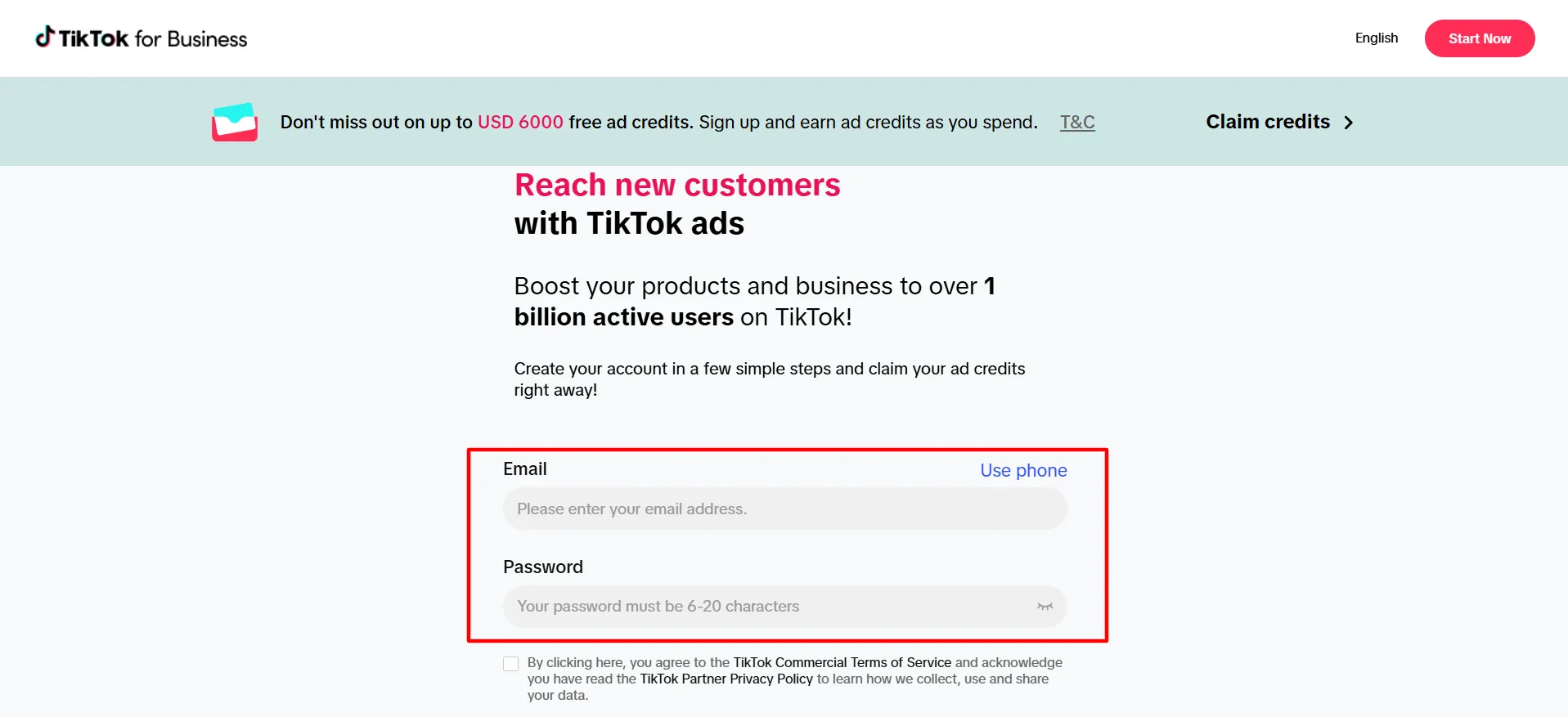
Step 3: Set up and launch eligible ad campaigns promptly, don’t let early days of your 30-day window pass with no spend.
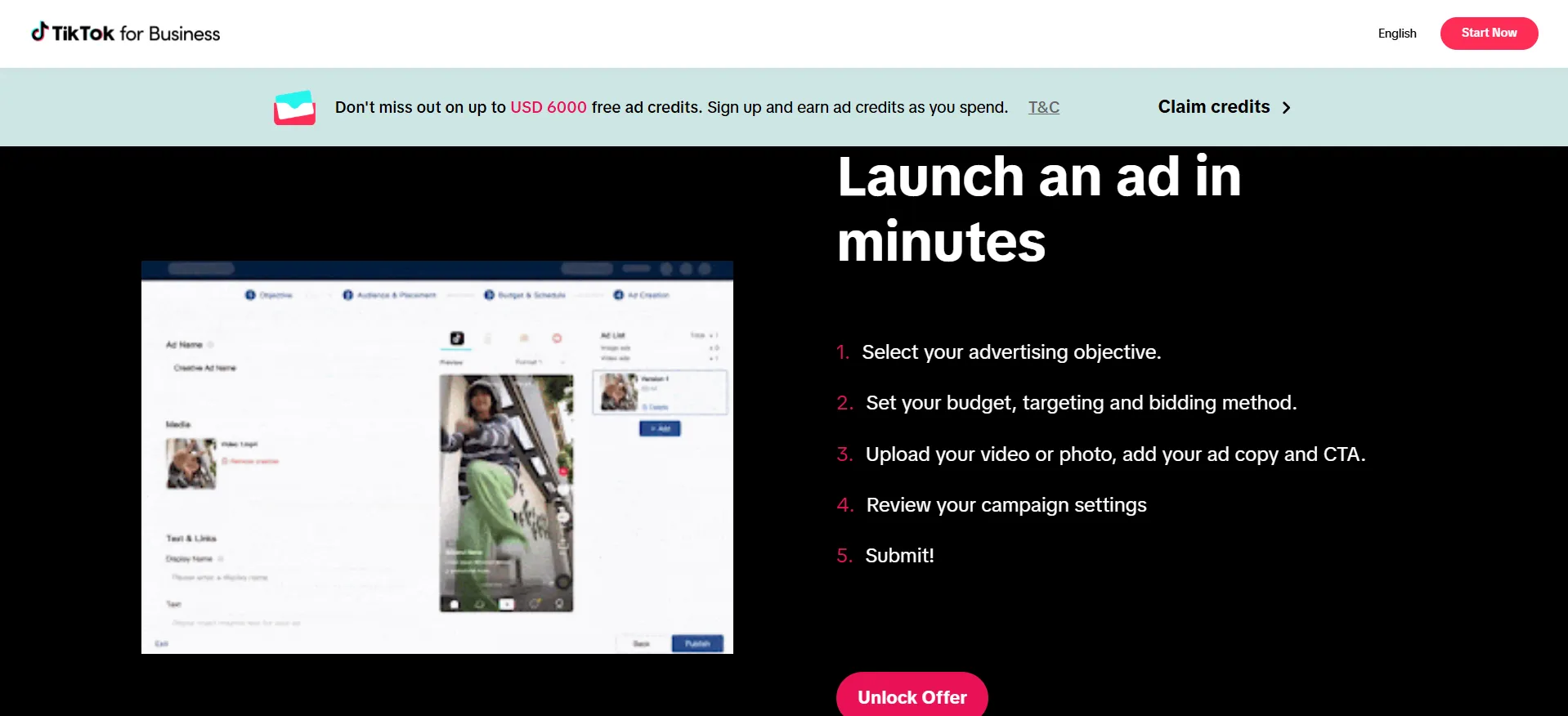
Step 4: Spend consistently toward your target tier. If you’re aiming for the $6,000 (or $10,000 via CSP/Agency) tier, plan your budget pacing across the full 30 days rather than trying to spend it all in the first week.
Step 5: Confirm you’ve crossed your intended threshold before the 30-day window closes, spend that lands after day 30 doesn’t count toward the match.
Step 6: Wait roughly 31 days after your qualifying spend for the matched credit to be deposited into your account.
Step 7: Use the credit within TikTok Ads Manager, it’s time-limited once deposited, don’t let it sit unused.
How the Tier Structure Actually Works
Explore TikTok for Business pricing, advertising options, and campaign costs while using the latest TikTok for Business Coupon Code to maximize your advertising budget.
You Spend (within 30 days) | You Get in Matched Credit |
$200 | $200 |
$500 | $500 |
$1,000 | $1,000 |
$4,000 | $4,000 |
$6,000 (public ceiling) | $6,000 |
$10,000 (via CSP or Agency Advantage) | $10,000 |
Important nuance most guides get wrong: you don’t get credit matching your exact spend, you get placed in whichever tier your highest qualifying spend crosses.
Spend $800 in your first 30 days, and you qualify for the $500 tier, not an $800 match. If you’re close to a threshold, it’s worth pushing spend slightly further to land in the next tier up rather than stopping just short of it.
On timing: credits typically don’t appear immediately. Budget for roughly 31 days after your qualifying spend is confirmed before you see the matched credit land in your Ads Manager account.
Common Mistakes That Cost Your TikTok Ad Credit (Read Before You Start)
Learn the setup errors and disqualifying actions that can cause you to lose your entire TikTok ad credit before you even launch your first campaign.
1. Signing up before accessing the promotional/partner link
The single most common mistake. If you create your Ads Manager account directly without going through a qualifying link first, no amount of spend afterward will trigger the credit.
2. Accounts flagged as similar to existing or previously active advertisers
TikTok’s own program terms note that accounts identified as closely resembling an existing or past advertiser may not qualify, even if the account is technically brand new.
3. Agency and Business Center accounts using the standard consumer link
These are explicitly excluded from the public $6,000 program and need to register through the Agency Advantage track specifically.
4. Spend that lands outside the 30-day window
The clock starts at account creation, not your first campaign, don’t assume you have 30 days from your first ad launch.
What Is TikTok for Business?
TikTok for Business is TikTok’s advertising platform, giving brands and advertisers tools to run paid campaigns across the app, video ads, brand takeovers, in-feed ads, and Spark Ads that boost organic content, targeted through TikTok Ads Manager.
It’s positioned as TikTok’s answer to Meta and Google’s advertising platforms, with the Incentive Program specifically designed to lower the cost of testing the platform for brand-new advertisers.
The program is available across a wide range of regions, including the US, UK, Canada, Australia, parts of Europe, Southeast Asia, the Middle East, and Latin America, though exact availability, thresholds, and timing can vary by country and account type.
What Features Come With TikTok Ads Manager
Explore the core tools and capabilities included in TikTok Ads Manager, from campaign creation and targeting options to analytics and optimization features for advertisers.
1. Matched Ad Spend Credit
Real budget, not a percentage discount, deposited directly into your account once you qualify
2. Multiple Campaign Objectives
Drive sales, app installs, brand awareness, or community growth from one platform
3. Spark Ads
Boost existing organic TikTok content directly as paid promotion, rather than building separate ad creative from scratch
4. Native-Style Creative Tools
Built for TikTok’s format specifically, rather than repurposed static or traditional video ad formats
5. Detailed Campaign Analytics
Track performance directly within Ads Manager to optimize spend across your testing window
TikTok Advertiser Incentive: Program Terms Worth Knowing
This is an official TikTok program, not a third-party discount, so its terms come directly from TikTok rather than an affiliate site. A few things worth going in aware of:
Incentives are not guaranteed and TikTok may change terms without notice, treat published tier amounts as current, not permanent.
This is for new advertisers specifically. Existing or previously active accounts generally don’t qualify, regardless of how the account currently looks.
Credit is not cash back and can’t be withdrawn, it’s usable specifically within TikTok Ads Manager toward future ad spend.
Pros and Cons: TikTok for Business Coupon Code
Pros
- Real matched ad spend, not a percentage-off gimmick, dollar-for-dollar credit up to $6,000 publicly, $10,000 through CSP or Agency tracks
- No traditional coupon code needed, enrollment happens through the correct sign-up link
- Effectively halves testing-phase acquisition costs for brand-new advertisers
- Available across a wide range of major advertising markets
- CSP and Agency Advantage tracks offer a meaningfully higher ceiling most advertisers never hear about
Cons
- The enrollment mechanism is easy to get wrong, sign up the normal way and you get nothing, even with heavy spend
- Tier placement rounds down to your highest qualifying threshold, not your exact spend amount
FAQs: TikTok for Business Coupon Code
Not in the traditional sense. TikTok's real savings mechanism is its Incentive Program, matched ad spend credit up to $6,000 publicly or $10,000 through Channel Sales Partner or Agency Advantage tracks, triggered by which link you use to sign up, not a code you enter.
Up to $6,000 through the standard public program, matching your spend dollar-for-dollar up to that ceiling. A separate track through Channel Sales Partners or the Agency Advantage program can raise that ceiling to $10,000.
Creating their Ads Manager account directly at ads.tiktok.com without first going through a qualifying promotional or partner link. Enrollment is determined by that initial link, not by spend afterward, this single mistake is responsible for advertisers getting zero credit despite qualifying spend.
Roughly 31 days after your qualifying spend is confirmed, plan your campaign timeline with that delay in mind rather than expecting instant credit.
No, Agency and Business Center accounts are explicitly excluded from the public consumer program. Agencies need to register through the separate Agency Advantage track, which offers its own path to the $10,000 ceiling.
No, you're matched to whichever tier your highest qualifying spend crosses, not your exact dollar amount. Spending $800 qualifies you for the $500 tier, not $800 in matched credit.
Quick Links:
Conclusion: TikTok for Business Coupon Code
Skip the search for a TikTok for Business percentage-off code, it doesn’t exist. What’s real and worth using is TikTok’s own Incentive Program: up to $6,000 in matched ad spend through the standard public offer, or up to $10,000 through the Channel Sales Partner or Agency Advantage tracks most new advertisers never hear about.
The one thing that actually determines whether you get anything at all is enrolling through the correct link before you create your account, get that step right, and the rest is just consistent spending within your 30-day window.
