
Teachable Review 2026: Features, Pricing and Pros & Cons
Teachable Review searches usually come down to one question: is Teachable a good platform for creating and selling online courses?

Teachable is an all-in-one course platform enabling creators to build, host, and sell online courses, coaching programs, and digital downloads with built-in payment processing and student management.
Pros
- Simple setup with no coding required, launch courses within days using drag and drop builders.
- All-in-one platform handling course hosting, payments, email marketing, and student management in one system.
- Affordable entry starting at $29/month annually on Starter plan with zero transaction fees on higher tiers.
- Built-in payment processing accepting global payments with automatic tax handling and multiple currency support.
- Flexible course types supporting video courses, memberships, coaching programs, and digital product sales.
Cons
- High transaction fees on Starter plan at 7.5% per sale, significantly raising effective costs.
- Limited customization without coding, restricting advanced branding and design flexibility.
Teachable has been built around that job for years, but the platform now does much more than host video lessons. You can sell online courses, coaching, digital downloads, and memberships from the same school. It also includes checkout tools, payment processing, tax handling, mobile apps, AI creation tools, quizzes, certificates, memberships, upsells, coupons, and other sales features.
The current platform is also quite different from older Teachable reviews. The company retired its previous Basic, Pro, and Pro+ plans and introduced the newer Starter, Builder, Growth, and Custom structure.
So, is Teachable worth using in 2026?
This Teachable Review looks at what the platform actually offers, where it works well, where it falls short, what it costs, and which type of creator may get the most from it.
Teachable Review: Quick Look
A concise snapshot of Teachable’s core features, pricing structure, and platform strengths for fast understanding in this comprehensive Teachable review.
Category | Teachable |
|---|---|
Main use | Online courses and digital education |
Products | Courses, coaching, downloads, memberships |
Course builder | Drag-and-drop |
AI tools | Yes |
Mobile apps | iOS and Android |
Quizzes | Yes |
Certificates | Yes |
Memberships | Yes |
Coaching | Yes |
Digital downloads | Yes |
Global payments | Yes |
Tax handling | Yes |
Starter price | $39/month or $29/month yearly |
Builder price | $89/month or $69/month yearly |
Growth price | $189/month or $139/month yearly |
Free trial | 7 days |
Teachable’s current pricing page lists a 7-day free trial and a 30-day money-back guarantee. Annual billing saves 22% compared with monthly billing.
What Is Teachable?
Teachable is a platform for people and businesses that want to turn their knowledge into paid education products.
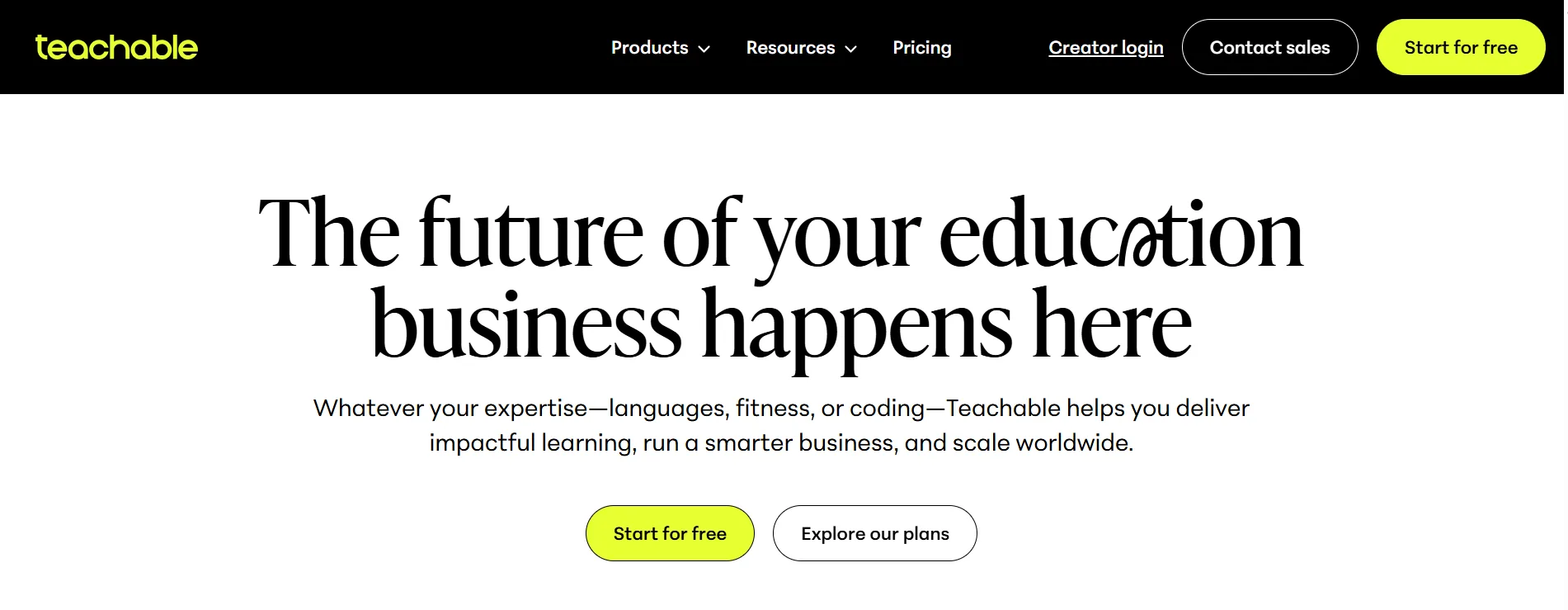
You can use it to build a school website, create courses, accept payments, manage students, sell digital products, and run memberships.
Its product range currently includes:
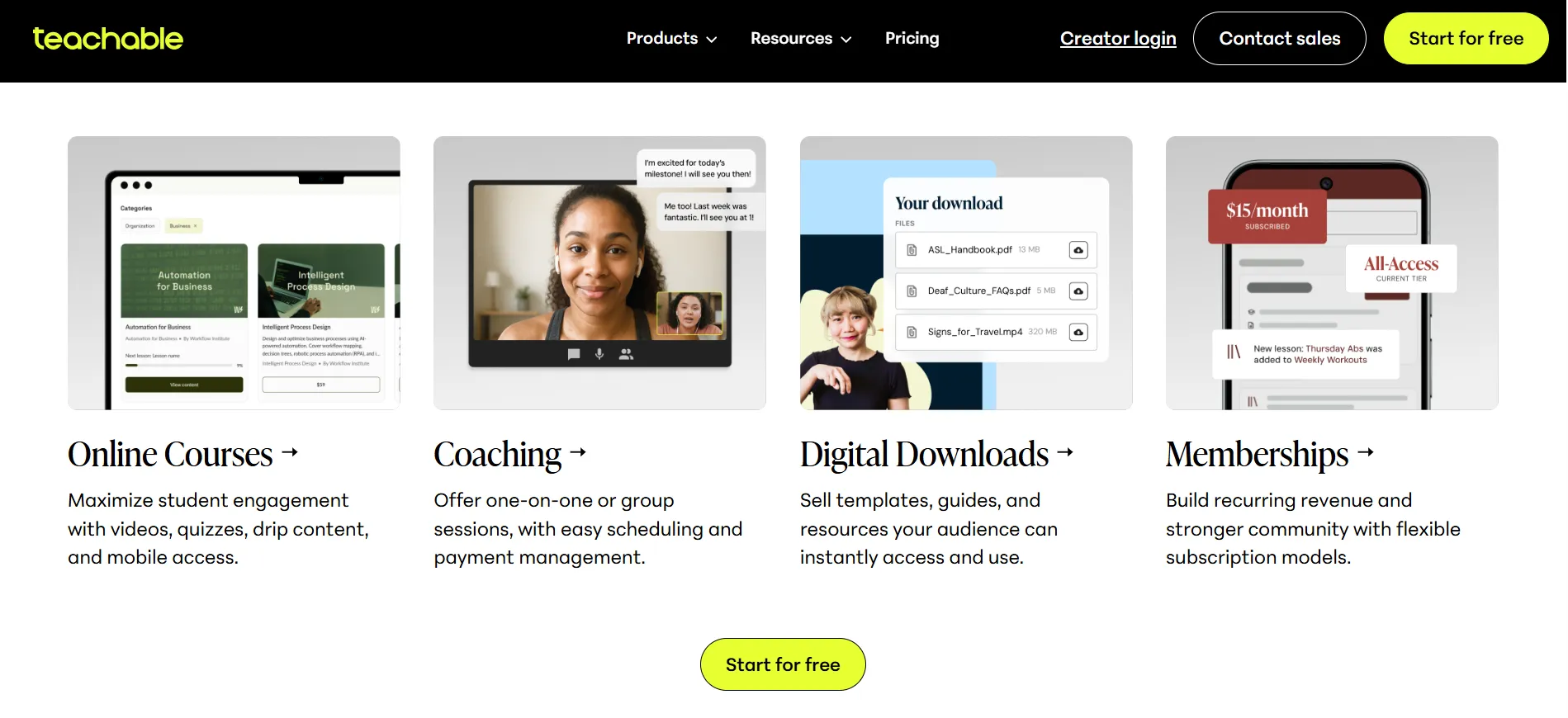
Online courses
Coaching
Digital downloads
Memberships
The platform supports both self-paced learning and other forms of education. Its course tools include videos, quizzes, drip content, completion certificates, and mobile access.
Teachable says its platform has served more than 100 million students, while creators using Teachable and Hotmart have earned more than $10 billion. The company also says its platform is used across 180 countries. These are company-reported figures, not independently audited figures.
Teachable Course Builder Review
The course builder is one of the biggest reasons to consider Teachable.
You do not need to build the technical side of an online school from scratch.
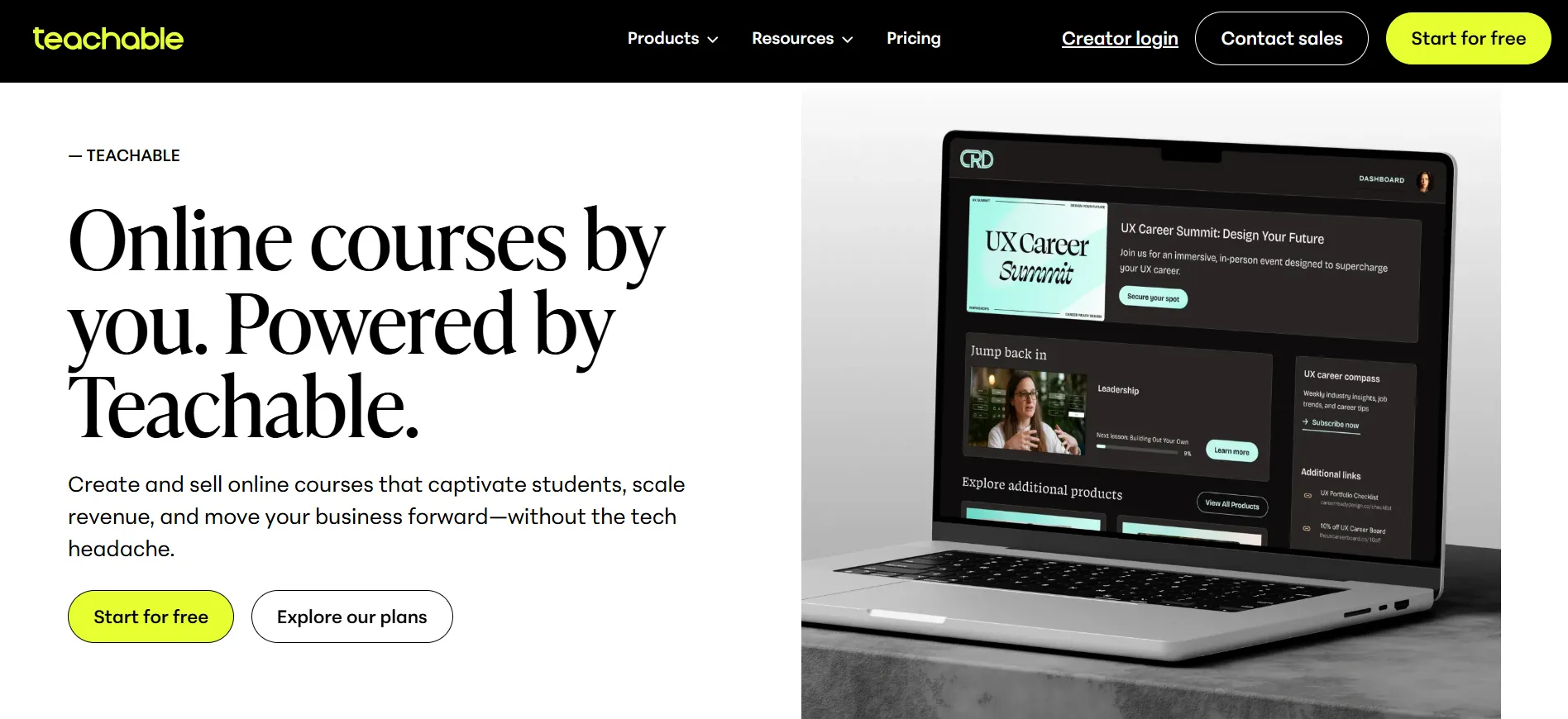
Teachable uses a drag-and-drop course builder that lets you add and arrange lessons and content. The platform also gives creators design options for their school and course pages.
You can add different types of learning content and organize lessons into sections.
The platform also supports:
Video lessons
Text
Quizzes
Drip content
Lesson comments
Certificates
Short-answer assessments
Course compliance
Student progress reports
Course engagement reports
Teachable made several of these student and course management features available across its newer plan structure.
This matters because a course platform should do more than store videos.
Students need a clear path through the material.
A creator can use drip content to release lessons over time, quizzes to check learning, and certificates to give students something to show after completing a course.
The builder is also aimed at people who do not want to spend weeks learning web development.
That makes Teachable appealing to subject experts who would rather focus on teaching than wrestling with code.
Teachable Student Experience Review
A course creator may love a platform, but students ultimately decide whether the learning experience works.
Teachable offers student-facing iOS and Android apps, along with a web-based learning experience. The company highlights mobile access, quizzes, certificates, drip content, and a student dashboard as part of its platform.
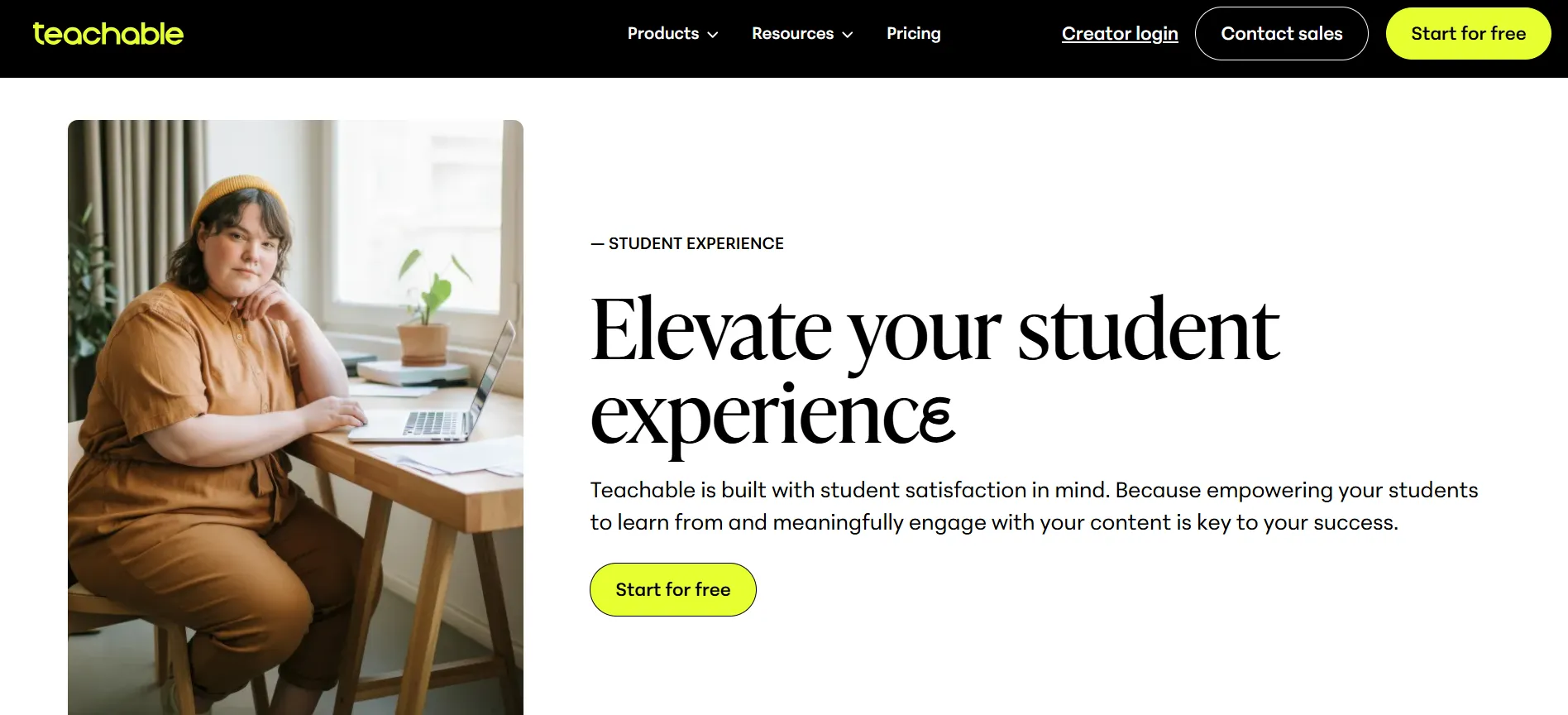
Students can access courses from mobile devices and continue learning away from a desktop.
That can be useful for courses where students learn in shorter sessions.
Teachable also supports different product formats. A creator can sell a course alongside coaching, downloads, or a membership rather than forcing everything into one course format.
This gives creators more ways to package their knowledge.
Teachable Mobile App
The mobile app is one of Teachable’s useful features for students.
Teachable says its iOS and Android apps support mobile learning, and the company highlights offline access on its online-course product page.
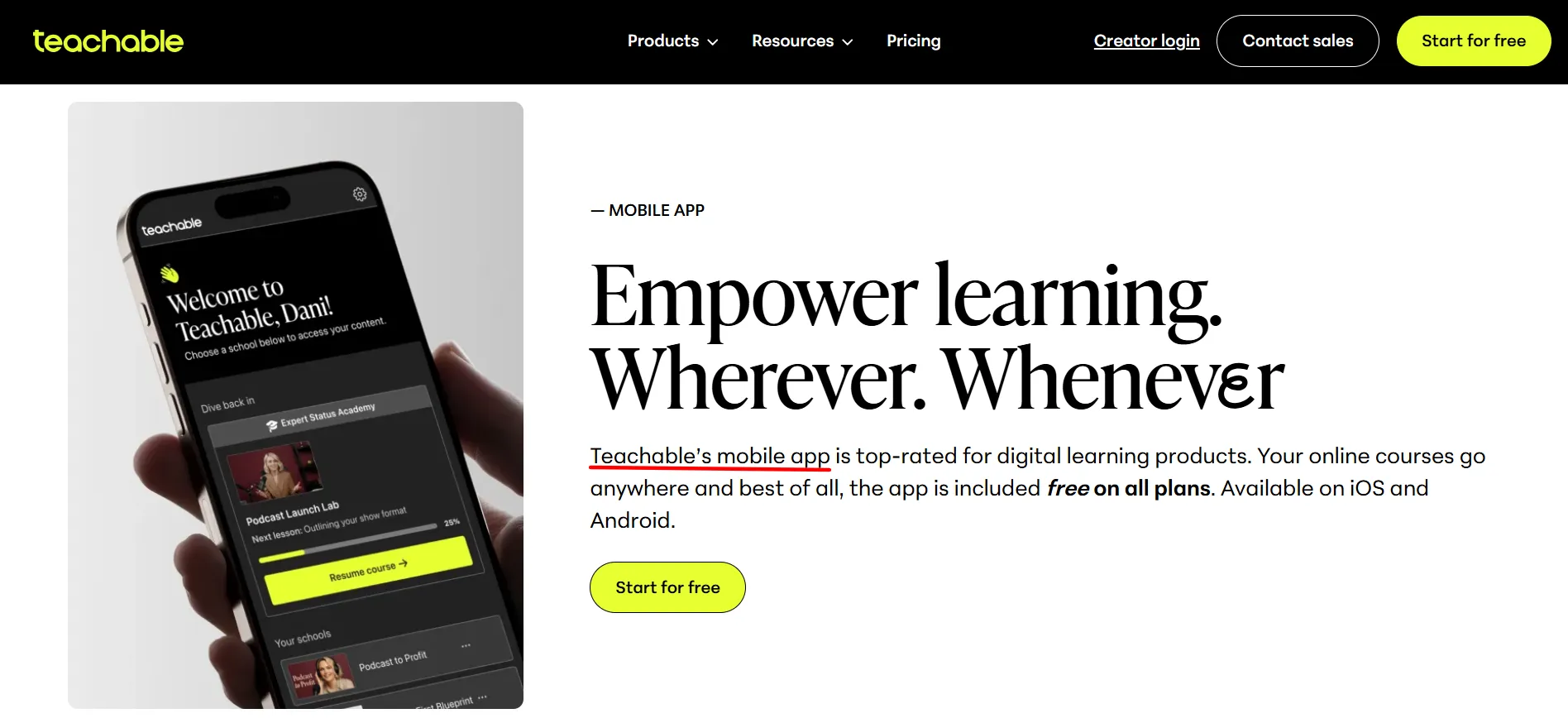
For students who learn while commuting, traveling, or away from their desk, mobile access can make a course easier to use.
The catch is that the app experience is Teachable’s platform experience rather than a fully independent branded mobile application for every creator.
That distinction may matter to businesses that want their own dedicated app.
Teachable AI Tools Review
Teachable has added AI tools to its course creation workflow.
The company says its built-in AI can help creators generate ideas, draft content, create sales pages, and work with video subtitles and translations.
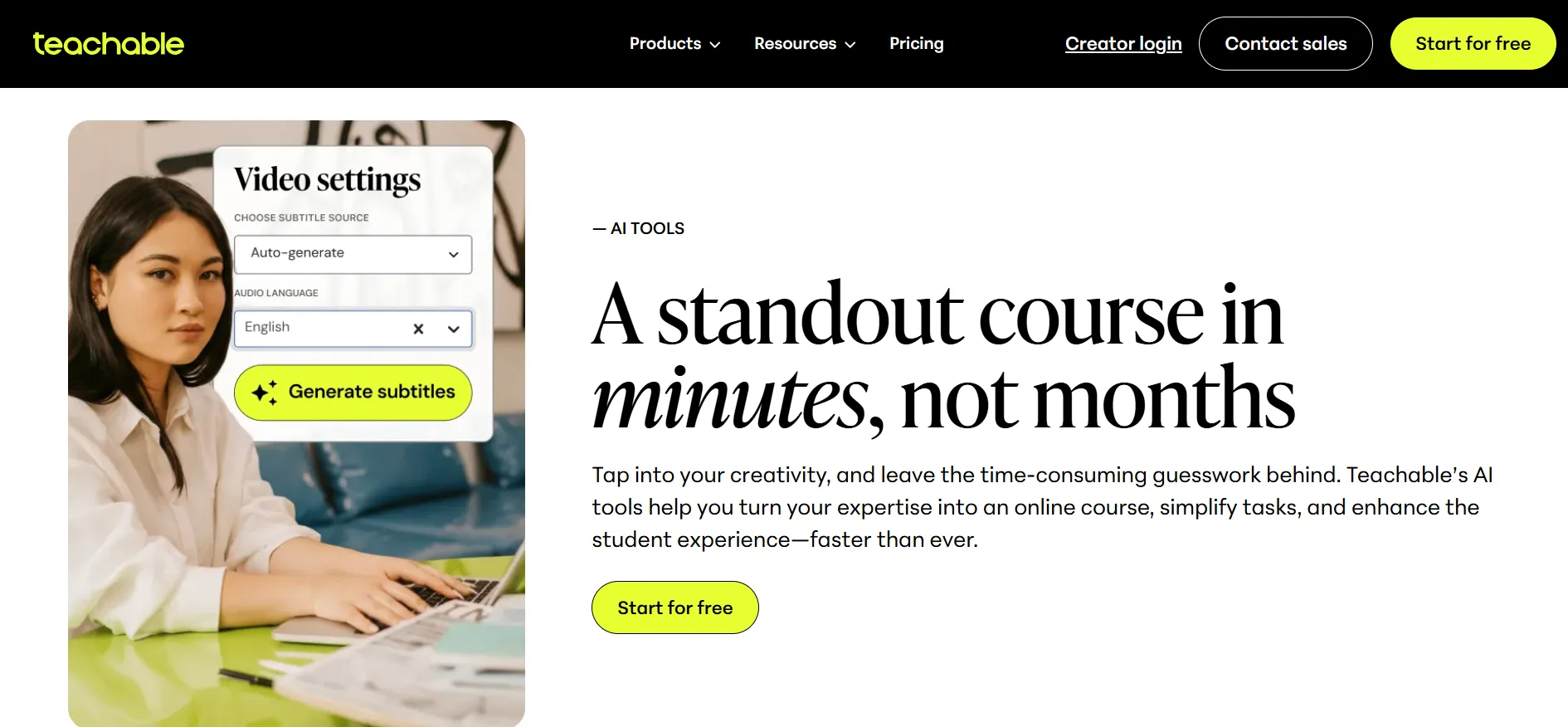
This can shorten the time needed to get a course outline ready.
A creator could start with a topic and use AI assistance to develop a curriculum structure, then edit the material and add their own teaching examples.
That last part matters.
AI can help with a first draft, but it should not replace the creator’s knowledge or editorial judgment.
Students usually pay for expertise, experience, and a clear teaching style. A course filled with generic AI text is unlikely to feel much different from a free search result.
Teachable works better when its AI tools support the creator rather than become the creator.
Teachable Coaching Review
Teachable is not limited to traditional online courses.
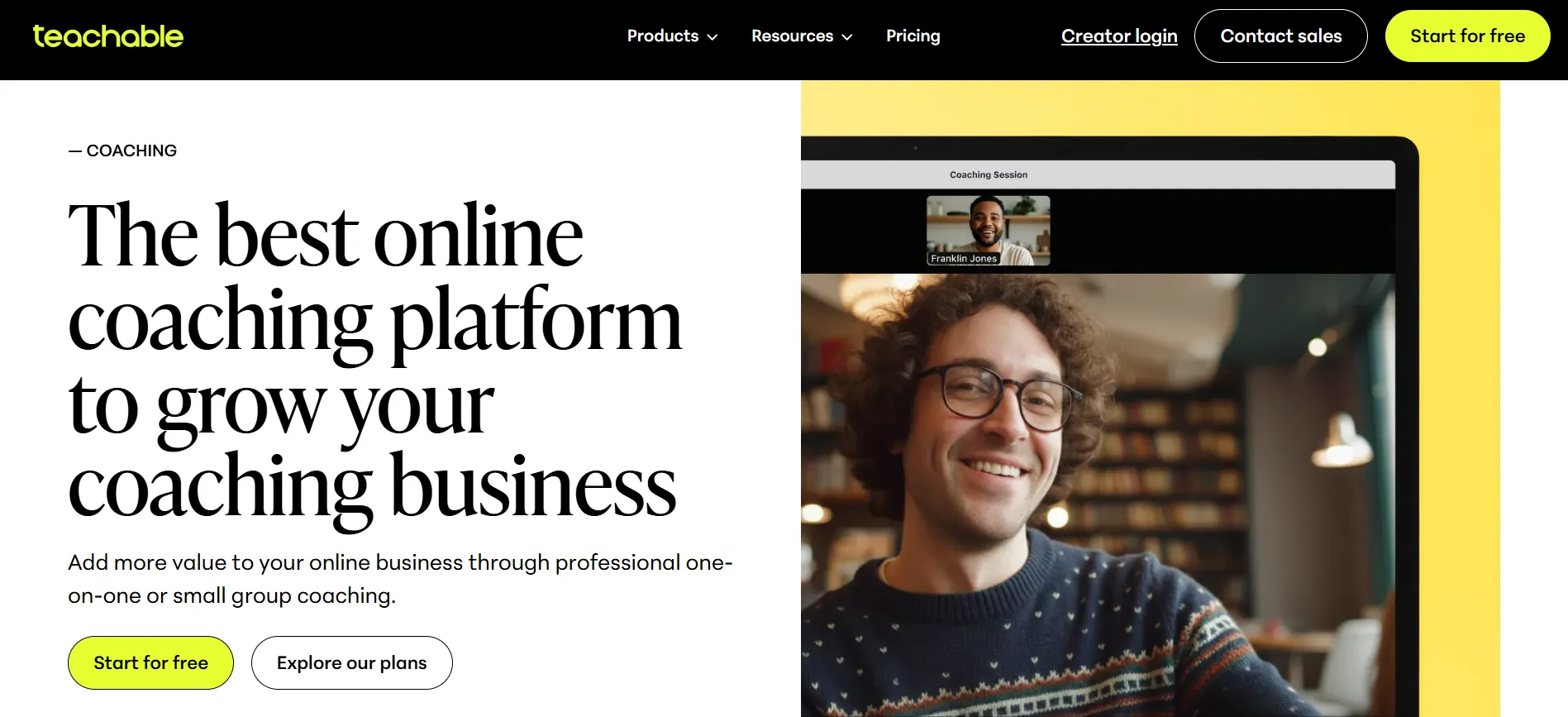
Its coaching product lets creators sell one-on-one or small-group coaching. The platform includes tools for setting up coaching offers, managing clients, handling payments, and tracking progress.
This can be useful for experts who want to combine education with a higher-priced service.
For example, someone could sell:
Course → Digital download → Group coaching → Membership
That gives the same business several product formats.
You can also sell coaching alongside an existing course rather than moving clients to a separate platform.
Teachable Digital Downloads Review
Digital downloads are another useful part of the platform.
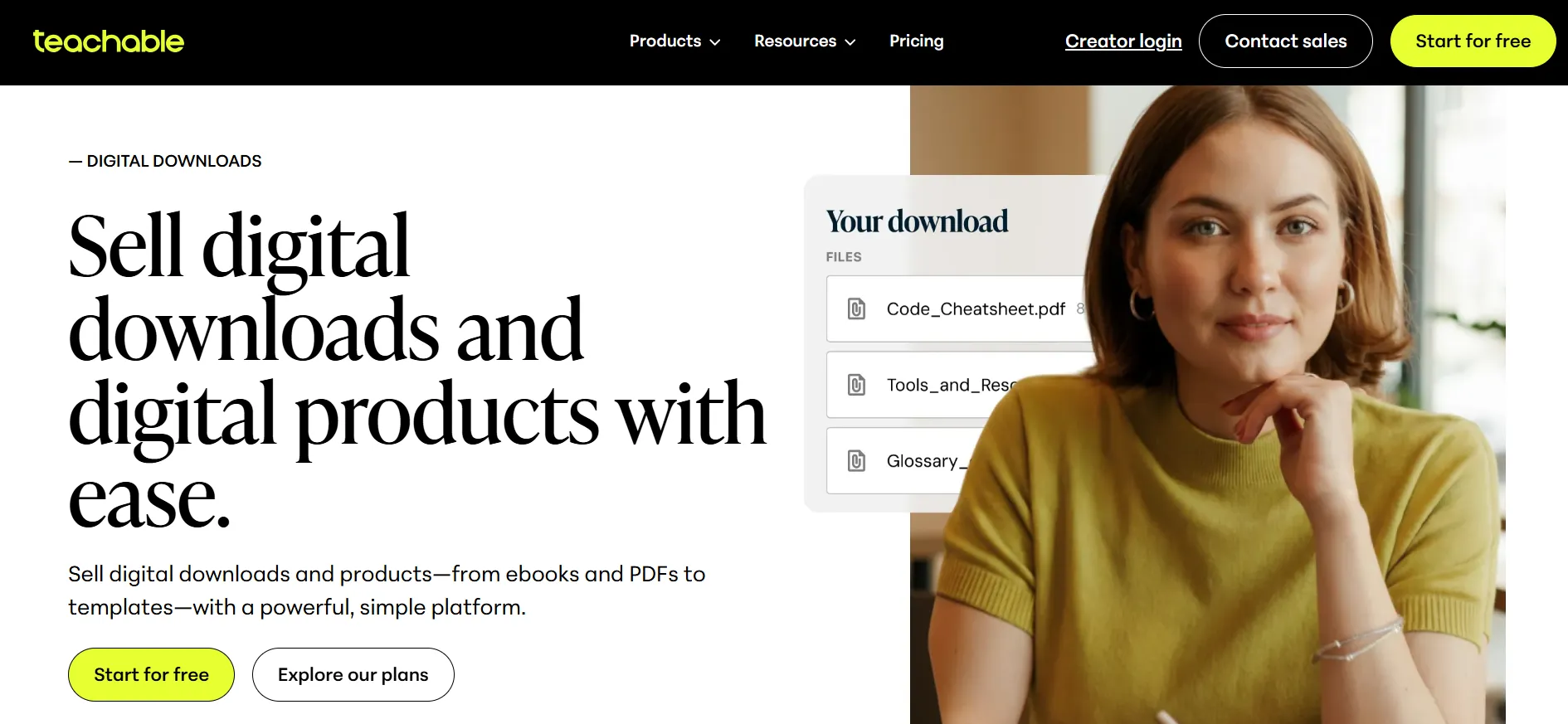
You can sell products such as:
PDFs
Templates
Audio files
Spreadsheets
Guides
Other downloadable resources
Teachable positions downloads as a simple way to test an idea, generate leads, or increase the value of an existing offer.
This is useful for creators who do not want to build an entire course around every piece of knowledge they have.
A downloadable checklist might take an hour to create.
A full course could take weeks.
Teachable lets you sell both from the same school.
Teachable Membership Review
Memberships let creators charge recurring fees for access to content.
Teachable supports subscription tiers, monthly or annual billing, free trials, and member-only content. Students can also upgrade, downgrade, or cancel subscriptions through the available payment system.
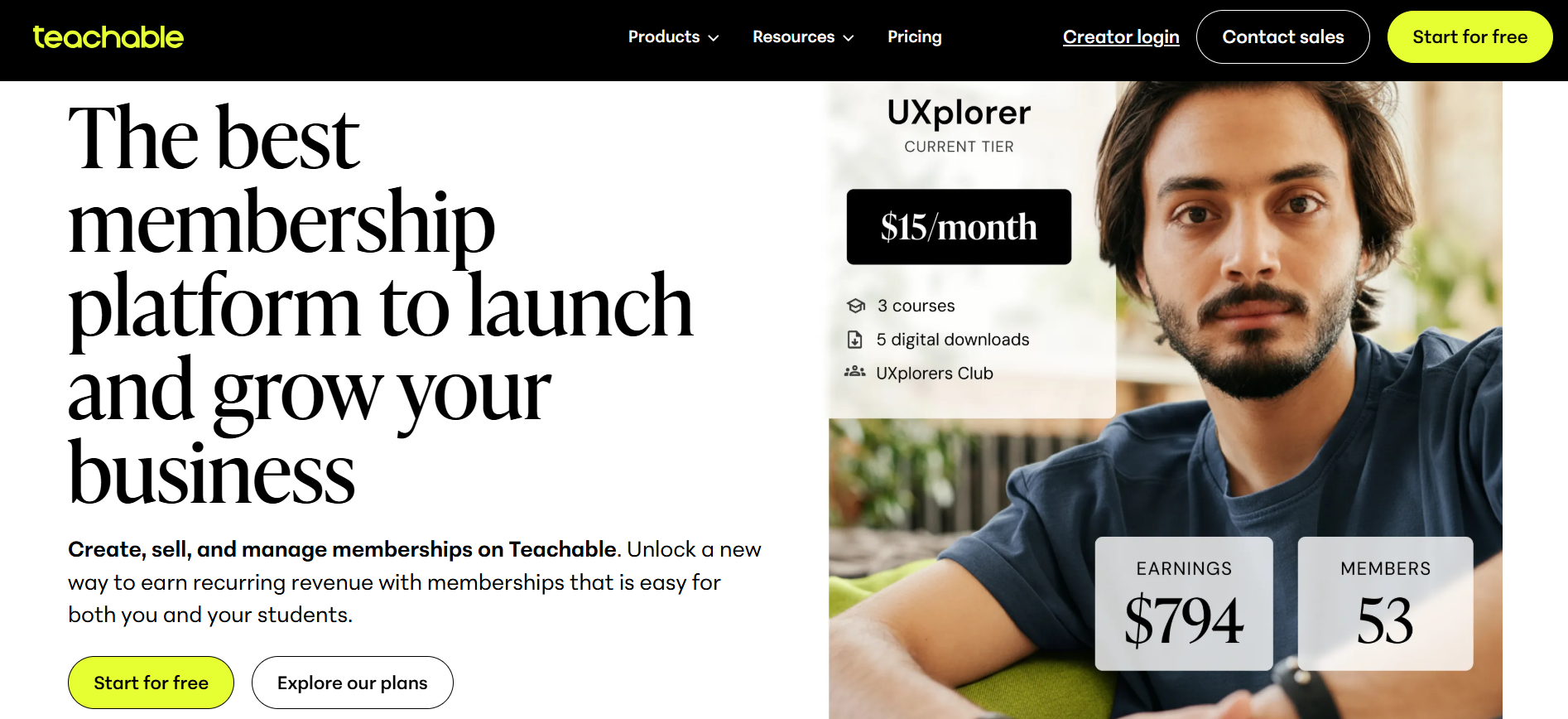
Memberships can work well for creators who publish content regularly.
Instead of selling one course once, a creator can build a subscription around ongoing resources, lessons, coaching, or community content.
The model does require regular value.
A membership that stops receiving useful content can become difficult to retain.
Teachable gives you the billing tools, but it does not magically create a reason for students to stay subscribed. Sadly, there is no button labeled “make everyone love my membership.”
Teachable Sales and Marketing Review
Teachable includes several sales features that go beyond simply adding a checkout button.
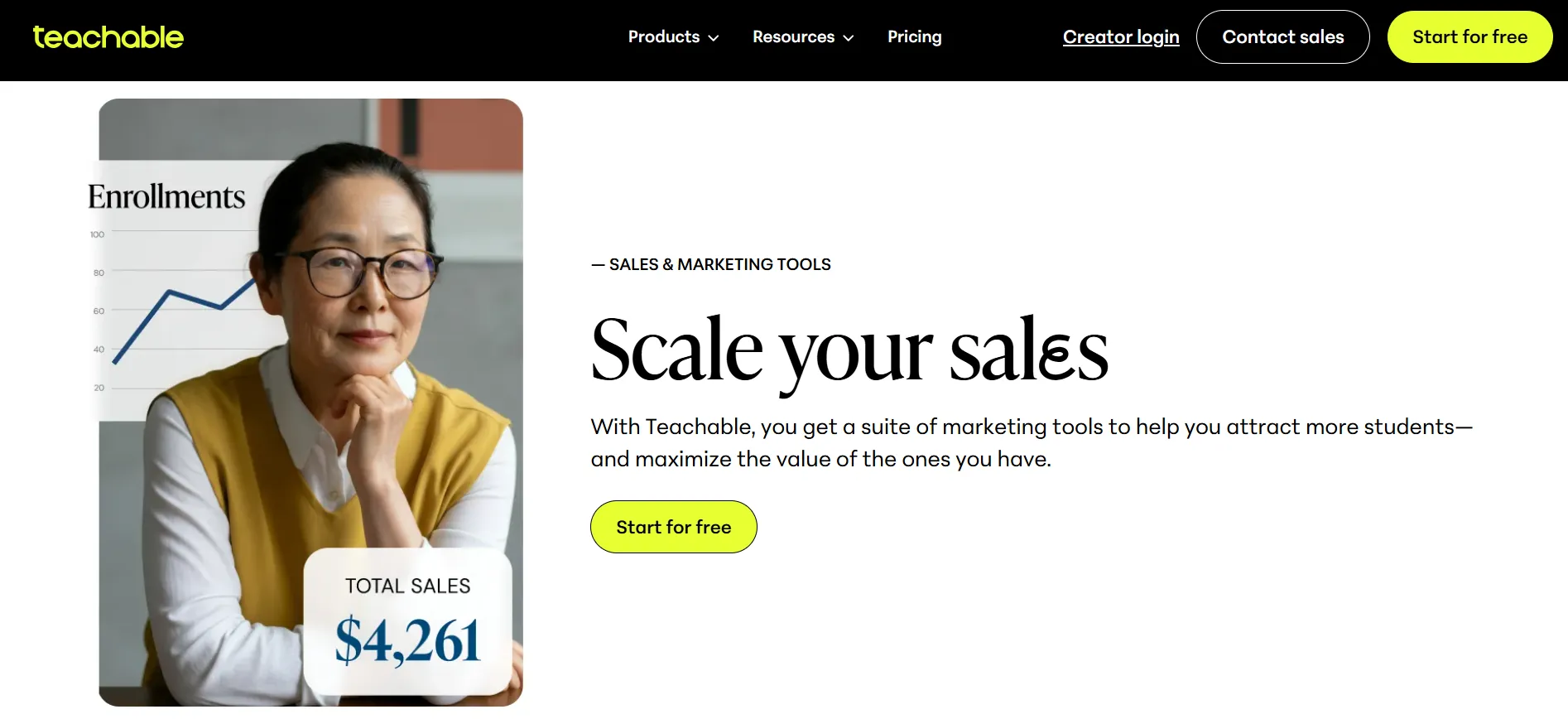
The platform supports:
Coupons
Upsells
Order bumps
Abandoned cart emails
Student referrals
Affiliate tools
Bundles
Flexible payment plans
Subscription products
The current product pages also mention cross-promotional tools and sales features designed to help creators sell more than one product.
These tools can help a creator build a more complete sales process.
You might sell a course and then offer a related template as an order bump.
Or you could offer coaching after someone completes a course.
That type of product structure can increase the amount a customer spends without forcing you to find a completely new audience for every offer.
Teachable Email Marketing
Teachable’s current pricing page lists built-in email marketing among its sales and marketing features.
This is useful for creators who want some marketing activity inside the same platform.
Still, creators who need advanced email automation, detailed behavioral segmentation, or a large marketing automation system may eventually want a dedicated email platform.
Teachable is primarily an education commerce platform.
It is not trying to replace every marketing tool a large company could possibly use.
Teachable Payments Review
Payments are one of Teachable’s stronger areas.
Teachable recently rebuilt its payment system on Stripe infrastructure. The company says its payment system supports global selling, tax handling, and multiple payment methods.
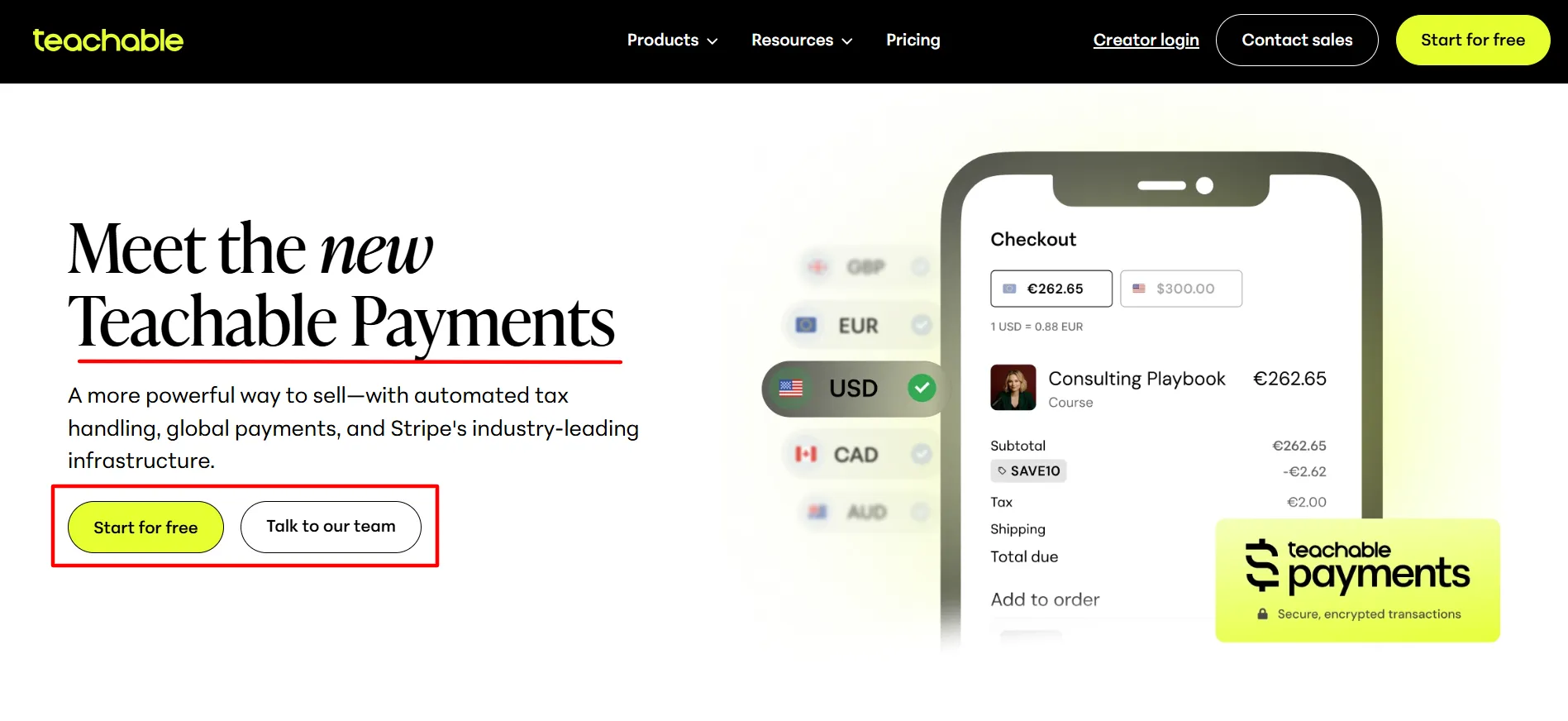
The current website says creators can sell in 120 currencies across more than 200 countries and regions. Teachable also says its checkout supports 35+ local payment methods.
Available payment options can include:
Credit and debit cards
PayPal
Apple Pay
Google Pay
Afterpay
Klarna
The exact payment methods available can vary by location and transaction.
Teachable also handles sales tax, VAT, and GST in supported countries.
The company currently says tax calculation and remittance are handled across 45+ countries.
For creators selling internationally, this can remove a fair amount of administrative work.
Teachable Transaction Fees
Explore Teachable’s transaction fee structure across all pricing tiers in this Teachable review to understand the hidden costs beyond your monthly subscription.
Plan | Teachable base transaction fee |
|---|---|
Starter | 7.5% |
Builder | 0%* |
Growth | 0%* |
Custom | 0%* |
*The 0% rate applies when using Teachable’s supported payment gateways. Standard payment processing fees can still apply.
This difference can have a big effect on your costs.
Suppose you sell $10,000 of products in a month.
A 7.5% transaction fee would equal $750 before standard processing fees.
That makes the higher subscription cost of Builder or Growth easier to assess for a business with regular sales.
You should calculate the total cost based on your expected sales rather than looking only at the monthly subscription.
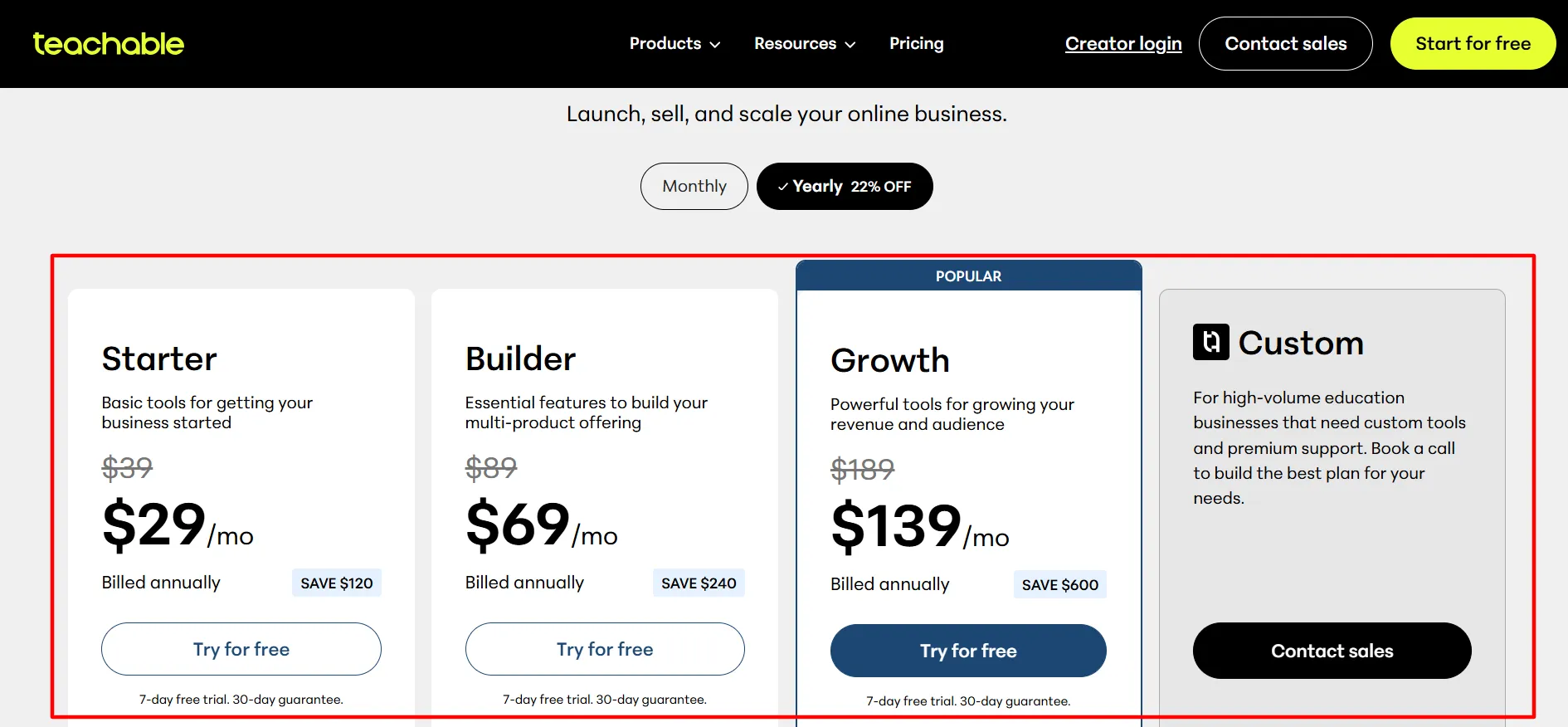
Teachable Pricing Review
Explore Teachable’s complete pricing structure, plan tiers, and value proposition in this Teachable review to determine if costs align with features and your course business.
Plan | Monthly billing | Annual monthly equivalent |
|---|---|---|
Starter | $39/month | $29/month |
Builder | $89/month | $69/month |
Growth | $189/month | $139/month |
Custom | Contact Sales | Contact Sales |
Annual billing saves 22% compared with paying month to month. Teachable also lists a seven-day free trial and 30-day guarantee.
Starter has the lowest subscription price, but it carries the 7.5% transaction fee.
Builder removes that base transaction fee and adds features such as an affiliate program and real-time support.
Growth adds more products, more admin users, branding controls, imported students, custom admin permissions, and other tools.
Custom is aimed at high-volume education businesses that need custom limits, dedicated support, migration assistance, and other business services.
Teachable Usage Fees: What Changed in 2026?
This is an area where older Teachable reviews can quickly become outdated.
Teachable updated its usage-fee policy on September 3, 2026.
Under the current policy, every plan includes unlimited published products and up to 1,000 GB of video storage. A student-related usage fee applies only to students added outside Teachable Native Gateways or Custom Payment Gateways, after the first 100 such students. The charge is $0.50 per student per month above the included 100.
Students who enroll through Teachable’s Native Gateways or Custom Payment Gateways do not create this student usage fee.
Video storage above 1,000 GB is charged at $15 per additional TB per month under the current policy.
There is also a legacy policy for older schools.
Schools created before September 3, 2026 remain under the legacy schedule until their first renewal on or after April 30, 2027, unless they move to the new policy earlier.
This distinction is important when reading older Teachable pricing guides.
A pricing article written before September 2026 may describe limits that do not apply to a newly created school today.
Teachable Course Pricing Options
Teachable also gives creators control over how customers pay for individual products.
You can create:
Free products
One-time purchases
Payment plans
Subscriptions
Teachable currently supports recurring billing schedules and free trials for subscription products.
That gives creators room to test different pricing models.
A $500 course could be sold as one payment or split into several payments.
A membership could charge monthly or annually.
A free product could be used as an entry point for an audience.
Teachable also supports coupons that can apply to the school, a product type, or an individual product.
Teachable Analytics and Reporting Review
Teachable provides reporting tools to help creators monitor their school and student activity.
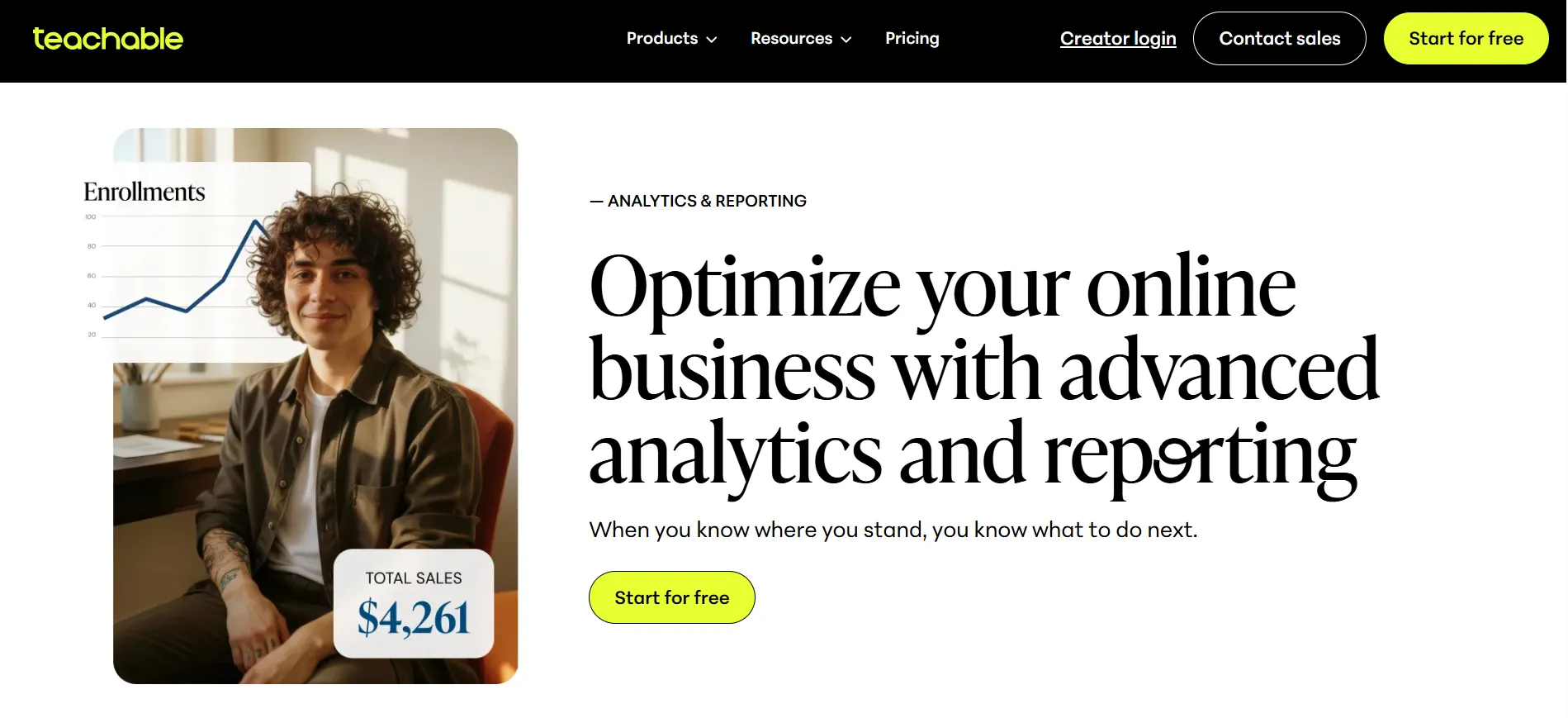
You can track information around students, course engagement, and sales.
Student progress and course engagement reports are part of the newer Teachable plan structure.
These reports can help answer questions such as:
Which courses are selling?
How are students progressing?
Which lessons are being completed?
How are students engaging with the course?
Which products need more attention?
For a small creator, basic reporting may be enough.
A larger business may want deeper reporting and external analytics tools.
Teachable’s Custom and higher-level business solutions include more advanced reporting and technical options.
Teachable Integrations Review
Teachable does not have to operate by itself.
The platform supports third-party integrations and tools such as Zapier, webhooks, and developer features on higher plans. Its current pricing page lists different integration and API limits depending on the plan.
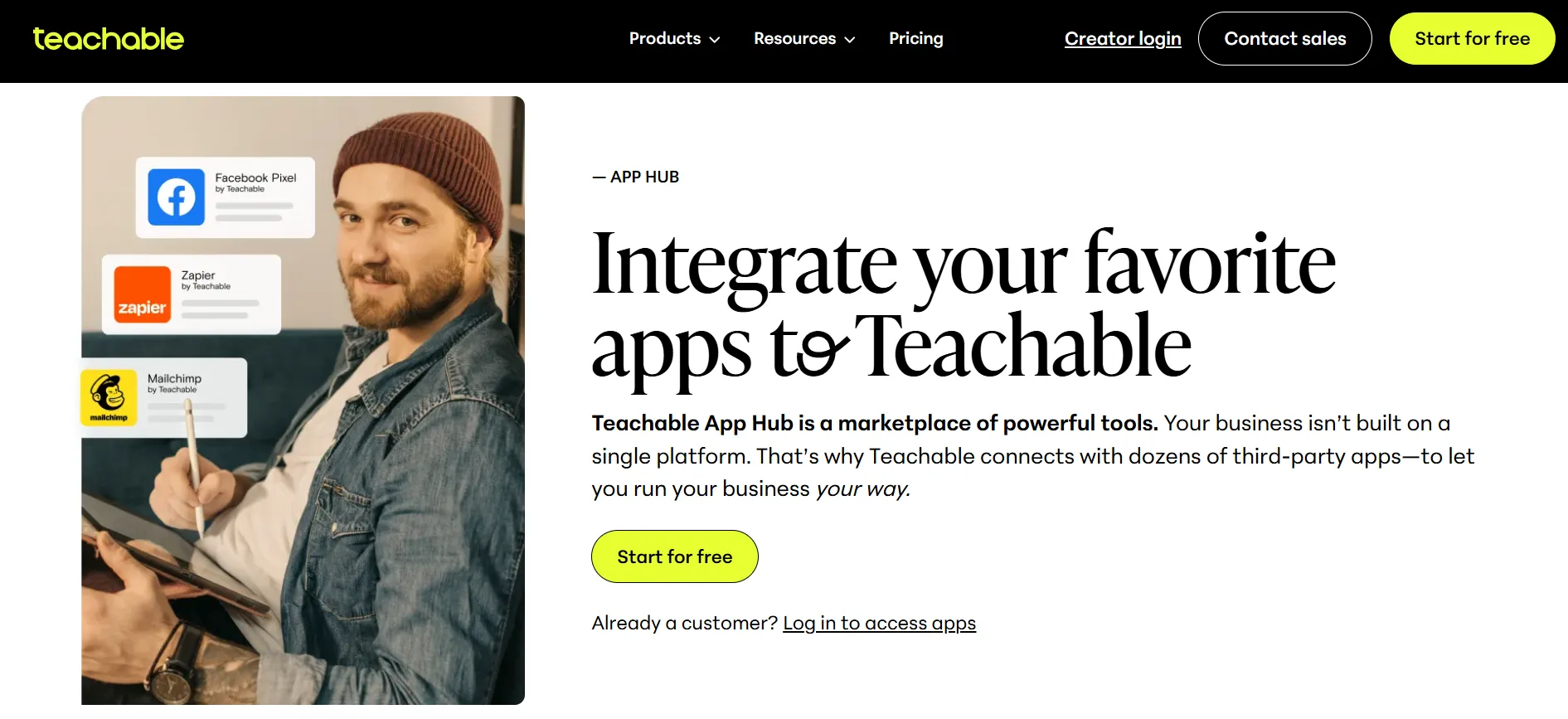
This matters when your business already uses other tools.
You may want your course platform to communicate with an email service, CRM, analytics system, or other software.
Higher plans offer more options for this type of setup.
Smaller creators may never need them.
Is Teachable Easy to Use?
Ease of use is one of Teachable’s strongest selling points.
The platform is designed for creators who want to build an education business without managing a complicated technical stack.
The drag-and-drop builder, product templates, checkout tools, payment system, student management, and mobile apps are all part of the same service.
That can make the first launch less intimidating.
You still need to create the course itself, write sales copy, record videos, answer student questions, market the product, and keep the content useful.
Teachable handles the platform side.
It does not do the teaching for you.
Teachable Customer Support Review
Support varies by plan.
The current pricing page lists email support and Teachable University access, while higher plans add real-time support, priority support, dedicated account management, and migration services.
The difference matters if your school is already generating serious revenue.
If a checkout problem happens during a major launch, fast support can matter more than it does for someone still testing their first course.
Teachable also provides educational material that helps creators learn how to use the platform.
Pros and Cons: Teachable Review
Pros
- Easy course creation: The drag-and-drop builder is designed for non-technical creators.
- Easy course creation: The drag-and-drop builder is designed for non-technical creators.
- Easy course creation: The drag-and-drop builder is designed for non-technical creators.
- Mobile learning: Students can use Teachable's iOS and Android apps.
- Global payments: Teachable supports payments in many currencies and countries.
- Tax handling: The platform handles supported sales tax, VAT, and GST requirements.
- No-code setup: You can launch without building a course platform from scratch.
Cons
- Starter has a 7.5% transaction fee: This can become expensive as sales increase.
- Higher plans cost more: Builder and Growth require a larger monthly commitment.
- Marketing depth: Creators looking for a full marketing automation suite may need other software.
Teachable vs Other Course Platforms
Teachable competes with platforms such as Thinkific, Kajabi, Podia, LearnWorlds, and other online education services.
The useful comparison is not simply the monthly price.
Look at what you actually need:
Feature | What to check |
|---|---|
Course creation | Builder, templates, quizzes and drip content |
Payments | Payment methods and processing fees |
Transaction fees | Platform fee on each sale |
Memberships | Subscription and recurring billing options |
Coaching | 1:1 and group coaching tools |
Marketing | Coupons, email, upsells and affiliates |
Mobile | Student app and offline learning |
Analytics | Student and sales reports |
Integrations | Zapier, API and other connections |
Support | Email, live and dedicated support |
Taxes | VAT, GST and sales tax handling |
Teachable’s main appeal is the combination of course creation and commerce.
You are not simply getting a video hosting service.
You are getting a platform for creating products, selling them, collecting payments, managing students, and handling parts of the administrative side.
Who Should Use Teachable?
Teachable can fit several types of creators.
New Course Creators
If you are launching your first course and do not want to manage servers, checkout software, student accounts, and payment systems separately, Teachable gives you a ready-made platform.
Coaches
Coaches can sell one-on-one and group coaching alongside other products.
Established Course Creators
Creators with multiple products can use memberships, downloads, courses, upsells, bundles, and other sales tools to build a larger catalog.
Businesses
Businesses can use Teachable for structured training and education products. Higher plans add admin controls, reporting, integrations, and support.
International Sellers
Creators with students in several countries may benefit from Teachable’s international payments and tax tools.
Who May Want an Alternative?
Teachable may not be the right match for every creator.
You may want to compare other platforms if you need:
A very advanced marketing automation system
A highly customized branded mobile app
Deep community features
Complex CRM functions
Advanced sales funnels
Very specialized learning management features
Extensive enterprise reporting without moving to a higher plan
The right platform depends heavily on your business model.
A solo course creator and a large training company have very different requirements.
Is Teachable Worth It?
Teachable can be worth considering if your main goal is to create and sell education products without building the technical system yourself.
The platform brings course creation, student management, payments, tax tools, mobile learning, memberships, coaching, downloads, and sales features into one service.
The biggest question is cost.
Starter is cheaper at $39 per month, but the 7.5% transaction fee can become noticeable when sales increase.
Builder costs $89 per month and removes the base transaction fee.
Growth costs $189 per month and adds more room for products, admins, branding, and other business tools.
That means the plan that looks cheapest on paper is not automatically the cheapest for your business.
Your sales volume matters.
Your payment setup matters.
Your product catalog matters.
And your need for support and advanced features matters.
Quick Links:
Final Verdict: Teachable Review 2026
This Teachable Review shows a platform that has become much broader than a basic online course host.
Its strongest areas are course creation, student learning tools, payments, digital products, coaching, memberships, and ease of setup.
The drag-and-drop builder keeps course creation approachable, while quizzes, certificates, drip content, mobile learning, and student reports give creators tools for a more structured learning experience.
Its payment system is another major part of the platform.
Teachable supports global payments, multiple local payment methods, and tax handling across many countries.
The platform also keeps adding AI tools, sales features, and other ways for creators to build products around their expertise.
The main drawback is cost.
The Starter plan has a 7.5% transaction fee, while higher plans require a larger monthly subscription. Standard payment processing fees can also apply even when Teachable’s own base transaction fee is 0%.
The newer September 2026 usage-fee policy also means creators should check the current rules instead of relying on older Teachable reviews.
New schools receive unlimited published products and 1TB of video storage, while certain students added outside Teachable’s supported gateways can create an additional usage fee after the first 100.
For creators who want one place to build courses, sell digital education products, manage students, accept payments, and grow a teaching business, Teachable offers a broad set of tools.
For creators who only need a simple video course host or want a highly specialized marketing system, comparing alternatives before subscribing makes sense.
The good news is that Teachable offers a 7-day free trial, so you can test the course builder, checkout, student experience, and other tools before making a longer commitment.
