Manychat Review 2026: Pricing, AI Features and Honest Verdict
Manychat review of the current plans starts with a free plan at $0 for up to 25 active contacts. Essential is $17 a month or $14 a month on annual billing for 250 active contacts. Pro is $39 a month or $29 a month annually for 2,500 active contacts.

ManyChat automates replies across Instagram, Facebook, and other messaging channels. It answers comments, direct messages, and story mentions as they arrive. The site says it is an official Meta Business Partner and a TikTok partner. It suits creators and small brands that sell through chat. The homepage does not list prices, so check the pricing page before you pick a plan.
Pros
- Fast replies: The tool responds to comments and story mentions the moment they arrive.
- Beginner friendly: Quick Automations walk you through setup, so you can start without writing code.
- Custom flows: The Flow Builder lets you design longer conversations with more steps.
- AI help: The site says its AI can build flows for you automatically.
Cons
- Prices hidden: The homepage does not show plan costs or contact limits.
- Platform dependence: Your automations rely on Meta and TikTok rules, which can change without warning.
Business is $99 a month or $69 a month annually for 7,500 active contacts. Advanced is $199 a month or $139 a month annually for 25,000 active contacts. Annual billing saves 18 to 30 percent. A 14-day free trial is available on Essential and Pro.
AI-powered tools appear on Pro and higher. The honest verdict is that ManyChat is worth the cost for users who receive regular social engagement and want automated replies that capture leads. It is less useful if active contacts stay under 25 a month.
The platform works when automations replace manual replies on Instagram comments and DMs. Most users who track results stay on Pro once they confirm the flows convert.
The free plan and trial make it practical to test before any longer commitment. Users who measure lead volume against the plan cost usually know within the first month whether the upgrade pays for itself.
What Is ManyChat?
ManyChat is a chat automation platform for Instagram, Facebook Messenger, WhatsApp, TikTok, Telegram, SMS, and email. Users build flows that reply to comments, DMs, and keywords automatically.
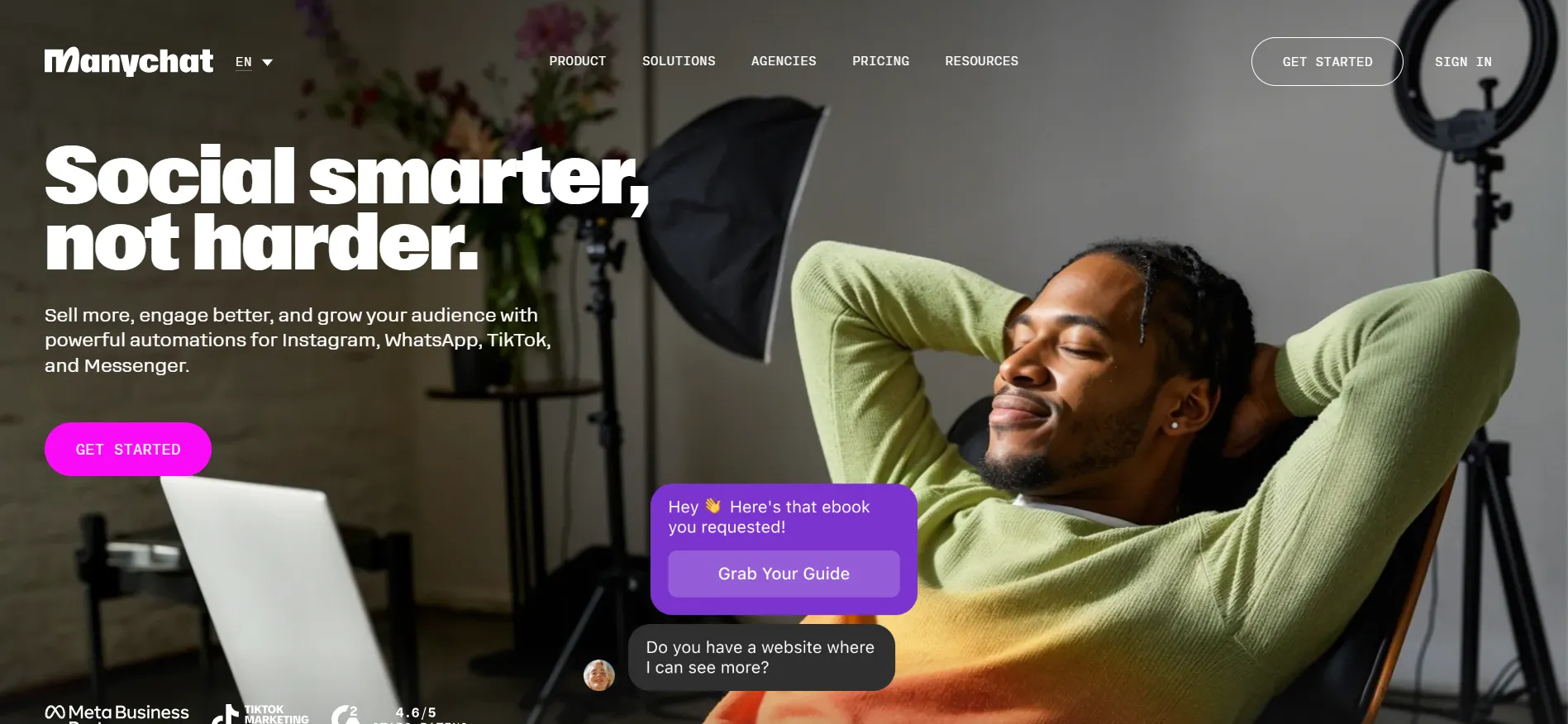
The tool captures leads, sends broadcasts, and routes conversations into an inbox. Creators, coaches, and small businesses use it to turn social engagement into contacts without typing every reply.
Active contacts—people you message in a given month—set the plan cost. Messaging the same person more than once still counts as one active contact.
Most users start on the free plan to test a simple flow, then upgrade once volume grows. The daily workflow centers on triggers that fire when someone comments or messages, followed by a short automated sequence that collects an email or sends a resource.
Pricing Snapshot: Manychat Review 2026
Here is a quick look at ManyChat’s plans and what each one costs. The snapshot below compares the main tiers so you can see where your contact count fits.

Check ManyChat’s pricing page for current rates before you decide, since prices can change.
Plan | Monthly | Annual (per month) | Active Contacts | AI Tools | Best Fit |
|---|---|---|---|---|---|
Free | $0 | $0 | 25 | No | Testing basic flows |
Essential | $17 | $14 | 250 | No | Early growth |
Pro | $39 | $29 | 2,500 | Yes | Most users |
Business | $99 | $69 | 7,500 | Yes | Higher volume |
Advanced | $199 | $139 | 25,000 | Yes | Large operations |
Annual billing lowers the rate on every paid plan. A 14-day free trial is available on Essential and Pro.
Overage fees apply above the included active contacts. The first full month after the trial is usually when users see the true cost against the leads captured.
AI Features in Detail: Manychat Review 2026
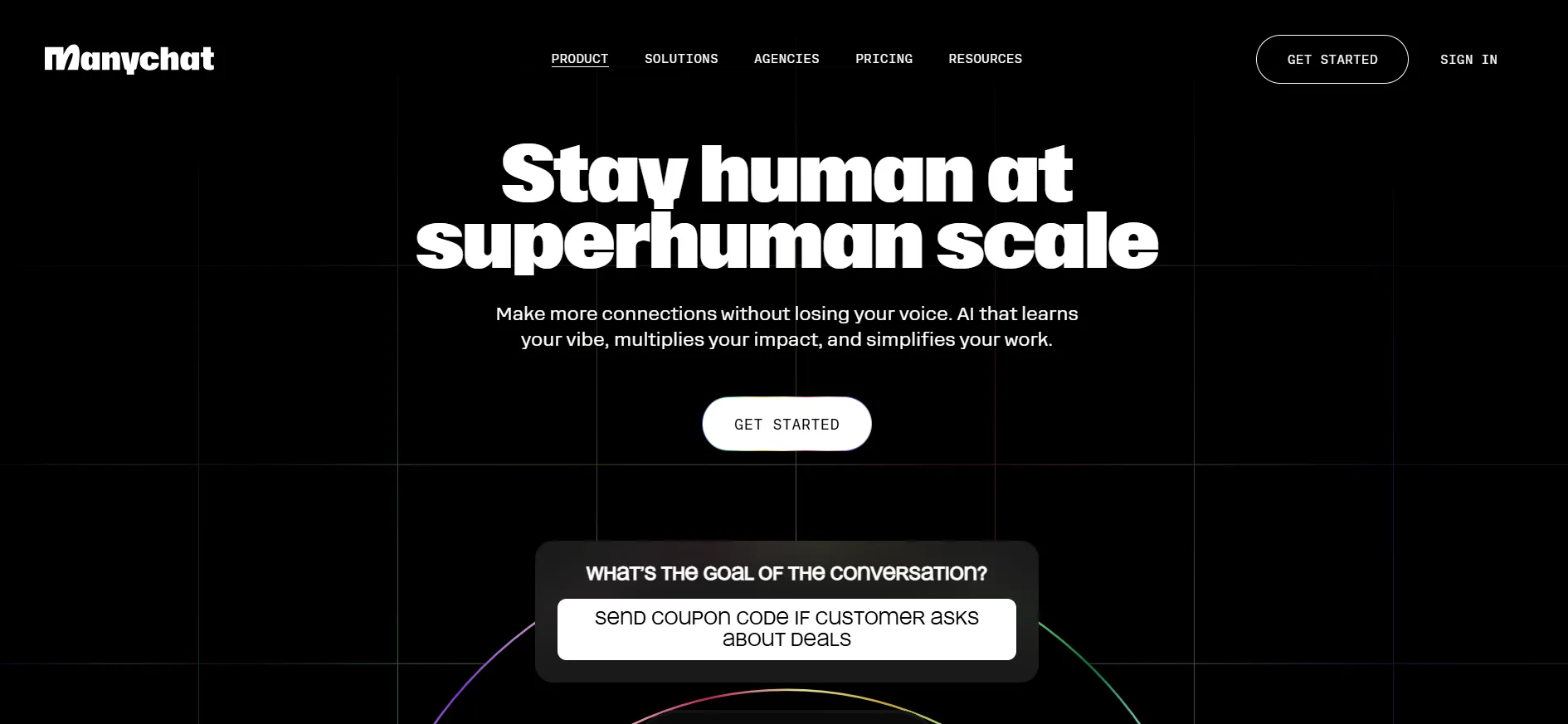
AI-powered replies appear on Pro and higher plans.
The AI can suggest responses inside conversations.
Inbox AI labels help sort incoming messages.
AI tools work alongside custom flows rather than replacing them.
Broadcasts and sequences can include AI elements on Pro.
The free and Essential plans do not include AI features.
AI is included in the Pro base rate with no separate add-on fee.
Users can still write and edit flows manually.
AI performance depends on the prompts and training data used.
Higher plans add more inbox seats for teams that review AI replies.
These tools become useful once comment and DM volume makes manual replies slow. Most users who enable AI on Pro report that it handles common questions while they focus on higher-value conversations.
A typical setup uses AI for first replies and routes anything that needs a personal answer into the inbox. Users with low volume rarely need the AI layer and can stay on Essential.
Key Features Beyond AI
Comment-to-DM and keyword trigger flos.
Unlimited automations on paid plans.
Lead capture and tagging.
Broadcasts to segments.
Multi-channel support (Instagram, Messenger, WhatsApp on higher plans).
Inbox for managing open conversations.
Templates for common use cases.
Integrations with other marketing tools.
Progress tracking and analytics.
The ability to cancel from the account.
These features form the core of the platform. Most users rely on the trigger flows and inbox more than on advanced AI options.
A common first automation is a comment keyword that sends a link or free resource, then asks for an email. The inbox shows every open conversation so nothing is missed.
Honest Verdict on Pricing
The free plan is enough for testing one or two simple automations.
Essential is the practical next step once you need unlimited automations and stay under 250 active contacts.
Pro is the plan most users land on because it adds AI and a higher contact limit.
Annual billing is the lower long-term cost if you plan to stay more than a few months.
The 14-day free trial lets you confirm the flows and AI tools before any charge.
Overage fees make higher plans worth it only when active contacts regularly exceed the included limit.
The platform is less useful if engagement stays under 25 active contacts a month.
It is worth the cost when automations capture leads that would otherwise be missed.
Renewal rates are higher after the first term.
You can cancel from the account if the results do not cover the plan cost.
How Users Typically Decide
Start on the free plan and build one comment-to-DM flow.
Track how many active contacts the flow creates in a week.
Activate the 14-day trial if the free limit is reached.
Compare the leads captured against the Pro rate.
Switch to annual billing once the numbers hold for a full month.
Stay on Essential if volume stays under 250 and AI is not needed.
Move to Business only when active contacts regularly exceed a few thousand.
Cancel from the account if the lead volume does not cover the plan.
Revisit the pricing page after the first renewal to confirm the rate.
Keep the free plan as a backup if volume drops.
Pros and Cons: Manychat Review 2026
Pros
- Unlimited automations on paid plans.
- AI tools included on Pro and higher.
- Multiple channels including Instagram and WhatsApp.
- Scales with active contacts.
- Inbox organizes conversations.
Cons
- Monthly rates are higher than annual.
- Some channels begin on Pro.
FAQs: Manychat Review 2026
Free is $0. Essential is $17 a month or $14 annually. Pro is $39 a month or $29 annually. Higher plans start at $99 a month or $69 annually.
Yes for users who receive high comment or DM volume. AI is included on Pro and helps handle common questions. Users with low volume can stay on Essential or free.
Yes. A 14-day free trial is available on Essential and Pro. A payment method is required. Cancel before the trial ends to avoid a charge.
ManyChat is worth the cost for users who already have regular social engagement and want automated replies that capture leads. The free plan and trial make it practical to test first.
Yes. You can cancel from your account before the next renewal.
Quick Links:
Final Honest Verdict: Manychat Review 2026
Manychat review of the pricing and AI features shows the platform is worth the cost for users who receive regular Instagram or Messenger engagement and want automated replies.
The free plan at $0 is enough for testing. Essential at $14 a month annually fits early growth. Pro at $29 a month annually adds AI tools and a higher contact limit for most users. Annual billing lowers the rate on every paid plan.
A 14-day free trial is available. Start with the free plan or the trial, build a few flows, measure your active contacts and lead capture, then choose the plan that matches your volume.
Check the current pricing page for the exact figures before you subscribe. For most creators who run comment-to-DM automations regularly, Pro on annual billing delivers the tools at a practical cost once the free limit is reached.
The honest verdict is that the platform works when the automations save time and capture leads that would otherwise be missed. It is less useful if engagement stays low.
Users who complete the trial and compare the leads against the plan cost usually have a clear answer by the end of the first month.
